
Ever since the Divi Theme Builder has come out, the way we create Divi headers has changed for the best. We can add any element we want, style it using Divi’s built-in design options and create a seamlessly responsive experience. Over the last couple of months, we’ve been keeping an eye on how we can help you get the best out of your header designs through tutorials and freebies. At some point, navigating through all these different header types, tutorials and freebies can become a bit confusing, that’s why we’ve set up this post that you can always come back to. This post will feature the different header types you can create, which include a free download file too. Alongside the free download, you get a step-by-step tutorial that helps you understand what you’re creating and how you can tweak things to match your own needs.
The second part of this post focuses on some tips and tricks that have often been asked in the Divi community, we show you how t solve a certain problem or achieve a design without having to lose time trying to figure it out yourself. Last but not least, we’ve listed all the header freebies that you can download and use right away.
Discover Header Types
Discover Header Tips & Tricks
Discover Header Freebies
Header Types
1. Regular Header
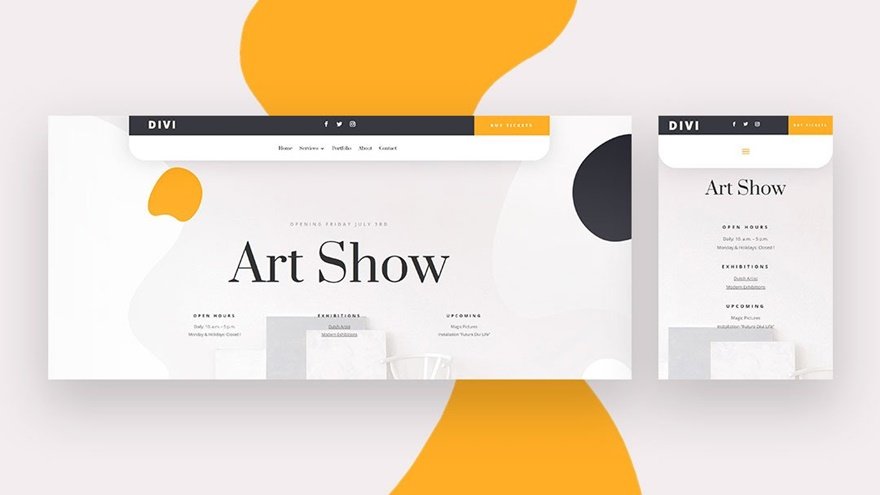
The first header type tutorial that came out on the blog when the Divi Theme Builder was released is a regular header. This tutorial focuses on getting familiar with the Divi Theme Builder environment and building a global header. We’ve included a top bar with a logo, social follow icons and a button. The navigation bar dynamically features the menu items that can set up in the backend of your WordPress website.
2. Sticky Header
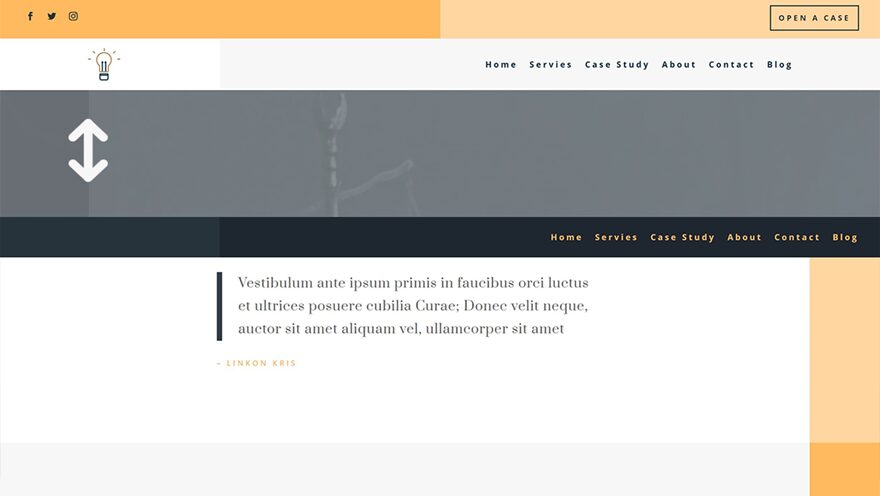
If you’re looking to set up a header that’s sticky too, you’ll want to get familiar with this post. Besides showing you how to set up a proper header structure, including top bar, the tutorial shows you how to turn your header sticky too, using Divi’s built-in sticky options. The styles of the elements in the header change on scroll as well, which gives the header a completely new look and feel.
3. Fullscreen Header
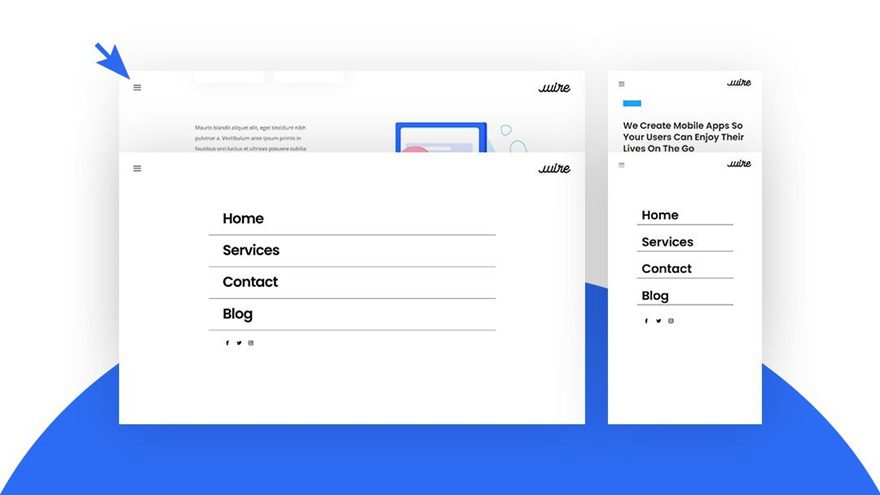
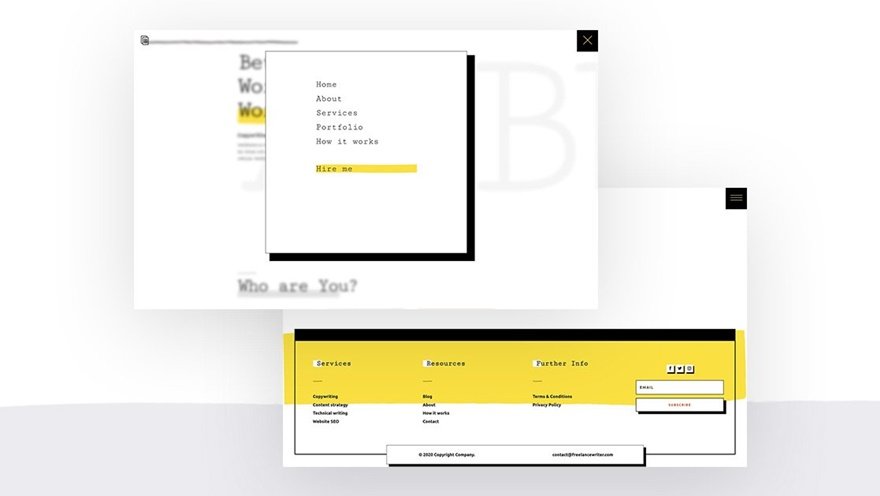
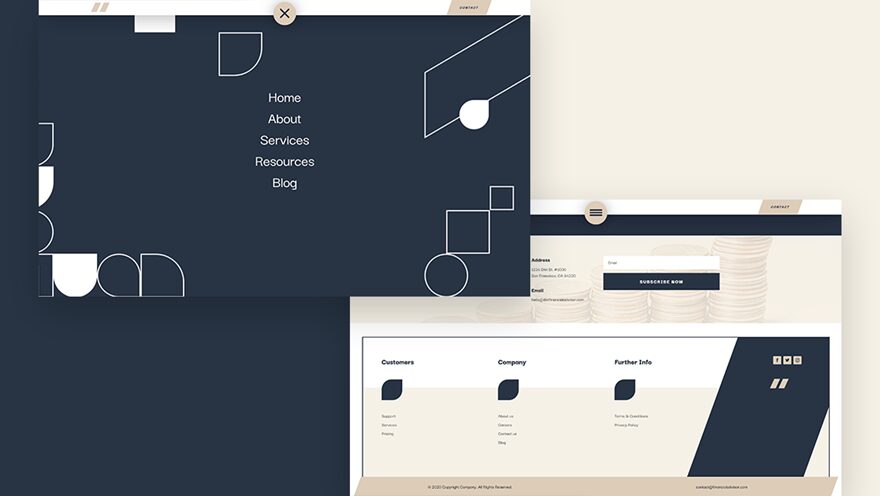
A top header bar isn’t the only way to allow navigation on your website, of course, so next up we have a fullscreen header. In this tutorial, we’re showing you how to build an entire custom fullscreen header with Divi. All the items inside your menu are modules and the click function is enabled by some JQuery code that’s included in the tutorial and download file. A couple of freebies that use this similar approach are:
- PR Firm Header & Footer Template Template
- Italian Restaurant Header & Footer Template
- Freelance Writer Header & Footer Template
- Financial Advisor Header & Footer Template
4. Slide-In Header
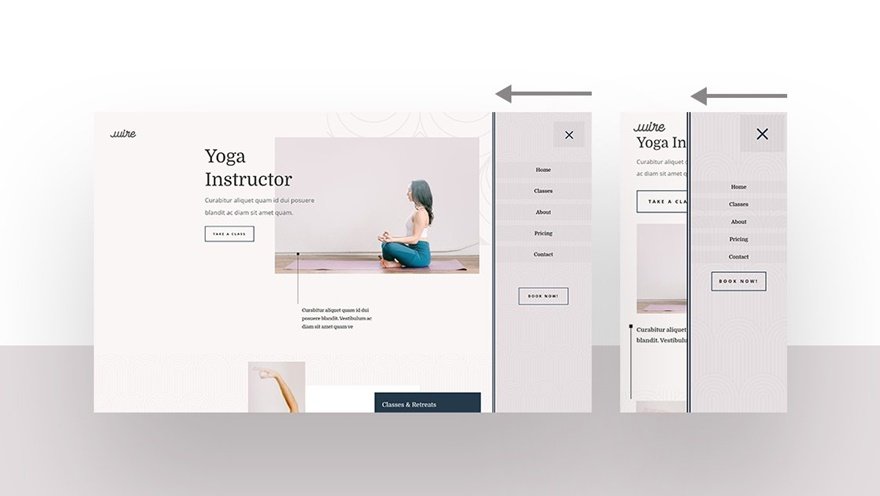
Up next, we have a header that slides in from the right side. This tutorial, too, is based on Divi’s built-in elements. You can place anything you want inside your slide-in menu and create an entirely responsive environment with responsive options. The click function has taken its form through some custom JQuery code that’s included in the tutorial as well as the freebie template JSON file.
5. Slide Down Push Header
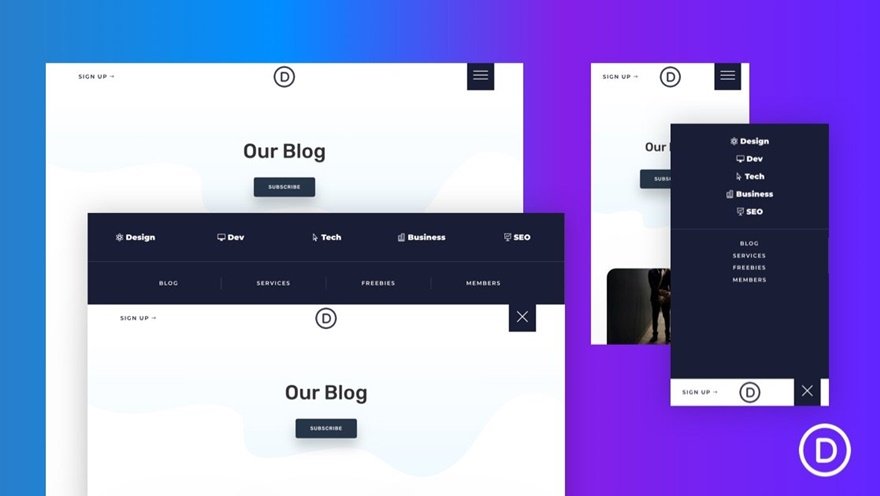
Another cool header type in our list is a slide down push header. When the hamburger icon is clicked, the header slides down from the top and pushes the page content down. This gives a fun and beautiful effect across all screen sizes.
6. Vertical Navigation
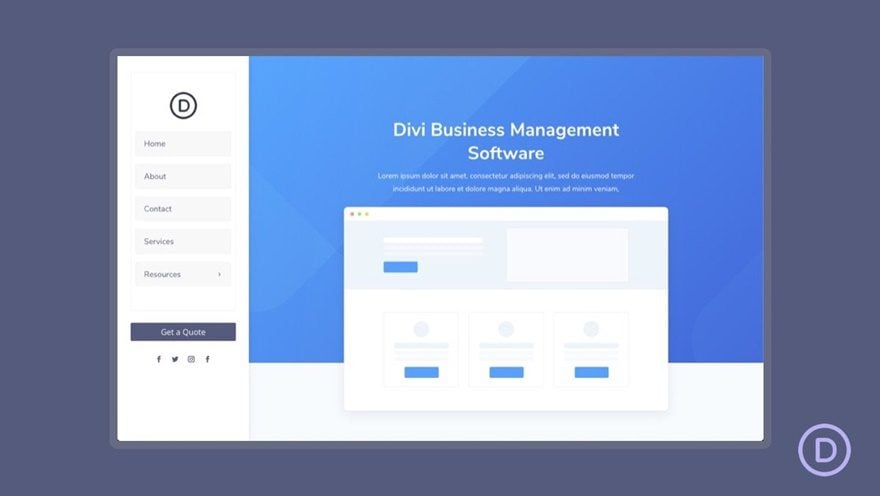
Another way of providing visitors with effortless navigation is by using a vertical navigation bar. If you’re looking for a way to do that inside the Divi Theme Builder, make sure you check this tutorial. The vertical navigation takes up its own space inside the browser, which narrows the page content’s width and creates a beautiful side-by-side page structure.
7. Transparent Floating Header
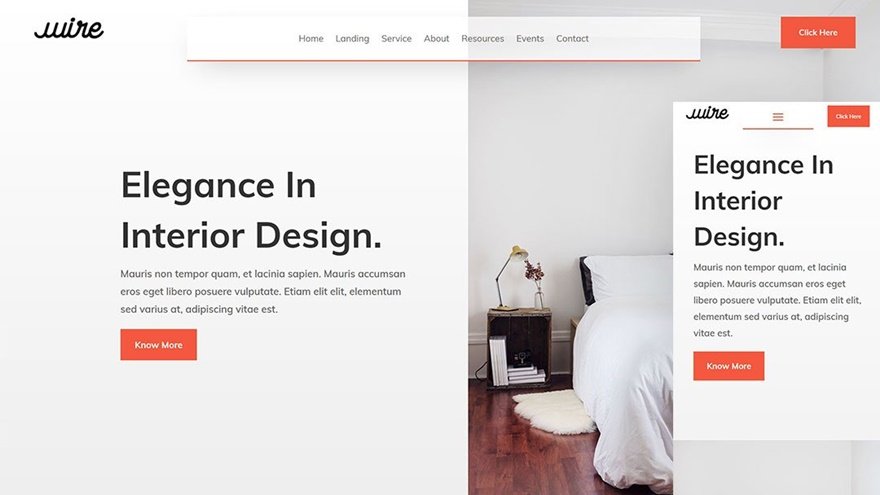
If you’re looking to add a header on top of your page or post content, this tutorial is made for you! We’re using a transparent header with three different elements; a logo, menu and button. These three elements are placed on top of the page content through an absolute CSS position. The result is highly responsive too, and gives a nice cohesive outcome on your website.
9. Transparent Sticky Header
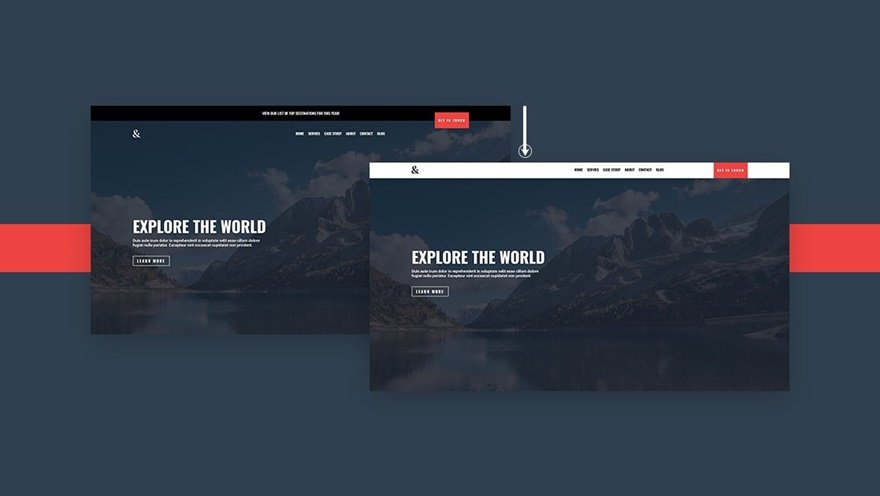
This tutorial is slightly similar to the previous one, with one big difference; as soon as visitors scroll down the page or post they’re on, the navigation bar turns sticky and changes styles. This allows you to get the best out of your hero section design at the top of the page while keeping an effortless navigation going on while visitors are scrolling down.
10. Rotated Header
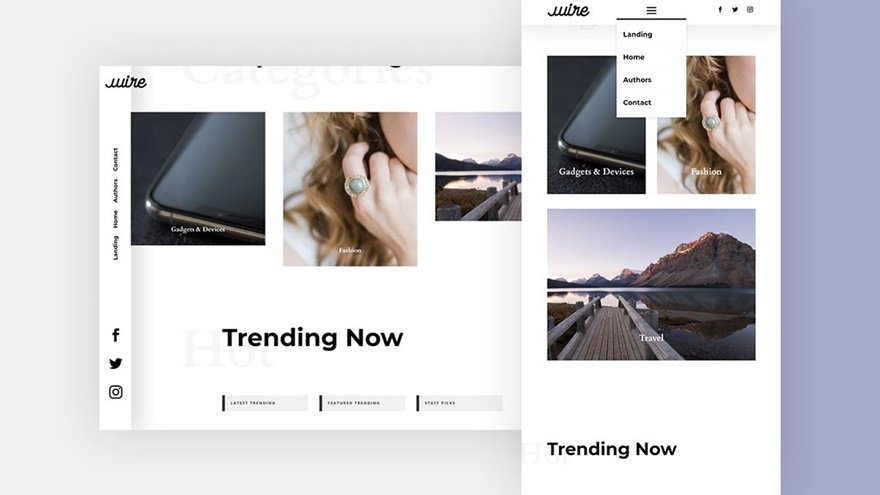
If you’re looking for a more out-of-the-box design for your website, you might want to consider going for a rotated transparent header. This header type is placed on the side of your website and follows your visitors throughout their visit on your pages. It gives a more sophisticated look and feel to your desktop design while keeping that effortless top bar experience on smaller screen sizes.
11. Custom eCommerce Dropdown
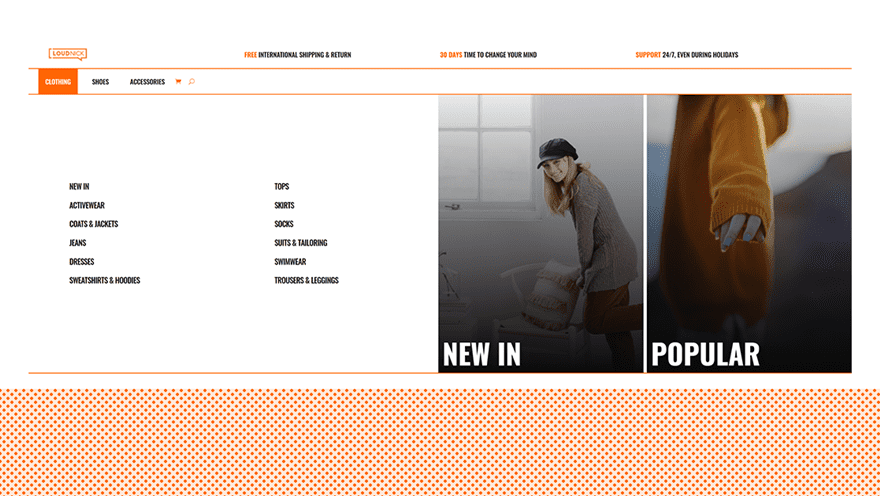
The bigger your website gets, the harder it is to find a good way to list all pages on your website. That’s where mega menus come in handy. Although you can always fall back to Divi’s built-in mega menu, if you’re looking for a more Divi-built environment where you can add as many modules as you want, this is the tutorial for you. Especially for eCommerce websites, it can come in handy to feature different product categories in an attractive and highly-visual way. Although this tutorial is a more “advanced” type of resource, the code foundation has been set for you, which allows you to get as creative as you want with the design. Make sure that even when you’re using the template JSON file for this tutorial, you go through the few steps that are needed to bring this mega menu to life.
12. Custom Elegant Themes’ Dropdown
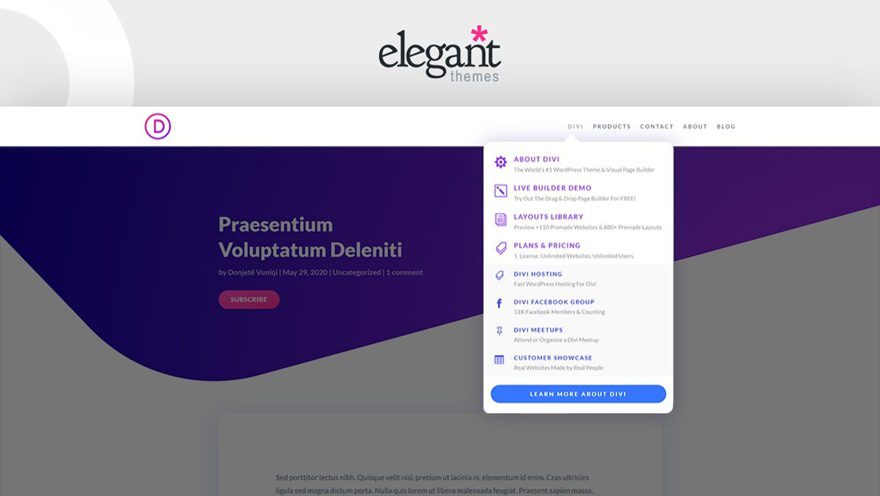
Ever since the Divi Theme Builder has come out, people have been wondering how to create Elegant Themes’ seamless navigation dropdowns. This tutorial focuses on showing you exactly how to replicate the Elegant Themes dropdown menu inside the Divi Theme Builder. Even more so, it allows you to add any kind of modules you want and create your own unique variation of the menu.
Tips & Tricks
In this part of the overview post, we’re sharing the different tips and tricks in a tutorial form. Every one of these posts includes an A to Z experience. This means that we don’t only show you how to achieve the trick, we also guide you through the entire header build process, which gives you the choice; do you want to use the entire design for your own purposes, or only focus on that specific tip and trick.
1. Revealing & Hiding Header on Scroll
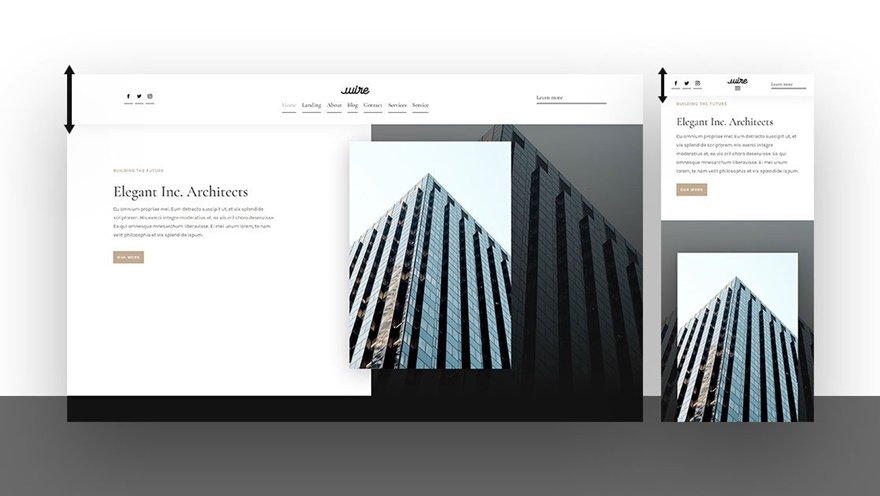
2. Mobile Collapsing Nested Menu
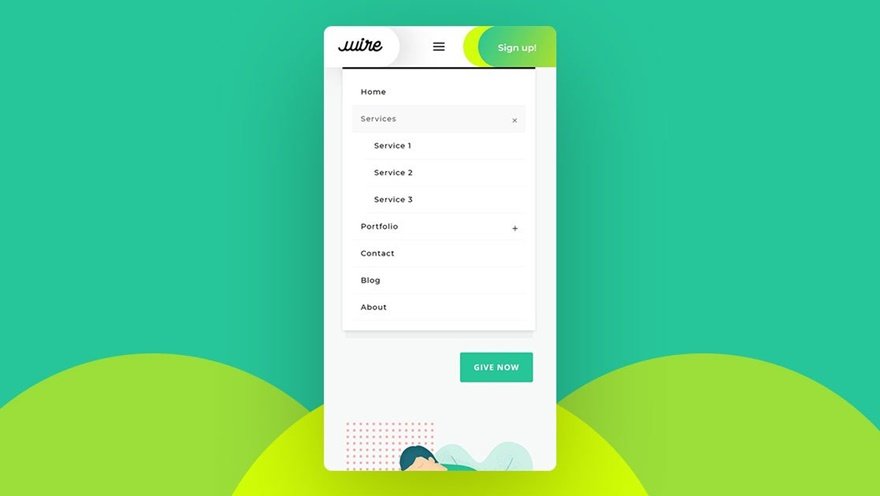
3. Animating Your Global Header
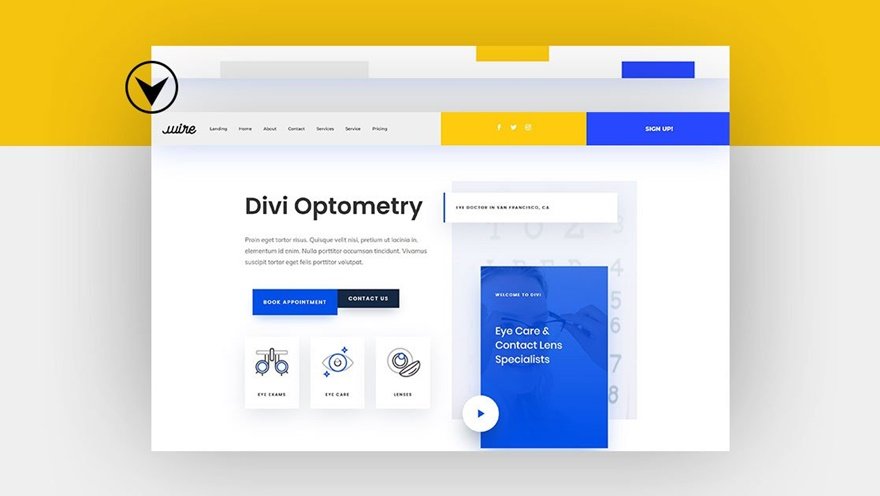
4. Adding an Inline Login Form to Your Header
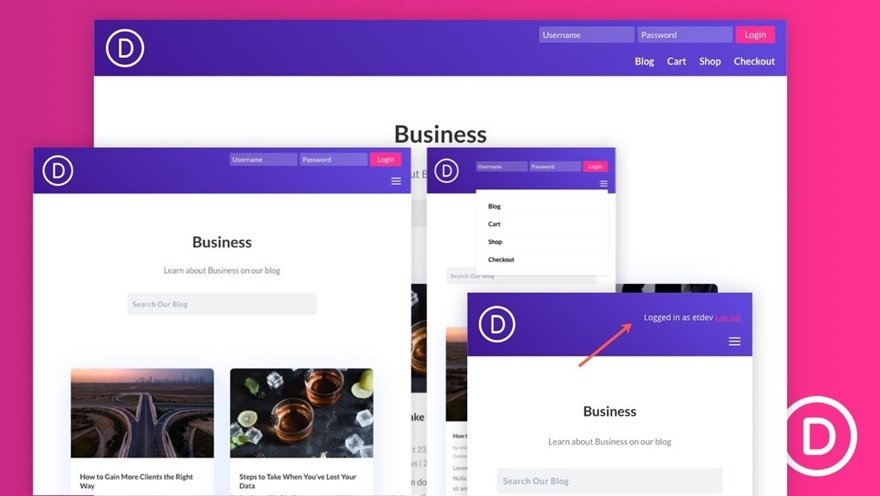
5. Adding Two Side-by-Side Buttons to Your Header
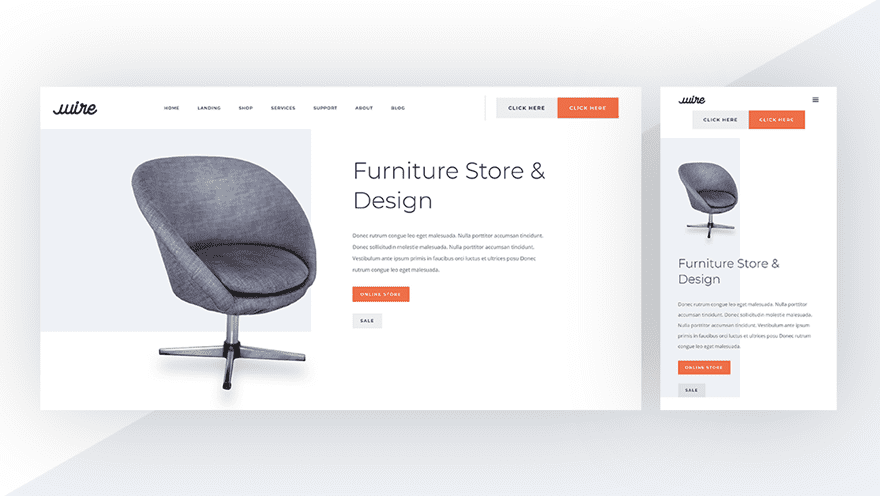
6. Automatically Placing Your Header Below Each Page’s First Section
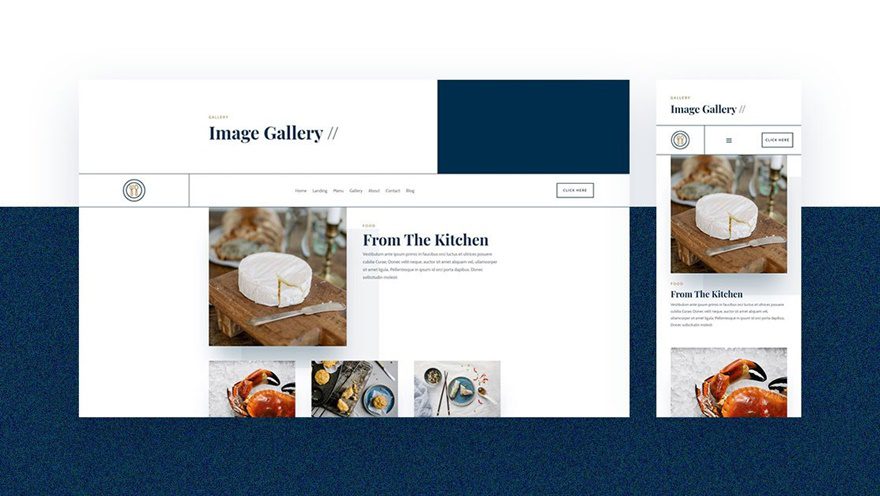
7. Adding a Dropdown Contact Form to Your Header
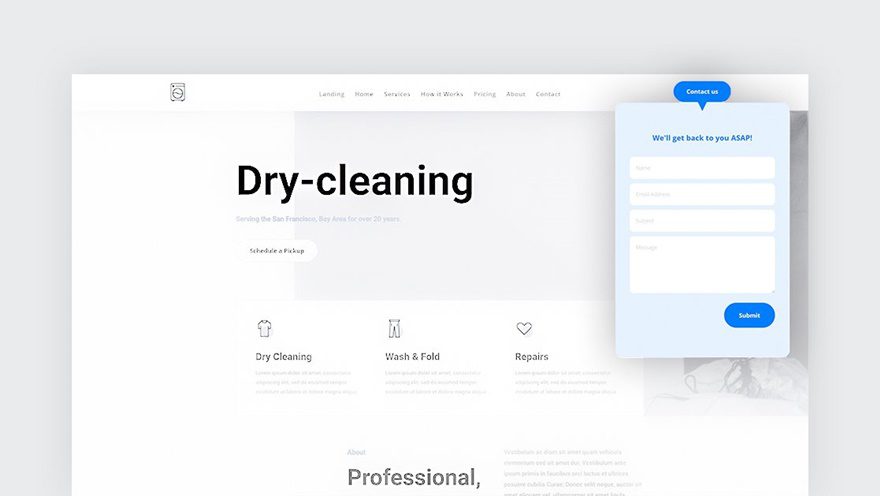
8. Swapping Your Header on Scroll
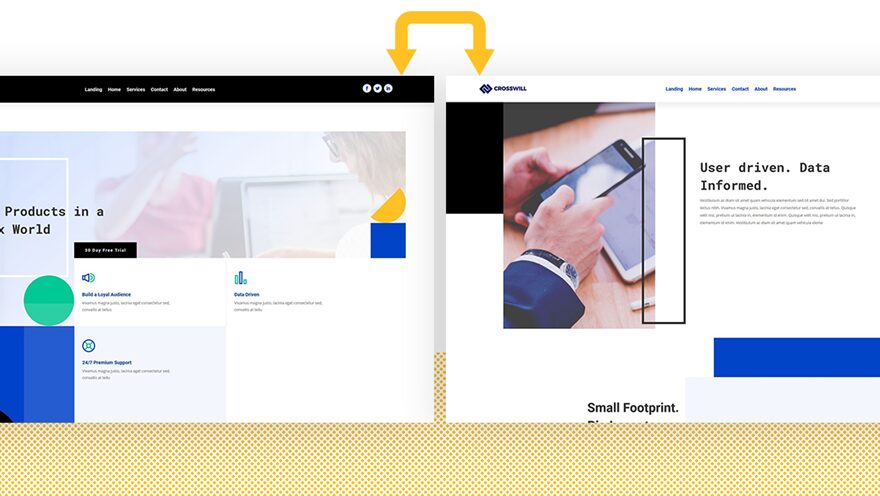
9. Optimizing Divi’s Menu Module with 5 Global Presets
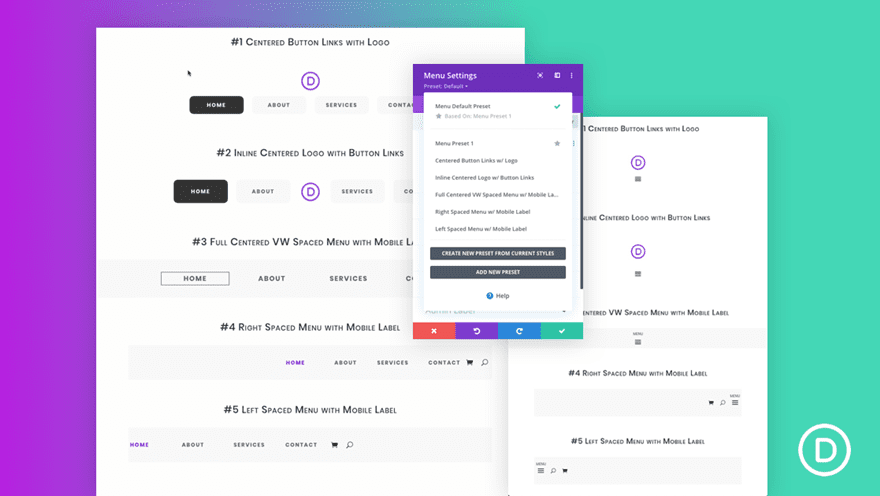
10. Adding Corner Labels to Menu Items Inside Your Header
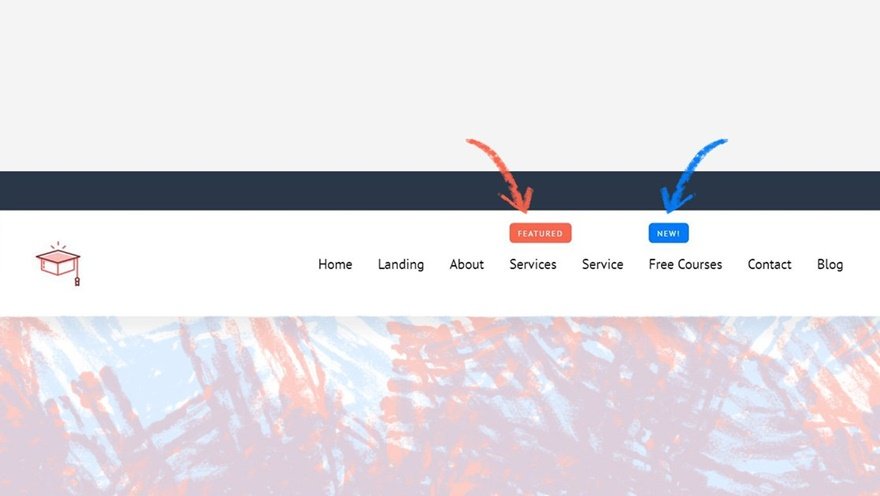
11. Adding & Animating Your SVG Logo Inside your Header
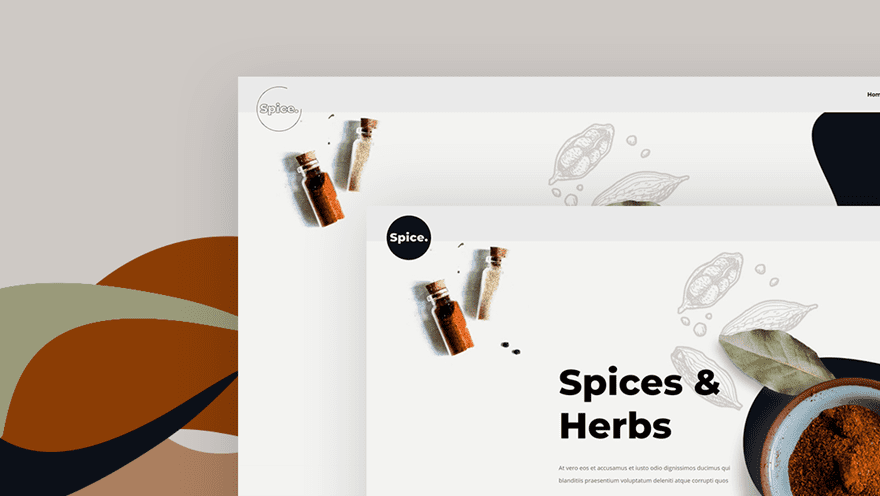
12. Blending Your Header & Pages with Divi Section Dividers
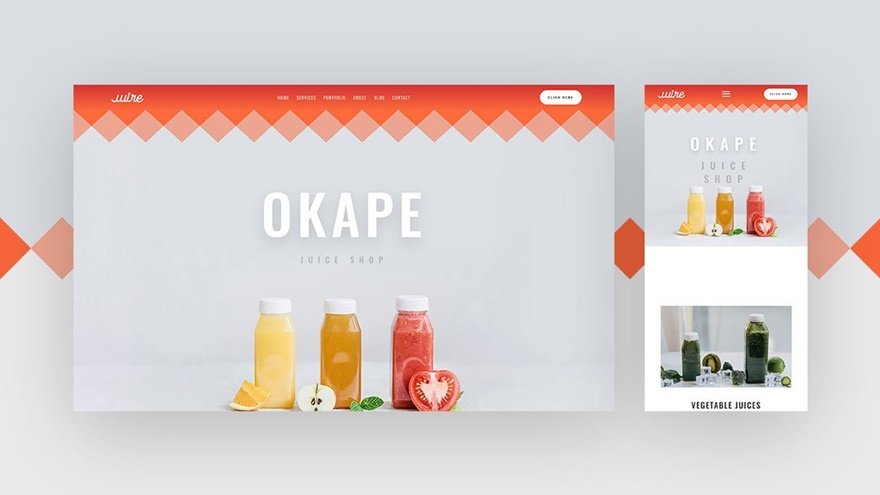
13. Adding a Dynamic Site Title & Tagline to Your Header
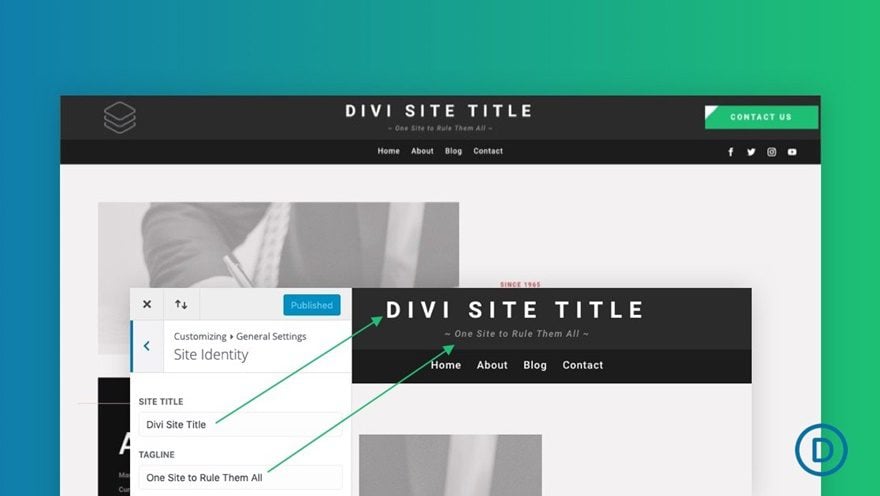
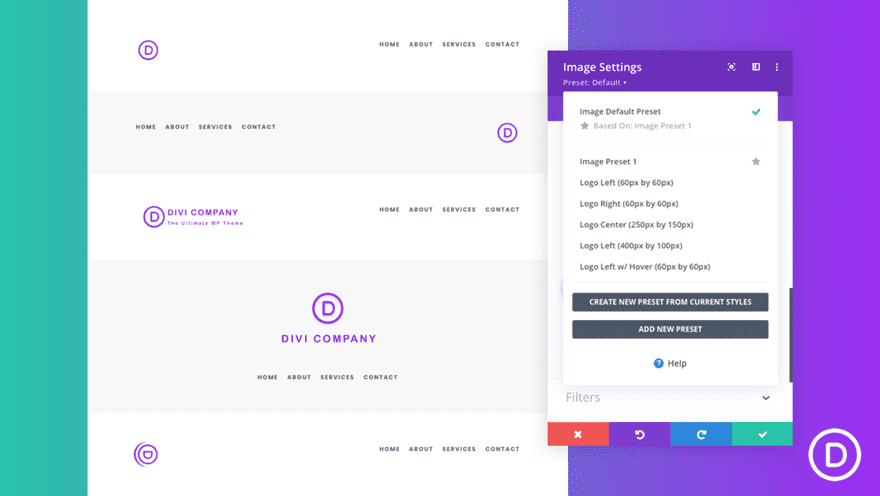
14. Optimizing Your Divi Site’s Logo with Global Presets
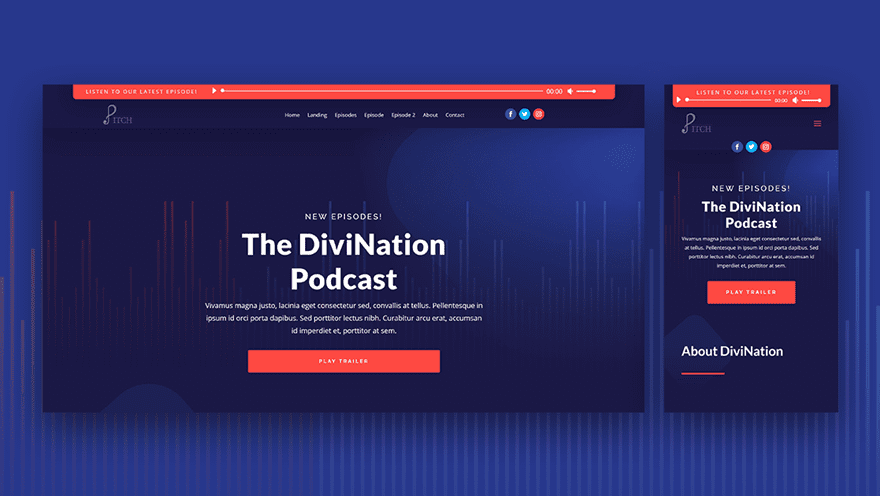
15. Adding a Fixed “Latest Episode” Audio Bar to Your Header
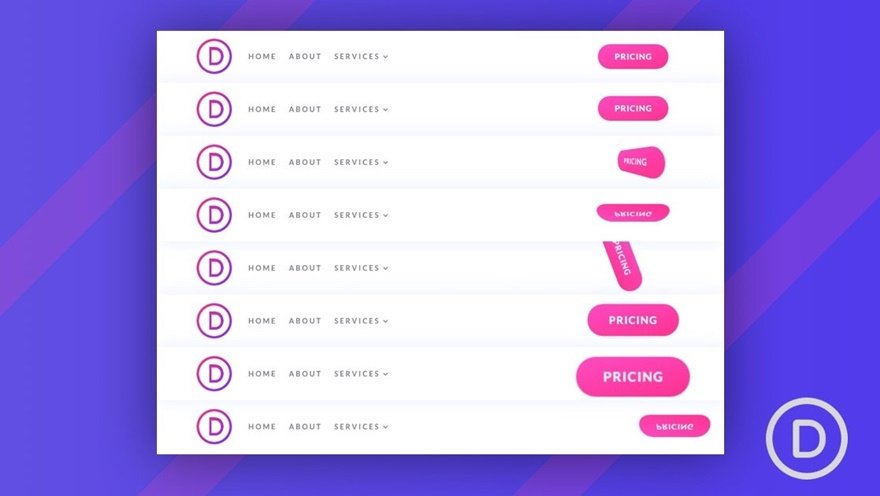
16. Adding Delayed Button Animations to Your Header CTA
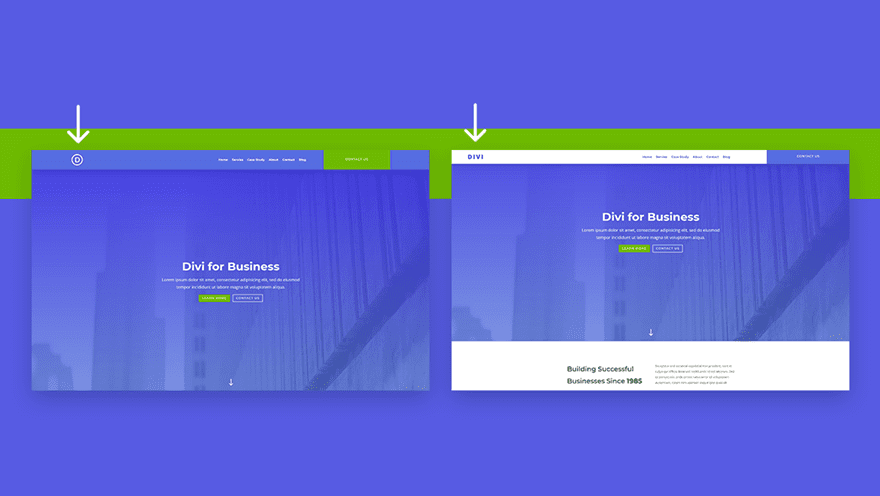
17. Changing Your Sticky Logo on Scroll
Header Freebies
Last but not least, we’re also listing the different header freebies you can find on the Elegant Themes blog. The header freebie design initiative started with the first theme builder packs we shared back in December 2019, but that’s not where it stops. We have continuously shared, and will continue to share, free header and footer freebies that match Divi layout packs. Although the style is mostly based on the layout pack in question, they can be easily used for other websites as well.
1. Theme Builder Packs
Theme Builder Pack #1
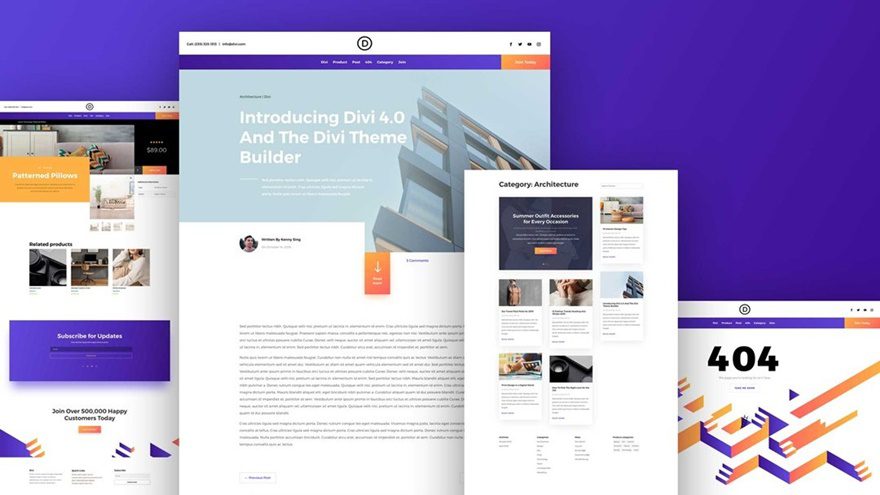
Theme Builder Pack #2
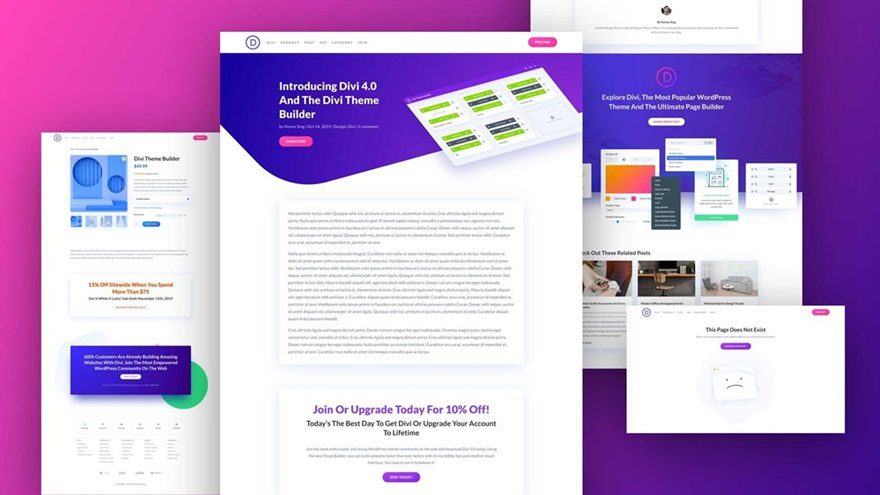
Theme Builder Pack #3
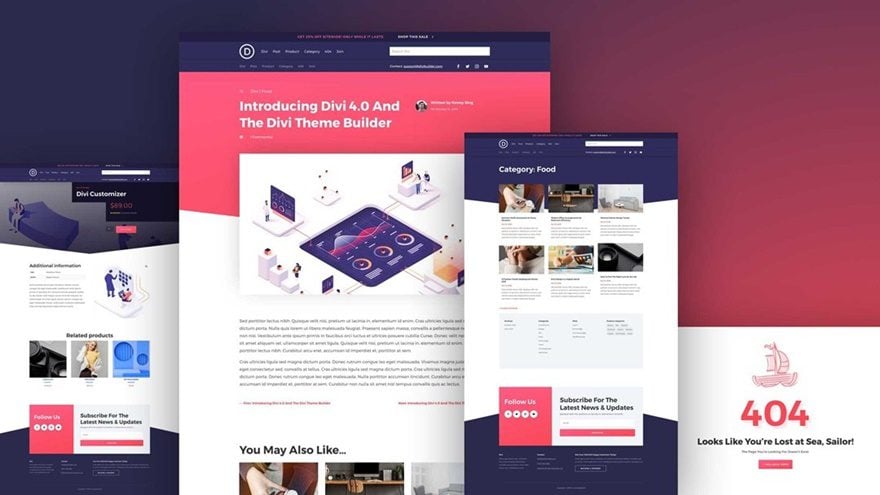
Theme Builder Pack #4
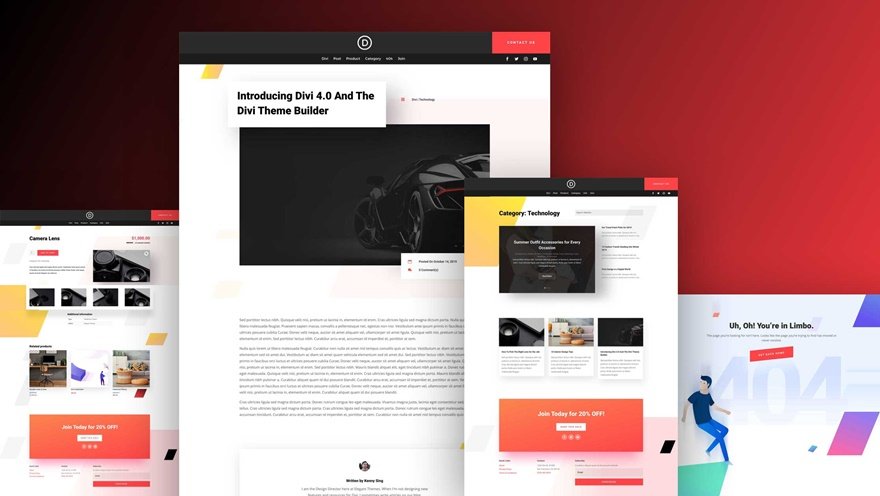
Theme Builder Pack #5
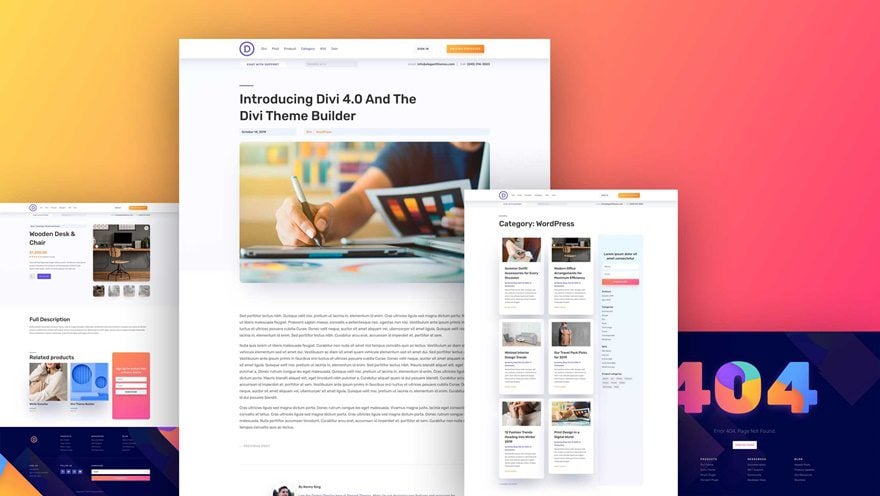
Theme Builder Pack #6
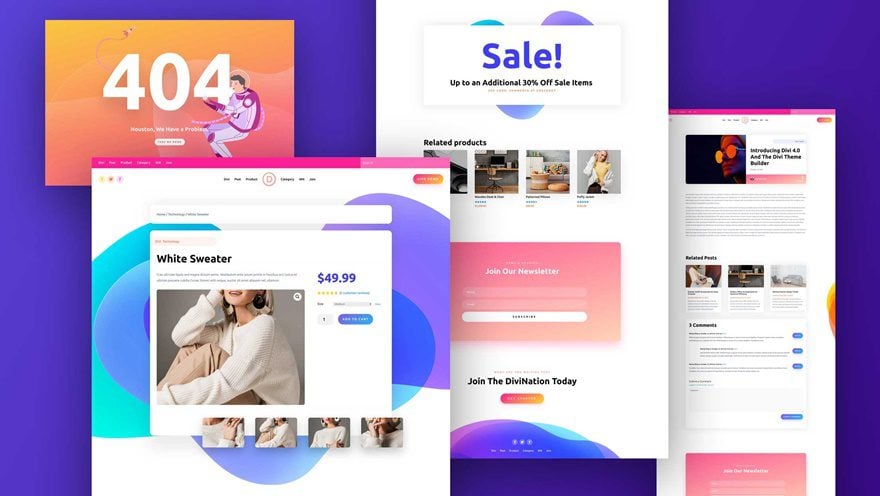
2. Layout Pack Header & Footer Freebies
Italian Restaurant Layout Pack
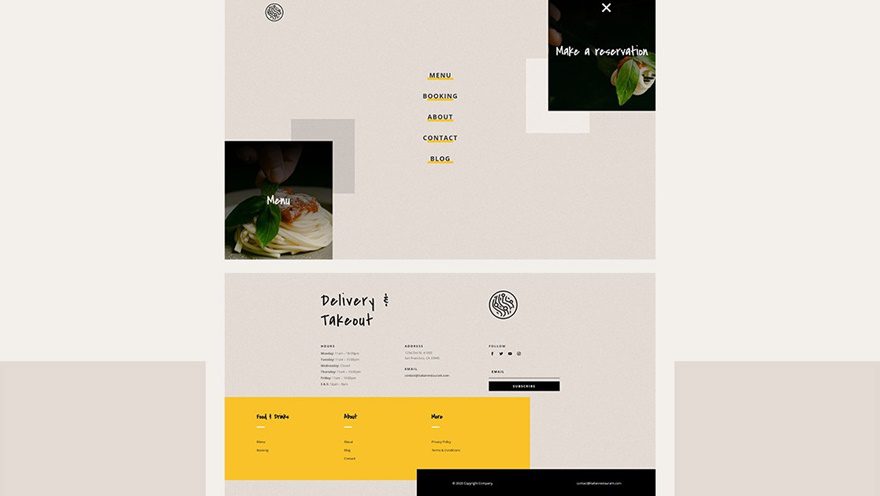
Virtual Assistant Layout Pack
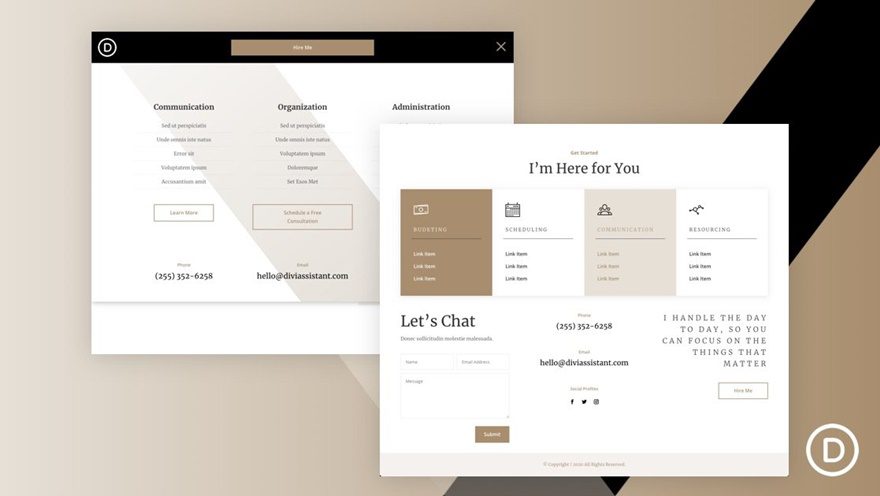
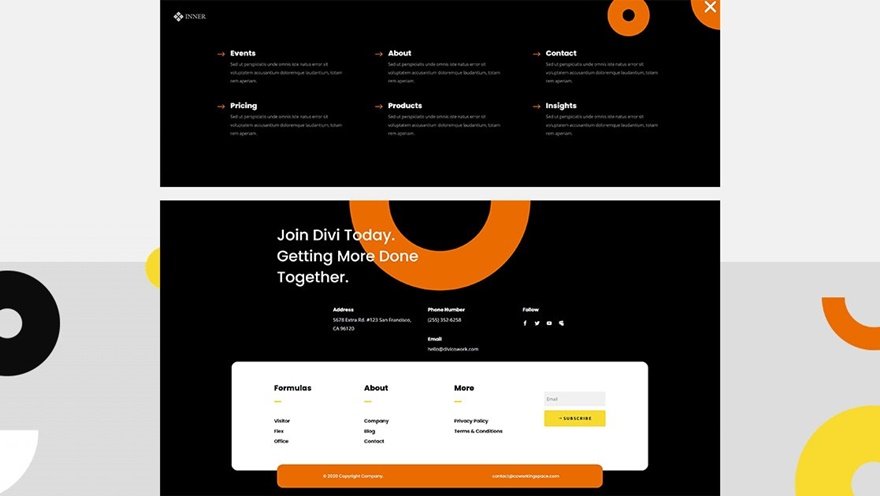
Coworking Space Layout Pack
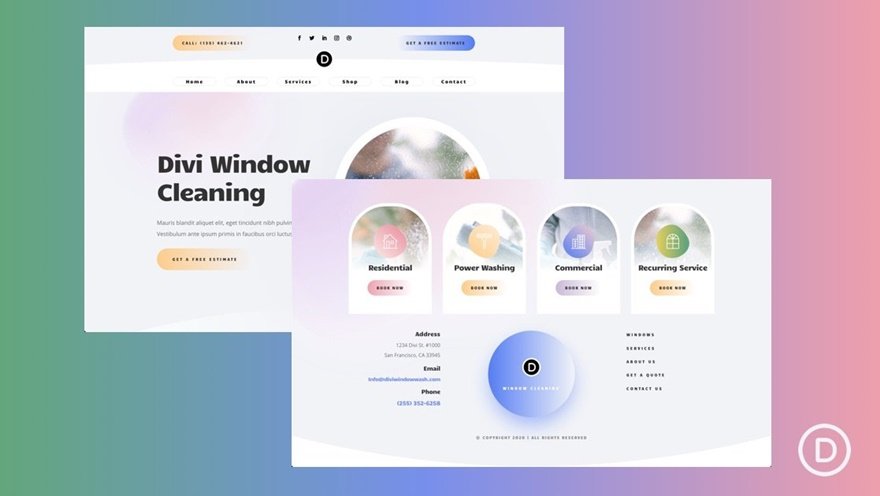
Window Cleaning Layout Pack
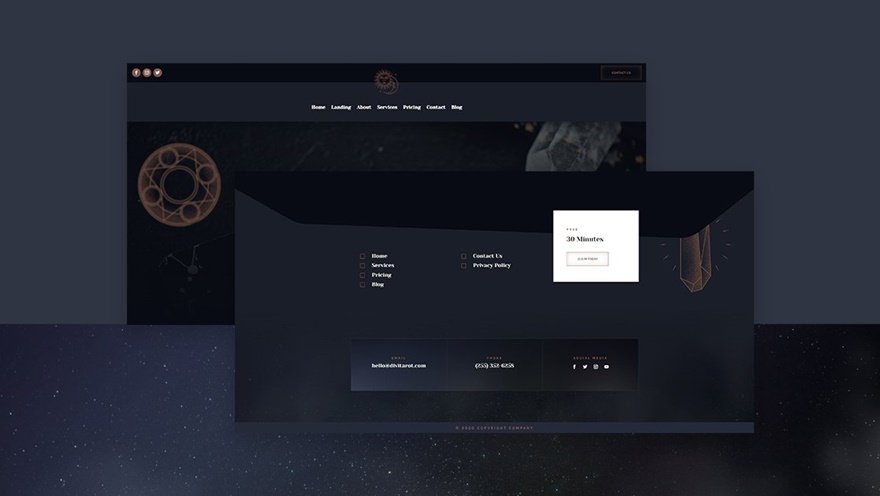
Tarot Layout Pack
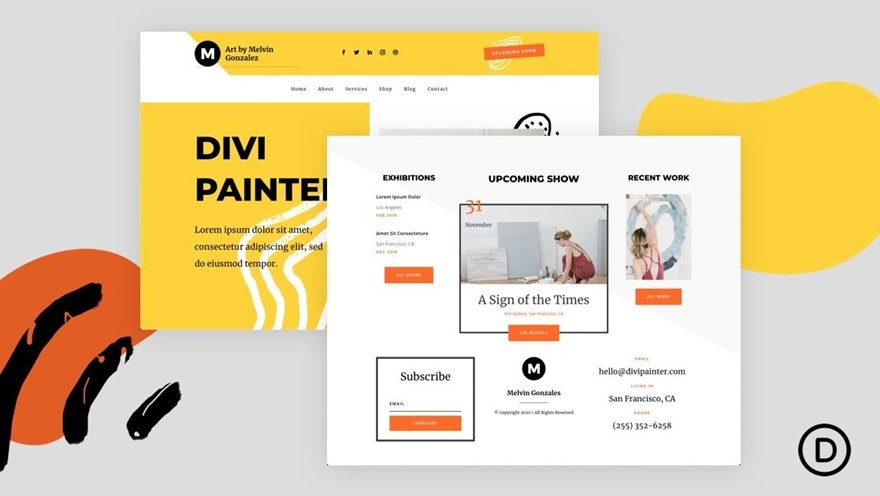
Painter Layout Pack
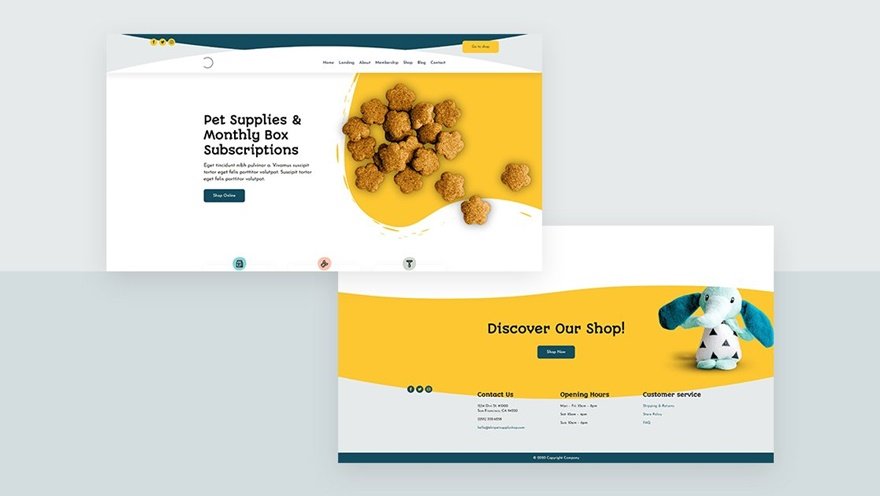
Pet Supply Layout Pack
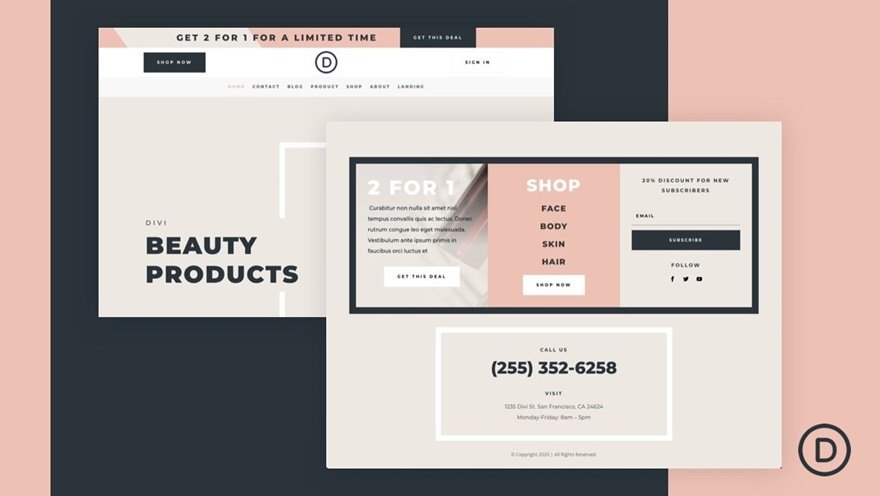
Beauty Product Layout Pack
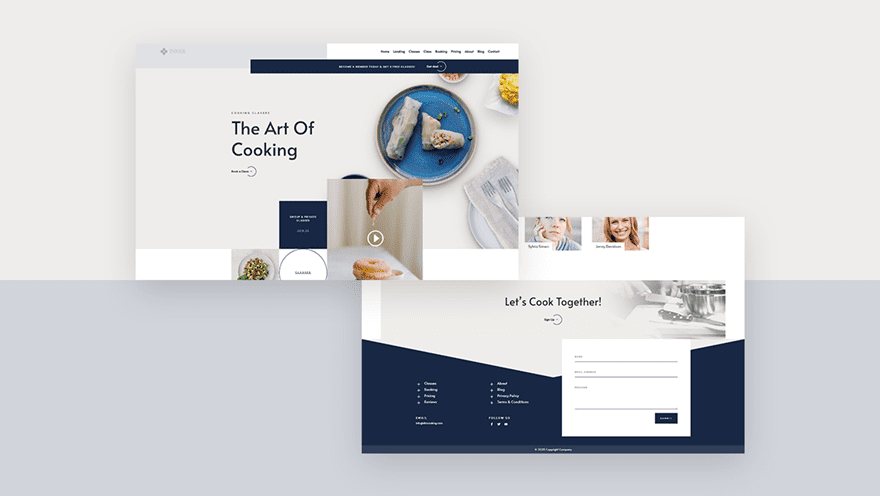
Cooking School Layout Pack
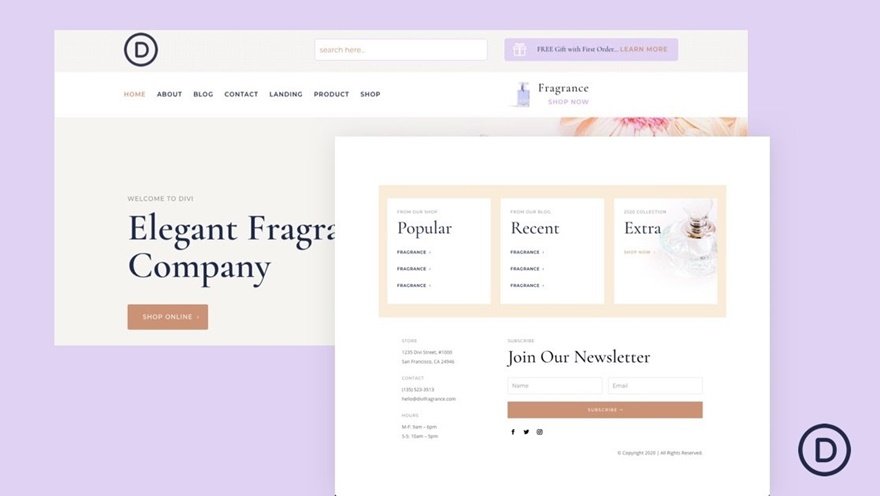
Perfumery Layout Pack
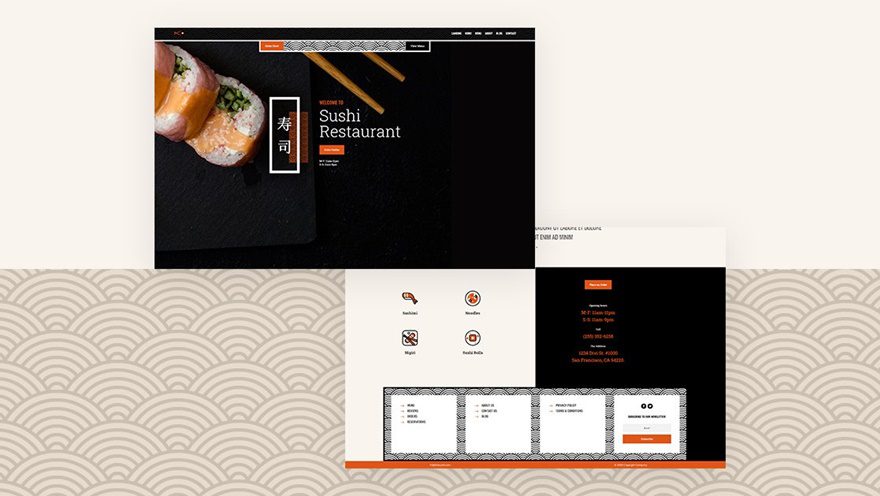
Sushi Restaurant Layout Pack
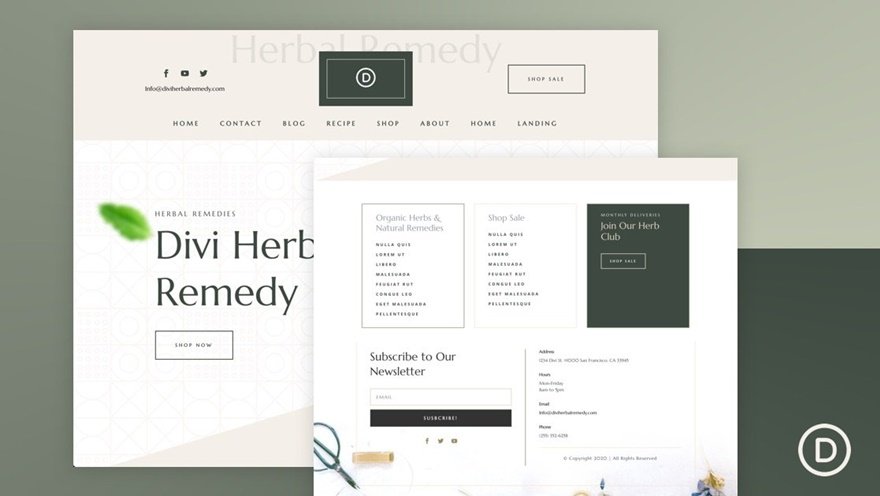
Herbal Remedy Layout Pack
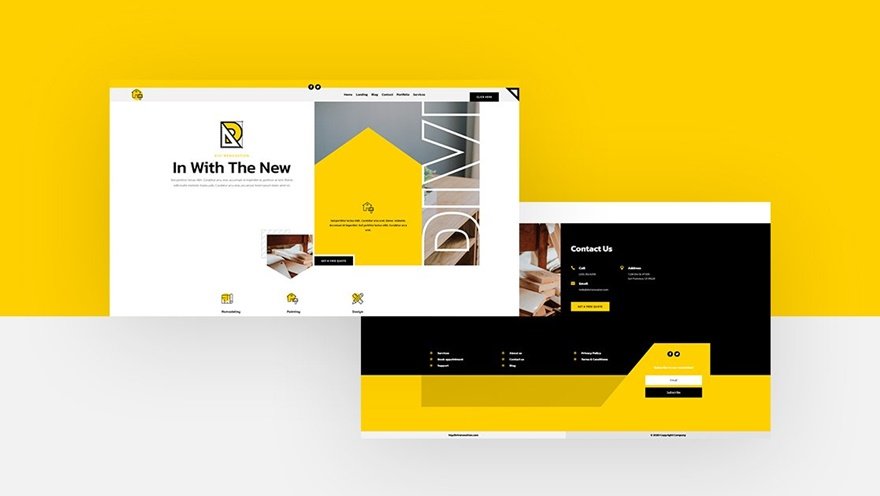
Renovation Layout Pack
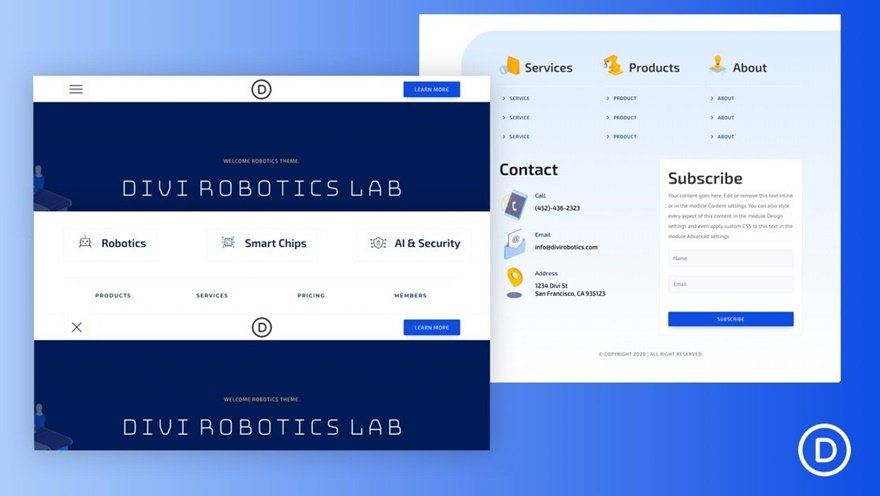
Robotics Layout Pack
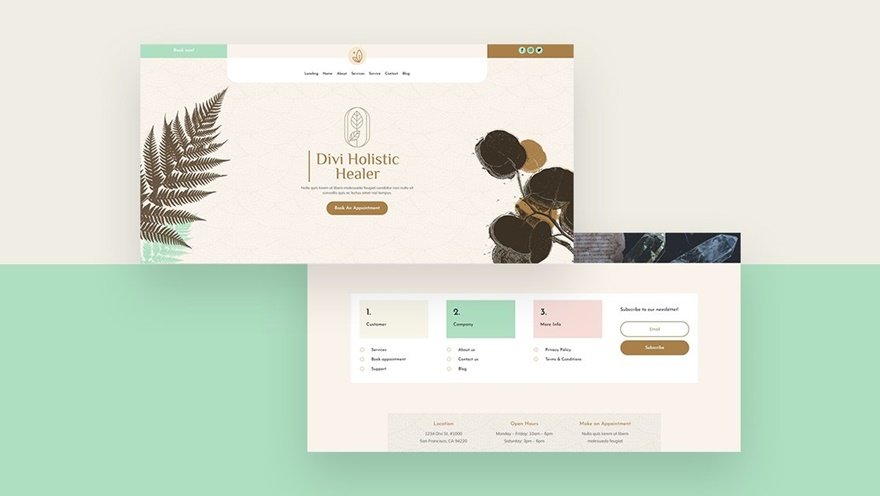
Holistic Healer Layout Pack
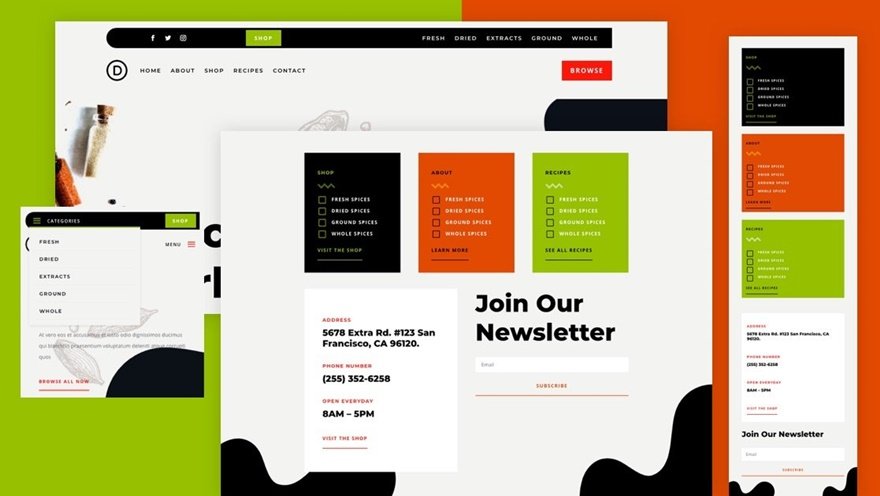
Spice Shop Layout Pack
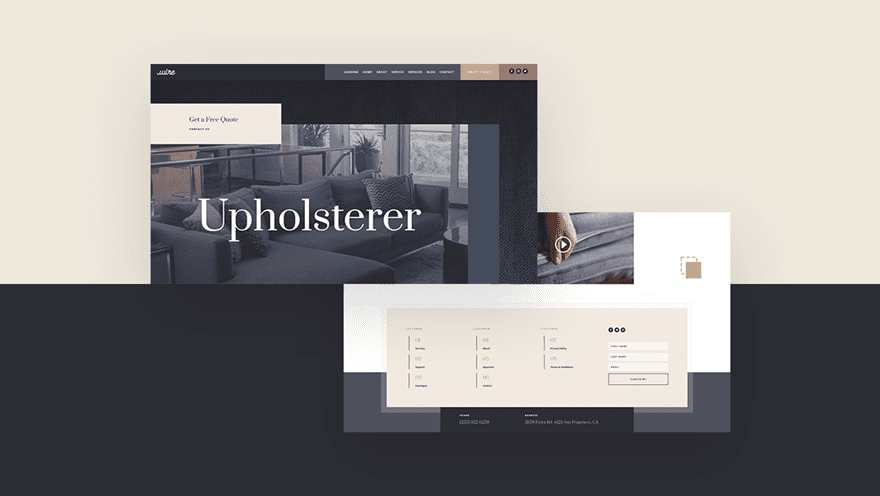
Upholstery Layout Pack
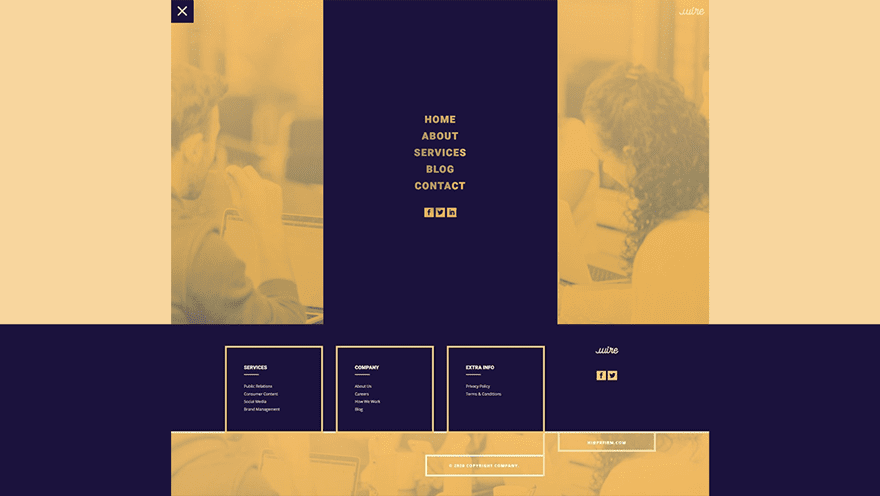
PR Firm Layout Pack
Fitness Coach Layout Pack
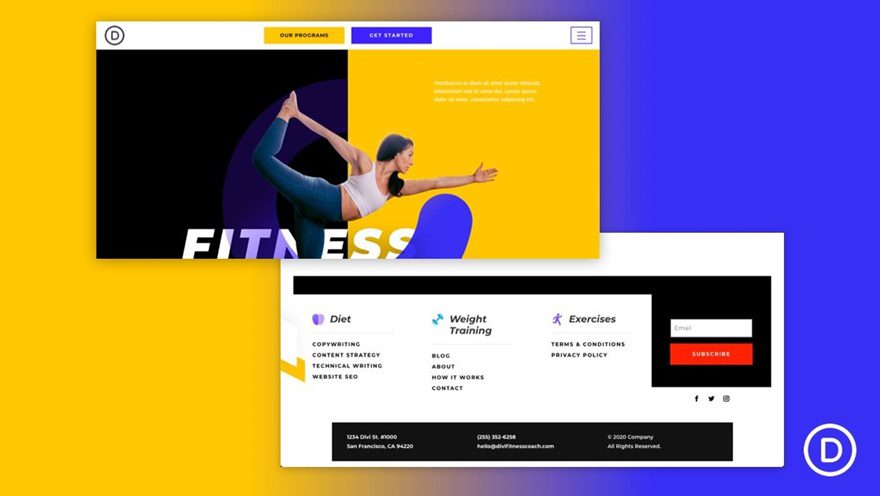
Wedding Photographer Layout Pack
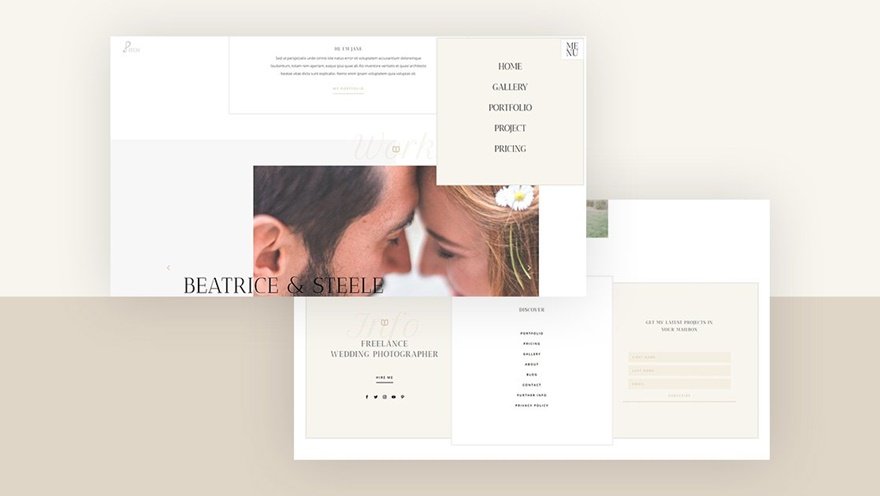
Dietitian Layout Pack
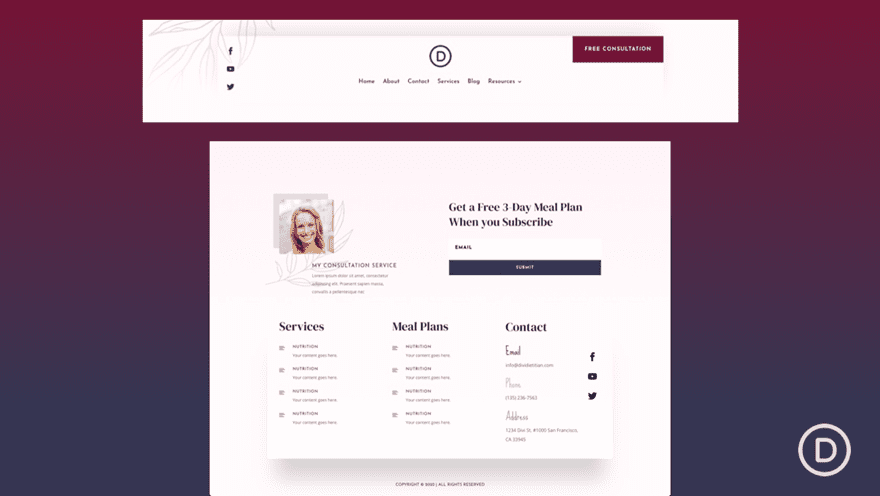
Freelance Writer Layout Pack
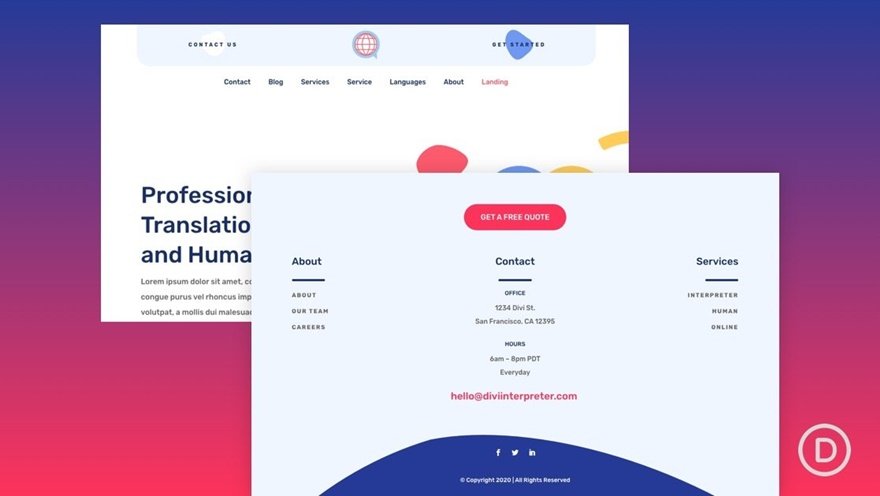
Interpreter Layout Pack
Financial Advisor Layout Pack
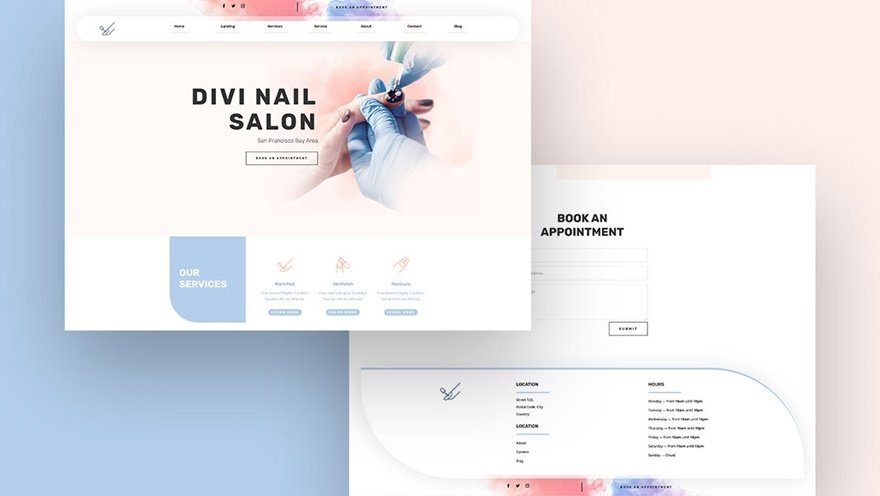
Nail Salon Layout Pack
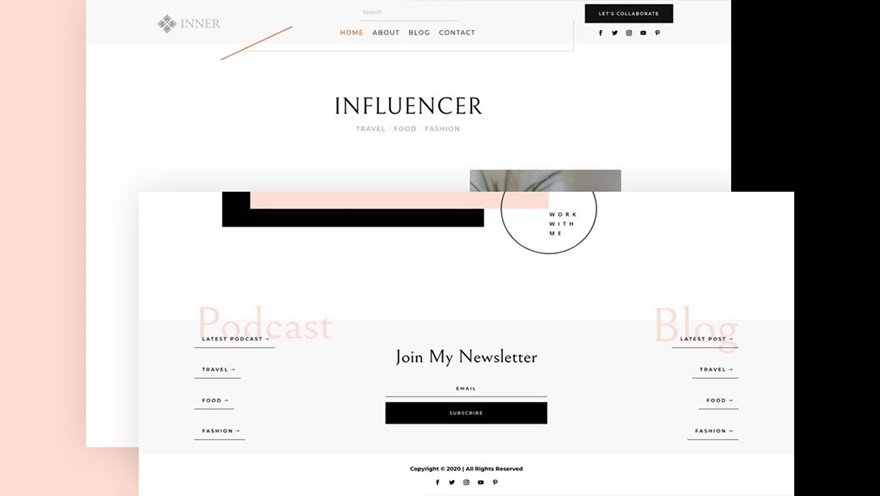
Influencer Layout Pack
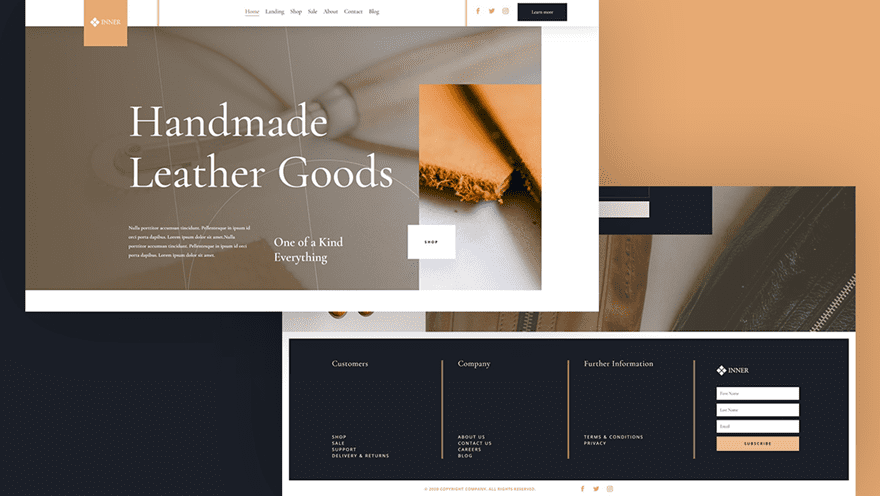
Leather Company Layout Pack
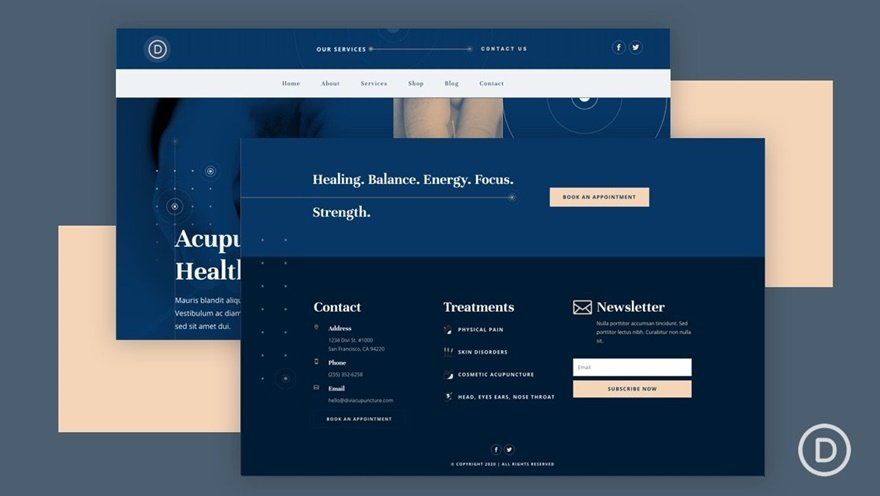
Acupuncture Layout Pack
3. Other
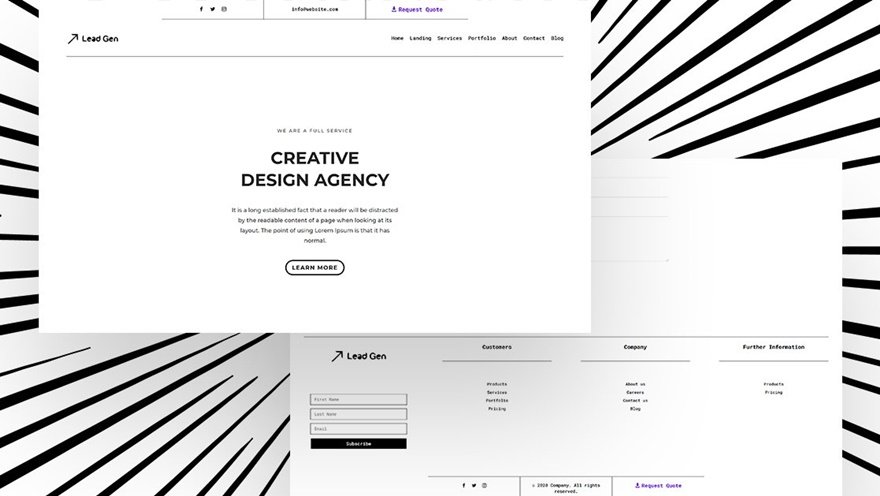
Minimal Header & Footer Combo
Searching for New Headers on Our Blog
We regularly release new header freebies and tutorials on our blog. We’ll keep updating this post throughout time, but if you want to stay on top of the new stuff, feel free to search the blog search bar using keywords like “header” and “menu”!
Final Thoughts
In this post, we’ve provided a clear overview on Divi header types, tutorials and freebies that you can find on our blog! This post is hopefully going to help you set the foundation of your header before getting started on a new project. You can decide on the header type you want to create, go to the blog post that shows you how to do it or download the JSON file to have everything ready for use! We’ve shared some tips and tricks to apply to your header as well, which will hopefully help you solve problems quickly and focus on what’s really important: having a well-balanced website you had in mind. If you have any questions or suggestions, feel free to leave a comment in the comment section below.
If you’re eager to learn more about Divi and get more Divi freebies, make sure you subscribe to our email newsletter and YouTube channel so you’ll always be one of the first people to know and get benefits from this free content.
The post An Overview on Divi Header Types, Tutorials & Freebies appeared first on Elegant Themes Blog.







