
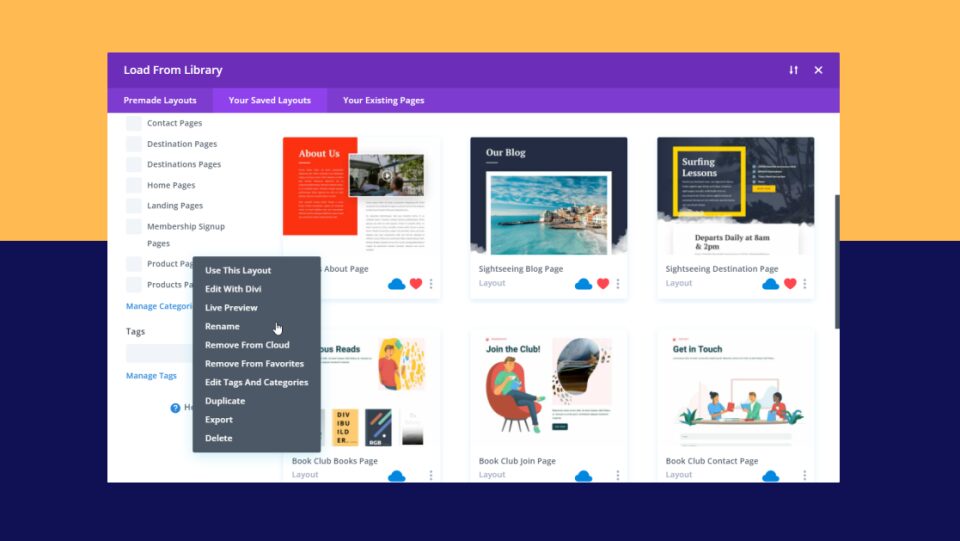
Divi Cloud is great for storing layouts to use on any Divi website. Everyone with an Elegant Themes account has access to Divi Cloud. Fortunately, it is easy to access and use. Divi Cloud provides lots of advantages for storing and sorting your Divi layouts, and it makes editing those layouts a simple process, saving both time and effort. There are several tutorials on how to use and edit a Divi Cloud item. In this post, we’ll round up those 7 tutorials on how to edit a Divi Cloud item to help you get the most out of your Divi Cloud.
Let’s get started.
1. Rename a Divi Cloud Item
<img loading=”lazy” class=”with-border aligncenter size-full wp-image-174711″ src=”https://www.elegantthemes.com/blog/wp-content/uploads/2022/07/Rename-a-Divi-Cloud-Item.png” alt=”Rename a Divi Cloud Item
The first tutorial on our list discusses the process of renaming an item once it has been placed into Divi Cloud. Renaming an item is simple enough that we don’t need to think of the perfect name on the first try. It also discusses good naming practices for the items, categories, and tags, and provides information on when you should rename a Divi Cloud item. Fortunately, the ability to edit the name means we’re not stuck with a name that doesn’t work for us. Also, the ability to edit the name within the Cloud means we don’t need to delete the item and reupload it.
2. Remove an Item from Your Divi Cloud
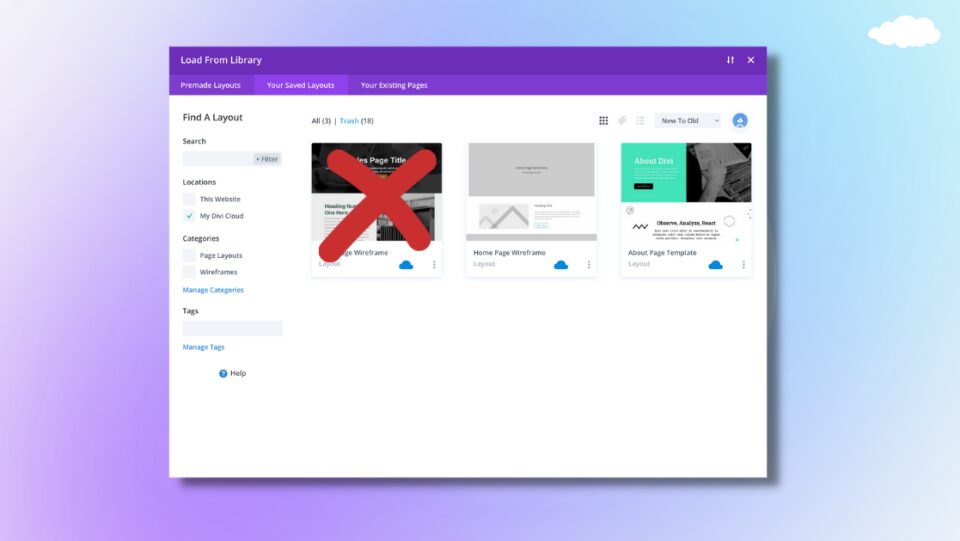
Our second tutorial discusses the process of removing an item from your Divi Cloud without removing it from your Divi Library. It covers how to remove a section, layout, row, and module. It shows all three items independently so you can view the specific item you’re interested in. This tutorial also covers how to remove the items from your Divi Library. This means you can remove them from both locations or from either location individually.
3. Preview a Divi Cloud Item
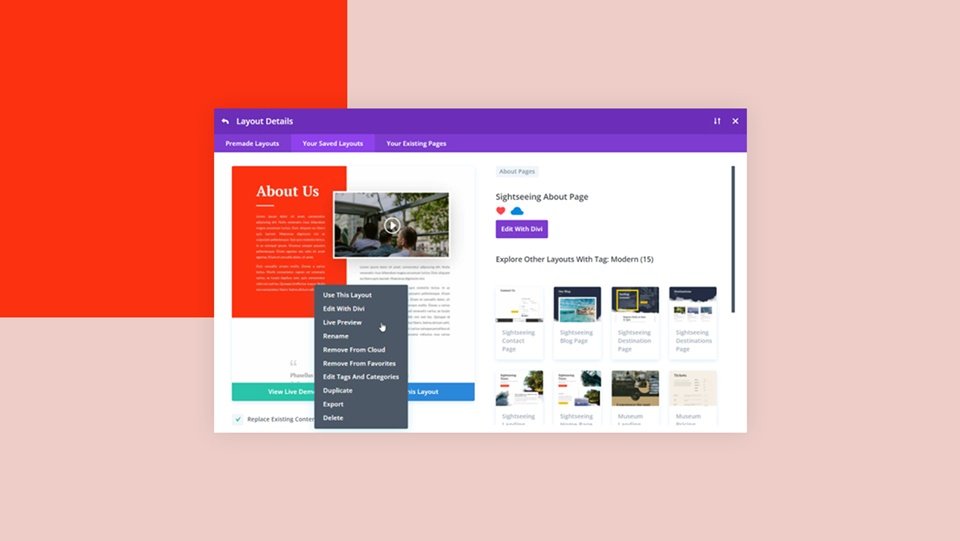
This tutorial shows several ways to preview a Divi Cloud item while it’s still in the Cloud. This allows you to see before importing it into your Divi page or post to ensure you’re importing the correct layout. Divi users can preview as a thumbnail, in a larger and more detailed view, and as a live demo. The tutorial demonstrates the advantages of each preview option. It also discusses the benefits of using the Divi Cloud preview features and shows how to find any item you want to preview easily.
4. Duplicate a Divi Cloud Item
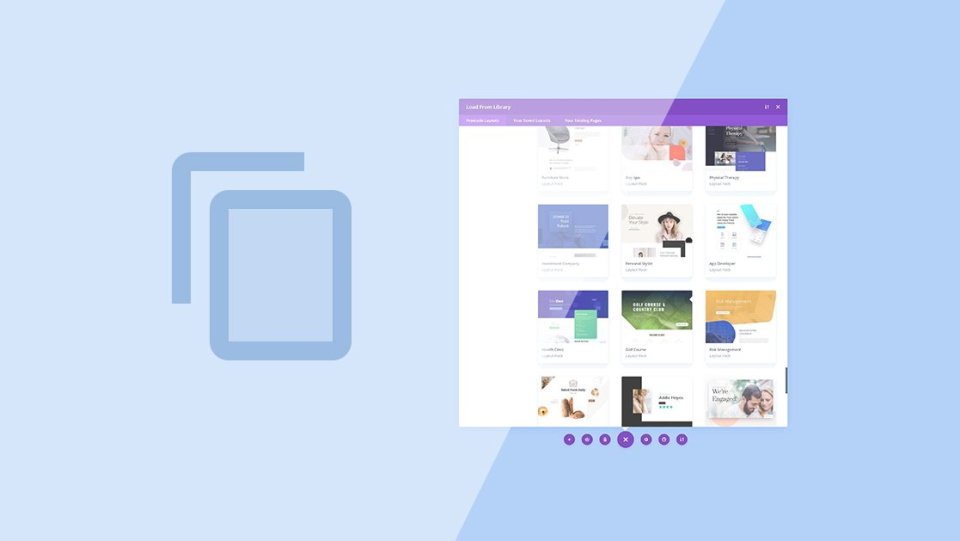
This tutorial steps through the process of duplicating a Divi Cloud item within Divi Cloud. It shows how to duplicate a layout, section, row, and module. This is a great way to use a Divi Cloud item as a starting point to create multiple versions of that same item without leaving Divi Cloud. It also shows how to add categories and tags to the duplicated items. The duplication process saves a lot of time since the items do not have to import from and export to Divi Cloud to create them.
5. Restore a Divi Cloud Item
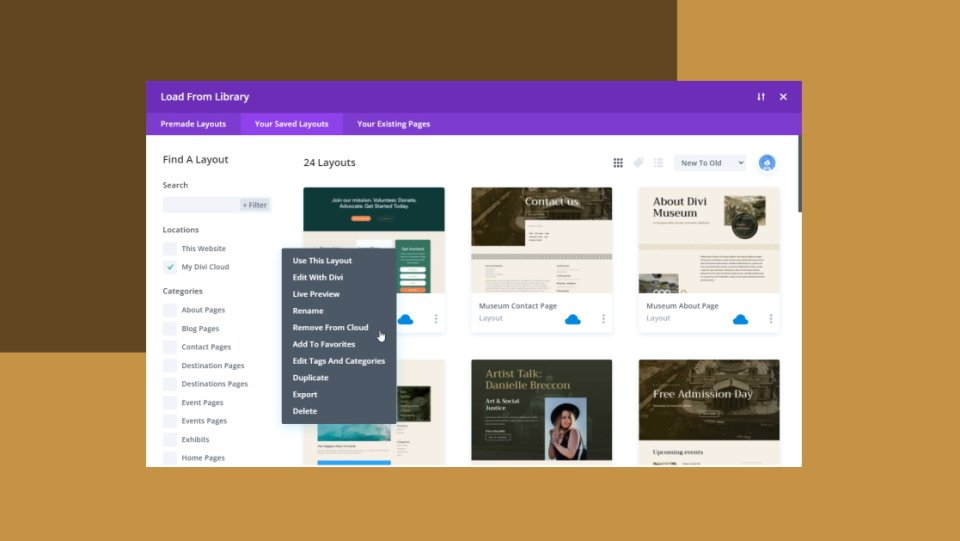
This tutorial shows how to restore a Divi Cloud item once deleted. It covers how to remove a Divi Cloud item in a way that it can be restored, and how to delete it permanently so that it can’t be restored. This is good information to help Divi users know the difference between the two. It also discusses why you’d want to delete a Divi Cloud item and how to easily find the items you want to delete.
6. Reorganize a Divi Cloud Item
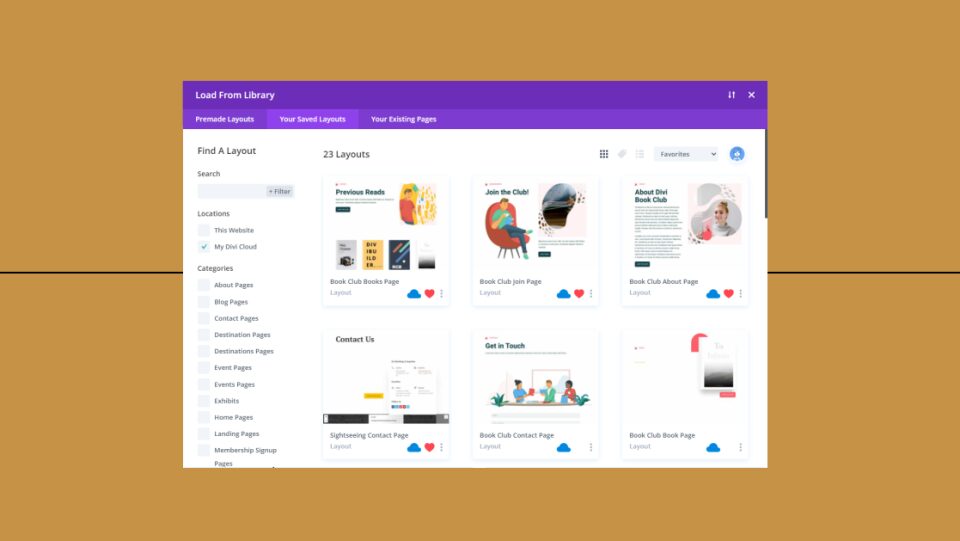
This tutorial covers the various elements of reorganizing items within the Divi Cloud. It shows how to rename the items, how to edit the Cloud categories and tags, and how to edit the categories and tags of the items themselves. It also covers how to favorite an item to find them faster and how to remove unneeded items and why you’d need to. Tips on finding the Divi Cloud items to edit are also included. This one is great for keeping your Divi Cloud organized and easy to use.
7. Edit a Divi Cloud Item Inside the Cloud
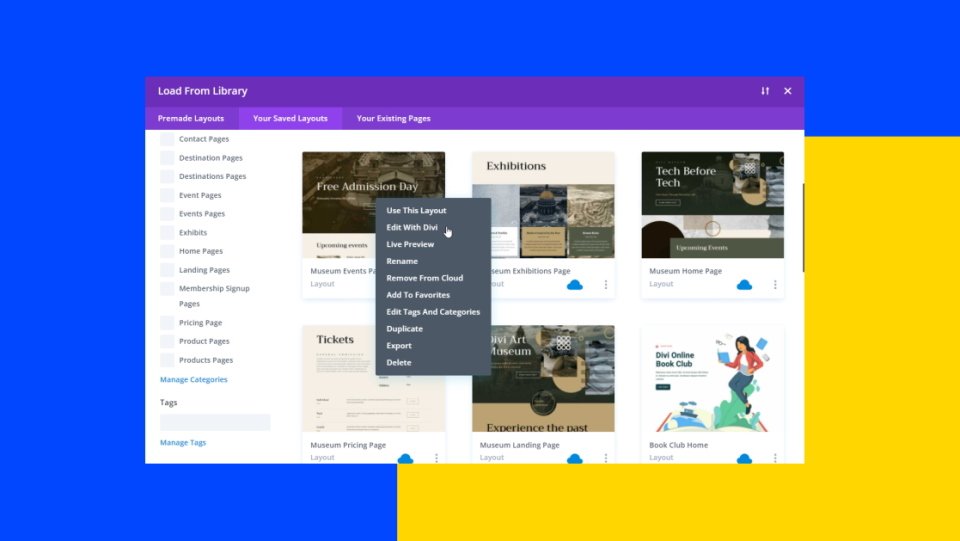
Our last tutorial on this list shows how to edit a Divi Cloud item within the Cloud itself. It steps through the process that shows how to load the item, perform the edit, and save it. The Divi Cloud item never leaves the Cloud, which saves lots of time in the editing process. It also covers the advantages of editing the item within the Cloud and shows how to find the items you want to edit.
Ending Thoughts
That’s our look at 7 tutorials on how to edit a Divi Cloud item. Performing edits within the Divi Cloud saves lots of time and the edits are simple. Many of the edits help keep your Divi Cloud organized so the items are easy to find. If you’re a Divi Cloud user and you’d like to see a few simple tutorials on how to edit your Divi Cloud items, take a look at these 7 tutorials.
We want to hear from you. Have you used any of these Divi Cloud tutorials to edit a Divi Cloud item? Let us know in the comments.
The post How to Edit a Divi Cloud Item appeared first on Elegant Themes Blog.







