
Ask-the-Egghead-logo
  • Home
  • About
    • Reviews
    • Awards
    • Careers
    • Partners
    • Invest Locally
  • Services
    • Website Design
    • Managed Hosting
    • Accessibility Compliance
    • Content Builder
    • Multi-Language Websites
    • SEO
    • Social Media
    • Premier Property Promotion
    • Reputation & Management Services
    • Low Code/No Code Solutions For MVP
    • Citations Builder
    • Pricing
  • Portfolio
  • Website Audit
  • Blog
  • Contact Us

How to Upload Marketplace Layouts to Your Divi Cloud

With Divi Cloud it is easier now than ever before to save, store, and access all of your favorite Divi Builder elements right within the Divi builder. No more manually exporting and importing your Divi Library items, they’re now accessible via the Cloud! This can save you time and streamline your web design workflow! In today’s post, we’re going to show demonstrate how to save Marketplace Layouts to the Cloud. But first, let’s dive into what is Divi Marketplace and what is Divi Cloud.

Subscribe To Our Youtube Channel

What is Divi Marketplace?

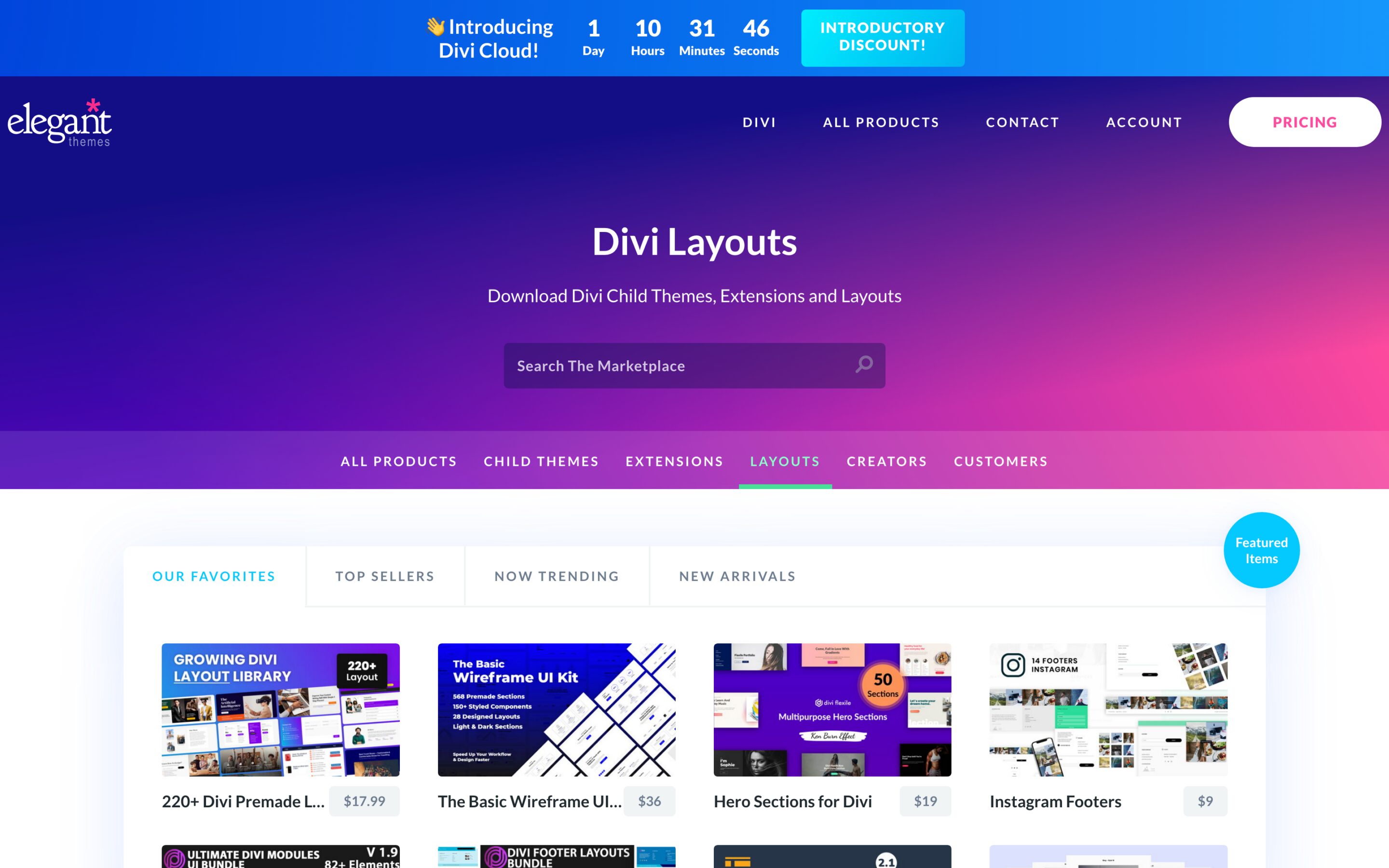
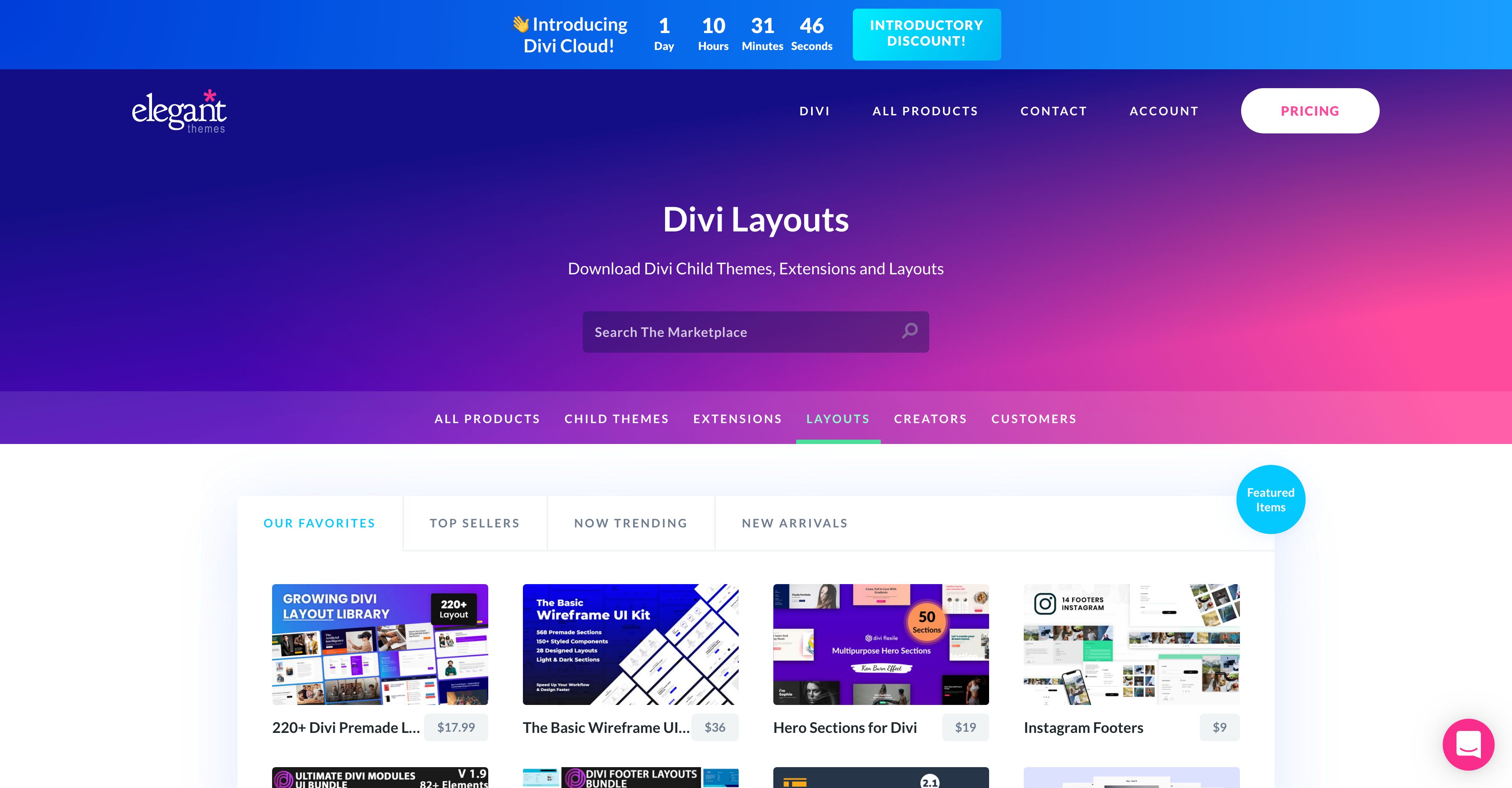
Divi Marketplace is an online repository of third-party Divi child themes, plugins, and layouts. It’s where Divi developers and designers can upload their creations and offer them for purchase or to download for free. There are thousands of beautiful assets over on the Divi Marketplace and today we’re going to show you how to save your Marketplace layout packs to your Divi Cloud, our latest feature in the Divi universe.
marketplace layouts to divi cloud

What is Divi Cloud?

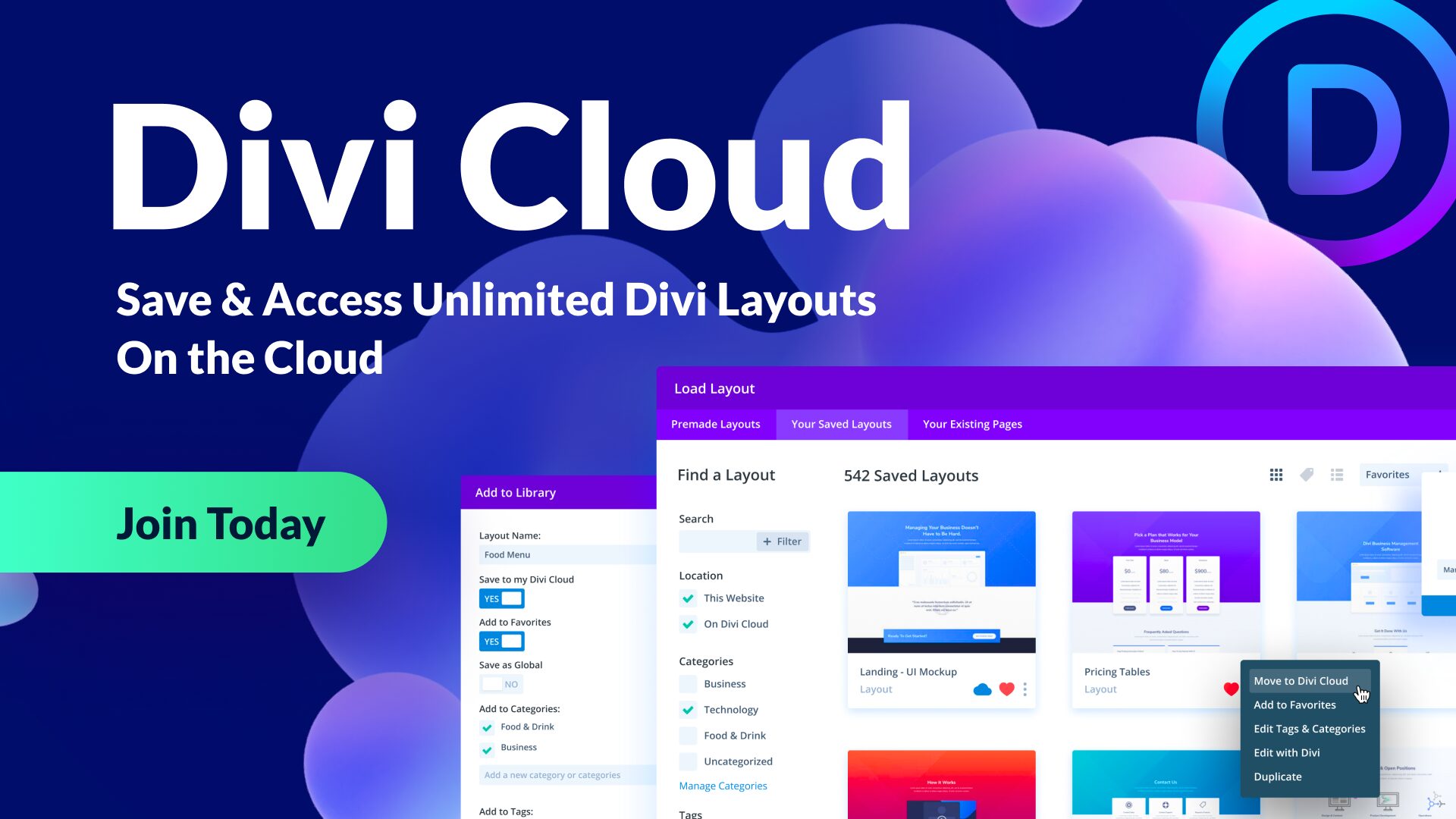
Divi Cloud is like Dropbox, but for your Divi websites. Right now everyone with an Elegant Themes membership can access Divi Cloud and store up to 50 items for free on their very own cloud. This makes saving and accessing your favorite Divi Builder elements even easier because instead of manually exporting and importing Divi elements, you can now access them all with a few clicks in Divi Cloud.
How to Add Marketplace Layouts to Your Divi Cloud

First, navigate to the Divi Marketplace Layouts and find the layout you want to use. Purchase the layout and download the files. Now that you have the files, we can add them to your Divi Cloud.

Enable the Visual Builder

Navigate to any page on your Divi website and enable the Visual Builder.

Click the purple “+” icon on the bottom Divi toolbar to bring up the Divi Library.

Log Into Your Account

In order to import items to your Divi Cloud, you’ll need to log into your Elegant Themes account by clicking the blue button that says “Sign Into Divi Cloud” in the top right corner of the library. A popup will appear where you can type in your Elegant Themes account login info. Once you’re logged in you’ll be able to see your account profile picture in the top right corner.

Import JSON File

Drag and drop the downloaded .json file from the layout you selected on the Divi Marketplace.

Select “Import to Cloud”.

You have successfully imported the Marketplace Layouts to your Divi Cloud!

Final Thoughts

Loading and storing your favorite Marketplace layouts on Divi Cloud allows you to access them with just a few clicks. Divi Cloud can help speed up your process, streamline your workflow, and allow you to build beautiful websites faster than ever before! Still need a membership? Get one today!

The post How to Upload Marketplace Layouts to Your Divi Cloud appeared first on Elegant Themes Blog.

Recent Posts

  • Why Your Business Needs Custom WordPress Solutions

    Why Your Business Needs Custom WordPress Solutions

  • How a Professional Website Grows Your Business

    How a Professional Website Grows Your Business

  • Custom Website Design That Drives Real Results

    Custom Website Design That Drives Real Results

  • Grow Your Mission With a Website That Delivers

    Grow Your Mission With a Website That Delivers

  • Custom WordPress Design That Elevates Your Brand

    Custom WordPress Design That Elevates Your Brand

  • Fast & Secure WordPress Hosting for Business Growth

    Fast & Secure WordPress Hosting for Business Growth

  • How Reliable Website Management Helps Nonprofits Stay Mission Focused

    How Reliable Website Management Helps Nonprofits Stay Mission Focused

  • How Ask the Egghead Inc Helps Nonprofits Do More With Less Through Smart Tech & Automation

    How Ask the Egghead Inc Helps Nonprofits Do More With Less Through Smart Tech & Automation

  • Top Reasons Website Security Matters in 2026

    Top Reasons Website Security Matters in 2026

  • Smart Websites That Grow With Your Business

    Smart Websites That Grow With Your Business

Awards

  • Clutch Top Web Design Company Medical Websites 2024

    Clutch Top Web Design Company Medical Websites 2024

  • Clutch Top Web Design Company Government Websites 2024

    Clutch Top Web Design Company Government Websites 2024

  • UpCity National Excellence Winner 2024

    UpCity National Excellence Winner 2024

  • UpCity National Excellence Winner 2023

    UpCity National Excellence Winner 2023

  • UpCity National Excellence Winner 2022

    UpCity National Excellence Winner 2022

  • UpCity Local Excellence Washington DC 2021

    UpCity Local Excellence Washington DC 2021

  • UpCity Top Designer 2021

    UpCity Top Designer 2021

  • DesignRush Accredited Agency 2021

    DesignRush Accredited Agency 2021

  • Clutch Top Company Washington DC 2021

    Clutch Top Company Washington DC 2021

  • Digital.com Best SEO Firms Washington DC 2021

    Digital.com Best SEO Firms Washington DC 2021

Ask the Egghead is a full service WordPress web design and development agency. An Egghead will help you develop ideas and projects, transform your organization, and grow your business.

  • Follow
  • Follow
  • Follow
  • Follow
  • Follow
  • Follow
  • Follow
  • Follow
  • Follow
  • Follow
  • Follow

Quick Links

  • Portfolio
  • Blog
  • About

Careers we’re hiring

Services

  • Website Design
  • Social Media
  • SEO
  • Managed Hosting
  • Privacy Policy
  • Investors

Reach Us



support@asktheegghead.com



200 Massachusetts Ave NW
8th Floor Suite 133
Washington, DC 20001



(202) 750-1910



399 Boylston Street
Suite 685
Boston, MA 02116



(617) 221-8300

© 2015 – 2025 Ask the Egghead. All rights reserved

Capability Statement   |   Privacy Policy English   |   SEO Guarantee / Disclaimer


