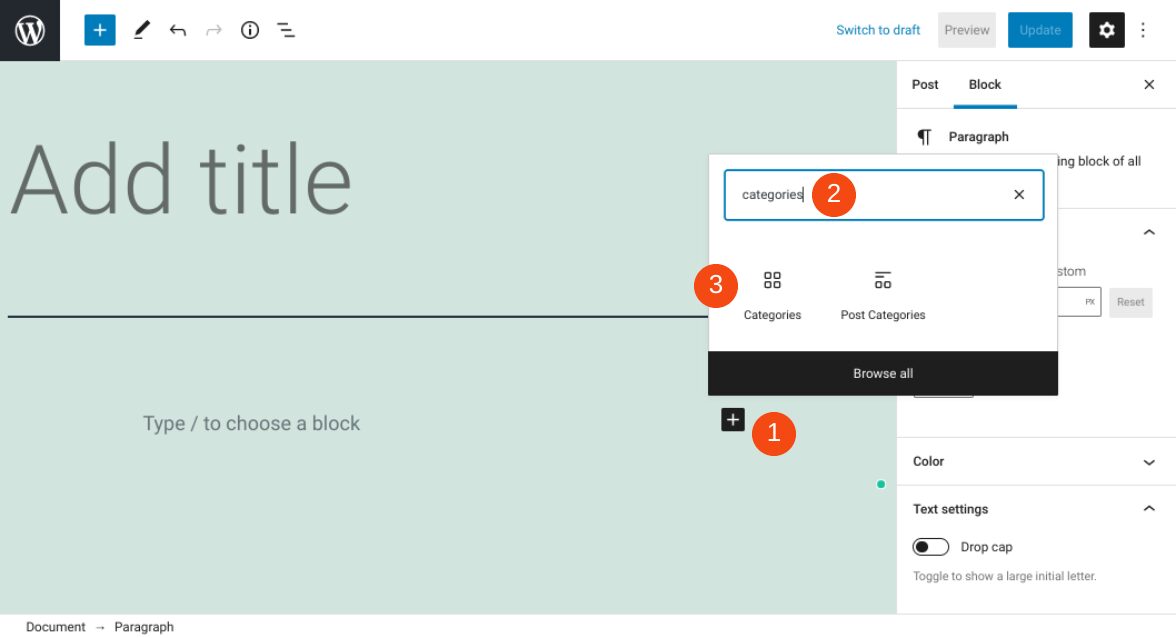
If you run a blog on your WordPress website, it’s important to make your content easy to navigate. Fortunately, there are multiple methods you can use. One of them is to employ the WordPress Categories block. This block provides a simple way to dynamically display...
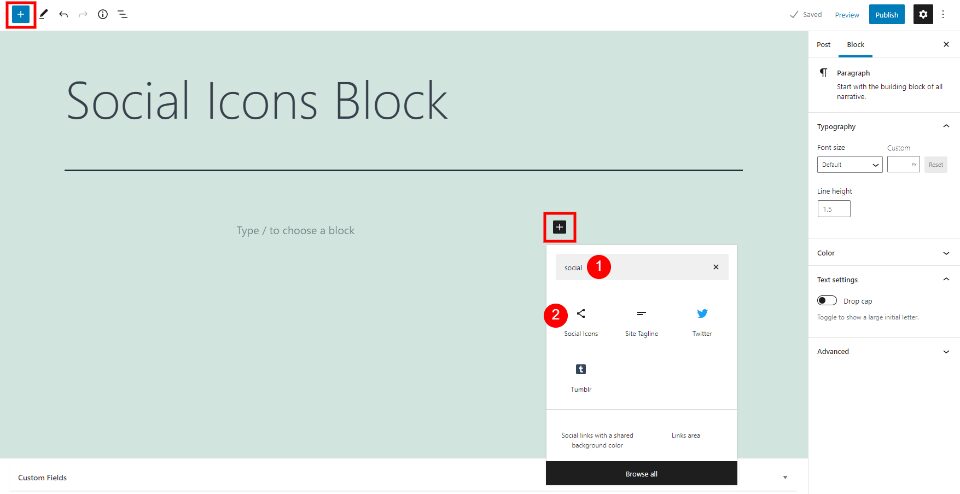
The WordPress Social Icons Block lets you place links to your social networks anywhere within your content. The links are simple icons with the standard social network logos that look great within any content setting. Knowing how to use the Social Icons Block will...
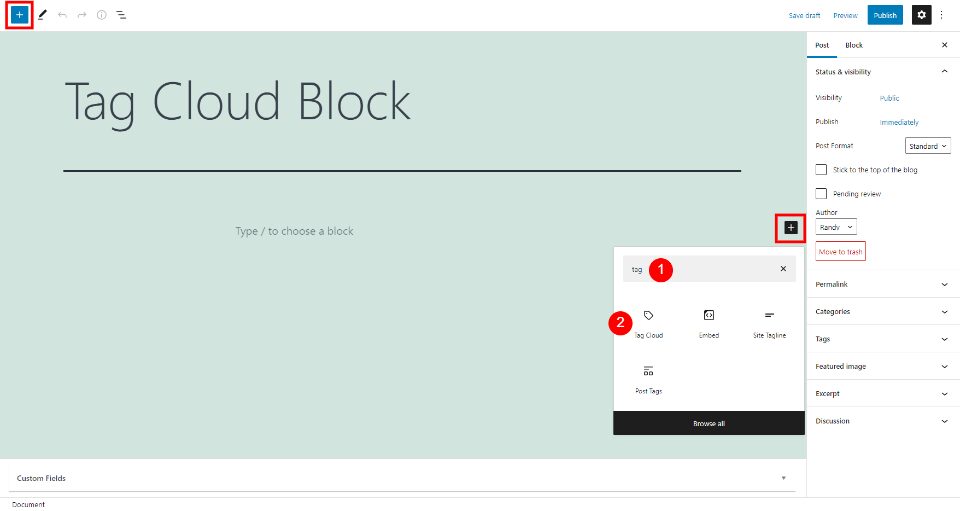
The WordPress Tag Cloud Block creates a cloud of clickable links with your tags and categories. The block is simple, but it can make a big impact on how long users stay on your website and how they find your content. It’s also ideal for suggesting topics to your...
“Recent posts” sections are standard features for many blogs and websites. They enable you to point visitors toward your most current content, so they’ll spend more time on your site. With WordPress, you can insert a list of your newest articles using the Latest...
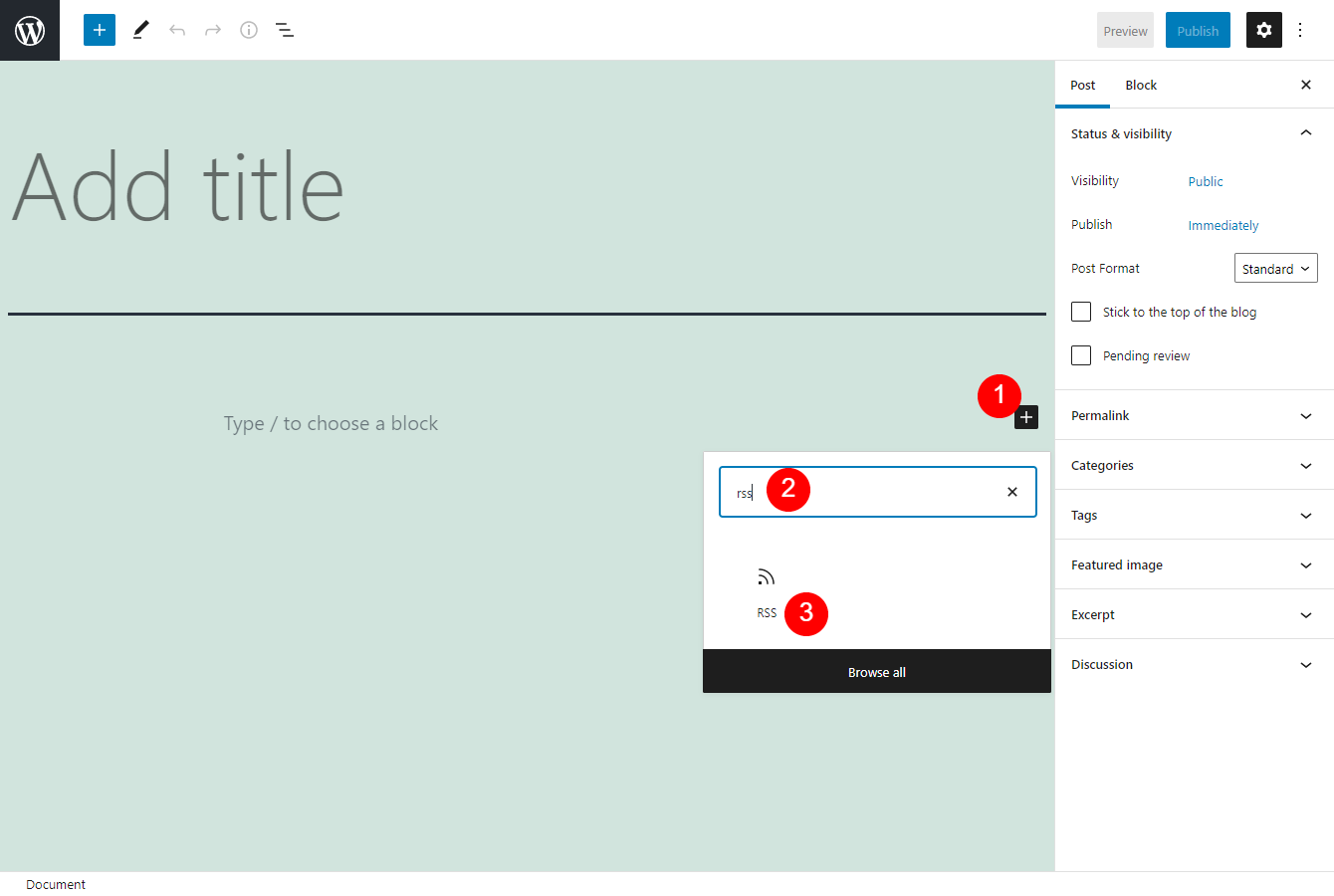
An RSS feed can display machine-readable versions of blog or website content. Its standard format operates much like a news aggregator, and enables us to keep track of updates from various sources. Thanks to the WordPress RSS Block, you can easily show the titles,...