

Anyone who has ever been put in charge of a project knows that organization is your number one priority. The team, information, knowledge, outcome, goals, and so on are also very important. But if you can’t keep all of that straight, the project is doomed (or at least hindered). We want to wade through some of the top options and figure out what they do best. That way you can spend your time actually managing that project. Not finding something that may or may not let you do it.
Project Management Software
Depending on your organization, project details, and personal preference, some project management tools will work better for you than others. One person might prefer a kanban-style solution like Trello, while someone else might prefer an all-in-one solution like Basecamp. While yet others like a task-oriented app like Asana. No matter what your team needs, we’re sure that something on this list will be worth checking out.
Asana
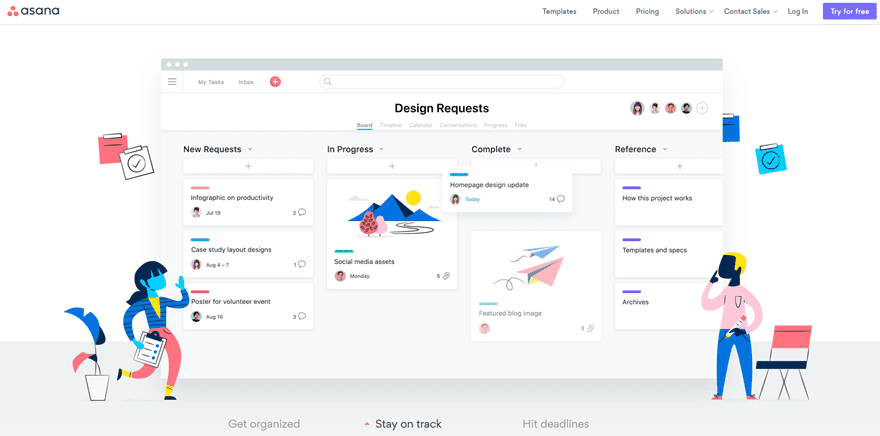
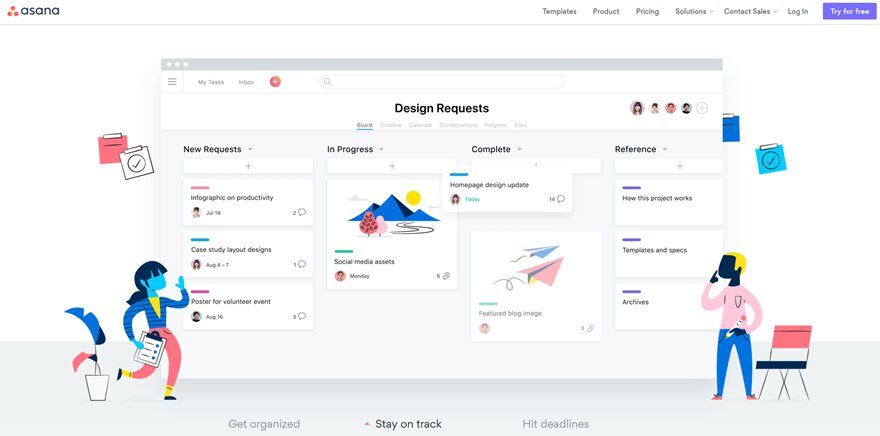
Asana is one of the top project management tools out there because of its ability to cater toward numerous workflow styles. You can use it as a kanban board, moving cards around into various categories and columns. It can be a task-list where you have a list of assignments and dates, and they get worked on at whatever priority you set. And it can be handled like an editorial calendar, letting you schedule out your team so that time isn’t wasted where it shouldn’t be. And if your workplace is used to Agile project management, the Asana site even has some guides for you.
Price: Free (with premium enterprise options) | More Information
Trello
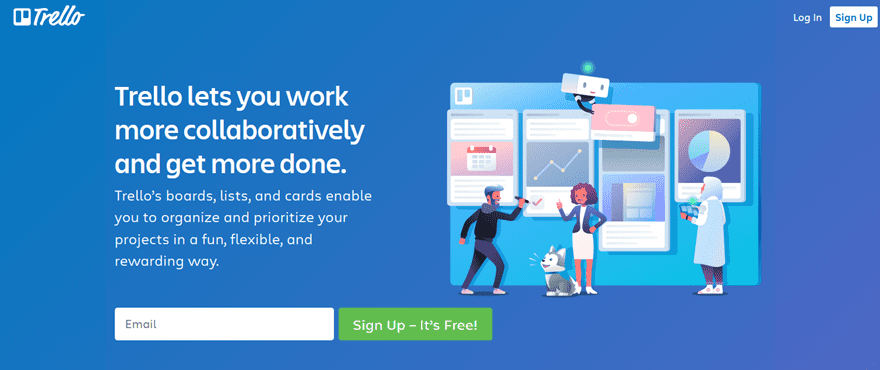
Trello is one of the simpler choices of project management software, but that doesn’t mean it’s any less powerful than its competitors. In fact, the simplicity of its kanban boards makes it so that massive amounts of work can be done easily and quickly, having fewer hoops to jump through. Trello is free to use with premium options available if you need more users or add-ons, and the library of said add-ons means that Trello can integrate itself into Slack, Drive, or nearly any other third-party software you are already using. Within the cards of the various boards you create, tasks can be assigned, comments can be reviewed, and entire discussions can be had. Each of which is organized and logged so that you can always know where the project is at any moment.
Price: Free (with premium options) | More information
Basecamp
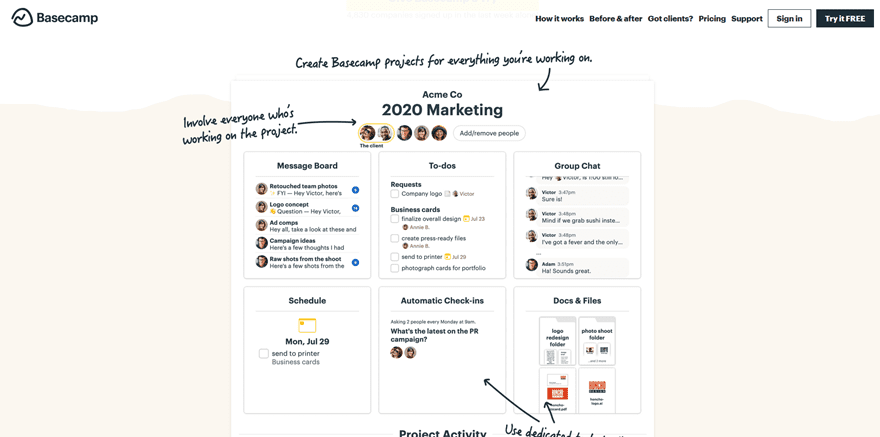
Basecamp is the great-granddaddy of project management tools. Created by the same dev as Ruby on Rails (Basecamp was actually the very first Rails app, fun fact), the app itself has evolved into a jack-of-all-trades platform. Instead of just handling one aspect of project management (or focusing on a single methodology), Basecamp does a little of everything. You get discussion boards, online meetings and stand-ups, automatic check-ins, a document library, an editorial calendar/schedule, and a live chat that emulates Slack, albeit using a single channel, not many. You get all of this for each individual project, not each company. So you have a nicely contained ecosystem for each one. There’s a good chance that if you need it for your project, Basecamp has it.
Price: Free with limits (premium options for businesses) | More information
Zoho Projects
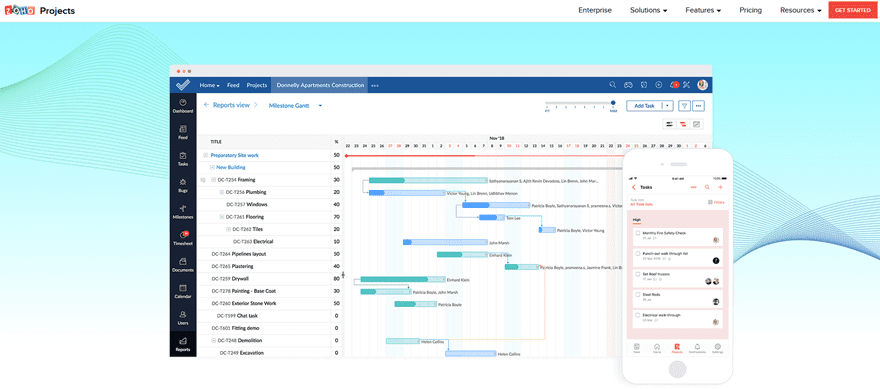
Zoho is one of those companies that does a little bit of everything. They have a CRM, team chat, and so much more. And, of course, software management software. The aptly named Zoho Projects is another example of how an integrated platform of apps can make your life easier. While not as flashy as Asana or do-it-all as Basecamp, Zoho Projects shines at efficiency and ease of use. The app has built-in flowcharting (called Blueprints) where you can assign team members to different steps, issue tracking, social tracking, time tracking for team members, task organization, and incredibly in-depth reporting options based around all of these. Zoho Projects is built for business, and it gets the job done.
Price: Free with limited use (premium plans start at $150 annually) | More information
Bitrix24
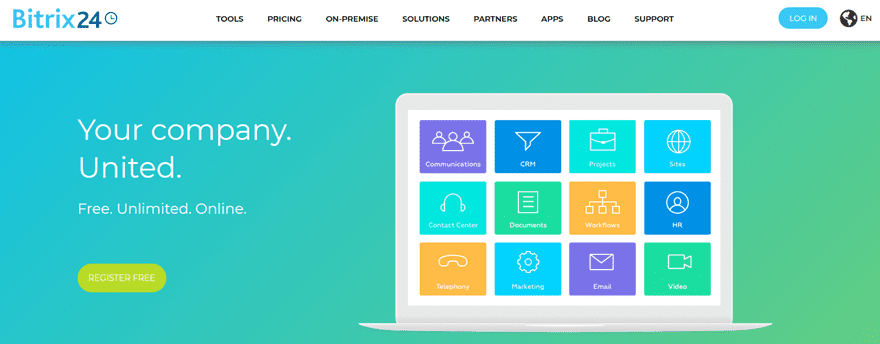
We’d like to start this out with: is there anything Bitrix24 doesn’t do? The answer to that is…maybe not. Because if you need it for business and project management, it’s probably on this platform. Like Zoho, the Tasks and Projects feature in Bitrix24 integrates into an existing platform or stands alone. The project management tools they bring use Gantt charts, workflow building, task automation, real-time communication, time tracking, customer management, invoicing, and kanban boards into a seamless experience. The tagline is free, unlimited, online, and that’s mostly true. The free version of Bitrix24 isn’t as limited as other platforms, but you can remove all limitations by upgrading to the Projects+ tier for $55 per month.
Price: Free with $55/month optional upgrade | More information
Confluence

Confluence is a lot like if Atlassian (makers of Trello) had created Basecamp. Billed as an open and shared workspace, that’s really what Confluence is. Or at least as close as we get in a digital form. Instead of being stuck in spreadsheets and cards, Confluence has page templates so that using the software isn’t as complex. It is simple. In many ways, it’s like having a wiki for each and every project, but with the automations, reminders, filters, permissions, and tracking of project management software. If you want to move into a more flexible, flowing, narrative/people-driven project management style, Confluence is definitely the way to go. It ties in with Jira and Trello, too, so if you absolutely need a feature that’s not there, you can add it in with little to no hassle.
Price: $5 per month per user for Standard and $10 per month per user for Premium | More information
Wrapping Up
Project management software is a lot more than a simple spreadsheet these days. You don’t have to be an expert in formulas and cell design to move a project forward nowadays. If your preference is a standalone client, there’s an app for that. If you need an app to integrate management with existing tools, that’s taken care of. You can’t really go wrong with any of the options on this list, and each and every one will help your next project make it to the finish line just a little easier than it would have otherwise.
What is your project management software of choice?
Article featured image by BarsRsind / shutterstock.com
The post Top Project Management Software for 2019 appeared first on Elegant Themes Blog.







