

Your website is often your hardest-working employee. It operates 24/7, answers questions, generates leads, and helps customers learn about your business. Yet many business owners only pay attention to their website when something goes wrong.
The reality is that website maintenance is not optional. A neglected website can become slow, vulnerable to security threats, and less effective at converting visitors into customers. The good news is that a simple maintenance routine can help keep your website secure, fast, and performing at its best.
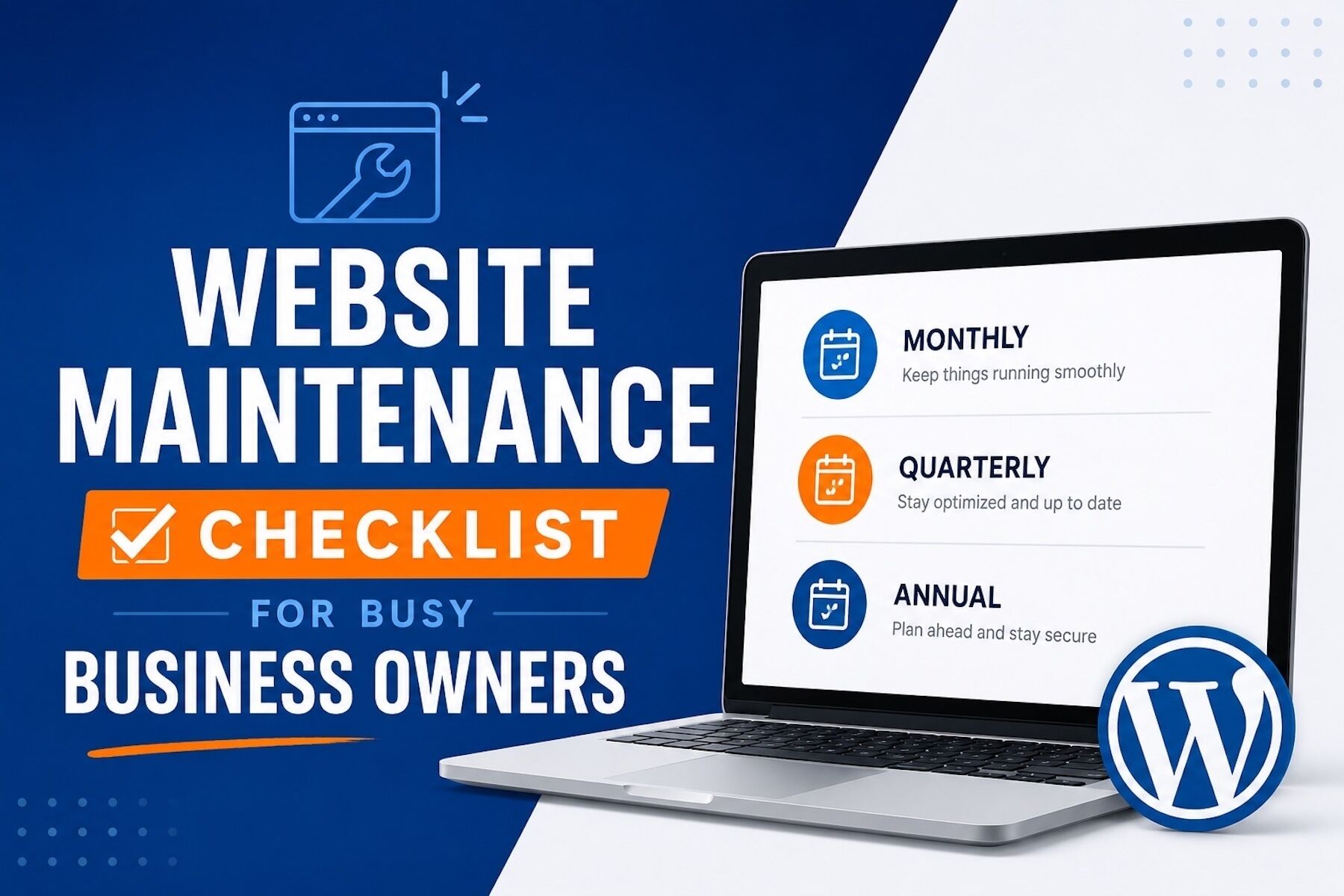
Monthly Website Maintenance Tasks
Update WordPress, Themes, and Plugins
Software updates frequently include security patches and performance improvements. Staying current helps reduce vulnerabilities and ensures your website continues to function properly.
Verify Website Backups
Backups provide protection against accidental changes, cyberattacks, and server failures. Regularly confirming that backups are running properly can save significant time and stress later.
Test Contact Forms
Many businesses rely on website forms for leads and customer inquiries. A quick monthly test can ensure you aren’t missing valuable opportunities.
Monitor Website Performance
Slow websites can negatively impact both customer experience and search rankings. Regular monitoring helps identify issues before they become larger problems.
Quarterly Website Maintenance Tasks
Review Website Content
Outdated information can create confusion and reduce credibility. Review service pages, contact information, staff details, and blog content to ensure everything remains current.
Evaluate SEO Performance
Analyze website traffic, rankings, and user behavior. Understanding which content performs best can help guide future marketing efforts.
Test Mobile Experience
Most visitors now access websites from mobile devices. Make sure your website is easy to use and fully functional across all screen sizes.
Review User Experience
Navigate your website from a customer’s perspective. Look for opportunities to improve navigation, clarity, and calls-to-action.
Annual Website Maintenance Tasks
Conduct a Security Audit
Review user permissions, password policies, and security settings. Remove inactive accounts and strengthen website protection measures.
Refresh Design Elements
Your website should reflect your current brand and meet modern user expectations. Small design improvements can often make a significant impact.
Analyze Website Performance
Review annual traffic, conversion rates, and lead generation results. This data helps identify strengths, weaknesses, and growth opportunities.
Review Compliance Requirements
Privacy policies, cookie notices, and other legal documentation should be updated as regulations change.
Don’t Let Website Maintenance Become a Full-Time Job
While these maintenance tasks are essential, many business owners struggle to find the time to complete them consistently. Between managing employees, serving customers, and growing the business, website maintenance often falls to the bottom of the priority list.
That’s why many organizations choose to work with trusted technology partners who can handle updates, security monitoring, backups, performance optimization, and ongoing website management on their behalf. This approach not only reduces risk but also allows business owners to focus on what they do best—running their business.
A well-maintained website is more secure, performs better, ranks higher in search results, and provides a better experience for customers. The investment in ongoing maintenance often pays for itself through improved reliability, stronger security, and increased business opportunities.
If website maintenance keeps getting pushed to the bottom of your to-do list, it may be time to consider professional support. The right technology partner can help keep your website running smoothly while you focus on growing your business.







