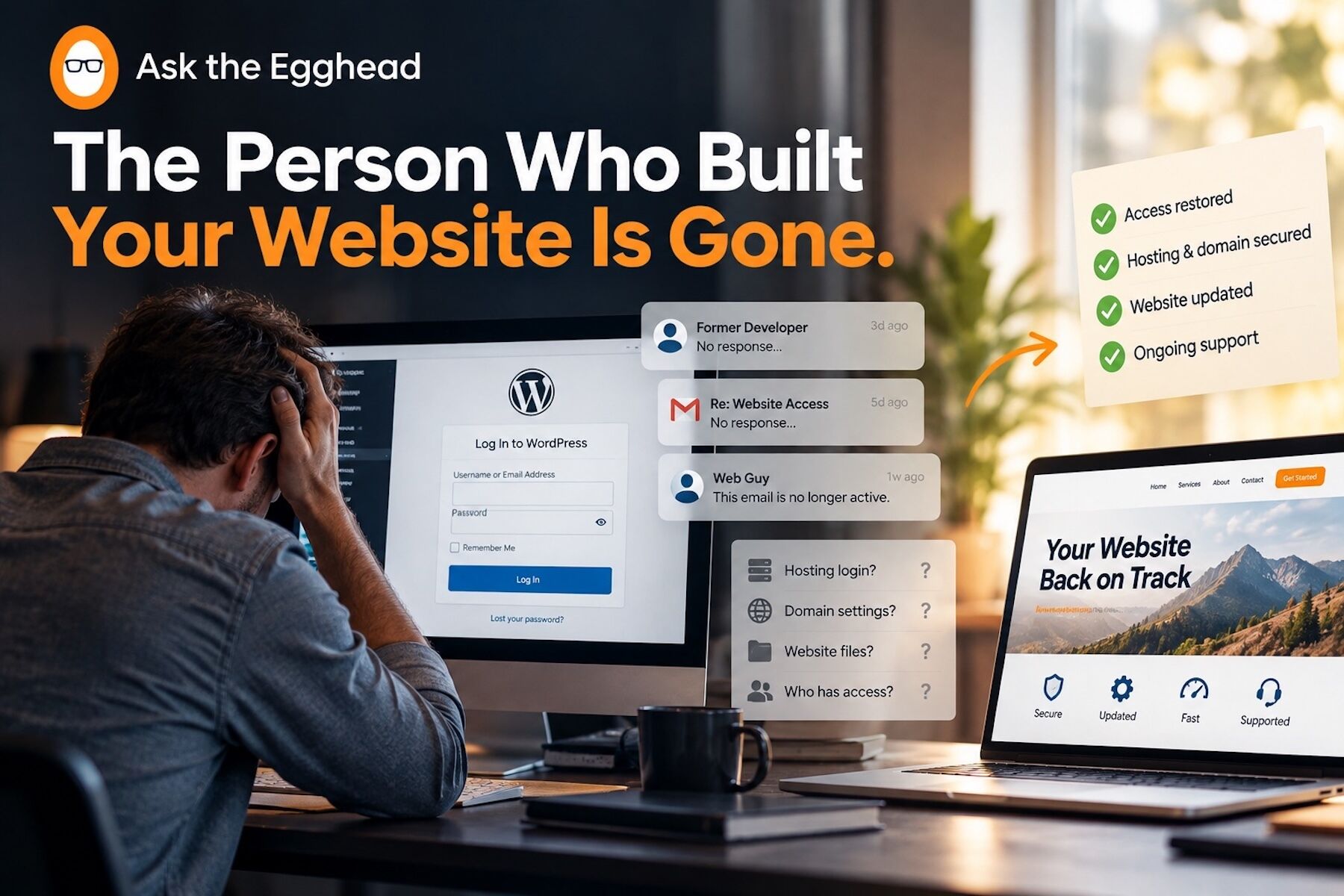
One day, everything is fine.
The next, your website breaks.
You email the freelancer who built it. No response. You try the old agency. Their website is gone. You ask around the office and discover the employee who used to “handle the website” left two years ago.
Then someone asks the question nobody wants to hear:
“Does anyone know the hosting login?”
Silence.
This happens more often than most businesses realize. Websites change hands. Employees leave. Freelancers disappear. Agencies close. Passwords get buried in inboxes, and accounts are created under email addresses nobody checks anymore.
When everything is working, none of this feels urgent.
When something breaks, it feels like an emergency.
The good news is that losing your original website developer does not mean losing your website.
You just need to regain control in the right order.
First, Don’t Start Changing Things
When a website suddenly stops working, the instinct is often to start clicking.
Update plugins. Reset passwords. Change settings. Delete something suspicious.
That can make the situation worse.
Before making changes, determine what you still have access to.
Start with the basics:
- Your domain registrar
- Your web hosting account
- Your WordPress administrator login
- Your business email
- Your DNS settings
- Any backup service
- Google Analytics or Search Console accounts
Think of this as locating the keys before trying to repair the house.
Find Out Who Actually Owns the Domain
Your domain name may be one of your most important digital assets.
If the former developer registered it under their own account, you may need to recover or transfer ownership.
Search old emails for registration confirmations, renewal notices, invoices, or messages from companies like GoDaddy, Namecheap, Cloudflare, or other registrars.
If you can access the email account associated with the domain, password recovery may be straightforward.
If you cannot, you may need to work directly with the registrar to prove ownership.
Do this before the domain expires.
Track Down the Hosting Account
Your website files and database live somewhere.
That “somewhere” is your hosting provider.
Search accounting records, credit card statements, invoices, and old email conversations for recurring hosting charges.
Even if nobody remembers the login, knowing the hosting company gives you somewhere to start.
If the account belongs to a former employee or developer, you may need to establish business ownership before support will give you access.
This is frustrating.
It is also fixable.
Secure WordPress Once You Get In
Once access is restored, don’t immediately assume the emergency is over.
Check every administrator account.
Remove users who no longer work with the company. Reset administrator passwords. Enable two-factor authentication when available.
Then review your plugins, themes, WordPress version, PHP version, and backup system.
A website that has been unmanaged for months or years can accumulate vulnerabilities quietly.
The goal is not merely to get back inside.
The goal is to make sure you do not lose control again.
Create a Website Access Record
Every business should know who controls its website.
Create a secure record containing:
- Domain registrar
- Hosting provider
- WordPress administrator access
- DNS provider
- Backup location
- Analytics accounts
- Important plugin licenses
- Renewal dates
- Primary technical contacts
Do not store passwords in an unsecured spreadsheet or shared document. Use a reputable password manager and make sure more than one authorized person knows where critical access is stored.
Your business should never depend on one person remembering everything.
Then Build a Recovery Plan
Once the immediate problem is solved, ask a larger question:
What happens if this happens again?
Who monitors the website?
Who handles updates?
Where are backups stored?
Who gets an alert if the website goes down?
Who can restore it?
Those questions turn a website from something somebody “takes care of” into a business asset with real continuity planning behind it.
At Ask the Egghead, we help businesses regain control of WordPress websites, managed hosting, maintenance, security, backups, and ongoing support—especially when the person who used to handle everything is no longer around.
If your website is currently in limbo, don’t wait until the next update, outage, or renewal turns uncertainty into an emergency.
Contact Ask the Egghead and let’s get your website back under your control.