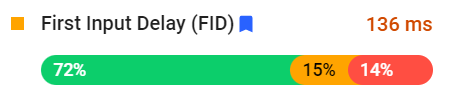
Core Web Vitals is a set of metrics Google uses to evaluate the quality of your website. Optimizing your site for these metrics is absolutely essential. Not only does optimizing these metrics for a good score give your website a solid user experience (UX), that user...
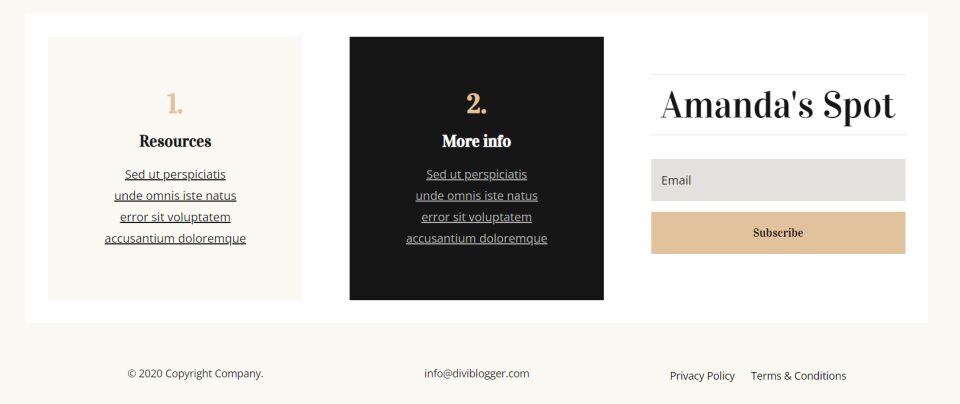
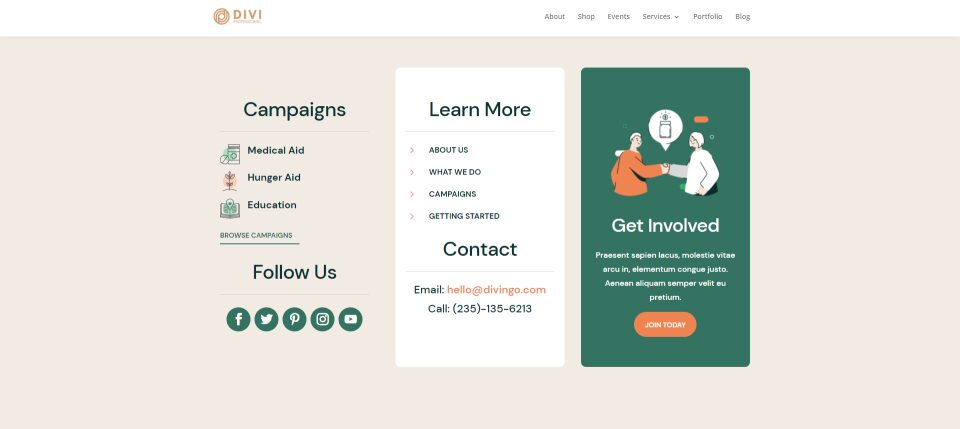
Privacy policies and terms and conditions are two important pages that should be easy to access. The footer is perhaps the most popular place to add links to these pages. These links are easy to add to your footer with Divi. In this article, we’ll see two methods on...
Anyone who’s familiar with browsing the web has run across a 403 Forbidden error, or other HTTP status error, at some point. These errors are incredibly frustrating, especially when they appear on a WordPress website that you own and run. When you’ve gone to the...
Pop-up optin forms are simultaneously one of the most useful and most annoying elements of web design. Without them, you can hardly grow a list of devoted customers, but first-time visitors are highly unlikely to even pay attention to them. That’s why we want to walk...
Your internet browsing session has just been interrupted by an untimely 504 Gateway Timeout error. Most likely, you’ve seen this error from time to time, since it happens when a browser fails to connect to the website you’re attempting to visit. It’s a nuisance for...
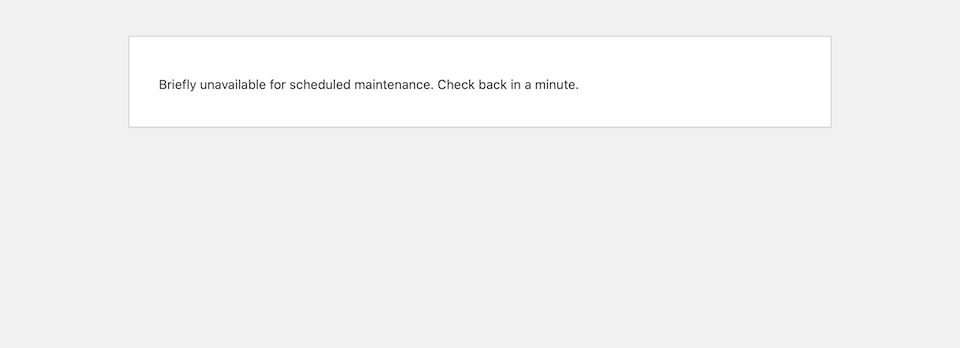
The WordPress maintenance mode page automatically shows to website visitors when you’re updating your site, like when you’re updating core files, plugins or themes. The point of the maintenance mode page is to prevent your site from looking like it’s broken when it’s...
When there’s a 500 internal server error on your website, your focus goes to one thing only: How do you get your website back online as quickly as possible? Every minute – second, even – that your site is down is time that you’re losing traffic and sales. Plus, it’s...
Securing your WordPress site isn’t a one-and-done deal. No matter how much you trust your security plugin or how thorough you were with website hardening, a safe website today does not make for a safe website tomorrow. To keep hackers at bay, you have to regularly...
Having a strong social media presence is crucial for the success of any website. Your audience wants to connect with you on their favorite platforms. One way to make it easy for them is to provide social media links on your website. Fortunately, this is easy to do...
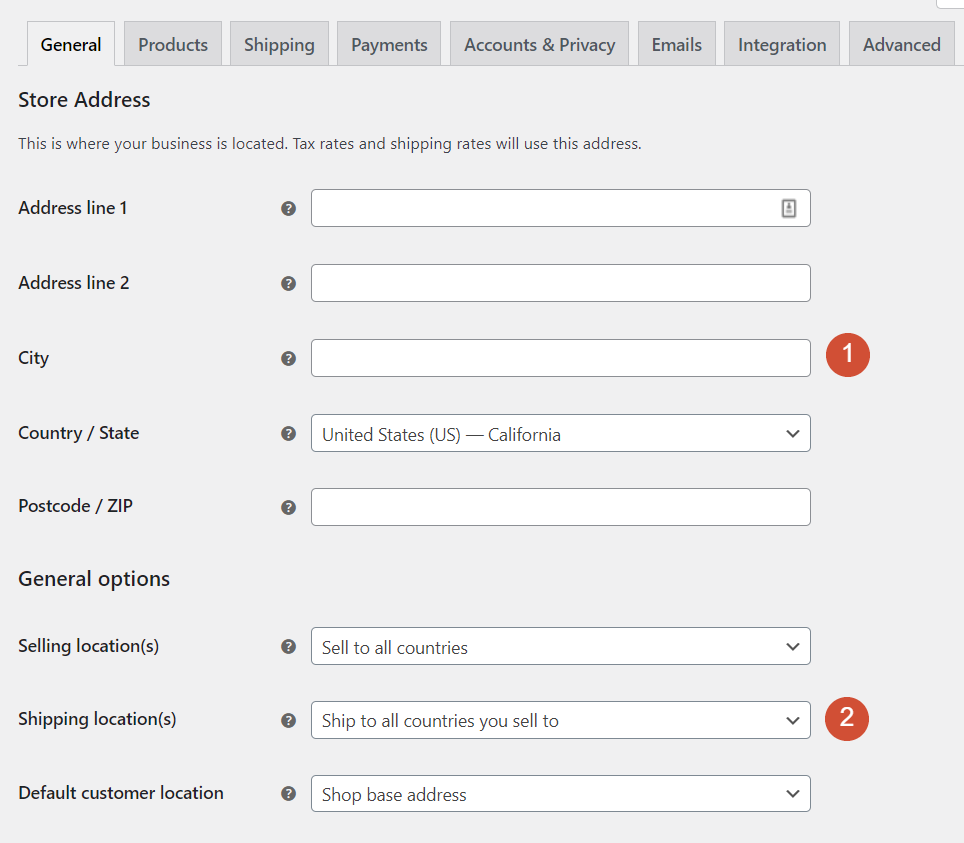
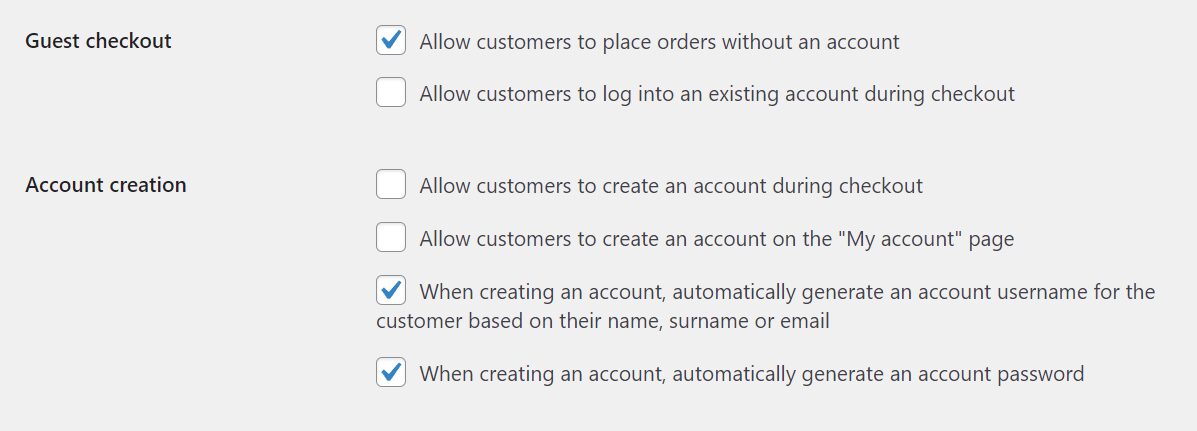
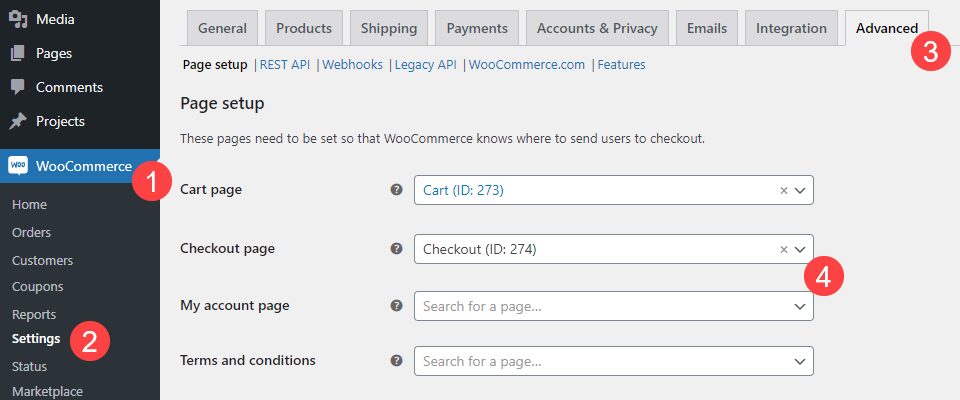
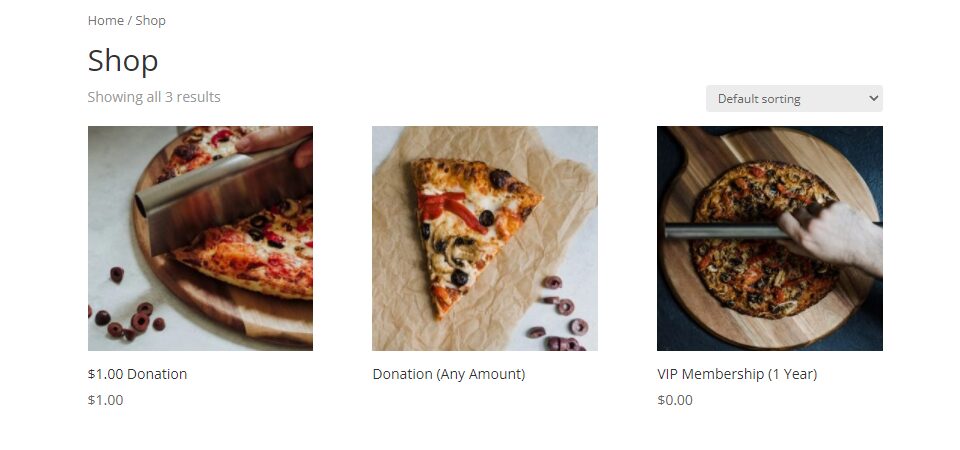
Few plugins add as many features to WordPress as WooCommerce does. With one tool, you can take this Content Management System (CMS) and add all the functionality you need to set up an online store. However, that’s only possible if you know how to configure WooCommerce...
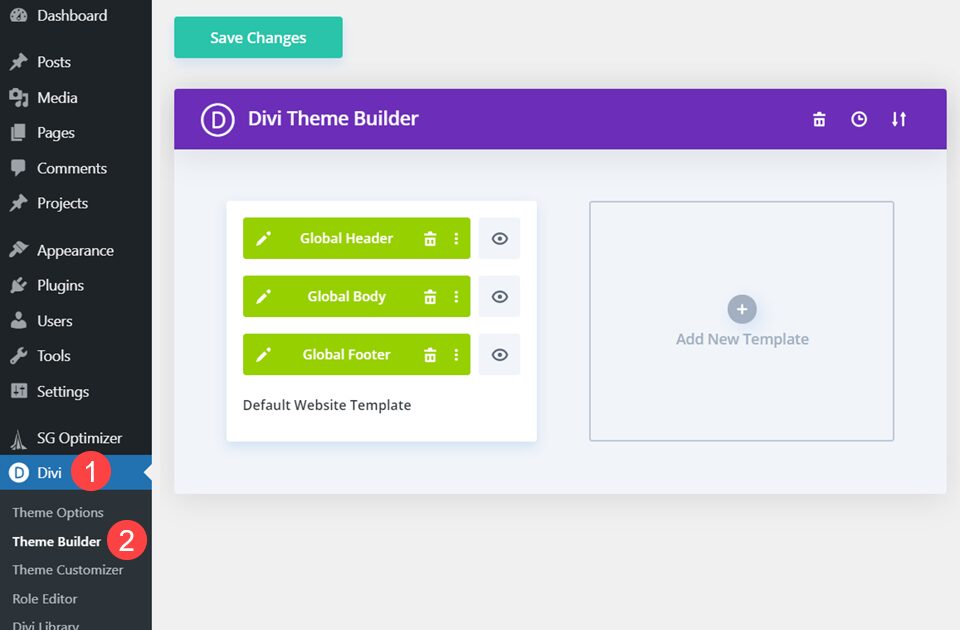
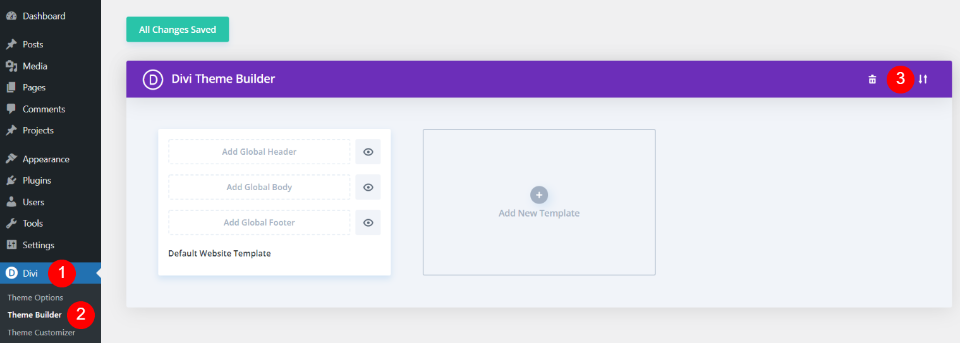
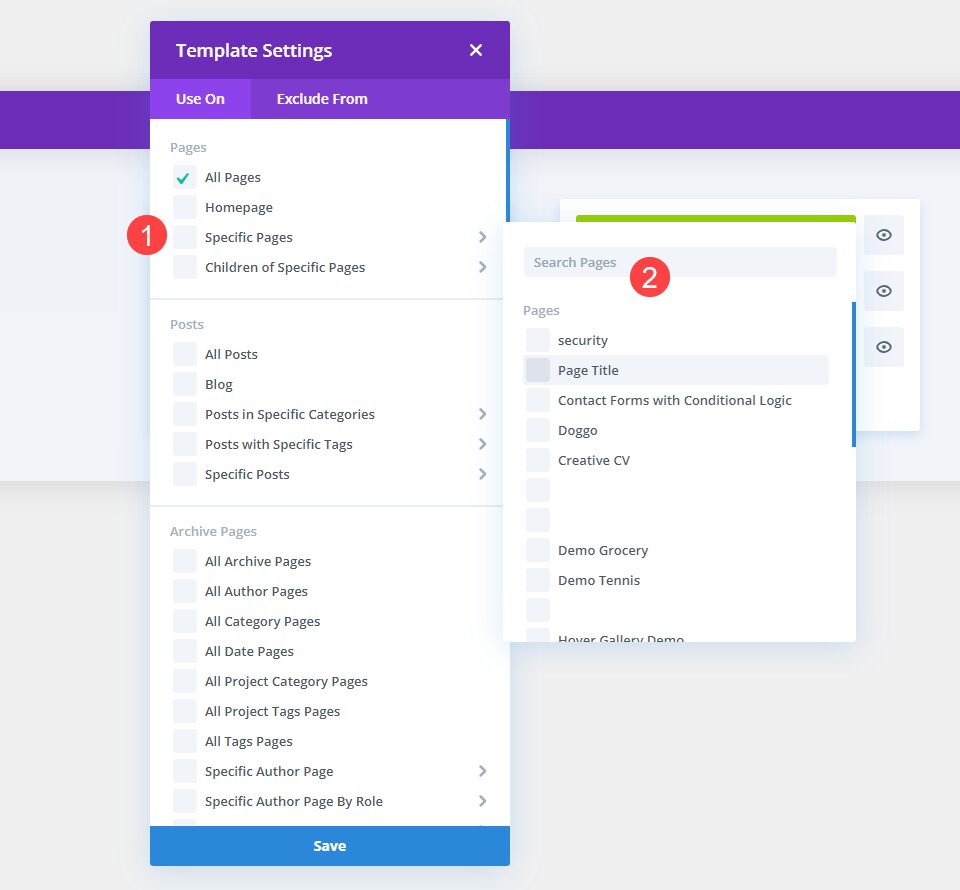
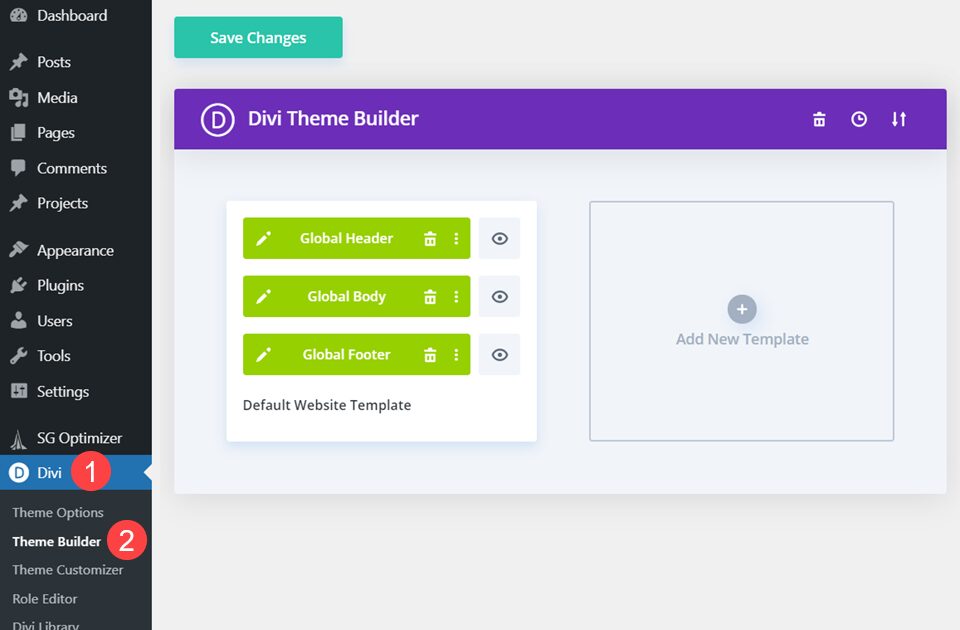
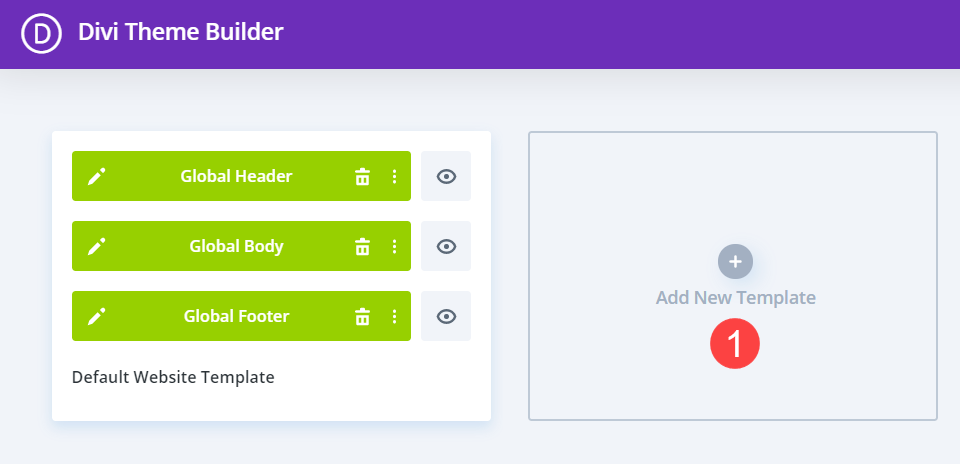
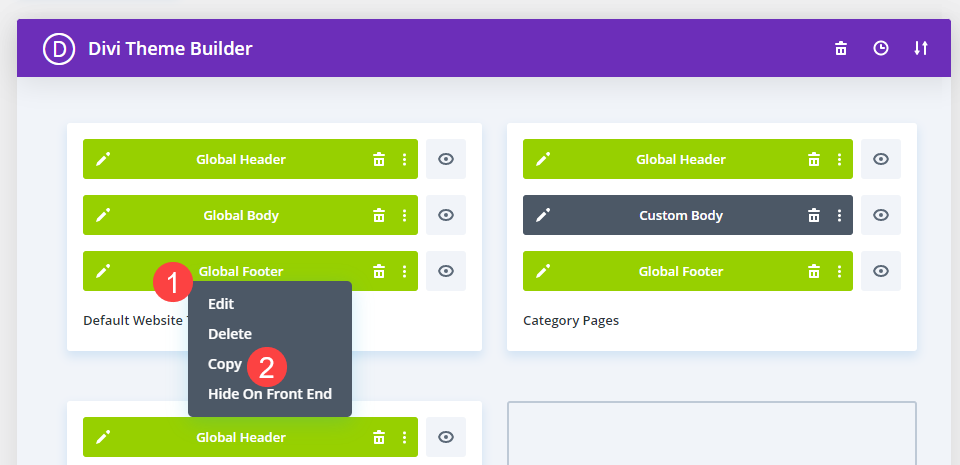
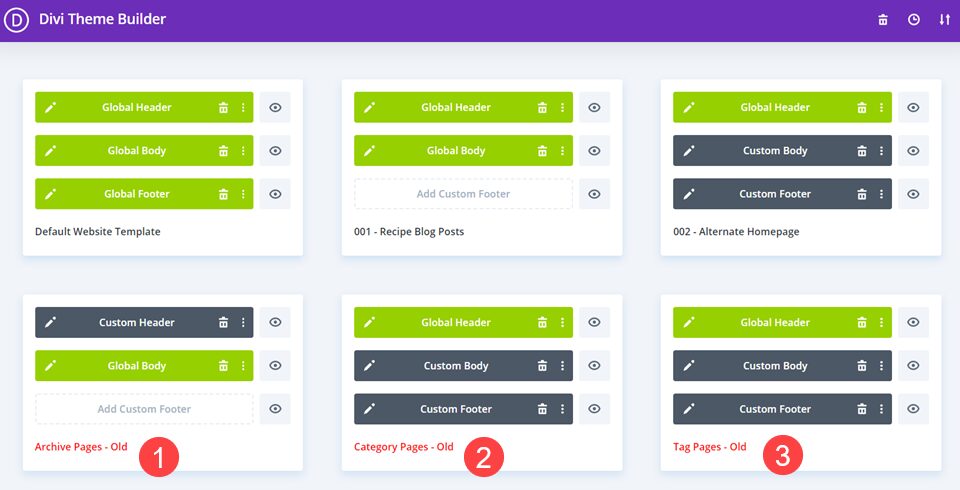
One of the most valuable features of the Divi Theme Builder is the ability to create custom templates and assign them to specific pages or posts. You can create a different template for every page or post, certain post types, tags, categories, products, etc. The Theme...
If you want to set up an online store with WordPress, you’ll probably use WooCommerce. It’s the king of e-commerce plugins, and it makes selling online remarkably simple. However, if you’re about to install WooCommerce, you might need a little help getting started. In...
It should come as no surprise that when something is tailored to your interests and personal habits, then you are far more likely to engage with it. You’re more likely to open a junk email that says, “Jimmy! Open this now!” than simply “Open this now!” You are also...
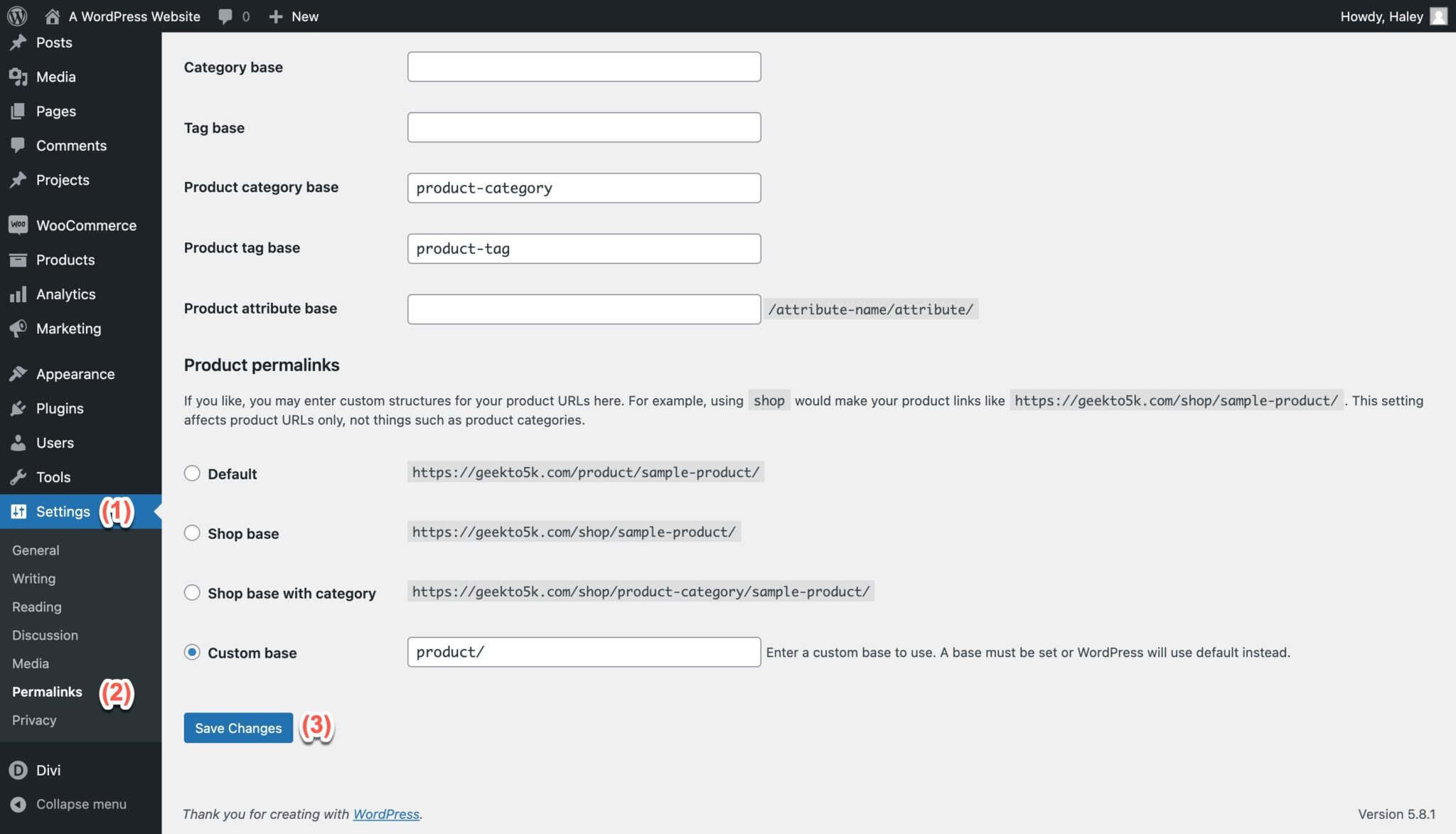
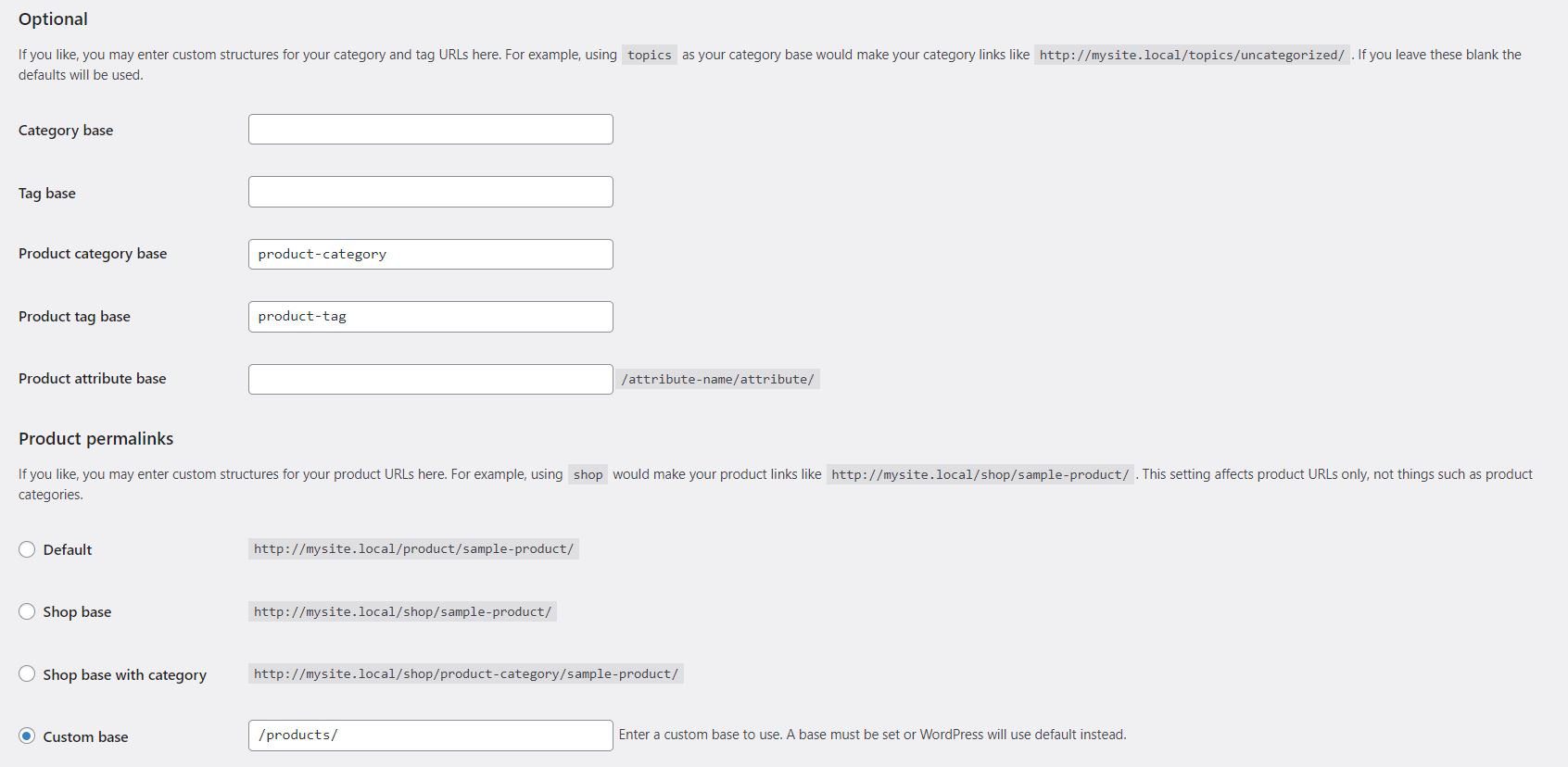
Optimizing your WooCommerce permalinks can help you drive more traffic to your store. However, trying to understand which URL structure will work best for your needs can be a little challenging. Fortunately, there are some very simple yet effective practices you can...
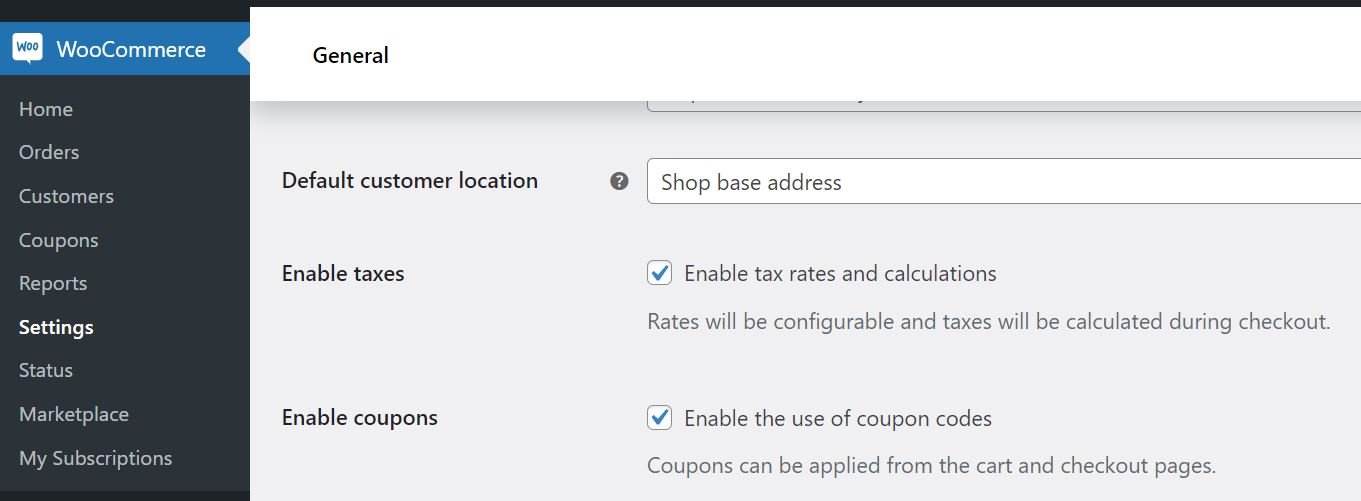
Running an online store comes with many perks, but having to figure out taxes is not one of them. This task may seem a little daunting, especially if you’ve never done it before. Fortunately, WooCommerce provides a straightforward setup process to help you get the job...
It’s easy to add your site’s logo to any footer made with the Divi Builder. However, if you only display it as an image, you’d have to edit your footer every time you changed your logo. The solution is to use a dynamic logo. A dynamic logo changes to match the site’s...
WordPress offers a wide variety of user roles and capabilities. You can have Administrators, Authors, Editors, and more on your site. What’s more, if you use WooCommerce you get access to even more options. Understanding what WooCommerce roles and capabilities are...
Divi’s condition options allow you to have complete control over your site’s content like never before. Part of that control comes in decluttering your site from having content that doesn’t apply to all users. Such as a login form. Many times, sites will have a login...
Creating a WooCommerce store is very simple: install the WooCommerce plugin, add a product or two, set prices, and there you go–a WooCommerce shop. But running a successful WooCommerce shop is considerably different. Planning and optimizing an ecommerce website is no...
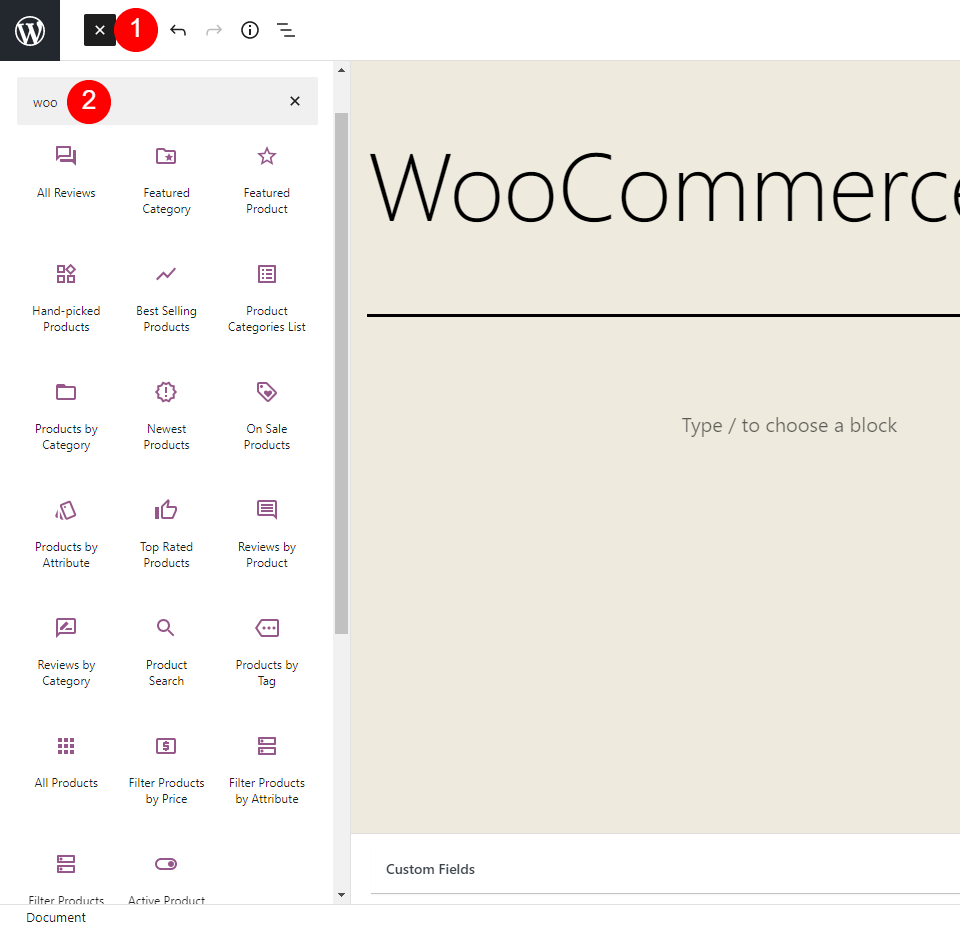
WooCommerce blocks provide lots of options to showcase your products. There are currently 20 blocks added to the block editor when you install WooCommerce. Even more blocks and new features are available in the WooCommerce blocks plugin, which tests new blocks and...
As ubiquitous as WooCommerce is, many users have never delved terribly deep inside the technology behind it. For good reason, too. You don’t have to. WooCommerce is simple and easy and works incredibly well right out of the box. However, if you want to get the most...
The Divi Theme Builder’s strongest selling point is that you can fully customize your site in just about any way that you can imagine. You can set global designs, use specific layouts and templates for particular post types, and special rules for things such as using...
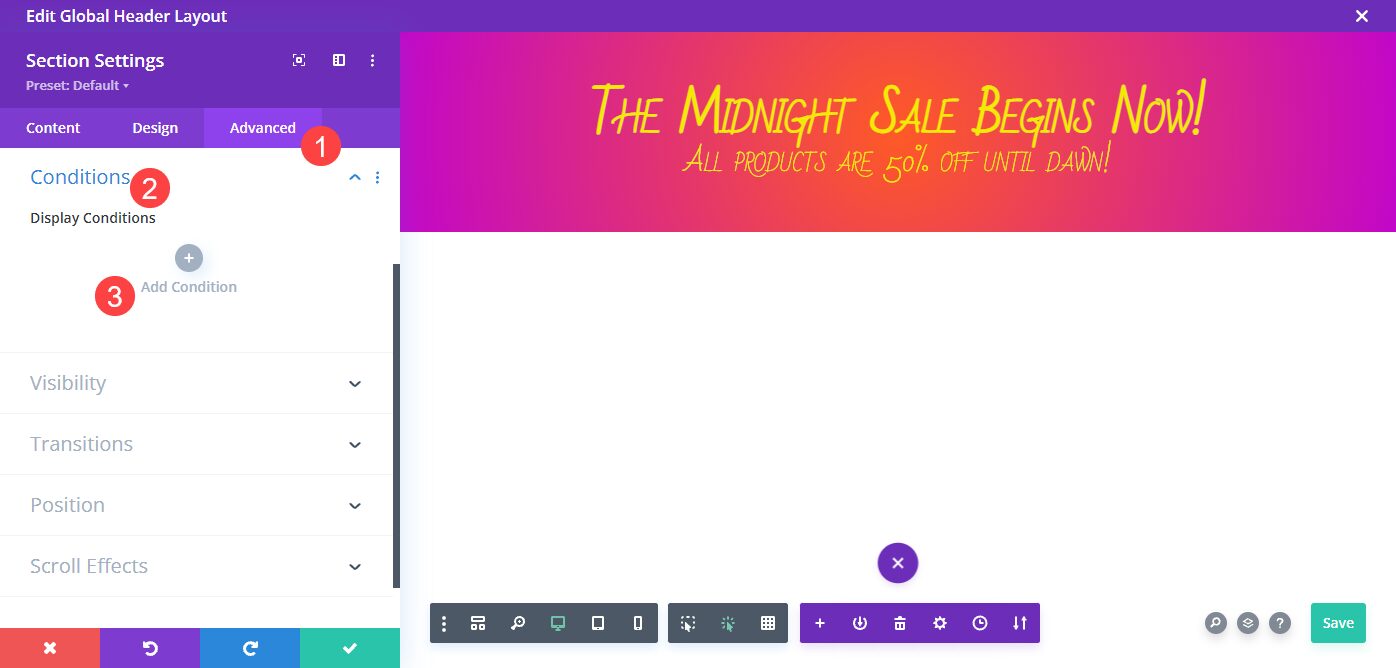
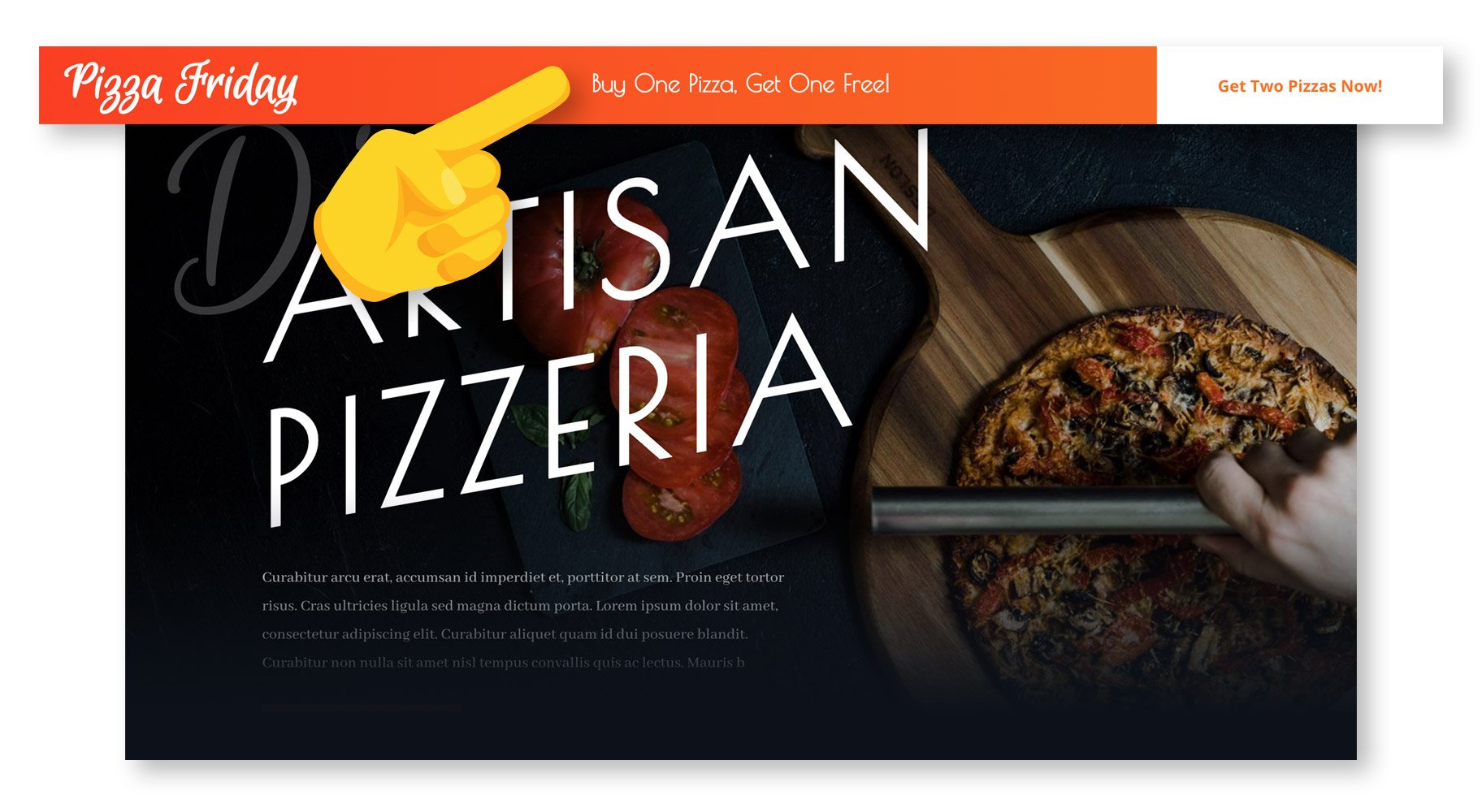
Running a promotion or sale as a website owner isn’t always the most convenient part of running the site. Sales often don’t begin or end during typical operating hours, many times beginning and ending with the start of a calendar day instead. Using Divi’s condition...
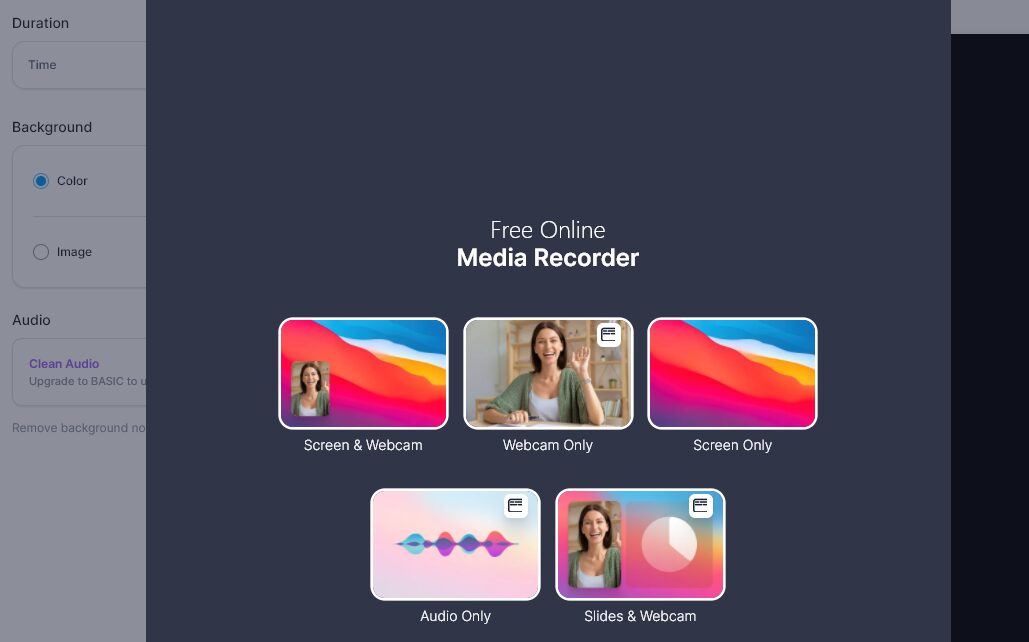
Video editing and recording software can be remarkably complex. You typically need a specialized skill set (or a lot of time) to create and edit videos. If you’re going to use those videos for online marketing purposes, the bar is even higher. Fortunately, VEED.IO...
If you have a WordPress website, there’s a good chance you have WooCommerce installed. If not, then there’s a high likelihood that you have considered or are considering it. We understand the prospect of learning an entire ecommerce platform can be daunting, but...
With Divi’s condition options update, you have more control over how your content displays than ever. You can add conditions to sections, rows, and modules to show your content only when your set criteria are met. Today, we’re going to show you how to add a recurring...
One of the most-used features of the Divi Theme Builder is adding a global header to your website, and then being able to override it with custom headers wherever you need. You can customize each and every page, post type, and visible area of your site to your needs....
Including videos in your WordPress posts can make your content a lot more engaging. However, having too many media files on your site may hurt your page loading times. This is where the VideoPress embed block comes in. This lightweight media player enables you to...
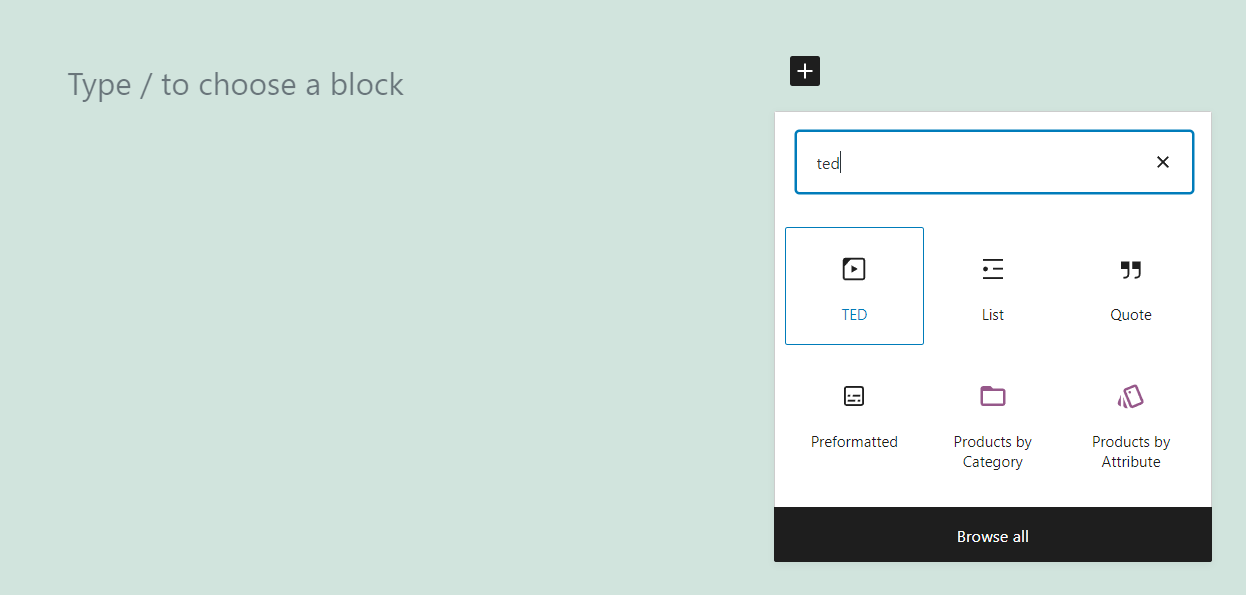
TED Talks are among the most-watched videos on the internet. Years later, people still talk about some of the most iconic ones, including speeches by Bill Gates, Chimamanda Ngozi Adichie, and many more. The video platform that hosts this content is so popular that it...
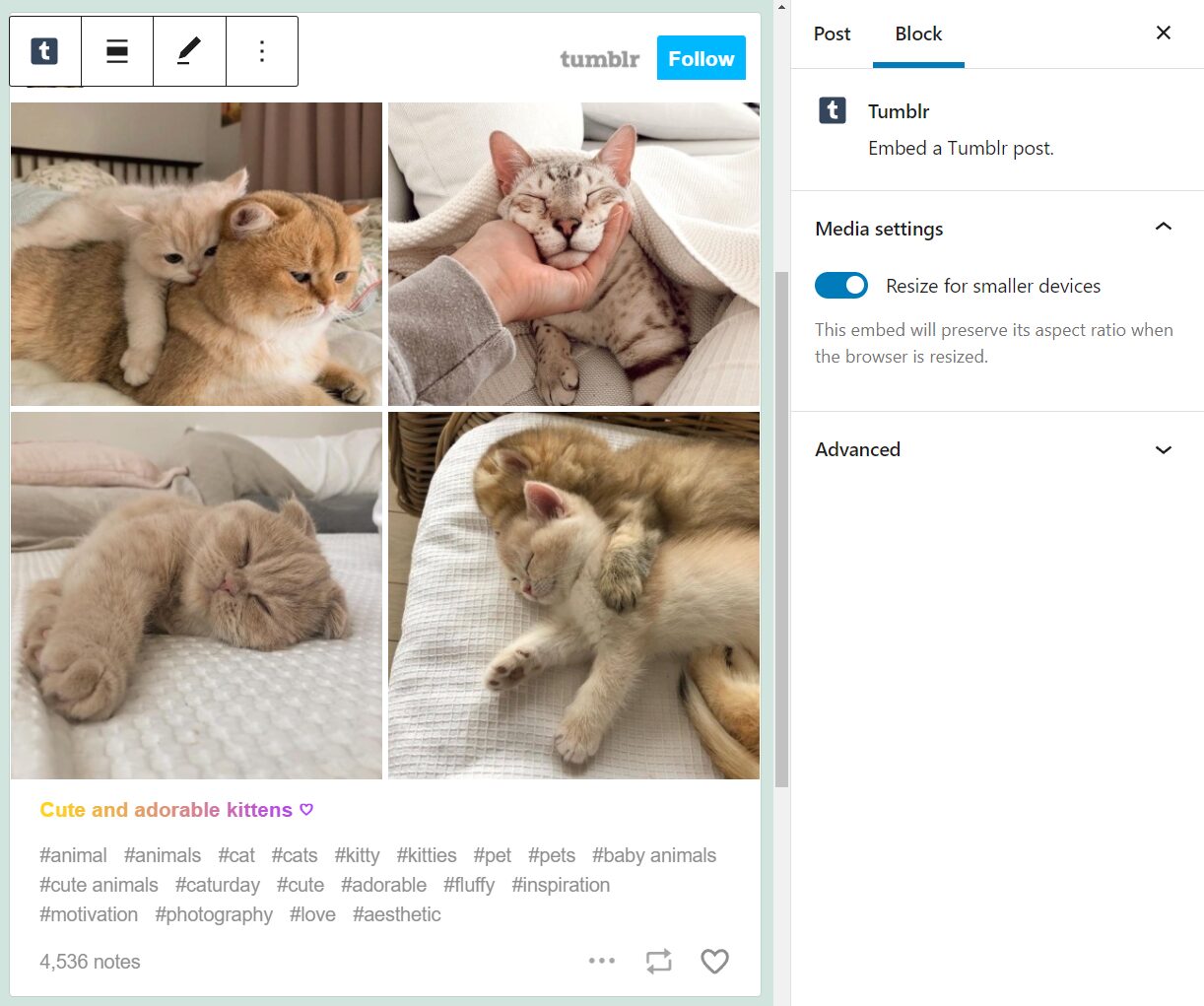
Tumblr is one of the most popular social media platforms in the world, particularly within the US. This platform offers an easy way to share microblogs and media, and it’s only natural that you might want to publish some of that content on WordPress as well. That’s...
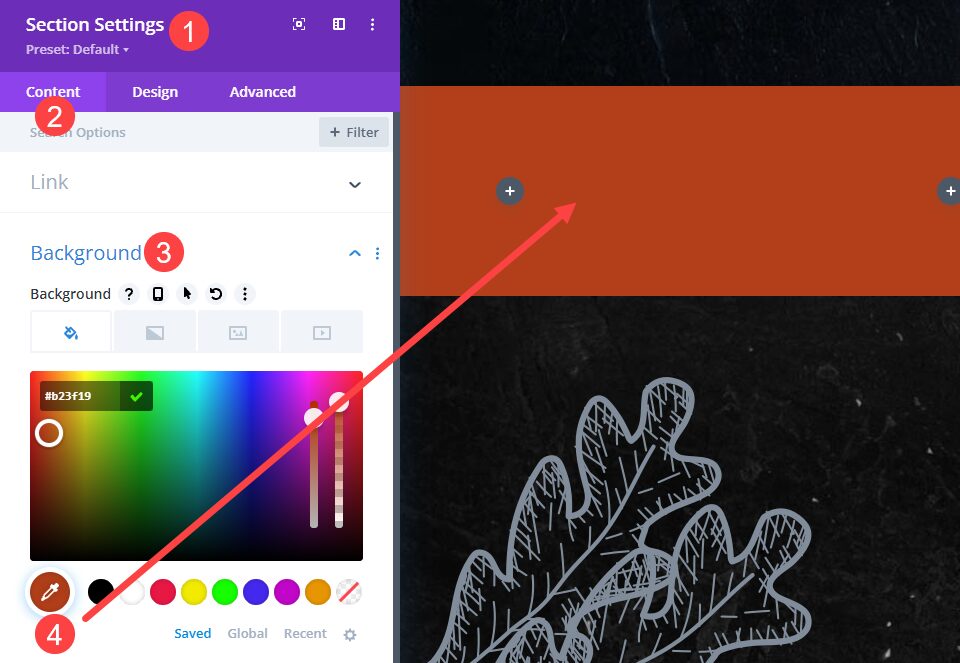
With all of the fine-tuning and specific details you can add to your site using the Divi Theme Builder, few may be as high-impact/low-effort as adding a background image to your Divi header. Using the theme builder, you can add this flourish with very little fuss and...
WordPress.tv is an educational hub for everything related to WordPress. It contains a wealth of videos about development, design, best practices, and more. If your blog or website concerns this popular Content Management System (CMS), you may be looking to share some...
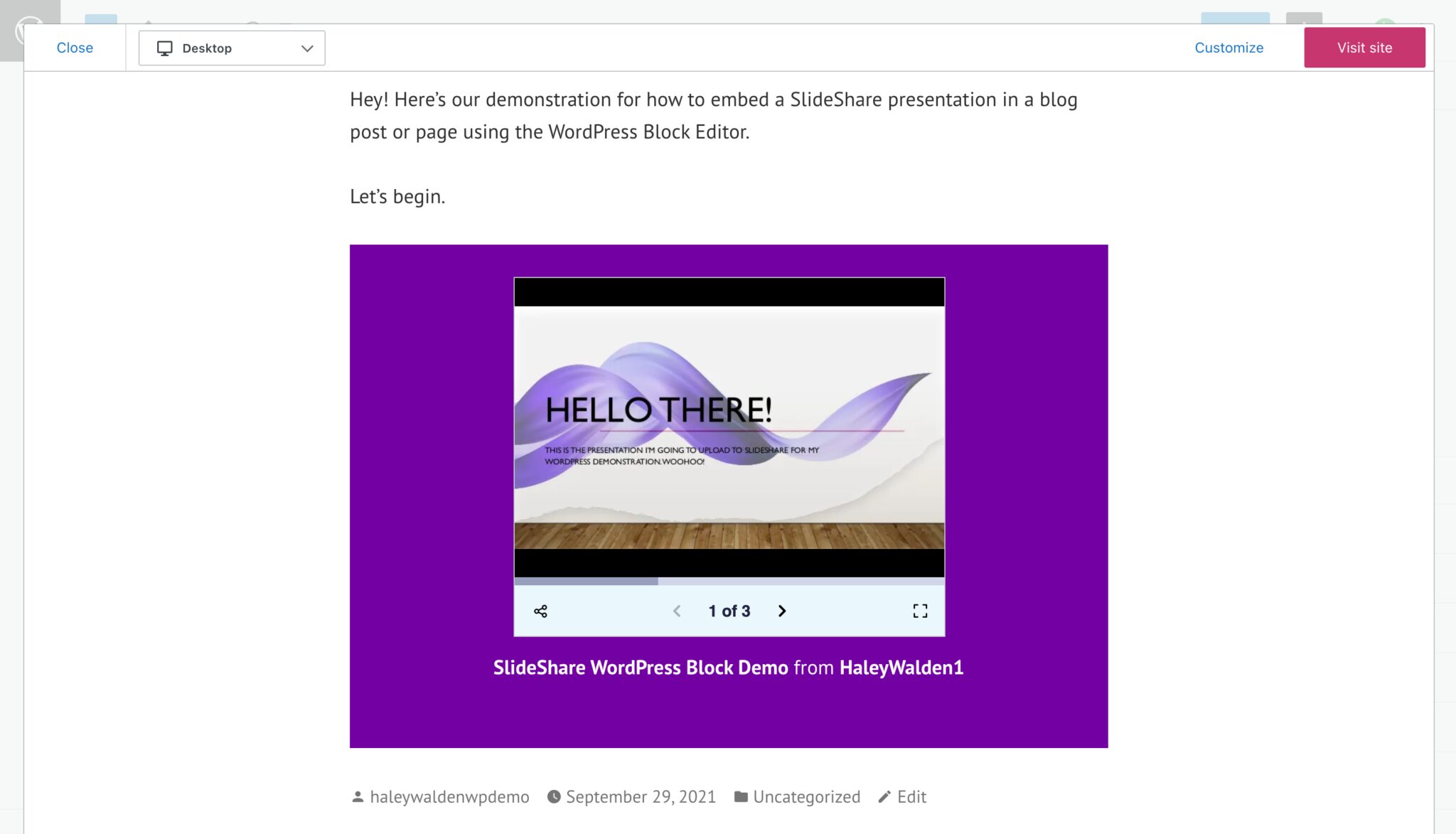
Within WordPress’s Block Editor, there are a variety of tools that make it simple to share embedded media from external websites on your page or blog post. The SlideShare embed block allows users to embed their SlideShare presentation decks directly into a WordPress...
The WordPress Block Editor features multiple embed tools that make it easy to incorporate external media into your WordPress page or blog post. For users who want to share their photography (or feature other photographers’ work, with permission of course) on their...
Adding a button to your Divi header could not be simpler. By using the Divi Theme Builder, you can control placement, design, and specific page assignment. Perhaps a button in your header is necessary on specific landing pages but not on individual blogs. We are going...
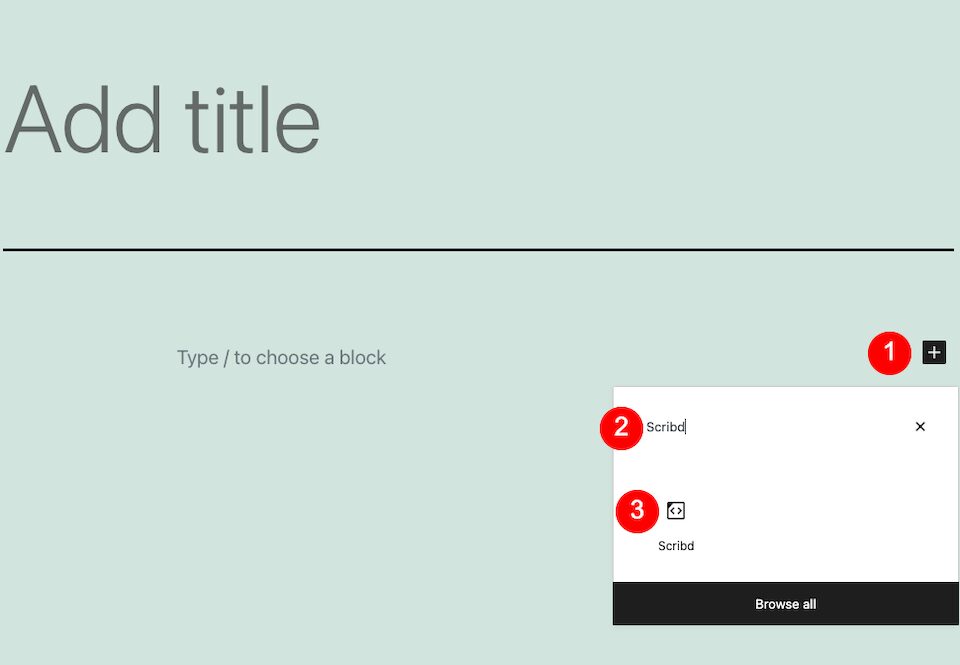
Scribd is one of the preeminent online places to be if you’re a reader or content consumer. The platform hosts a countless number of full-length audiobooks, ebooks, documents, magazines, podcasts and sheet music for as low as $9.99 a month. If your audience is made up...
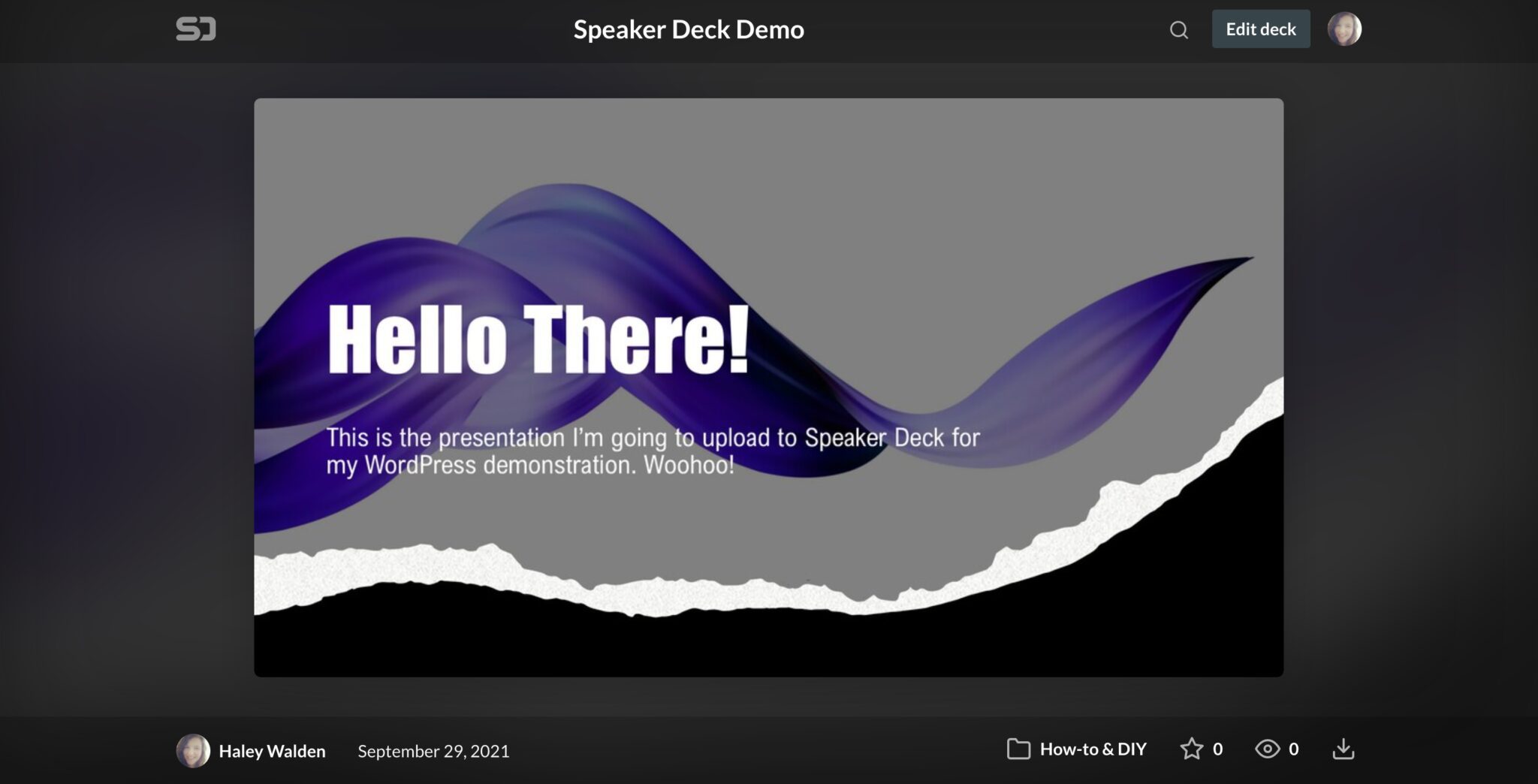
The WordPress Block Editor has a wide range of embed tools that make it easy to display third-party media on your WordPress blog post or page. The Speaker Deck embed block is one of the many embed tools you can use in the Block Editor. If you want to embed a Speaker...
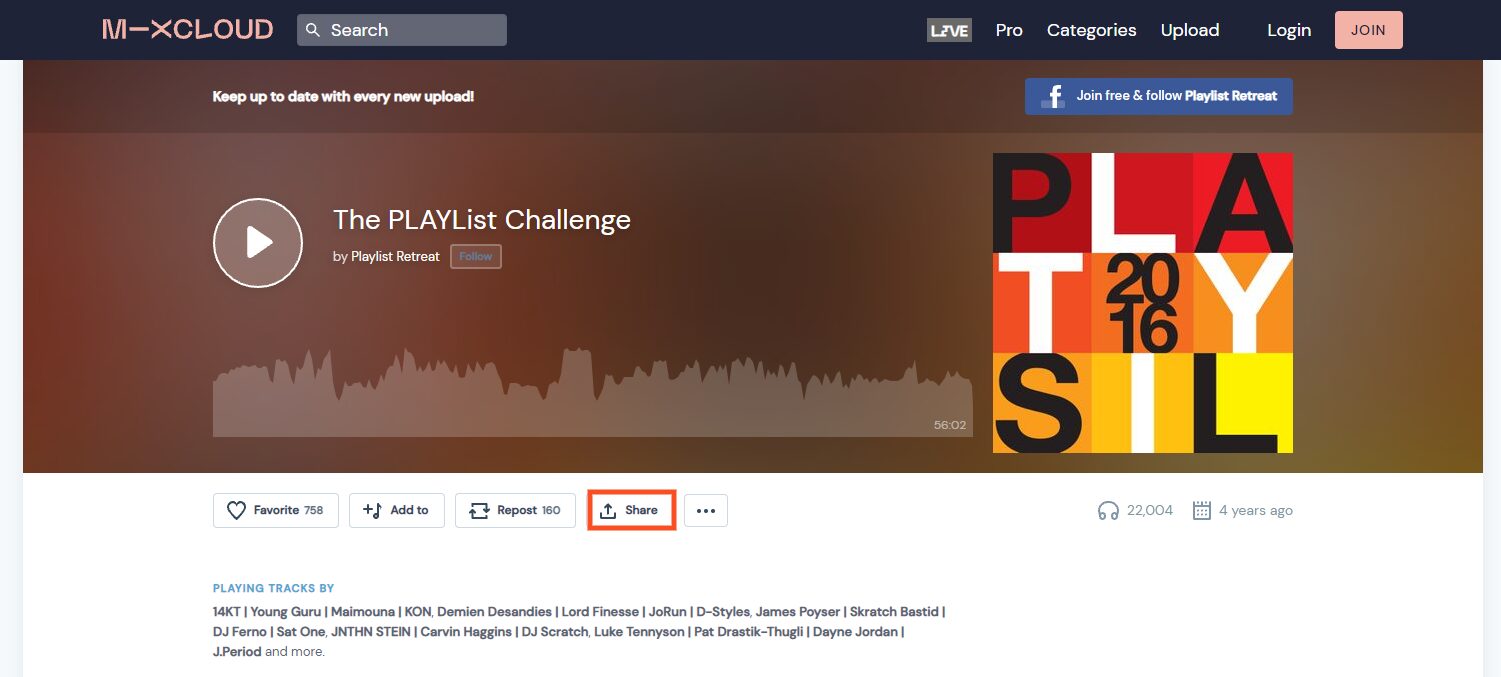
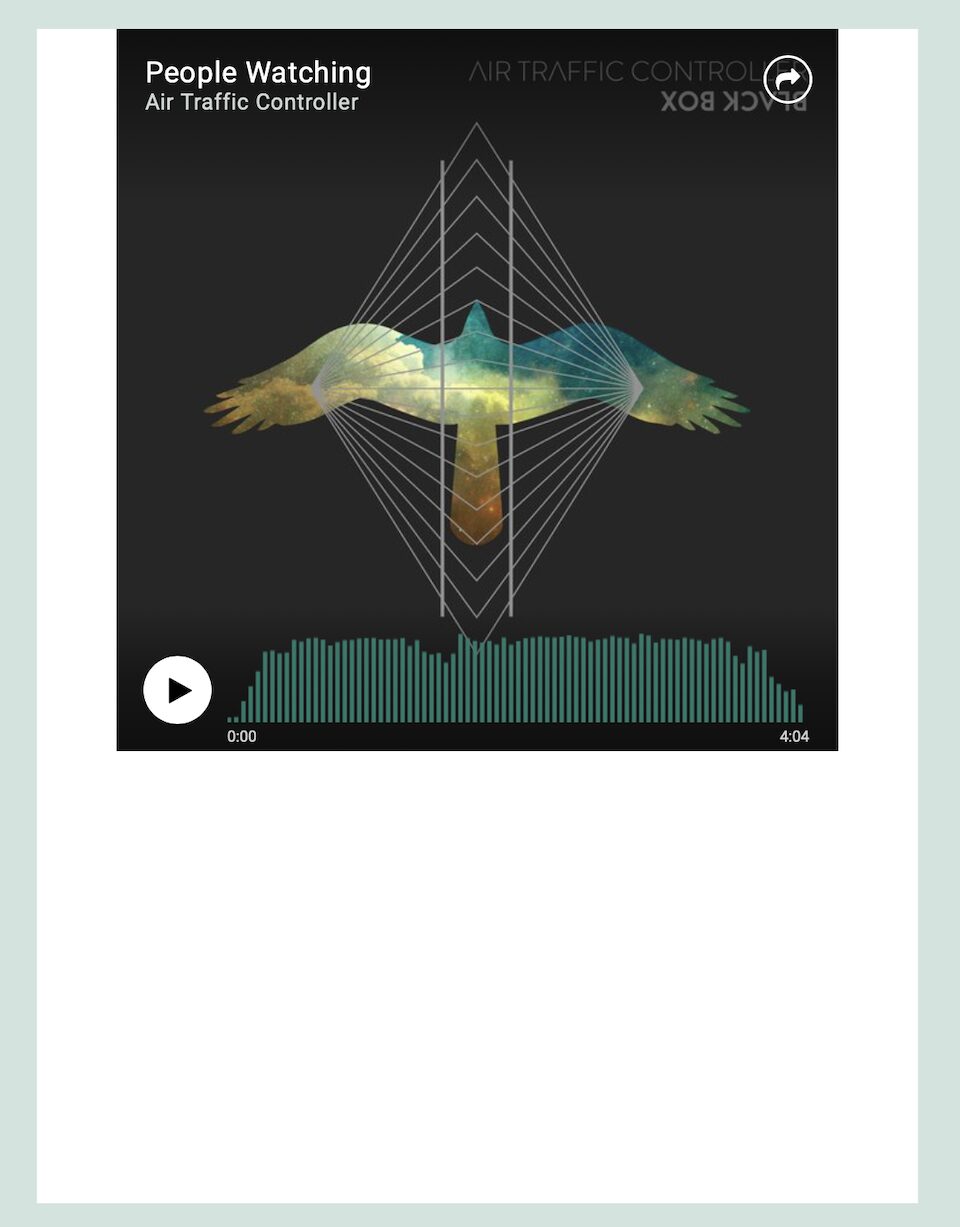
There are many ways to make your website more engaging. One of them is to add music and playlists to your pages. Whether you’re looking to promote your own audio or someone else’s, the Mixcloud embed block can help you easily integrate your Mixcloud playlists and...
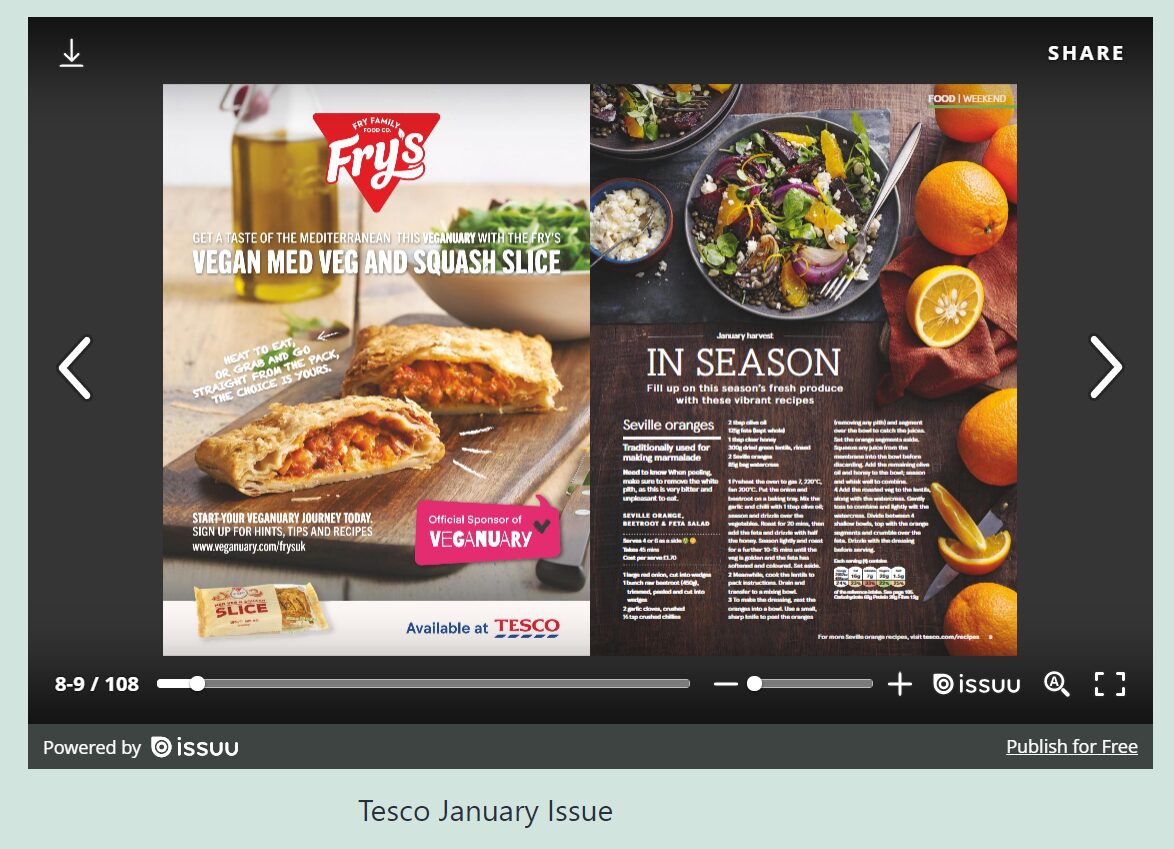
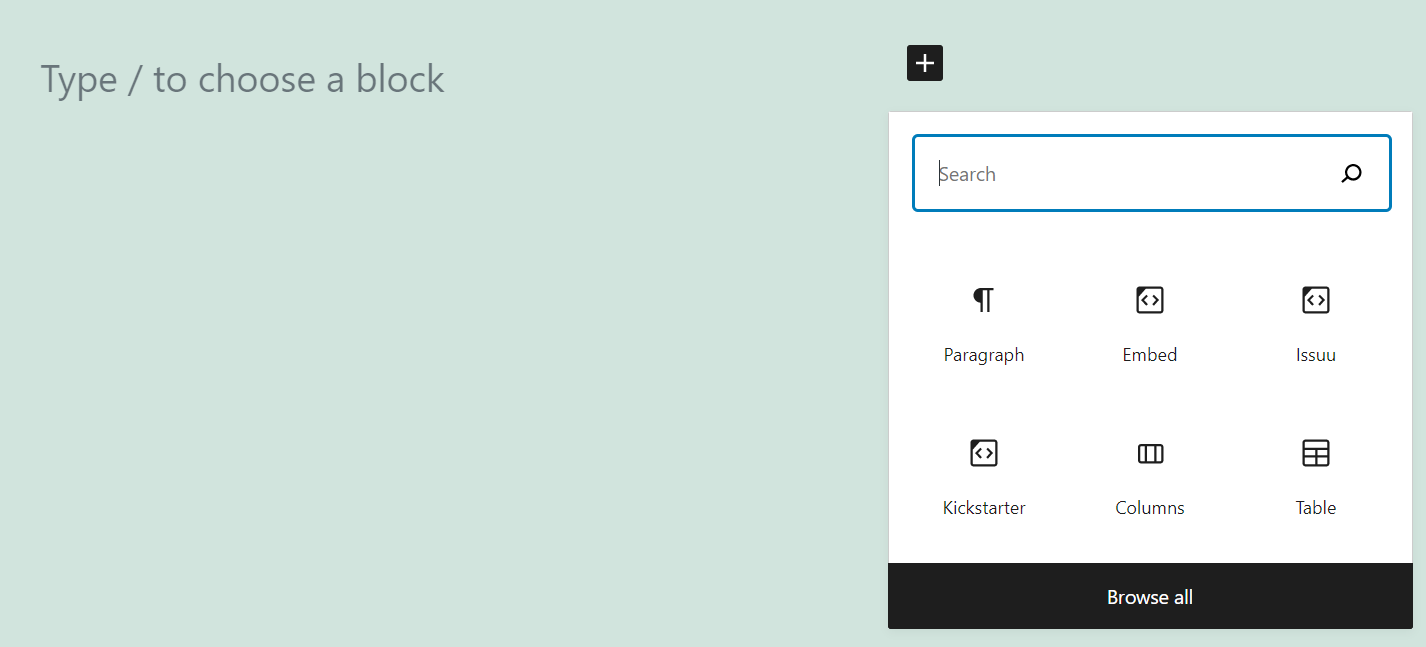
If you publish an online magazine, you probably offer readers a PDF version they can download. Alternatively, you may use a service such as Issuu, which enables users to read magazines online with an easy-to-use interface. With the Issuu embed block, you’ll be able to...
Website home pages and landing pages often have different purposes than most interior pages. You might try to funnel and convert visitors into clients and customers or display your portfolio with a unique design that draws them in and makes them want to explore. The...
You’ve probably heard about Kickstarter. It’s perhaps the best-known fundraising platform on the web. If you’re planning on launching a campaign, you need to publicize it. That means sharing it on social media, telling friends about it, and publishing the information...
Of all the amazing features that we’ve built into Divi, the Theme Builder is one of the most powerful. With it, you can design and customize each and every aspect of your site. But with that versatility and power also comes a slight learning curve, so we have some...
ReverbNation is a social website designed for musicians who want to connect with their audience and build their career. It’s for fans, too, so if you (or your website visitors) are music lovers, ReverbNation is a great place to discover and connect with artists. With...
Screencast is software that takes a digital recording of your computer screen, including audio narration if you want it to. This is a way to add instructional videos to your website if you’re explaining to your audience how to do something. With the Screencast embed...
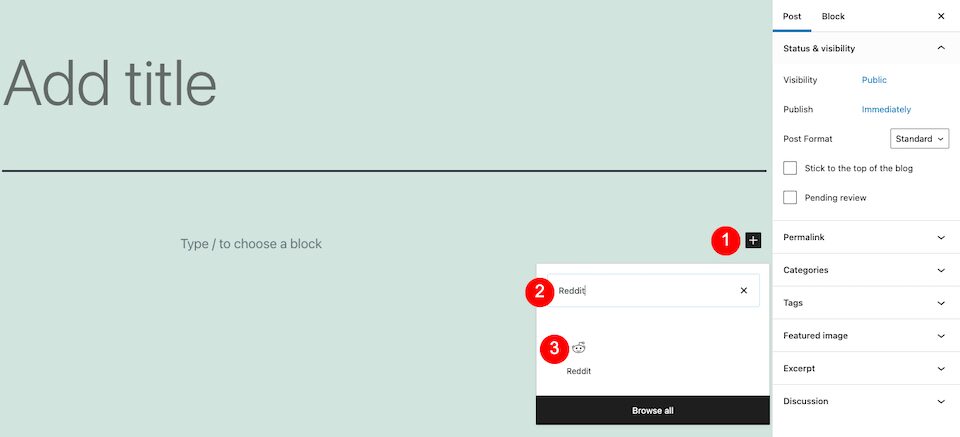
Reddit is the place to be if you’re interested in…well, anything really. This user-created social news aggregator is, in layman’s terms, a website that has forums on any topic, subtopic and sub-subtopic you can think of. Whether it’s smart, silly, spooky or...
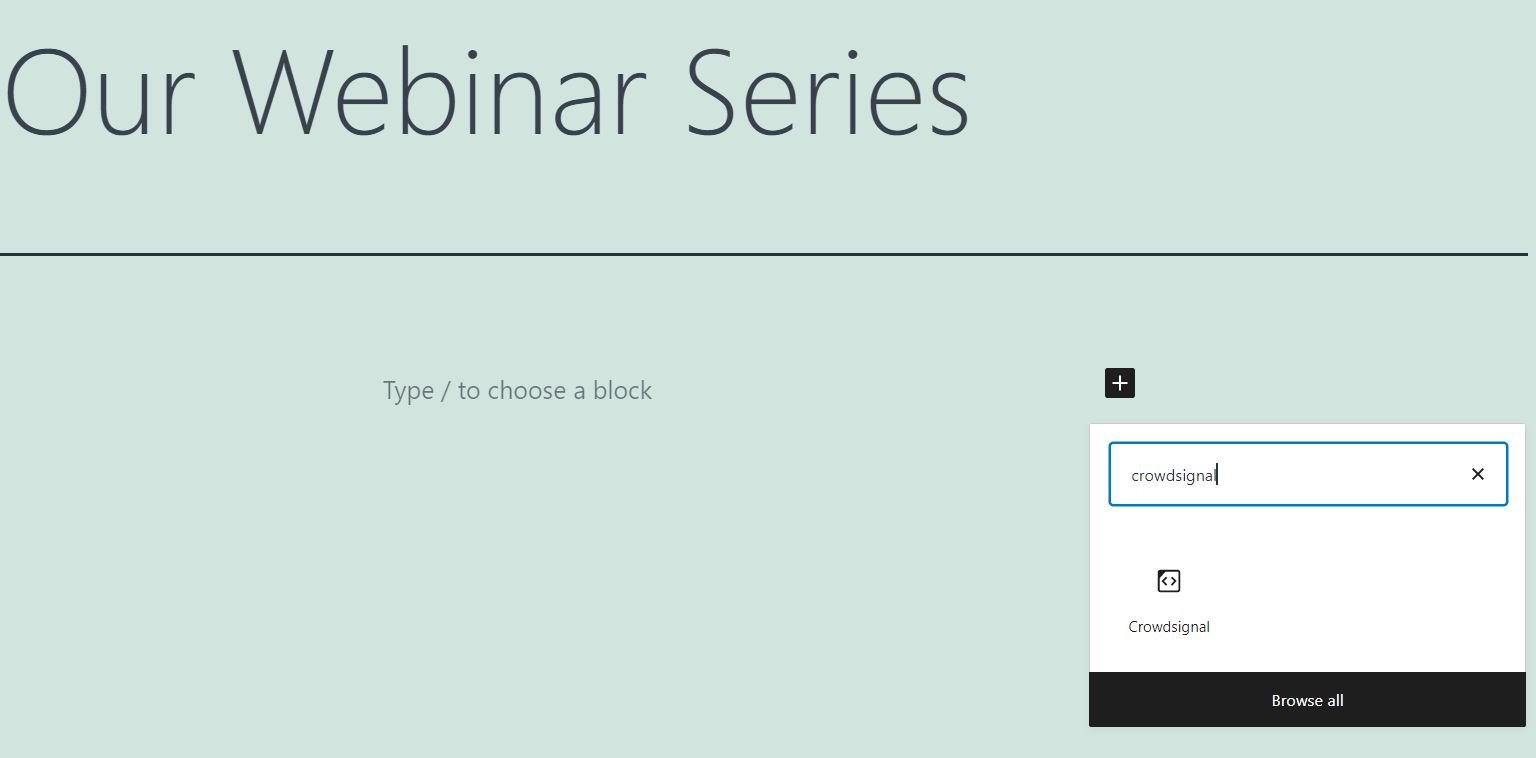
Creating polls can be an effective way to get to know your audience a bit better. Moreover, the results can help you tailor your content to your followers’ needs and interests. Fortunately, the Crowdsignal embed block makes it very easy to run surveys on your...
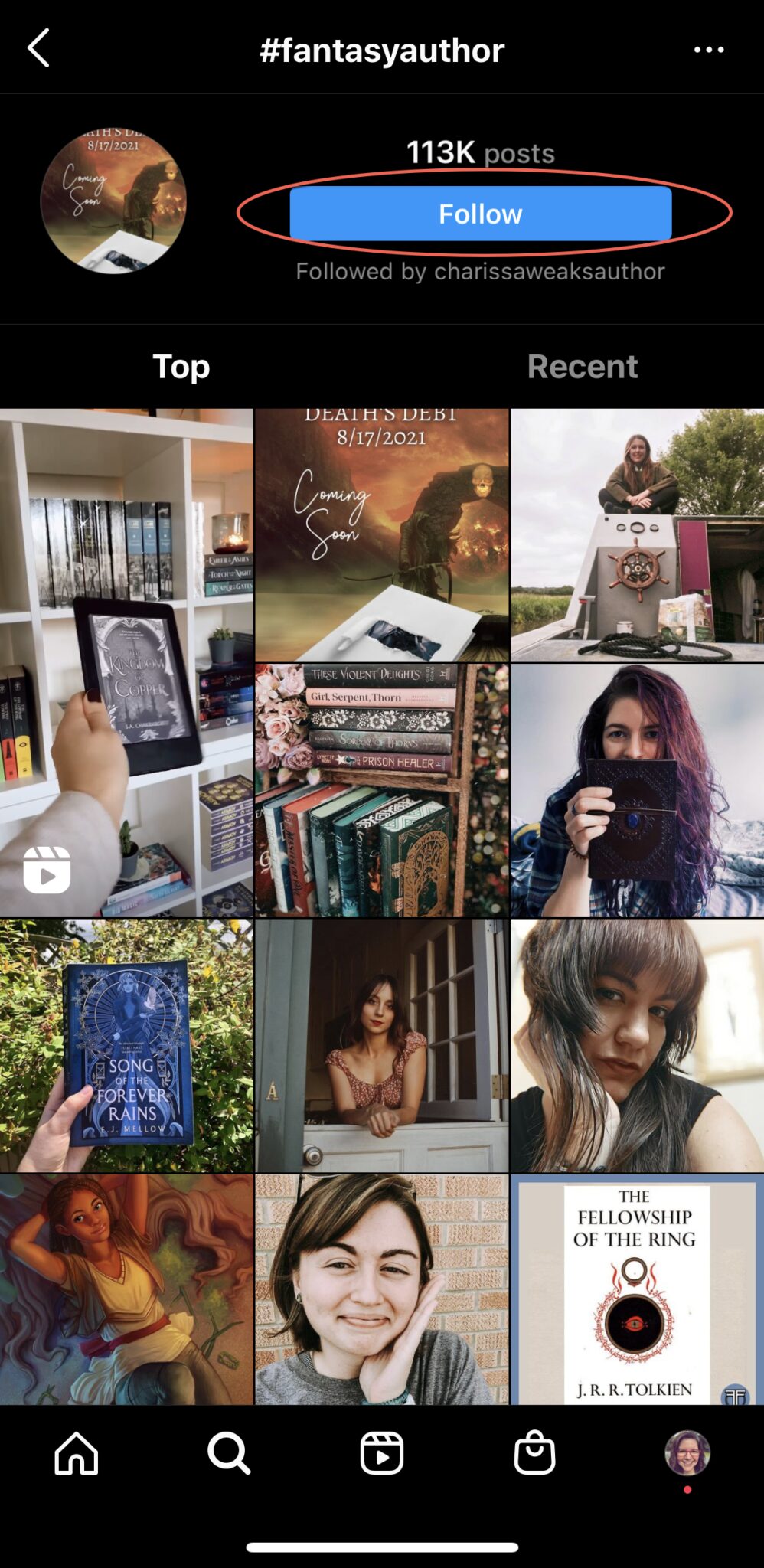
Building an effective Instagram hashtag strategy can help to boost your content’s reach on the platform. Hashtags are a powerful feature that help to boost organic reach and engagement. Users can leverage existing hashtags to get their work categorized with other...
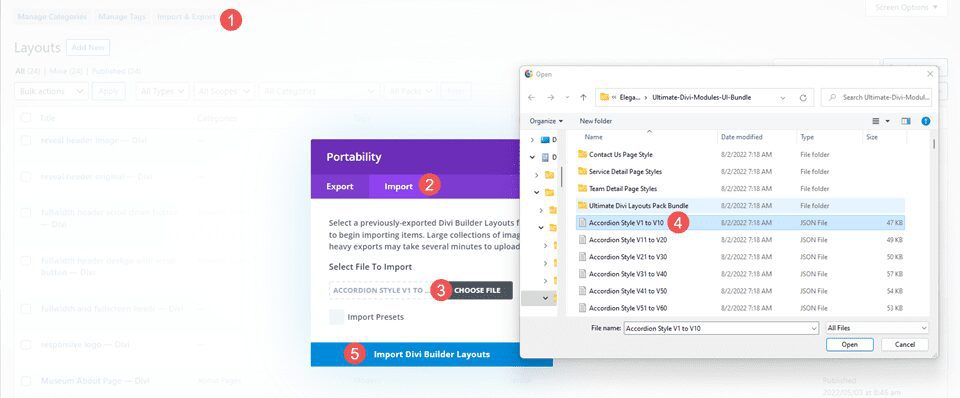
Ultimate Divi Modules UI Bundle is a third-party layout bundle for Divi. This bundle includes lots of pre-styled layouts, modules, and extras. This bundle is always growing and currently includes over 3600 styles and 35 layout packs. They’re Divi Library layouts, so...
The Divi Theme Builder is a simple, versatile tool for all of your site’s design needs. With it, you can apply templates to each and every kind of page, post, category, tag, or pretty much anything else that WordPress lets you create. The Theme Builder is built on top...
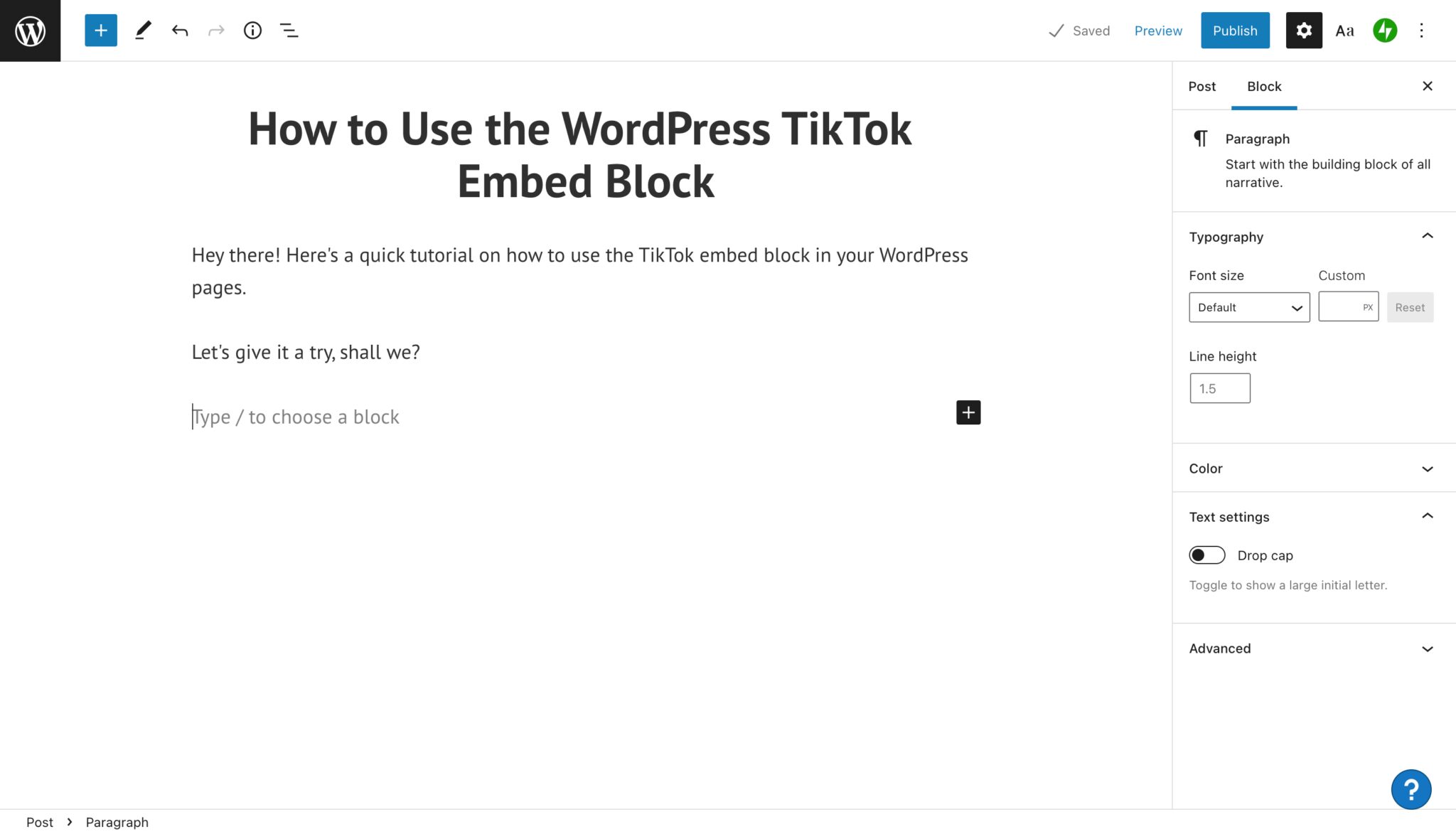
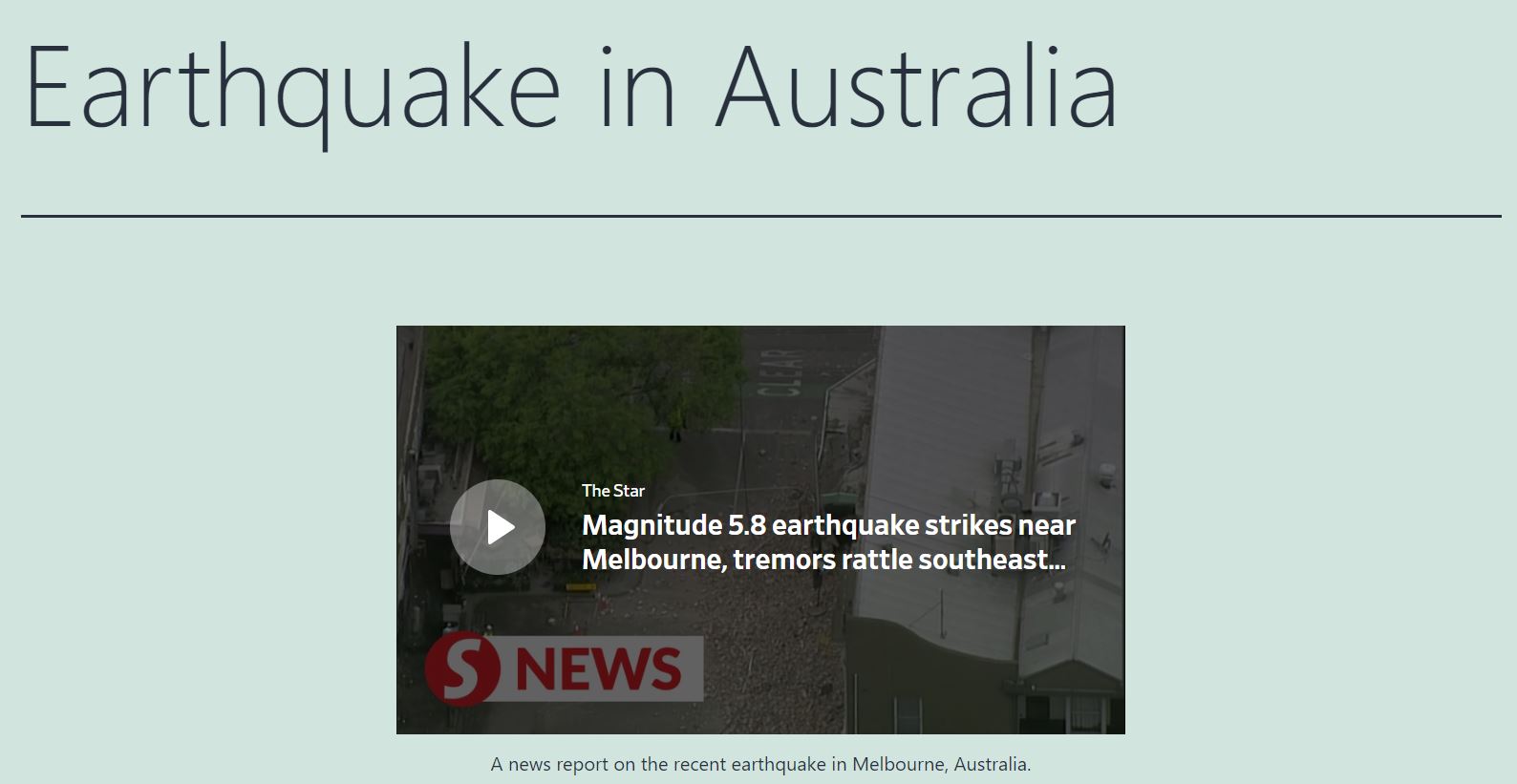
The TikTok embed block is a feature in the WordPress Block Editor that allows users to embed a video directly from TikTok so it displays in your blog post or page. It’s a simple way for users to include impactful or entertaining short video content into written...
The Dailymotion website hosts a variety of free videos spanning the educational, news, and entertainment genres. You can freely display content from this platform on your own site, but embedding the videos can be challenging if you’re uncomfortable working with code....
The New Divi Condition Options Easily Create Advanced Visibility Rules For Any Element Today we are excited to release a new set of condition options for Divi that allow you to apply advanced display logic to any module, row or section, hiding or displaying elements...
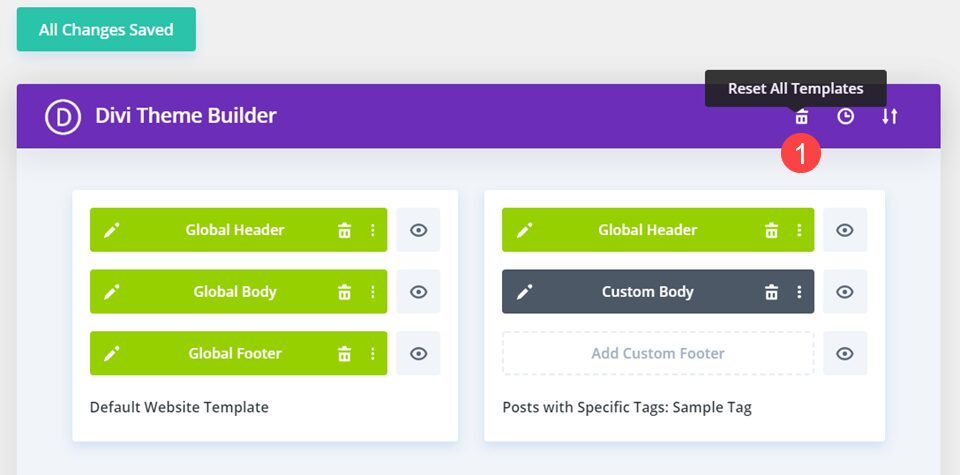
When working with the Divi Theme Builder, you’re likely to experiment with different designs and templates. Your site will change over time, and you might even run A/B testing to see what works the best for your visitors. And sometimes, you may just want to go back to...
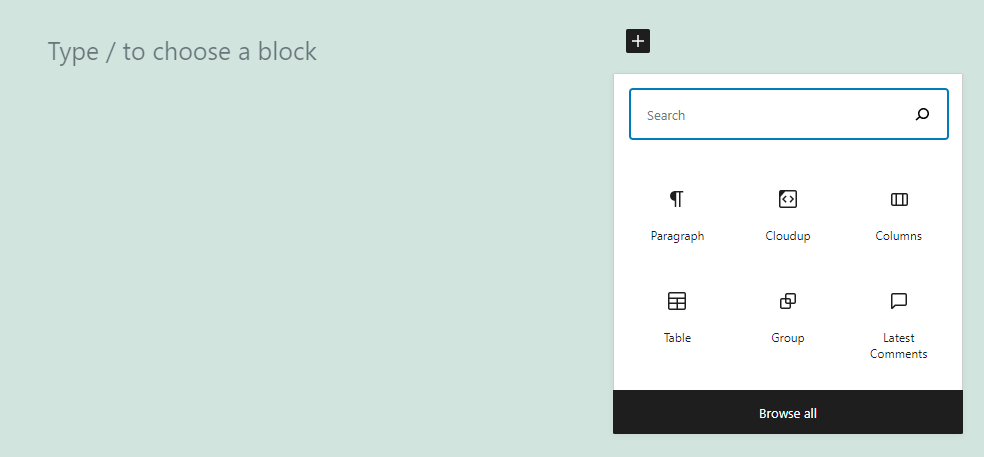
WordPress makes it easy to share media files on your website. However, using elements with large file sizes can slow down your loading times. Fortunately, the Cloudup embed block enables you to upload images, videos, music files, and documents to the cloud and share...
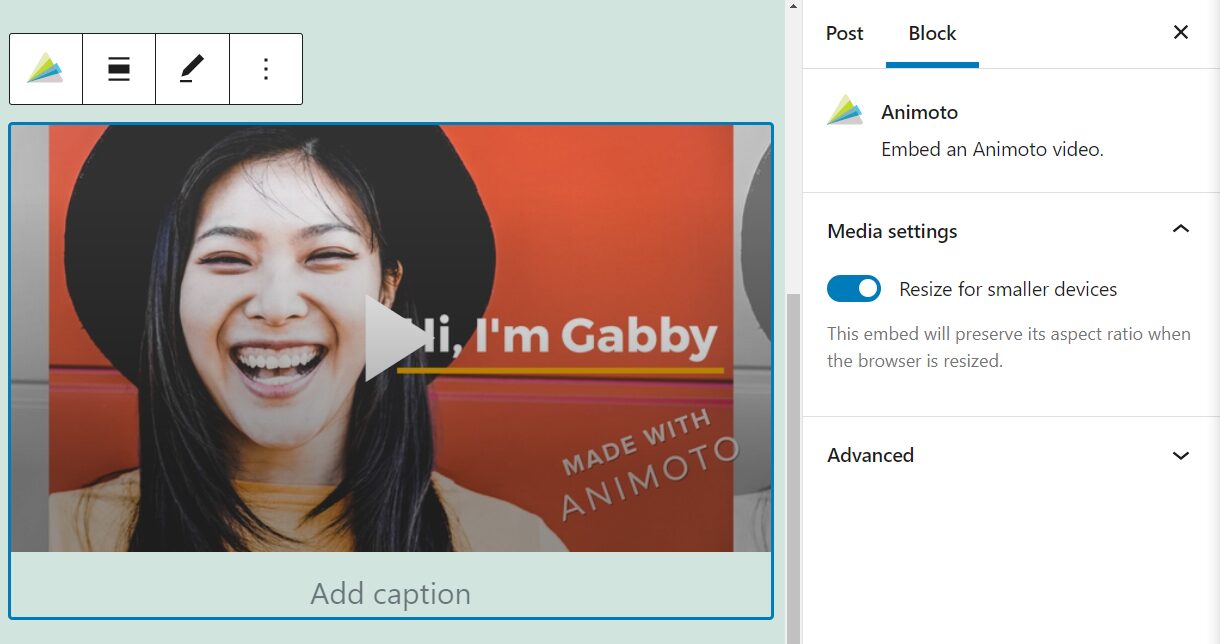
Animoto is a platform that enables you to create professional-looking videos using a mixture of your own footage and images. It also includes a collection of built-in tools and templates. If you use the site to make clips, adding them to your WordPress posts and pages...
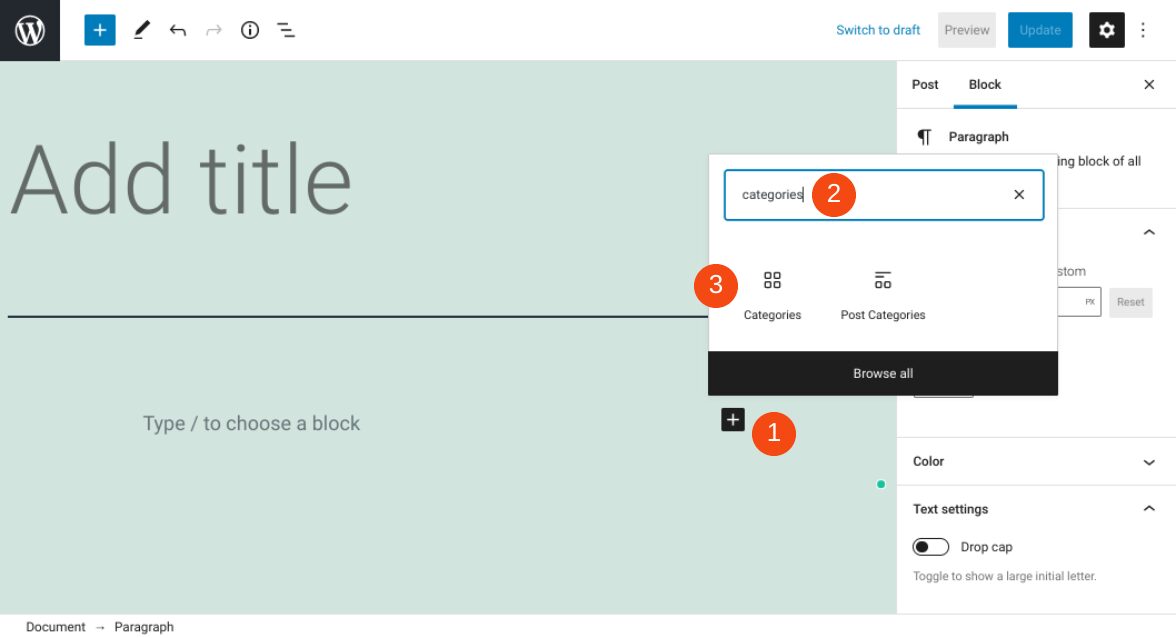
If you run a blog on your WordPress website, it’s important to make your content easy to navigate. Fortunately, there are multiple methods you can use. One of them is to employ the WordPress Categories block. This block provides a simple way to dynamically display...
If you use the Divi Theme Builder, then you have more than likely customized sidebars and headers and footers, used dynamic post content and many other amazing features to make each and every page and post unique. Unfortunately, when this is the case, the Divi Theme...
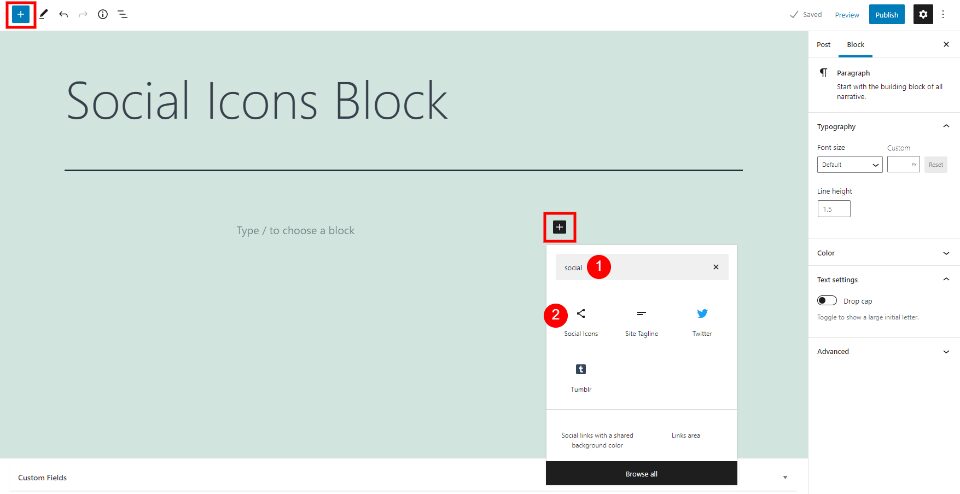
The WordPress Social Icons Block lets you place links to your social networks anywhere within your content. The links are simple icons with the standard social network logos that look great within any content setting. Knowing how to use the Social Icons Block will...
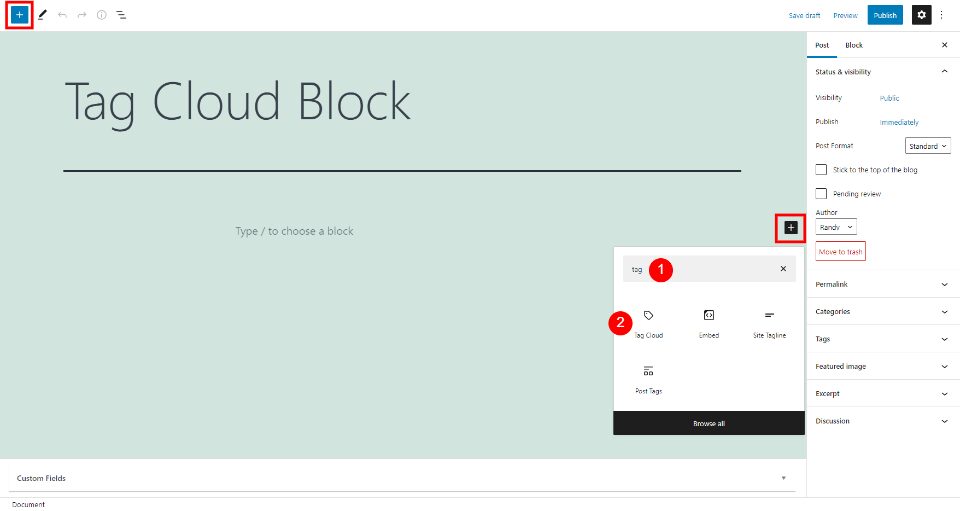
The WordPress Tag Cloud Block creates a cloud of clickable links with your tags and categories. The block is simple, but it can make a big impact on how long users stay on your website and how they find your content. It’s also ideal for suggesting topics to your...
Divi’s Theme Builder gives you control over nearly every aspect of your site. From headers, footers, post content, dynamic content, sidebars, and everything else, you can design and add templates anywhere and to anything you want. However, at some point in every...
“Recent posts” sections are standard features for many blogs and websites. They enable you to point visitors toward your most current content, so they’ll spend more time on your site. With WordPress, you can insert a list of your newest articles using the Latest...
The Divi Theme Builder gives you complete control over every single aspect and element of your site. You can create templates that apply to specific blog posts, particular pages, entire categories, or global presets that show no matter what. The Theme Builder also...
An RSS feed can display machine-readable versions of blog or website content. Its standard format operates much like a news aggregator, and enables us to keep track of updates from various sources. Thanks to the WordPress RSS Block, you can easily show the titles,...
Not every visitor comes to your site for the same reason. You probably offer a range of products or services, not just a single option for customers and clients. That’s why having multiple targeted contact forms can help smooth out your site’s UX so that your...
Most blogs that have comments sections place them beneath each post. With this placement, visitors are encouraged to express their opinions and questions right after reading articles. However, WordPress enables you to display these discussions anywhere you want using...
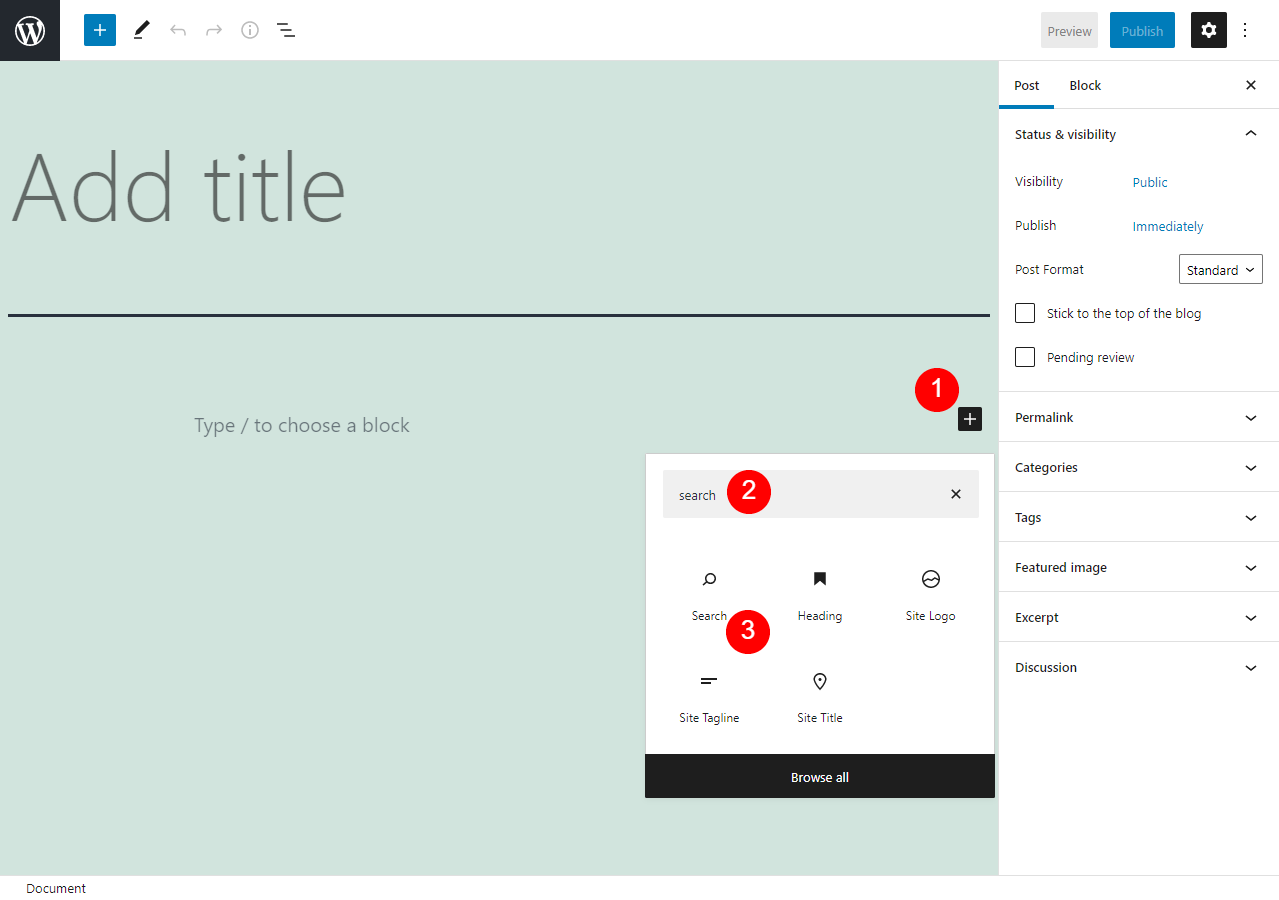
Making sure your website offers a positive User Experience (UX) is an essential part of being a website owner. One of the ways you can do this is by ensuring that visitors are able to easily find what they’re looking for. That’s where the WordPress Search block comes...
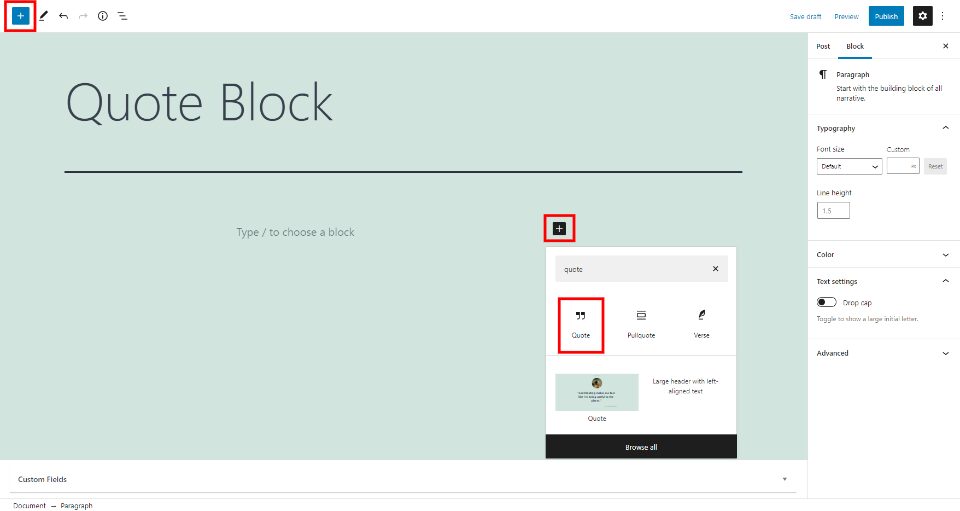
The WordPress Quote Block presents an easy way to display a quote from an external source. It displays the text with a quotation mark and includes a caption to add a citation. It’s a simple block but using it within your content can draw the reader’s attention and add...
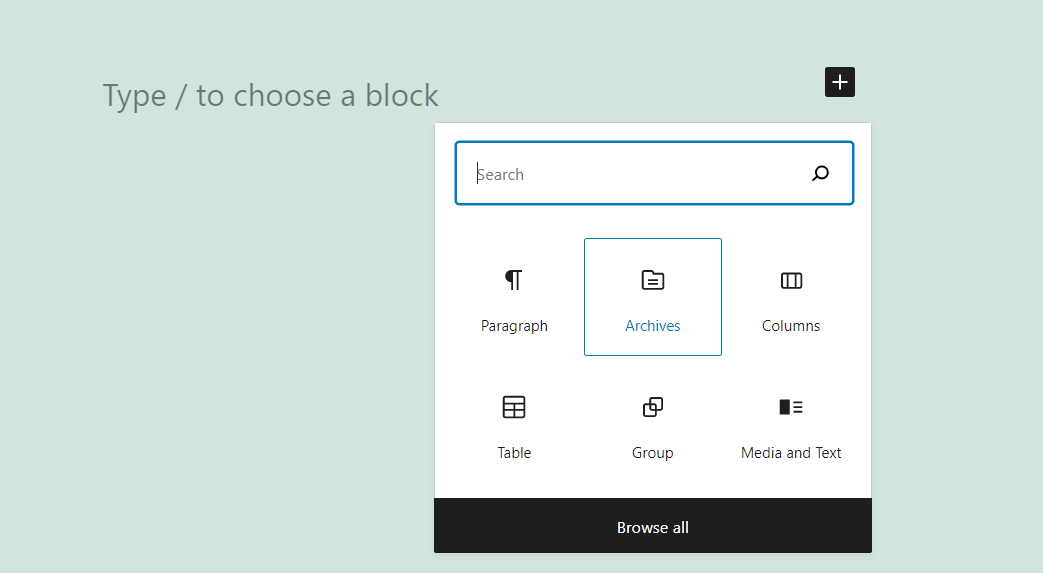
Navigating a blog can get tricky as its content library grows. Some visitors may want to dig deep into your posts archive, but they may feel discouraged by a poorly organized website. That’s why the Archives block enables visitors to easily navigate your catalog...
Hey Divi Nation! Thank you for joining us for another episode of Divi Creator Showcase, where we interview a Divi Creator from our Marketplace–learning all about their story, products, and ongoing journey as part of the Divi Community. In this episode, we are joined...
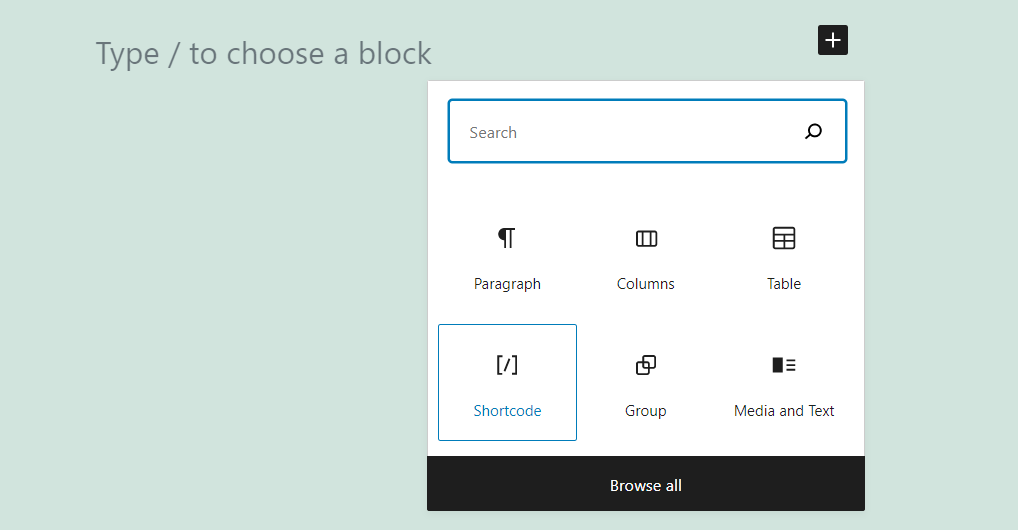
Using shortcodes is an intrinsic part of the WordPress experience. A lot of plugins don’t add custom blocks to the Block Editor. Instead, they enable you to use shortcodes to place elements on your posts and pages (and customize them). To do so, you’ll need to use the...
Hover effects are some of the simplest microinteractions a user can have with a site. The Divi theme has a fantastically easy set of hover effects that you can use to create an engaging UX for each and every person who visits your site. One of the more striking and...
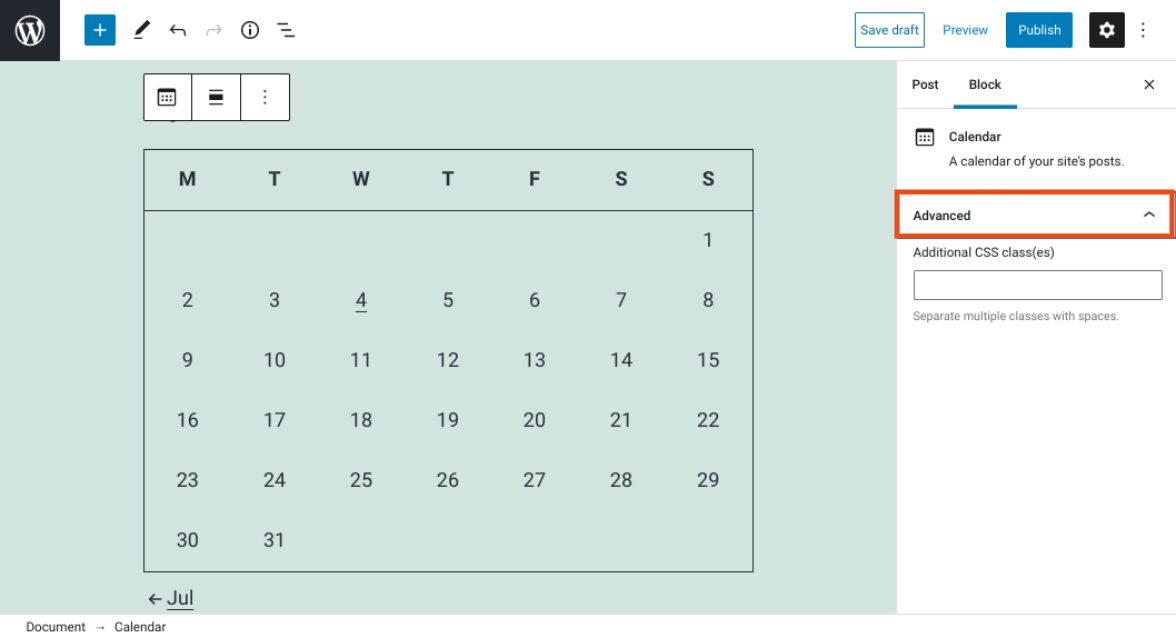
Keeping your content organized is an important aspect of running a website. Fortunately, the WordPress Calendar block can help you do that. This element enables you to display a calendar on your site that links to your posts based on their publication dates. As such,...
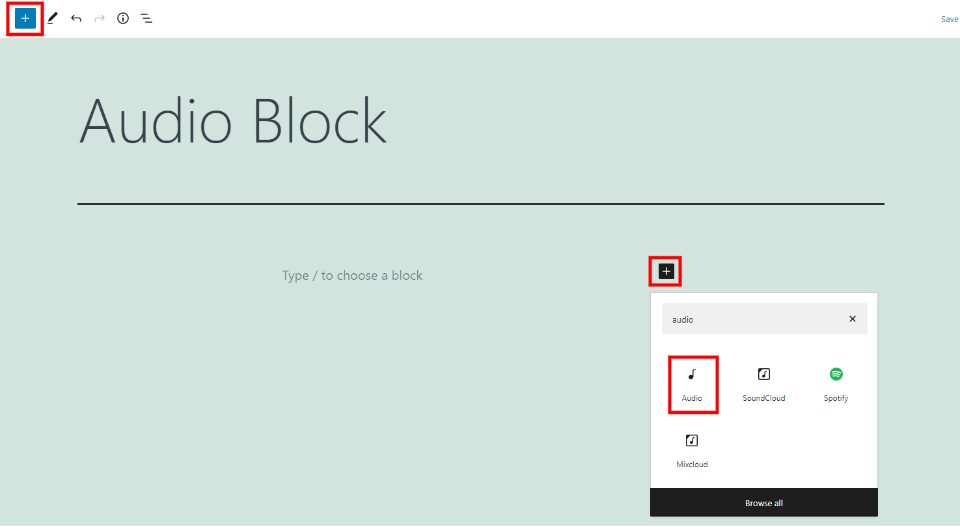
The WordPress Audio Block lets you provide playable audio files within your pages and posts. The audio files can be added from your media library or a URL. Users can play the audio from their browsers or download them to listen offline. This is a great way to provide...
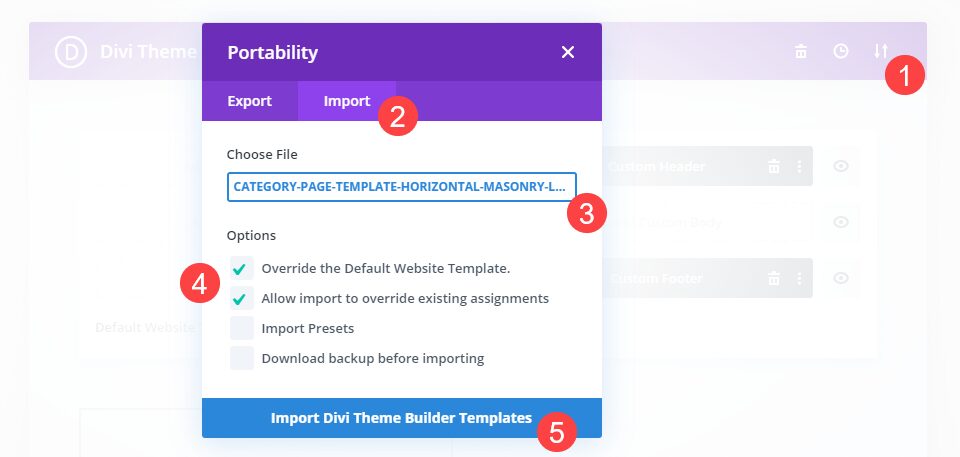
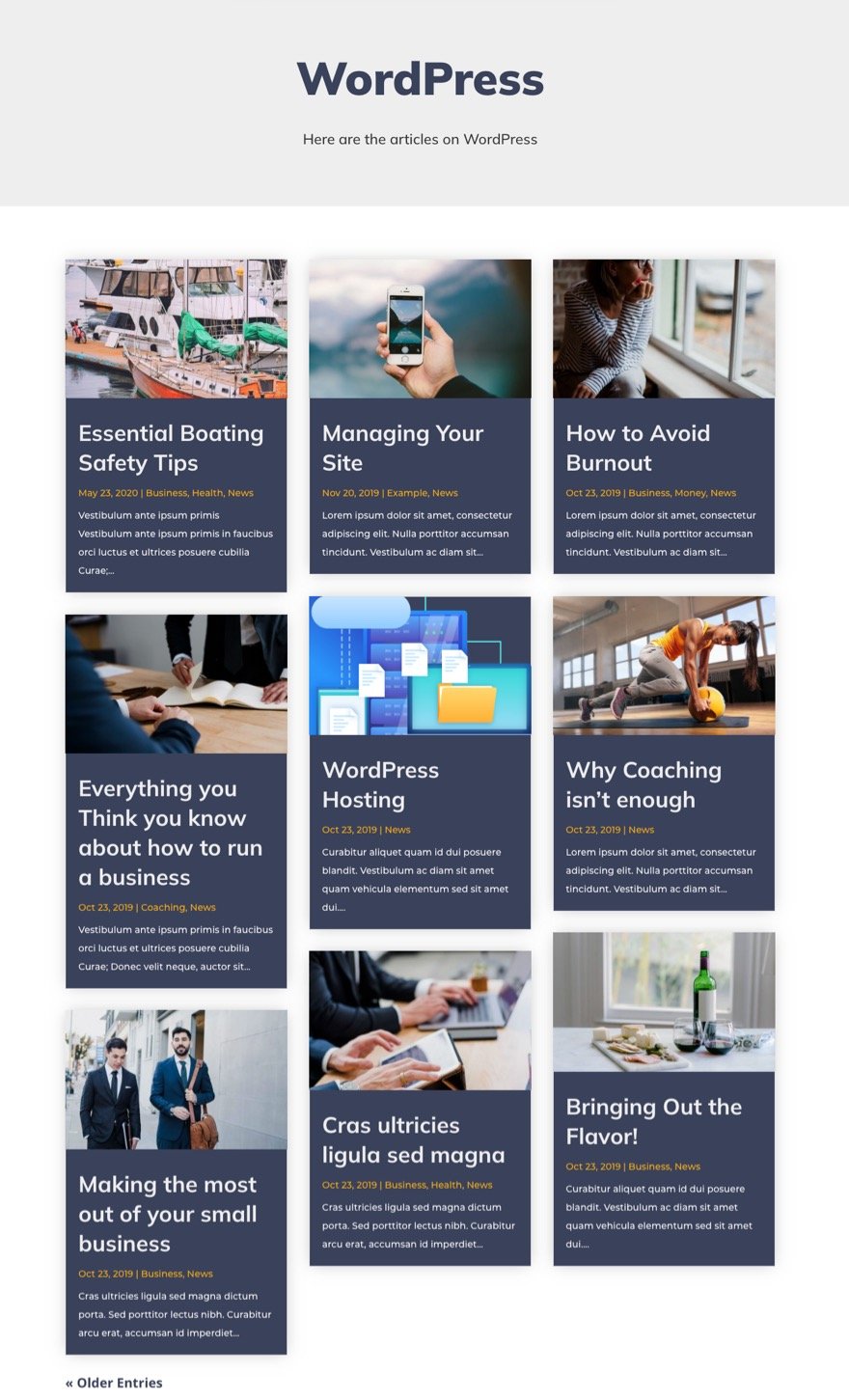
To give your archive pages a custom masonry layout, we can use the Divi theme builder to design a custom dynamic archive page template. In Divi, before the days of the Divi Theme Builder, developers had to rely on manually customizing the PHP code on an archive page...
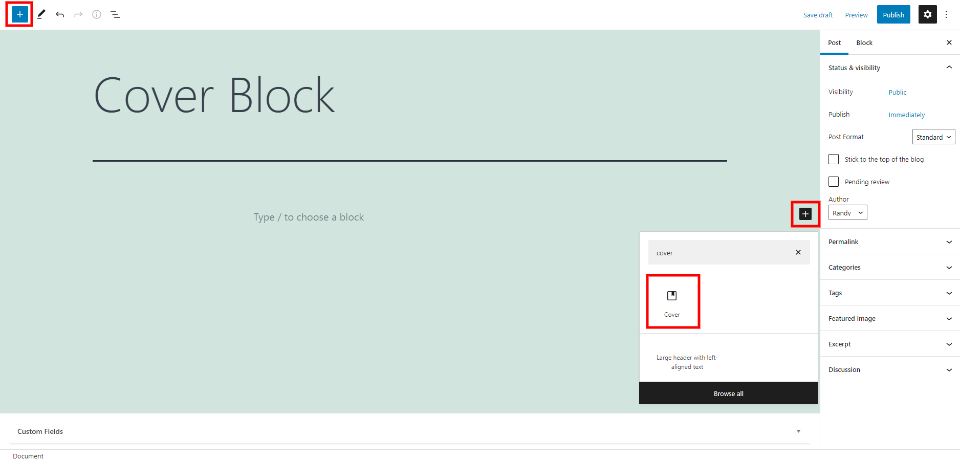
The WordPress Cover Block is interesting. It lets you place an image, video, or solid color in the background and add content blocks to the foreground. This means you can place blocks over other blocks. It has more options than most blocks. Knowing how to use the...
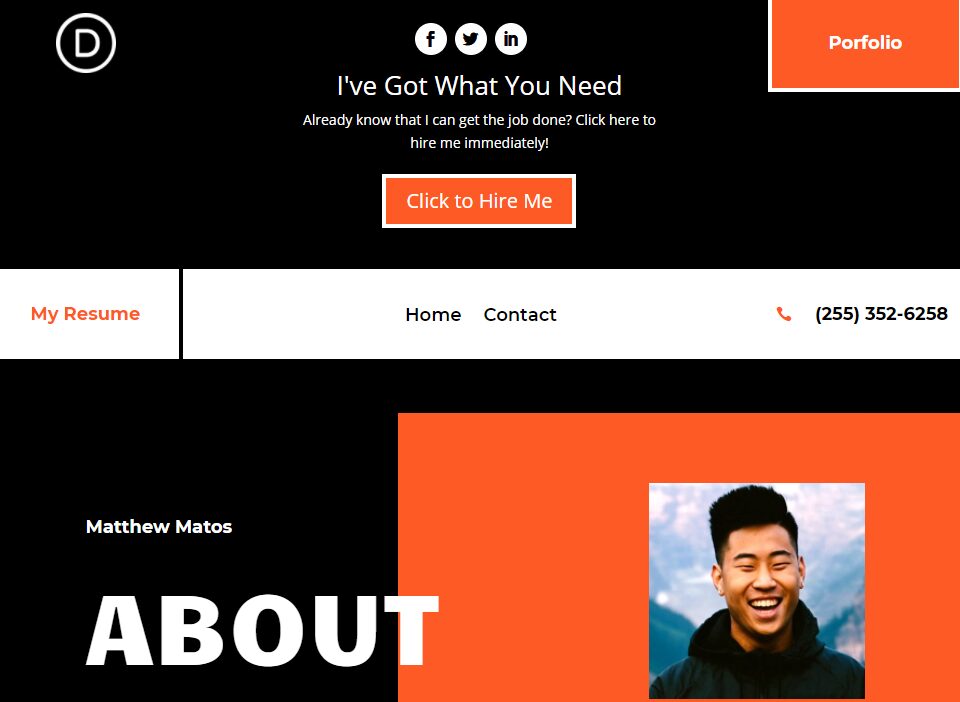
Divi’s secondary menu can be a lot more than a place where you list social networks and host a search bar. It is a fantastic place to engage your audience and call them to action in some way. Many of our free header/footer packs make great use of the secondary menu....
Adding individual elements to your post or page using the Block Editor is simple. However, if you plan to use similar blocks throughout your website, it makes sense to put them together and save them as templates. Doing this becomes simple once you master the...
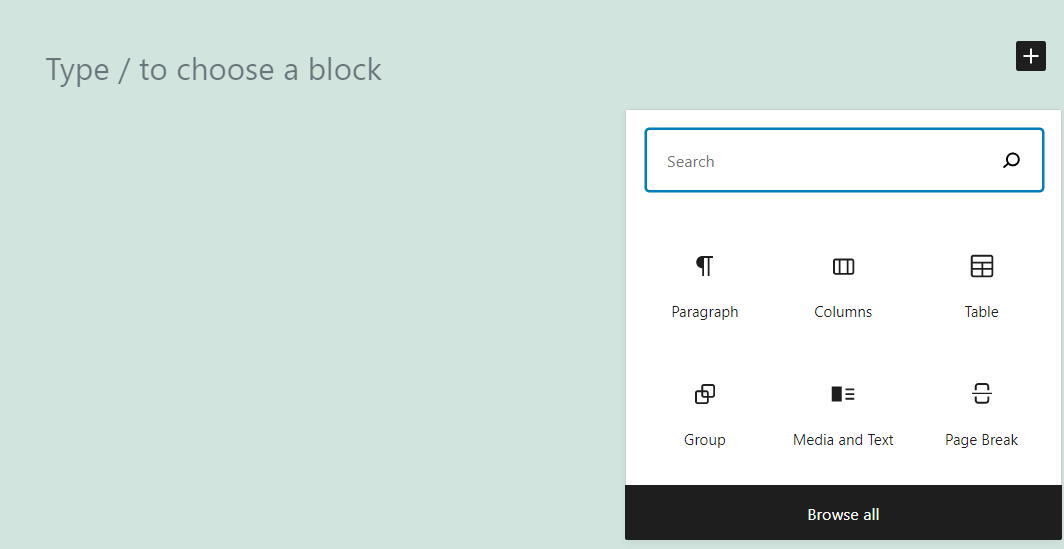
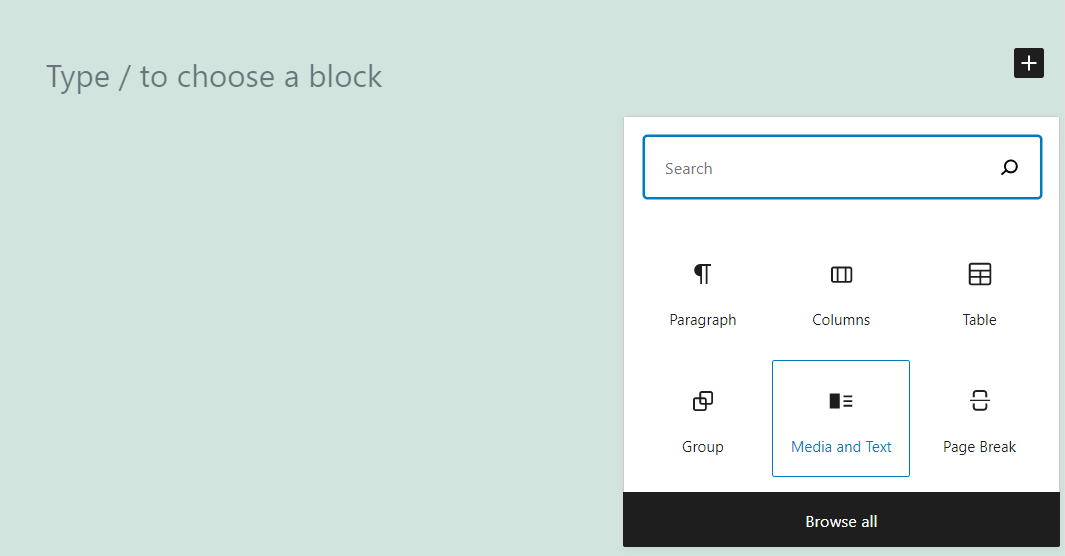
WordPress enables you to add Paragraph and Image blocks separately. However, you can also place both types of elements side by side, thanks to the Media and Text block. It even includes several layouts that you can choose from, if you know how to navigate its...
Once upon a time on the internet, adding animation to your site was a cumbersome, somewhat specialized task. Divi, however, possesses powerful animation tools and scroll effects that you can implement without needing a lot of technical expertise. Anyone can add these...
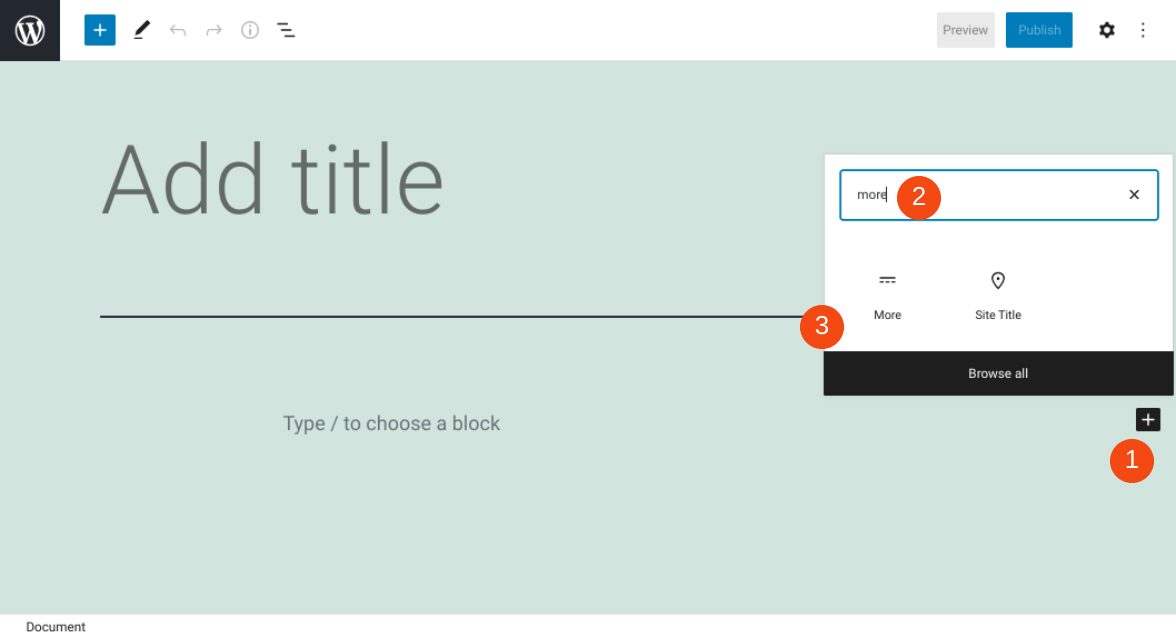
It’s important to keep the content on your website’s pages succinct and organized, especially on your home page. Fortunately, the WordPress More block lets you give visitors a preview of your post, along with a link to the full text. Knowing how to use it properly can...
On almost every website you visit, elements pop up and stick to the page. Cookie warnings and opt-ins, email signups, and chat boxes. We all tend to ignore them at some point, becoming blind to whatever the website is trying to tell us. We just click the X without...
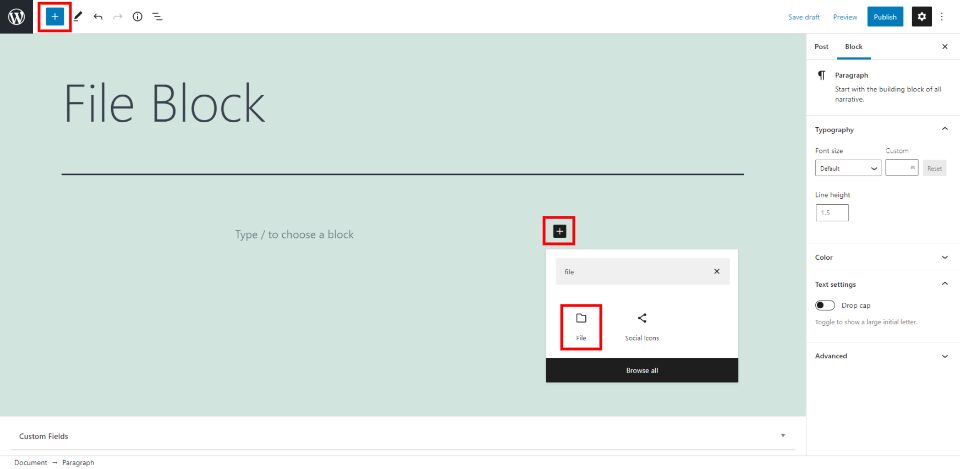
The WordPress File Block makes it easy to add a download link for your files within your pages and posts. This is one of the most unique WordPress blocks because it adds different options based on the type of file that’s selected. Knowing how to use this block well...
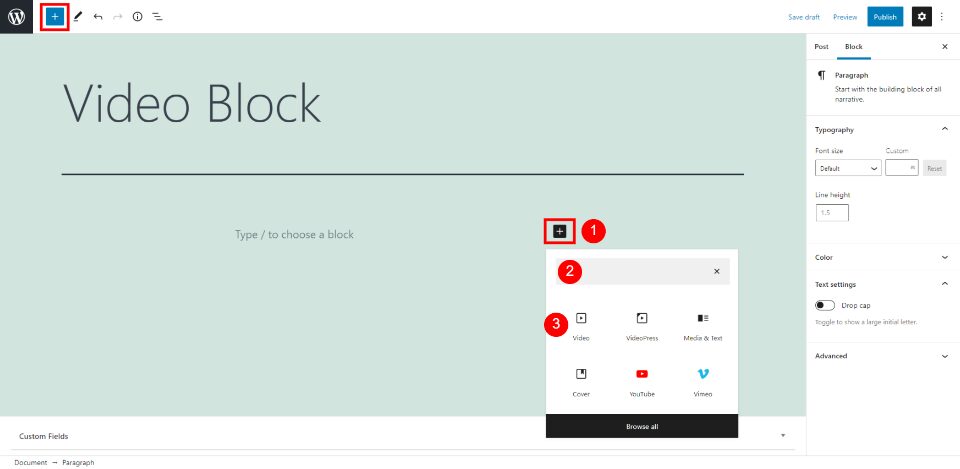
The WordPress Video Block makes it easy to upload and add videos to your pages and posts. It gives you plenty of options to control the size and features. Adding video with this block makes the content look more professional and desirable. Fortunately, the Video Block...
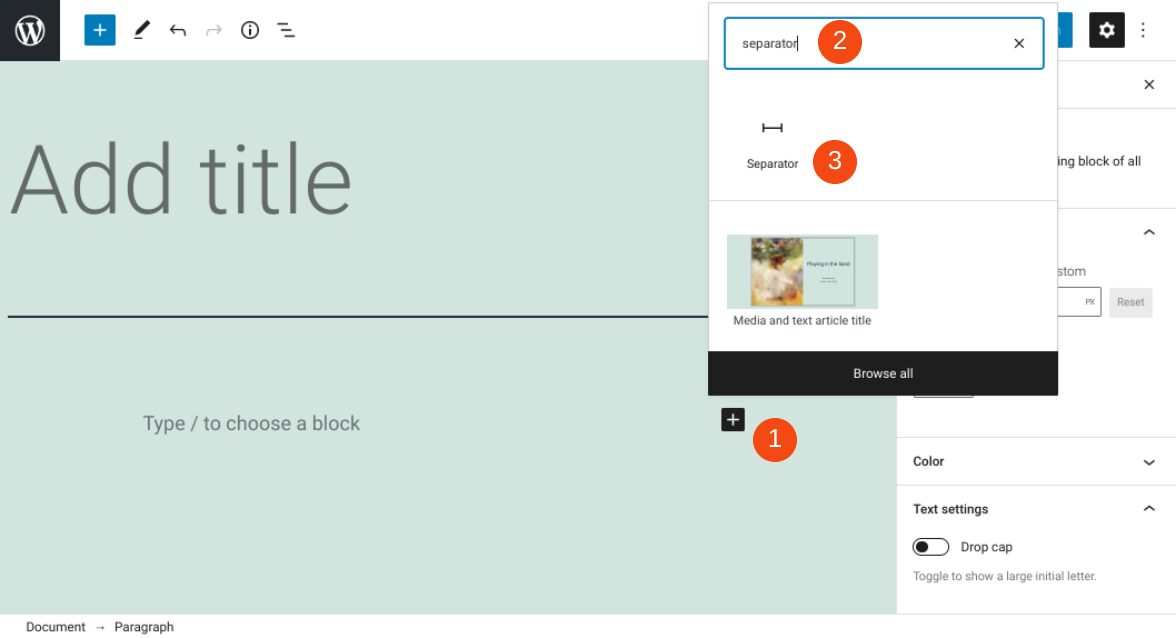
The way you arrange and display content on your website can significantly influence your engagement and conversions rates. To enhance the User Experience (UX) and make your pages and posts easier to consume, it’s a smart idea to break up large chunks of text. There...
Are you interested in building brand awareness and growing your social media presence? Running social media contests is one way to boost your online platform. Giving away products, services, or swag can help to draw more eyes to your brand on social media, in addition...
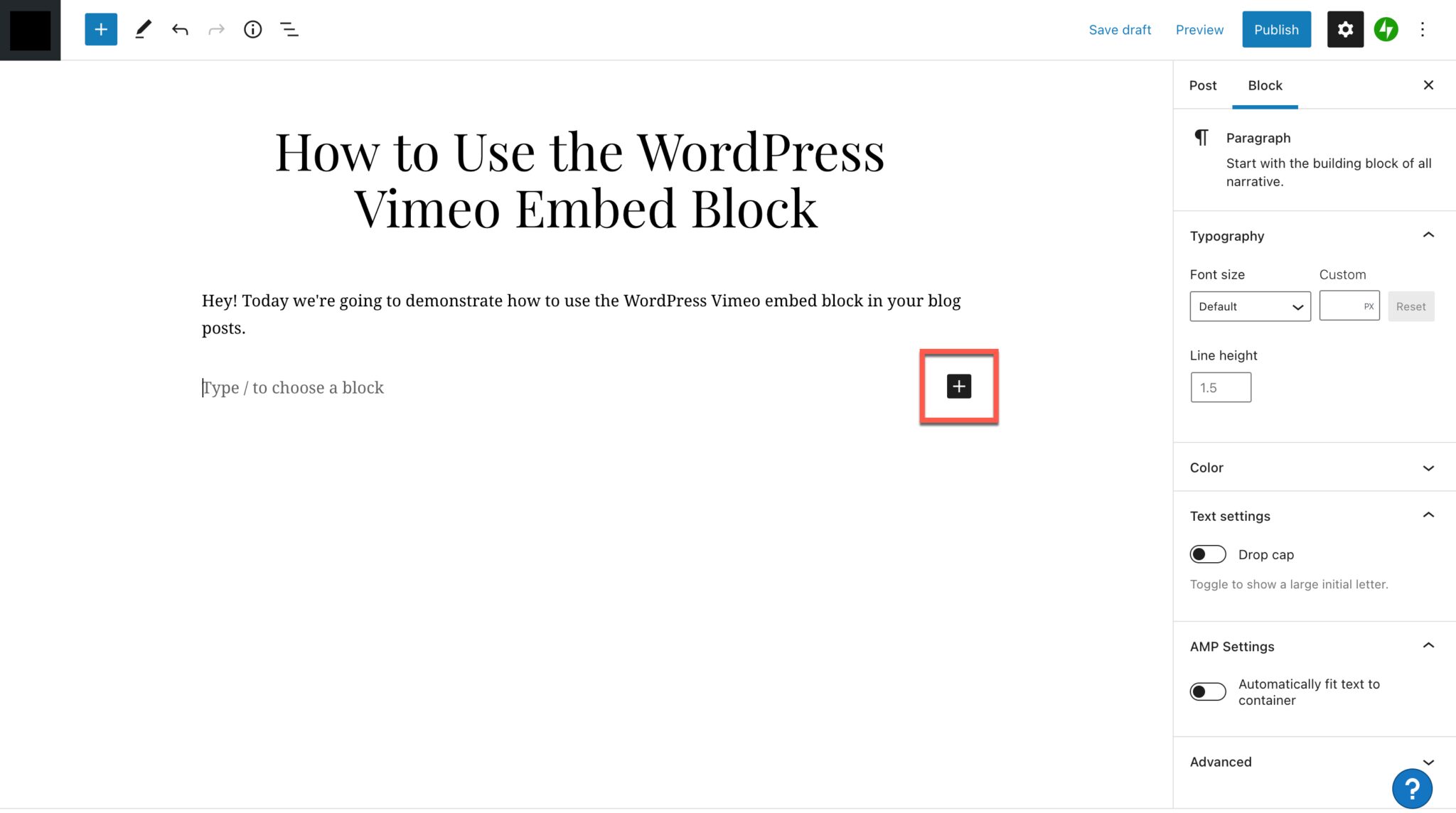
The ability to embed video into your blog posts on WordPress opens a variety of possibilities for how you present your content. In the WordPress Block Editor, users have the option to add a quick and easy Vimeo embed to their blog posts. This is a fantastic option for...
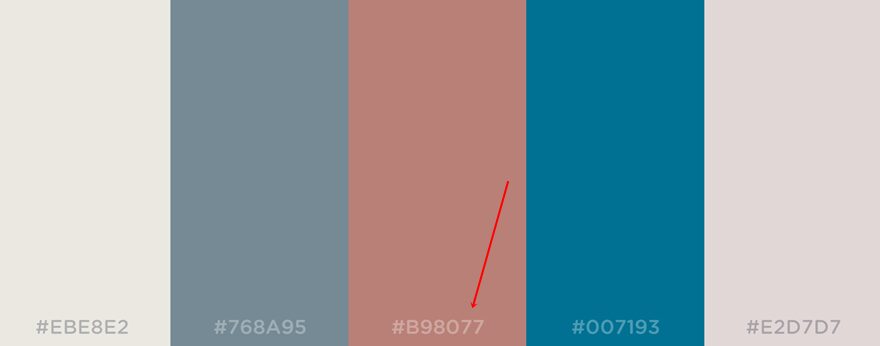
There are few things worse on the internet than a bland website. Sure, some websites go for the brutalist or minimalist look on purpose (looking at you Craigslist), but even those aren’t bland. Having a solid color palette is a surefire way to make your website stand...
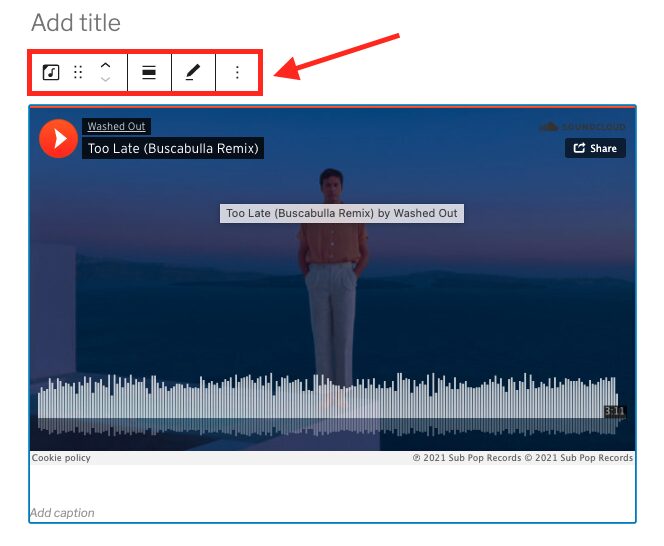
With the SoundCloud embed block for WordPress, you can add an album, playlist or track to your post or page. Embedding SoundCloud content in Gutenberg gives you a lot of options for how the block looks and functions. Otherwise, if you simply copy and paste the...
The WordPress Flickr embed block lets you add photos and videos that you’ve saved to Flickr to your WordPress posts and pages. When a visitor clicks the photo or video, they’ll be directed to Flickr, where they can view and/or play your media. Videos can’t actually...
Without a search field, your site’s navigation is going to suffer. You can have the most robust browsing experience on the internet, but if your users can’t search to find exactly what they’re looking for, you just might (and probably will) lose out on business. This...
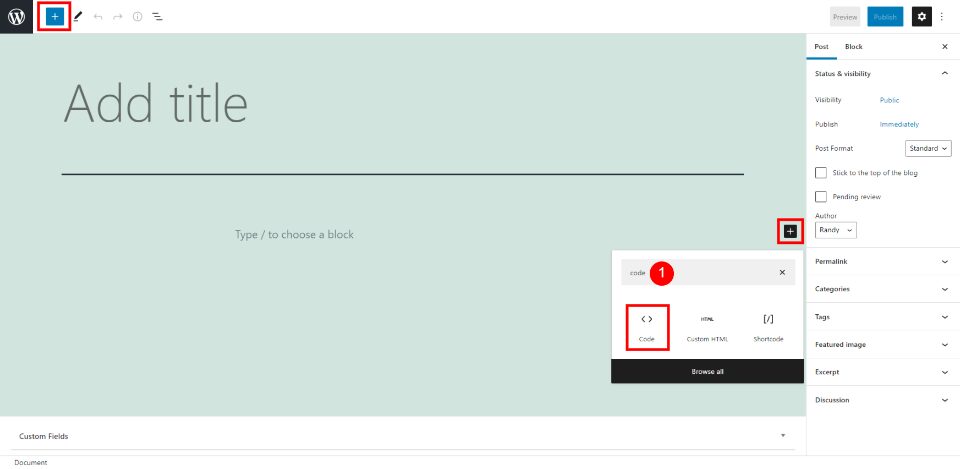
Displaying code in WordPress pages and posts can be tricky. Just posting the code within the content can have interesting results, especially if WordPress displays it incorrectly or your security locks you out for malicious activity. Fortunately, the WordPress Code...
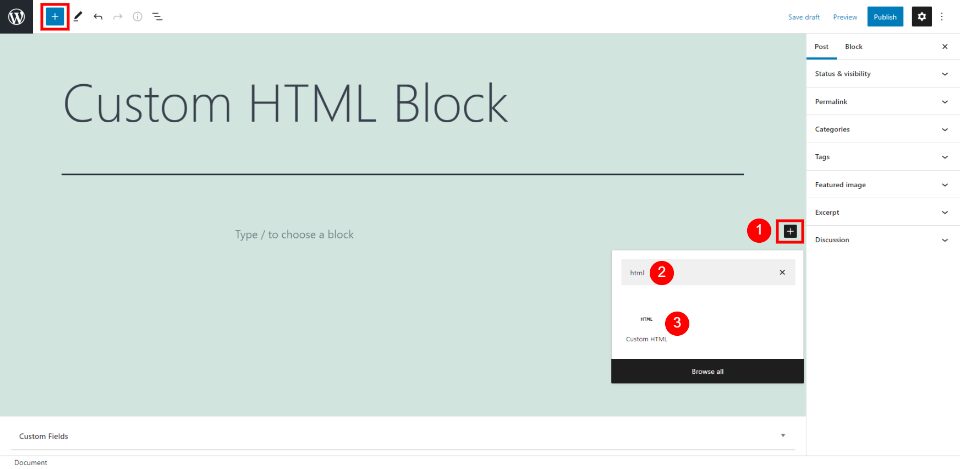
The Custom HTML Block lets you add HTML content and edit it without having to view the page or post as HTML. You can embed HTML and even use it to mark up your text and then convert it to a Paragraph Block with styled text if you want. This block is great for those...
It is virtually impossible to run a successful website without having a dedicated social media presence. Whether you choose that to be Instagram, Twitter, TikTok, Facebook, or any combination of those and anything else, people want to interact with you and your brand...
Making a YouTube video takes a lot of time. When you’re finally finished and your video is live, you probably want to share it everywhere you can, including on your website. Or, maybe you have someone else’s video that you want to post to your WordPress site. You...
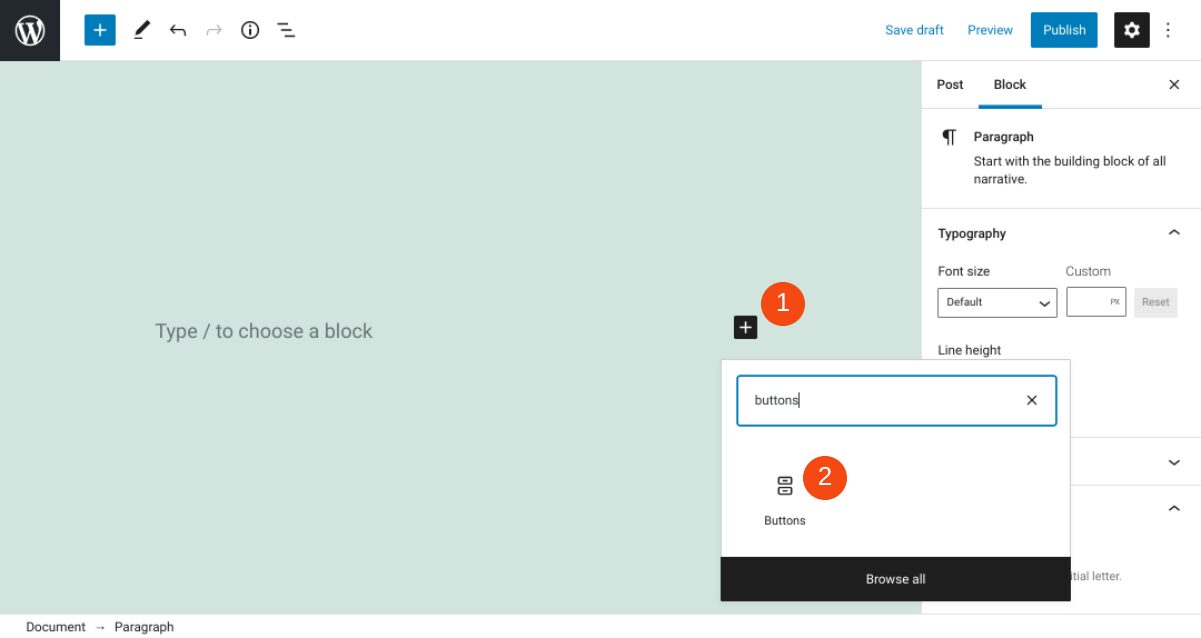
The buttons on your website play a significant role in its appearance and usability. They help visitors navigate across different pages, and make it easy for them to perform important actions (such as downloading content or subscribing to your newsletter). It’s...
One of the standard tweaks to almost any website is the site’s logo. In some shape, form, or fashion, website owners will want to style their logo so that it stands out. And one of the best ways to draw attention to your logo is to have it offset and overlapping the...
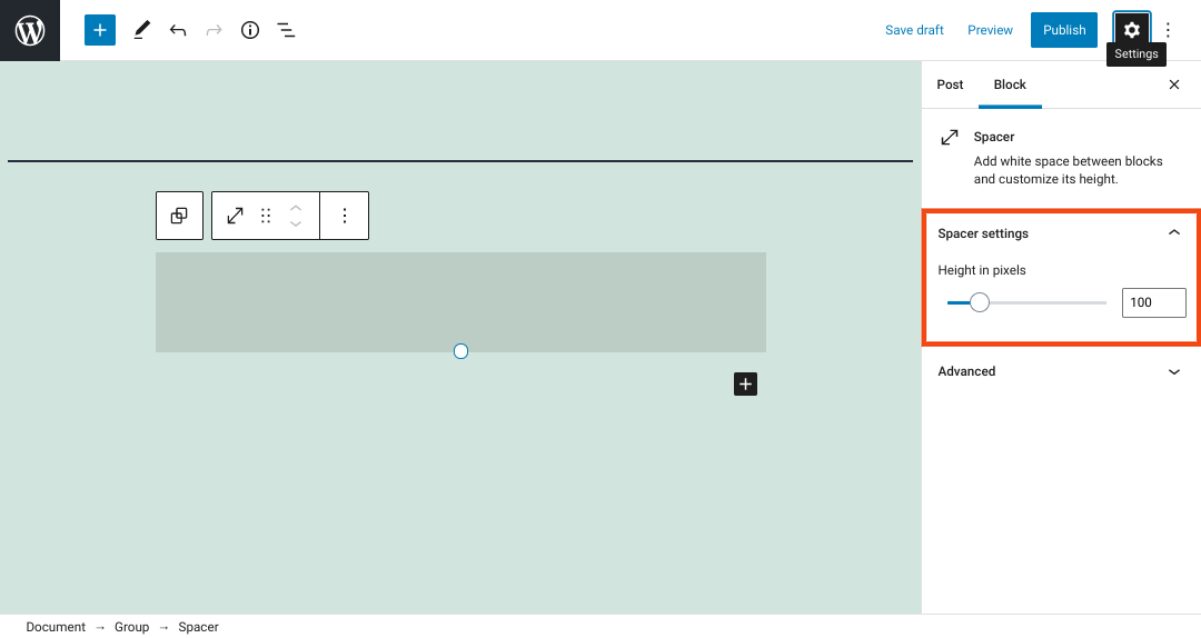
The way you organize and arrange elements on your website can have a significant impact on its overall appearance, and even its User Experience (UX). The WordPress Spacer block is a simple tool that can help you do this more effectively. True to its name, it create...
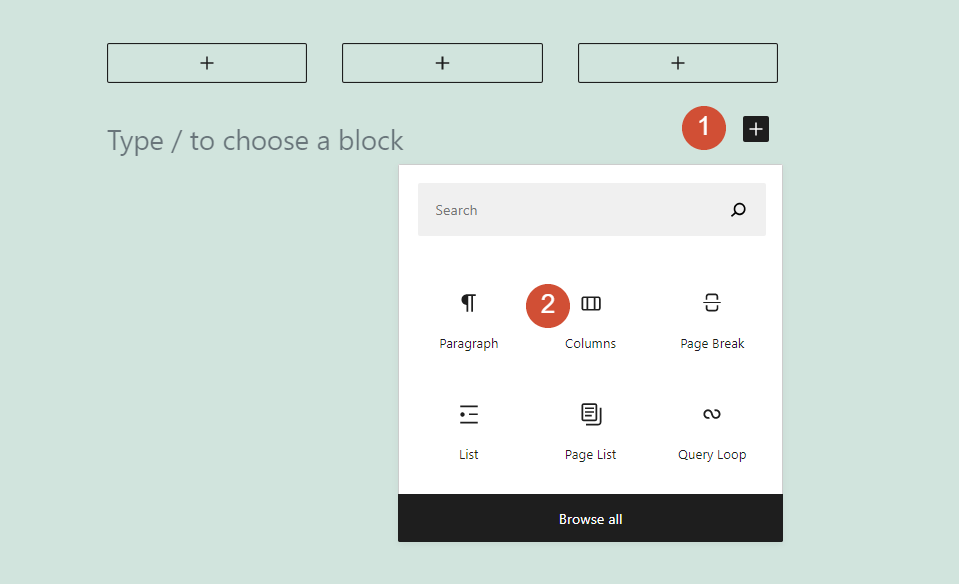
Columns are a key component in most modern websites and page builders. Fortunately, the WordPress Block Editor enables you to use both columns and rows so you have full control over each page’s layout. However, although the builder adds rows automatically, you’ll need...
The WordPress Spotify embed block lets you add all sorts of musical goodies to your WordPress posts and pages. You can embed albums, playlists, podcasts or tracks, and anyone will be able to listen to them when visiting your site. They’ll hear a 30-second preview...