Over the last decade, mobile devices have become the easiest way for people to browse the internet. According to census.gov, more than 68% of American households use a mobile device to search. By the year 2025, it’s estimated that three-quarters of the world will use...
Search Engine Optimization (SEO) and Search Engine Marketing (SEM) are both essential to online success. However, these terms are commonly used interchangeably. Understanding the differences between SEO vs SEM is important for using both strategies to your advantage....
Using paywalls and memberships is one of the best ways to monetize your WordPress site. You can offer exclusive content in exchange for ongoing subscriptions or one-time payments. Fortunately, WordPress has some great plugins to help you create a paywall that...
Lead generation is a crucial component to consider when creating a WordPress website for your business. In addition to great design and SEO, you also have to consider what the visitor will do once they’ve arrived. Driving visitors to your website isn’t as valuable as...
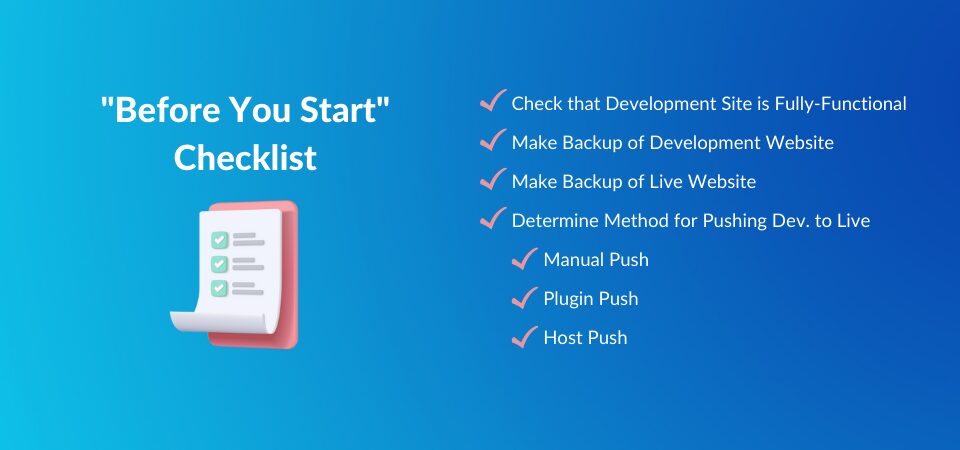
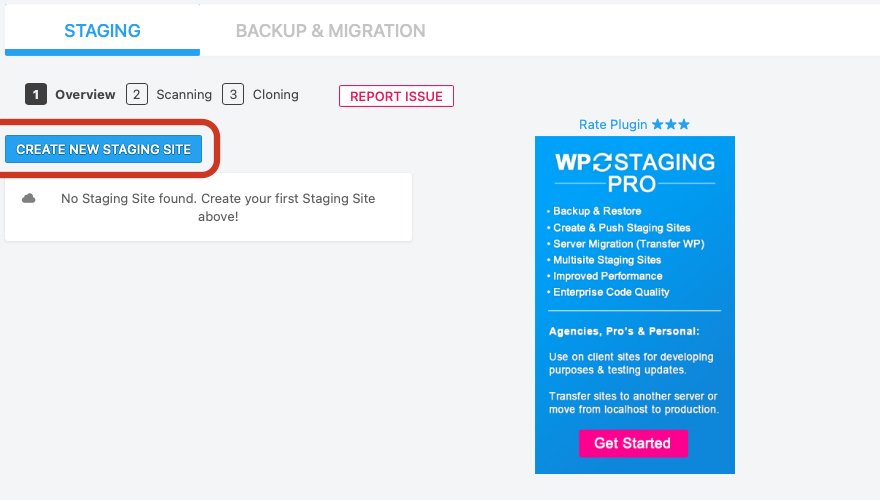
Knowing how to Push a WordPress development (dev) site live is crucial for maintaining uptime while updating your site. This is particularly helpful for agencies who manage and update a large number of websites as well as website owners looking to make a significant...
How do you know you can trust a new platform for your personal or business website? It can be a difficult decision. In this article, we are going to compare WordPress (the popular CMS) and Tilda (an upcoming website builder). We’ll compare the two platforms in terms...
Adding text-to-speech functionality to your website can provide greater accessibility and boost user experience. Visitors who can’t read the screen or would rather listen to the content can do so easily. Plus, this feature is easy to set up with the right...
Despite how great your website may be, people won’t just stumble upon it accidentally (for the most part). You have to drive traffic to your site. In addition to paying for advertising, there’s also organic (i.e. non-ad) traffic to think about, which requires search...
With Divi’s latest background mask and background pattern feature release, you can create some unique hero sections for your website. A hero section is the first section of your website and is the first thing your visitors see before scrolling through your website, so...
As a website owner, you likely deal with a lot of content and media files. If so, you may want to consider using a Google Drive plugin. Not only can this tool help free up storage space, but it can also create off-site backups of your site and enable you to...
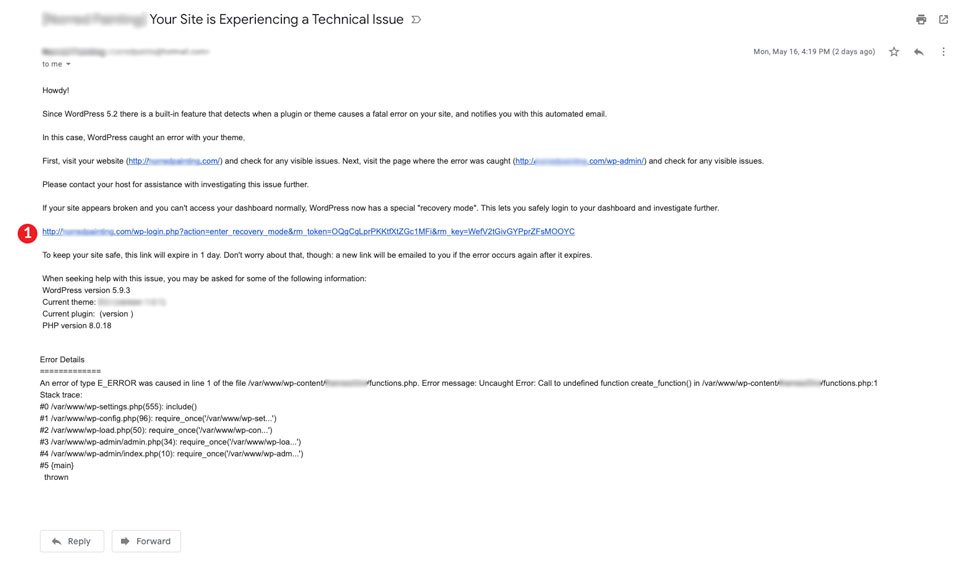
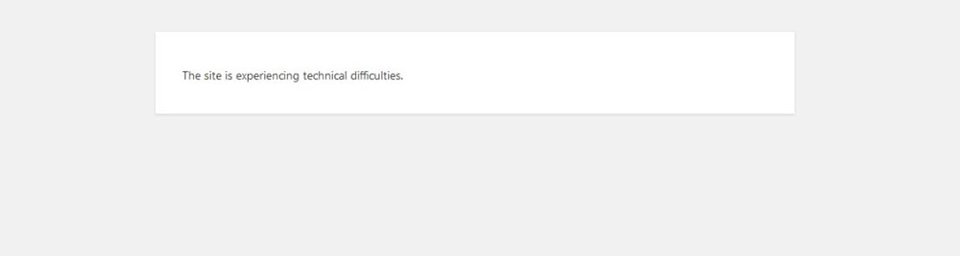
If you are a regular WordPress user, you’ve most likely encountered errors from time to time. The critical error, technical difficulties, or the dreaded WordPress white screen of death can ruin your day and take your site offline, leaving unsuspecting visitors...
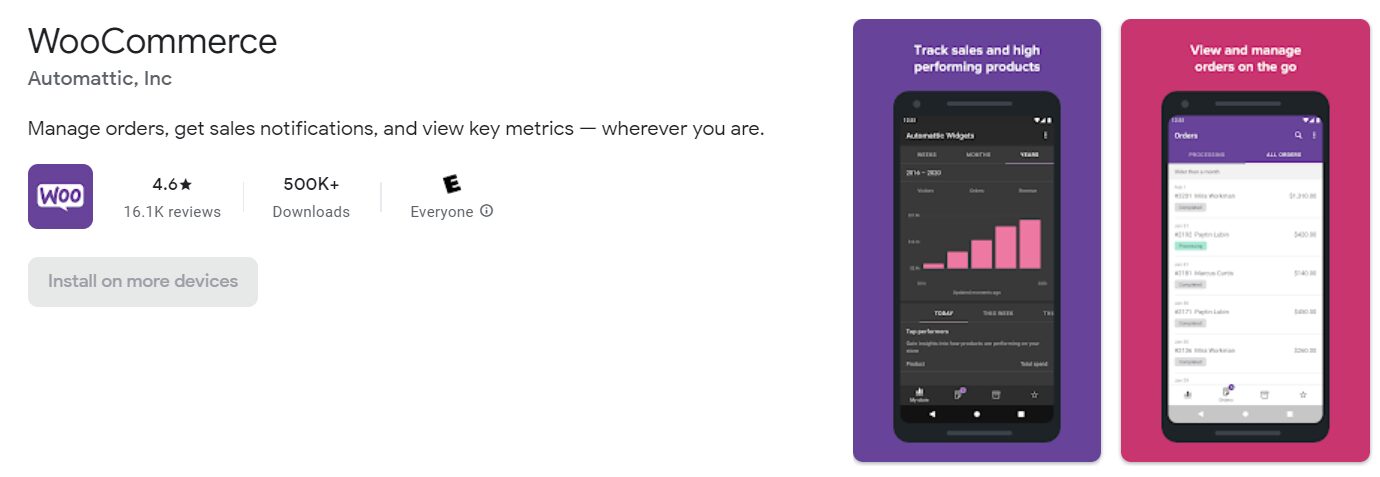
Managing your WooCommerce business in WordPress can be a hassle when using a mobile device. Usually, this involves logging in to WordPress and accessing WooCommerce from your site’s dashboard. However, the dashboard is optimized for desktop devices, and not for...
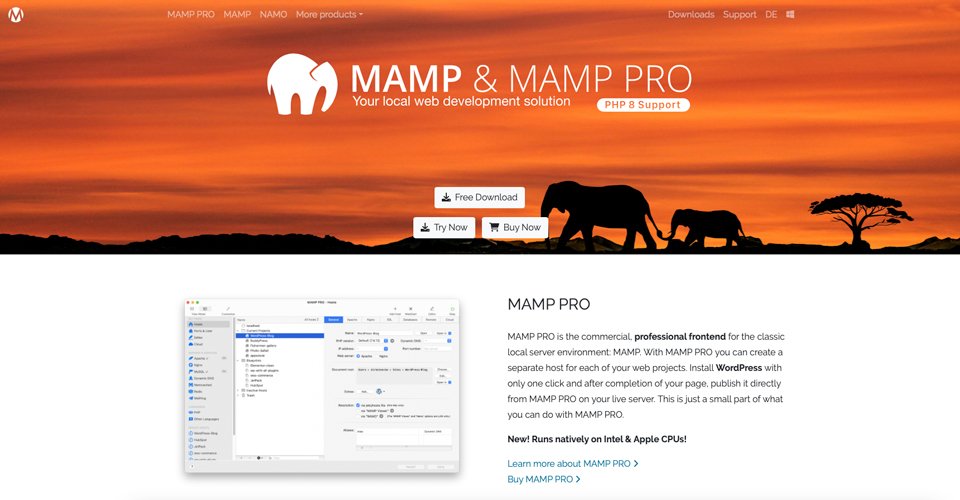
If you’ve been a WordPress developer long enough, you probably see the value in creating websites locally. You can avoid costly hosting fees during development, especially if you plan to develop more than one site at a time. Developing locally with MAMP Pro is a...
Ideally, your WordPress website and its content should be accessible to as many visitors as possible. Among other things, accessibility ensures that vision-impaired users can also navigate and enjoy your site. With WordPress voice search plugins, you can help your...
Analyzing your traffic can help you evaluate your website’s success. In addition, displaying some of those metrics – such as visitor numbers – can show new readers that your content is high quality. Fortunately, the best visitor counter plugins for WordPress are...
Have you ever made changes to your website and had it completely crash? It’s horrifying! Sometimes your site can break from a routine update of a theme or plugin. Or a site can crash without you having any idea what you did. That’s why it is important to have a...
Weak passwords are some of the biggest security threats to WordPress websites. Once hackers have a password, they can gain access to the site and wreak havoc. That’s why it’s critical to enforce strong password security using a WordPress password policy plugin. In...
When running an online store, it’s important to make sure that your customers can fully understand your products. This means viewing the items from multiple angles and up close. Fortunately, you can use WooCommerce image zoom plugins to optimize the display of your...
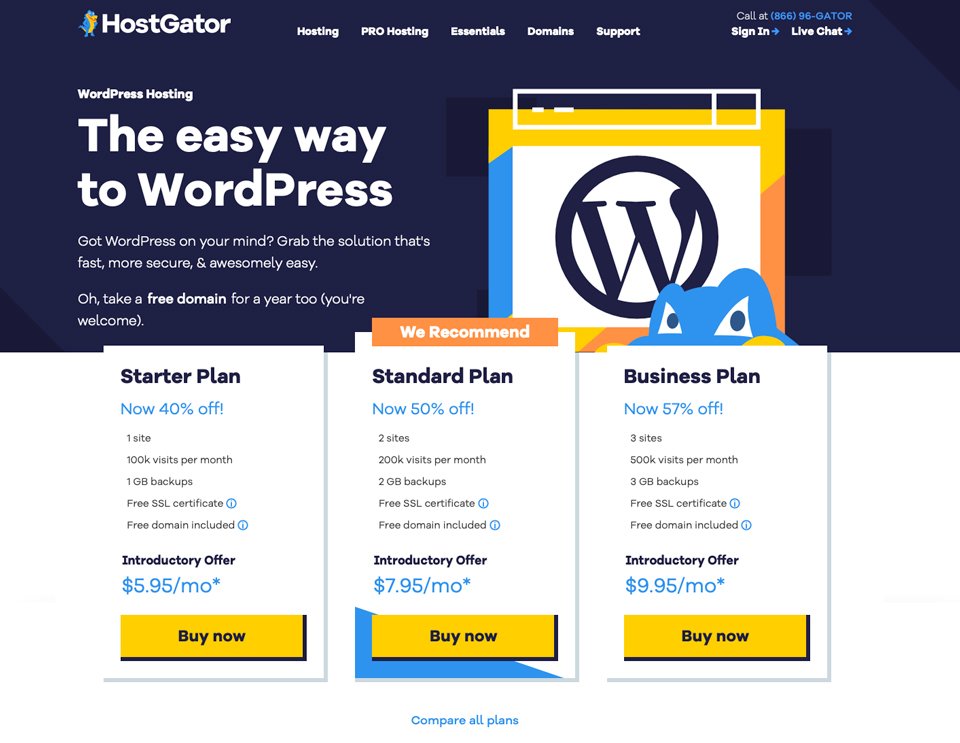
With so many options for WordPress hosting companies, you might be overwhelmed trying to sift through your choices. If you are a WordPress developer/creative type looking for a new hosting place to call home, HostGator could be a good option for you. HostGator prides...
There are so many options for managed WordPress hosting out there. We understand how it can be challenging to decide which company should host your website. Things like cost, features, and usability are all important factors to consider. As a part of our WordPress...
There are many Content Management Systems (CMSs) that you can use to create your website. However, when it comes to choosing the right platform, it can be difficult to determine which one will work best for you. In this post, we’ll discuss the two popular options –...
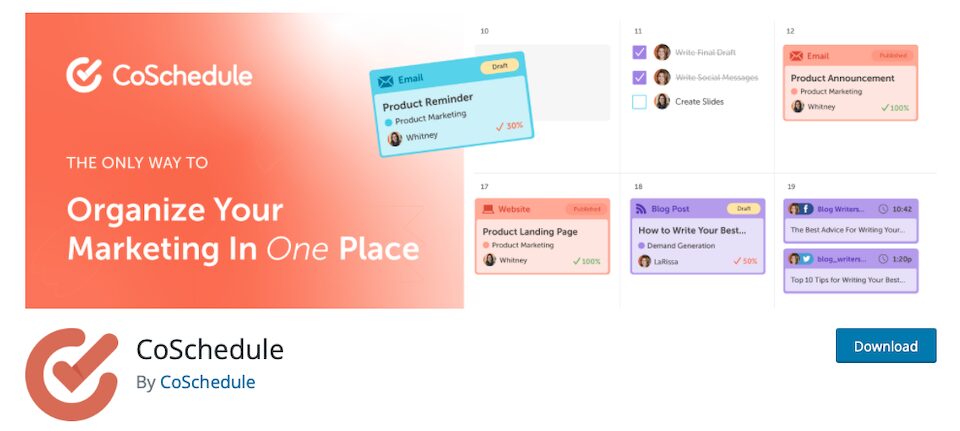
An editorial calendar is an organizational tool for scheduling and publishing content on the web. They help you stick to your publishing deadlines and make sure your entire team is staying on track. Whether you’re a solo freelancer or a content manager responsible for...
Comparing WordPress vs. Laravel is complicated because both “platforms” have little in common besides using PHP. However, understanding the differences between both options is essential to determine how to build your next project. In this post, we will talk about who...
The term “gamification” refers to the technique of adding gameplay elements to something that’s not actually a game. Gamification is built-in to video games, of course, so you wouldn’t say that a video game is “gamified,” because it already is by nature. But when...
If you’ve ever built a WordPress website, you know that one tiny tweak can lead to an entire weekend of hunching over your computer to “just fix one more thing.” When mere website-building mortals make plans, the universe laughs. To combat the woes that assault even...
Whether you run a brick-and-mortar store or multiple outlets, showing readers how to get to your business is essential. You can do this by adding a WordPress Google Maps plugin to your website. This way, visitors can find the store that’s closest to their locations...
Creating a printer-friendly version of your site can help make your content more shareable. However, choosing the best plugin for printing can be a little challenging. The key is to select a tool that contains the features you’re looking for and is available at a...
WordPress shopping cart plugins are tools that enable customers to add products to a basket and checkout. Those are basic e-commerce features that any online shop needs. Fortunately, there are plenty of amazing WordPress plugins that you can use to implement them. In...
WordPress is generally one of the most stable content management systems available. Widely popular with developers and businesses, it is estimated that anywhere from 44%-65% of all websites are built on it. Despite this, there are times when a problem could arise. One...
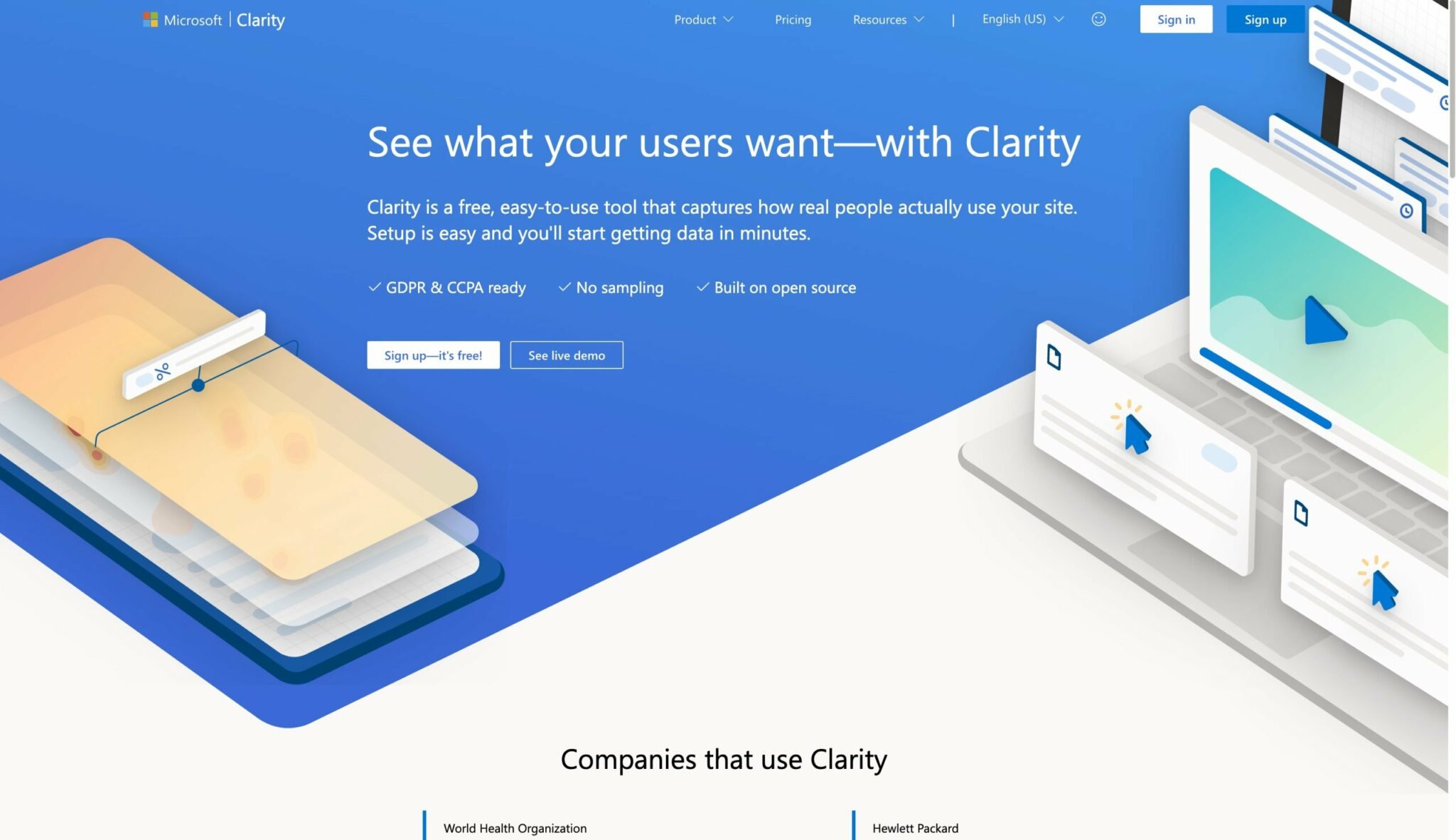
Tapping into your analytics and user behavior can help you improve your site’s SEO. If you’re interested in deepening your understanding of your site visitors’ behavior, then Microsoft Clarity can give you additional insights. Even better, it can help you improve your...
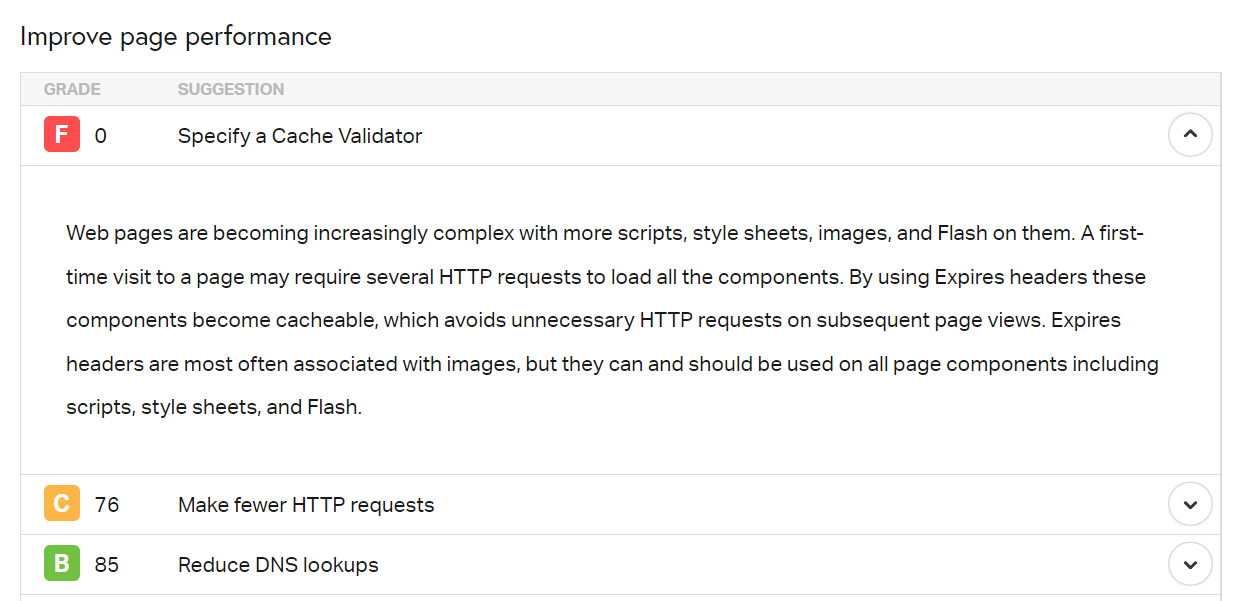
If you test your website’s performance using GTmetrix or Pingdom, you may run into an error that says to “specify a cache validator.” That message means that you’re not leveraging browser caching to its full extent. Unfortunately, this can negatively affect your...
Having customer reviews on your WordPress site is essential if you’re selling products or services. In fact, most customers look at multiple reviews before making a purchase. If you’re looking for the best WordPress review plugins, you’ll be pleased to learn that...
Knowing you need to produce content for your website is much different from knowing what to produce. And it’s far too easy to become paralyzed by thinking about every topic and keyword you could cover. Not knowing where to start is enough to make you not start at all....
Running a secure website is essential to protect your users’ data, maintain your reputation, and avoid SEO penalties. However, not all Content Management Systems (CMS) offer the same level of security. That brings us to the question: is WordPress secure? The short...
It isn’t easy to write about topics that haven’t yet been covered. However, there’s a difference between using other articles as sources of inspiration and reproducing their content on your site. Article spinning can land you in hot water, so it’s important to know...
Regularly publishing fresh, relevant, high-quality content on your website is critical for Search Engine Optimization (SEO). Unfortunately, creating large volumes of content on a consistent basis is challenging. Luckily, you can streamline the content creation process...
Rich snippets can boost your click-through rates and overall performance in the Search Engine Results Pages (SERPs). However, you’ll need to use structured data to generate these snippets. With schema tools, you can create and test your markup to ensure that it works...
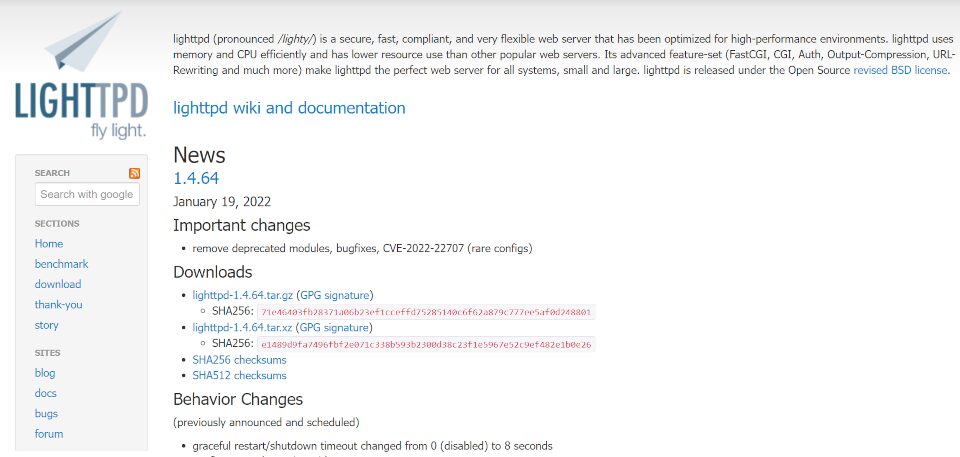
Lighttpd (pronounced “Lighty”) is high-performance web server software designed for speed, security, and flexibility. It can be an excellent option for environments with minimal resources, dynamic websites, or diverse applications. However, you might be wondering what...
Search Engine Optimization (SEO) is a critical part of running a successful website. However, determining whether your site is ranking for the right keywords can be difficult. Fortunately, using one of the best keyword tracker tools can make that significantly easier....
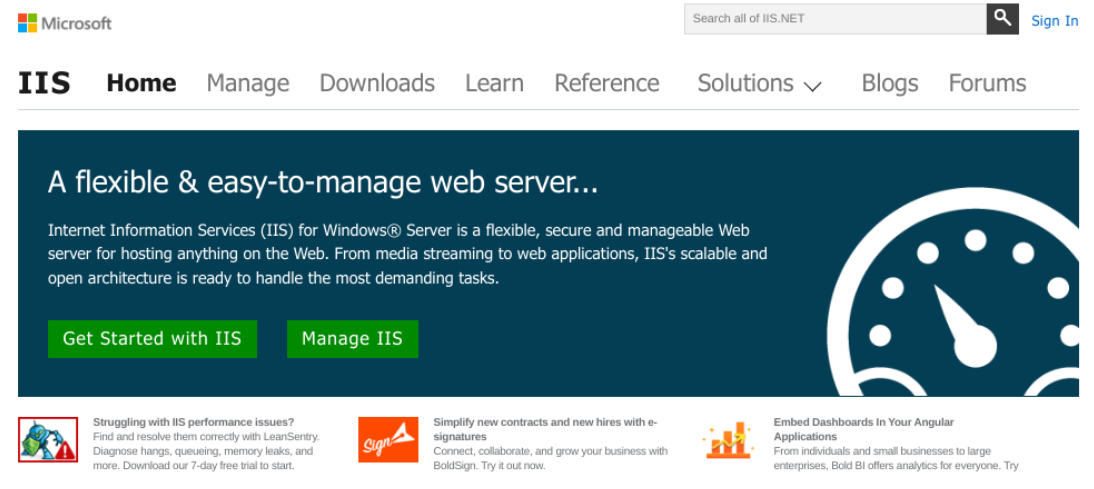
Web servers help power the internet, and there are many different options for hosting your website(s) or application(s). One solution you might consider using is Microsoft IIS (Internet Information Services). However, to determine whether it’s the right choice, it’s...
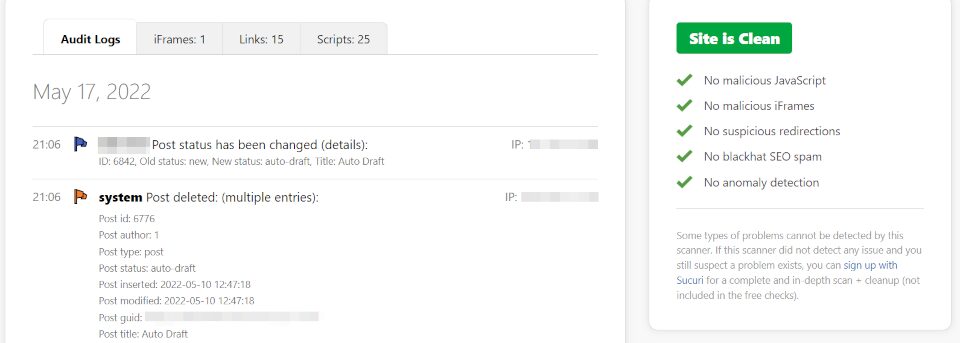
It can be challenging to manually stay on top of WordPress security when you run a large website. However, your WordPress log files can provide valuable information on changes made to your site. Therefore, it’s in your best interests to track your WordPress activity...
WordPress has a built-in feature for sending emails from your email provider, but unfortunately, that email functionality doesn’t always work as expected. When you rely on WordPress, it’s possible that a portion of your emails will never get where they’re going. To...
Site caching can improve your website’s performance and provide a better User Experience (UX) for your visitors. However, you might be wondering exactly how this process works and how important it is for your WordPress site. Caching can seem intimidating if you don’t...
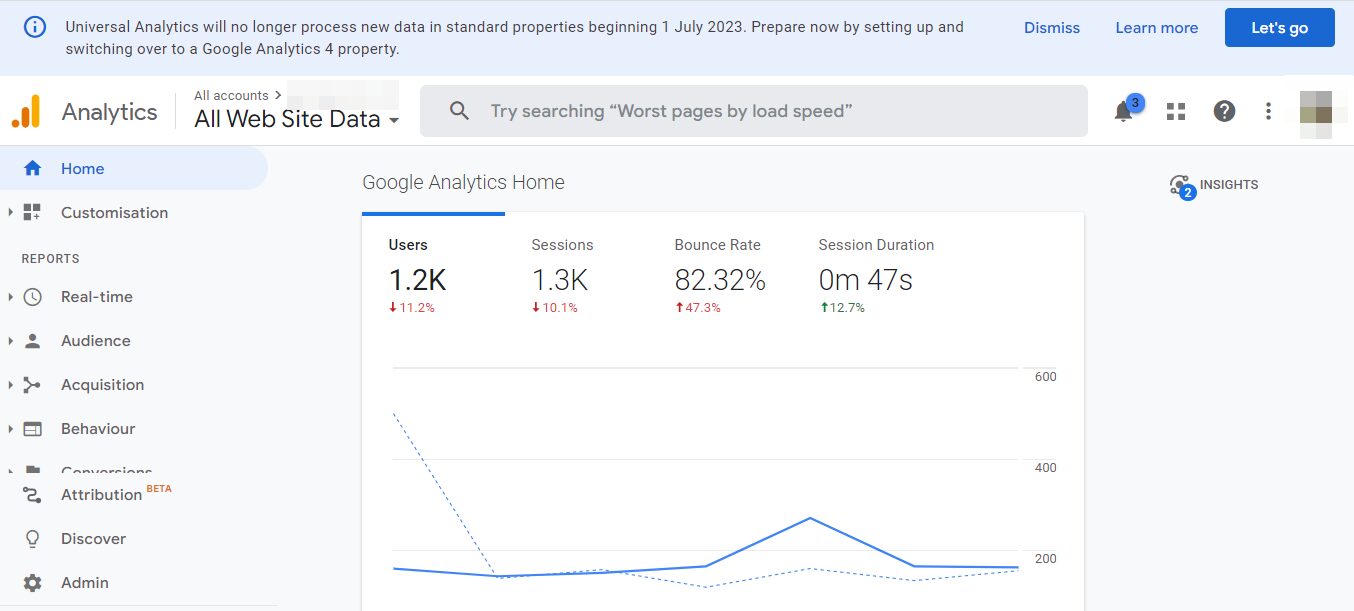
If you’ve been using Google Analytics for a while now, you might have heard the platform is transforming. In 2023, Universal Analytics will no longer process data, and users will need to switch to a Google Analytics 4 property. Fortunately, we’ve put together a guide...
WordPress began as a popular blogging platform and has since grown into a full-scale, open-source content management system (CMS). It’s among the top web platforms available online today and the primary choice of millions of website owners. The Duda website builder is...
Speed is crucial to your site’s success. Slow loading times can drive visitors away, resulting in a high bounce rate and fewer conversions. Fortunately, an effective way to boost your site’s performance is to use the WordPress object cache. In this post, we’ll take a...
With so many web servers available, determining the best one for your needs can be difficult. One of the newer options is the Caddy web server, popular for its ease of use, flexibility, and performance. However, is it ideal for running your WordPress site? In this...
WordPress and ExpressionEngine are both Content Management Systems (CMS). That means they’re software designed to help you publish and display blog posts, products, events, and almost any other type of online content you can imagine. However, every CMS approaches...
Managed WordPress hosting with Convesio is for sites that need to scale flawlessly. Companies like Flywheel, Pressable, and WP Engine offer optimized server environments for WordPress, too. Those include user-friendly dashboards and full-featured security suites....
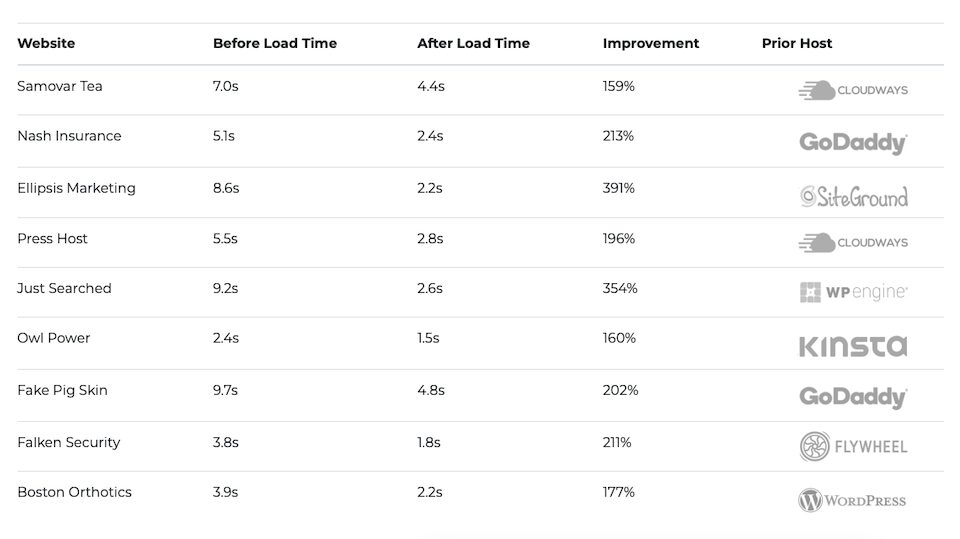
Having a site that performs like a digital superhero is a business imperative, especially when you’re making a first impression with a potential customer researching your organization. The following website performance statistics should strike fear in the heart of...
How Open Source Software Benefits Businesses In today’s technology-driven, fast-moving business environment, more companies are choosing to invest in open source software. Open source offers many advantages to businesses: a quicker pace of innovations, strong support...
The WordPress 6.0 Release Features Enterprise Marketers Can’t Wait to Try Is WordPress’s Gutenberg Block Editor the universal key to content agility, more effective content workflow, and the Fifth Law of Thermodynamics all rolled into one? Maybe, if you ask WordPress...
WordPress and GitHub Pages offer two very different experiences when creating websites. With WordPress, you get a full-fledged Content Management System (CMS). GitHub Pages, on the other hand, is a hosting service for static content. In this article, we’re going to...
How many times have you opened a tab, only to navigate away from it for a few minutes, hours, or even overnight? When you return to that tab, having to log in again isn’t unexpected. After all, who keeps track of each page’s refresh schedule and log-out timer? Not us!...
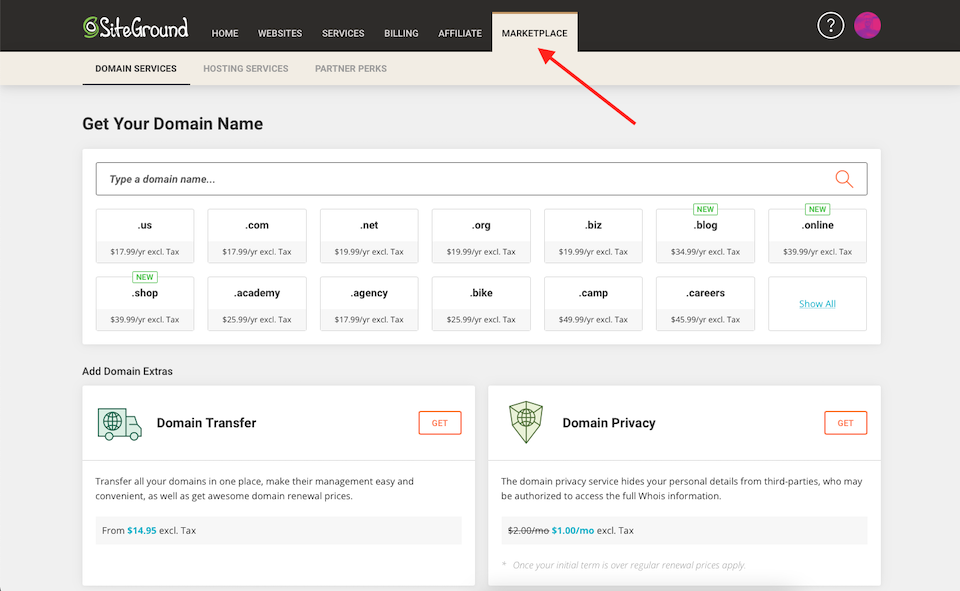
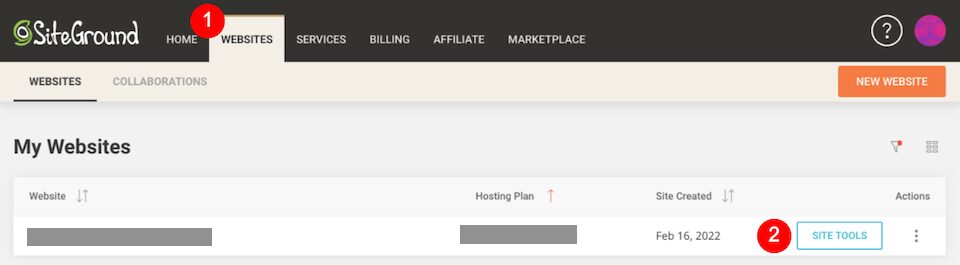
Having a website without a domain name is like having a house without an address. Only once you have a domain will visitors know where to go to find your website. With SiteGround domain services, you can register and manage a URL so your site has somewhere to exist....
If you’re looking for the right platform for your web development projects, you might have come across CentOS Stream. This server software enables you to develop new applications. However, you may be wondering if it’s the right fit for your needs. Fortunately, we’ve...
Finding the best domain names is rarely easy. Your business might have the perfect name, but that domain might not be available unless you use a lesser-known Top-Level Domain (TLD). If you’re coming up with a company name from scratch, it also needs to be available...
For many WordPress website owners, a managed hosting service is a must. Managed hosting services tend to cut down setup time and maintenance, guarantee against downtime, have simple use dashboards, and provide on-demand customer support. Depending on your website...
Cloud hosting is becoming increasingly popular. With this service, your site is hosted on multiple virtual servers, which can help improve performance and maximize uptime. Amazon Web Services (AWS) is one of the leading cloud computing providers, so you might be...
It wouldn’t be an exaggeration to say that Amazon Web Services (AWS) is one of the foundations of the modern web. AWS hosting is the biggest player in the cloud hosting arena, with over 33 percent of the market. Its closest competitor is Google Cloud, which boasts a...
You put months into building your website. You spend even more time learning about SEO and how to create valuable, meaningful content for your users. Then you find out that, while people find your site all the time, they don’t stay. Sometimes they leave within...
If you’ve come across the LiteSpeed web server, you might be wondering how this software can impact the performance of your WordPress site. You may also want to know how it compares to other servers. Fortunately, we’ve got you covered in our beginner-friendly guide....
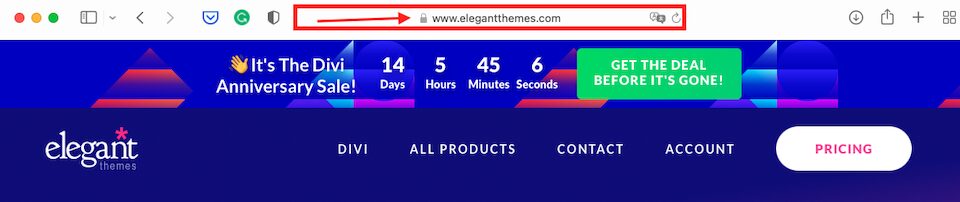
Installing an SSL certificate is one of the top security tips you’ll hear over and over if you have a WordPress website. SSL certificates allow for a safe browsing environment, and you can usually tell if a site has it enabled if you spot a padlock in the address bar,...
Search Engine Optimization (SEO) is an essential ways to boost your website’s visibility and attract more organic traffic. However, it’s a complex strategy that relies on understanding algorithms and leveraging a wide variety of ranking factors. If you’re looking to...
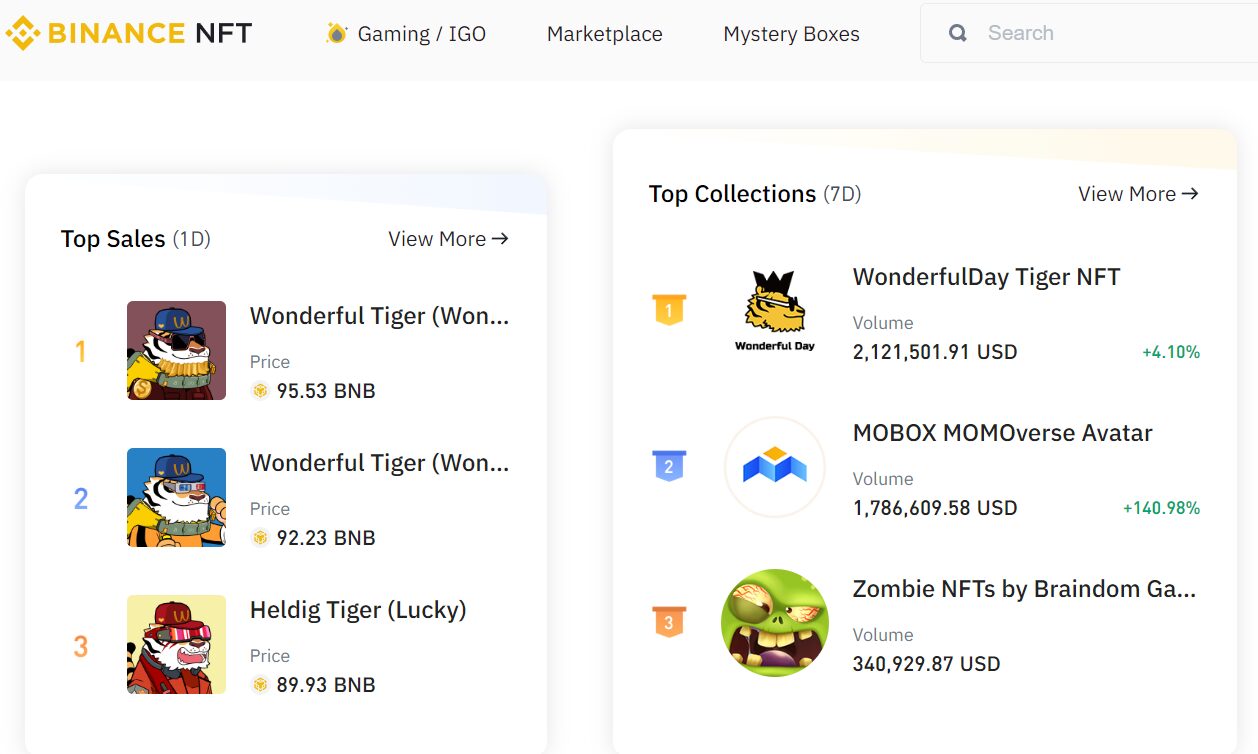
Blockchain technology is a hot topic, with Non-Fungible Tokens (NFTs) often at the forefront of the discussion. These digital assets enable people to own online items such as artwork and even domain names. However, these concepts can be confusing to understand. If...
Whether you’re a seasoned website creator, developer, or manager or you’re a newbie, one thing is obvious: the more streamlined the hosting portal, the better. Who wants to spend time looking for a tool that should be front-and-center? And what do you do when you’re...
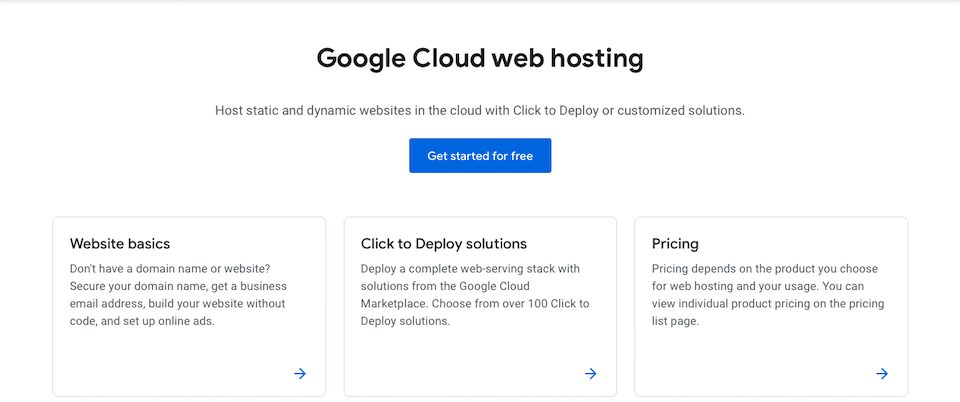
If you’re ready to transition your site to a cloud-based environment, you might be curious about Google Cloud WordPress hosting. This platform can boost your site’s performance, and it enables you to pay for only the resources you need. However, it can feel daunting...
If you’re planning to change your hosting provider, you might want to consider switching to Google Cloud. This flexible platform enables you to serve content quickly to your visitors, customize your resource allocations, and scale your site as needed. We’ve put...
Web servers are essential components of your website. They make your content available to visitors who try to access it. However, you may be wondering: what is Tomcat, and how is it different from other server software? Fortunately, we’ve put together a guide that...
SEO experts generally frown on web directories. However, some genuine sites do exist that can help you generate backlinks and referral traffic. The key is knowing which directories are still considered legitimate. By learning more about the available options, you can...
While a mass email service like Gmail is popular, recognizable, and user-friendly, it’s missing one very important thing: your branding. By using SiteGround email along with your domain name, you can have an email address that looks professional and showcases...
Content and SEO go hand in hand — at least where brand marketing and copywriting are concerned. Writing for SEO is the process of preparing, creating, and optimizing content for the purpose of ranking in Google and other search engines. Knowing how to write SEO...
The internet places a plethora of resources and information at our fingertips. However, it’s essential to understand how to identify and retrieve them. To do that, we can use URIs and URLs. While you’re probably familiar with the latter term, you might be wondering,...
Email plays a vital role in your communications when running a business. Therefore, choosing the best email provider can help you better manage customer interactions. Furthermore, it can save you money on email-related costs and enhance productivity. Figuring out...
Very simply, blog commenting is what it sounds like: leaving a comment on a blog post, usually along with your username and a link to your site. When done correctly, blog commenting for SEO is a non-spammy way to rank higher in SERPs. But handled incorrectly, blog...
The WordPress database is one of the core components of the Content Management System (CMS). WordPress uses the database to store all of your site’s content. That means any errors within the storage space can break your entire website. Therefore, digging into...
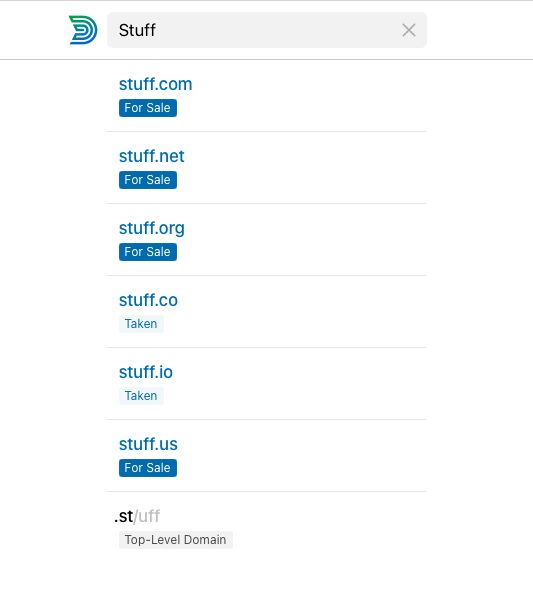
Domain names are important. People need somewhere to go online to visit your website, of course, and they are a major component of your brand. Whether you’re a hobby blogger, a small business owner, or part of a huge corporation, your domain name is representative of...
Web servers are responsible for making your website accessible to browsers and users. You may have heard of NGINX before, but you might not know what it is or how it works. Fortunately, we’ve put together a quick guide to this popular server software. In this post,...
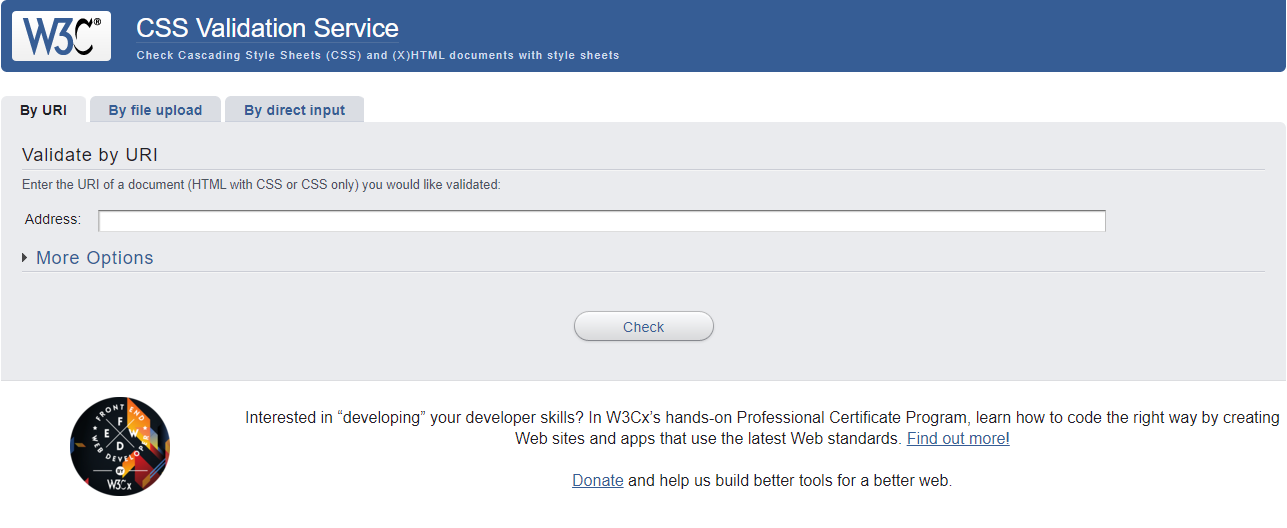
As a web developer, you’ll want to ensure that your code is clean, valid, and accessible. This can also help you boost your Search Engine Optimization (SEO). Fortunately, you can use the W3C validator to make sure that your work is up to standard. In this post, we’ll...
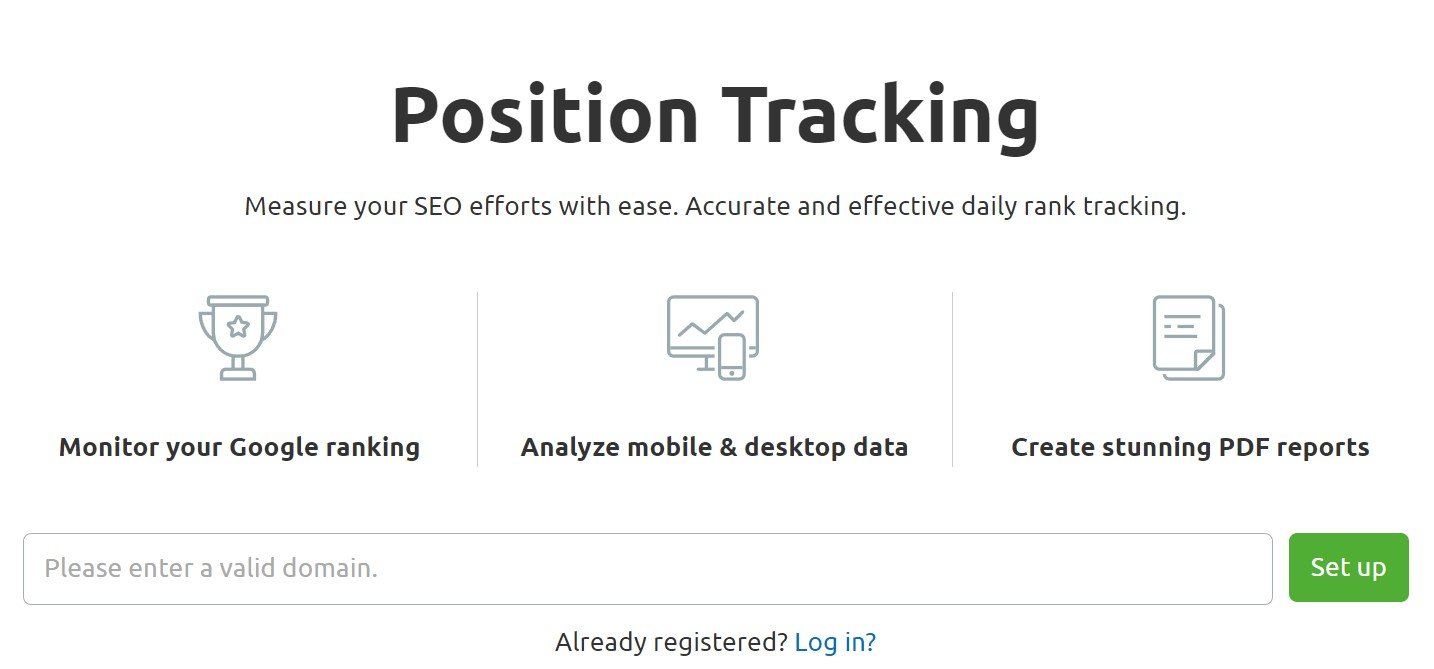
Reaching the top positions in the Search Engine Results Pages (SERPs) can bring an influx of organic traffic to your website. However, climbing the rankings can take a lot of time and effort. With a rank tracker tool, you can track your site’s progress and hone your...
Search Engine Optimization (SEO) techniques can help your website climb the rankings and display higher in the Search Engine Results Pages (SERPs). However, optimization can be really expensive. Premium SEO tools carry premium price tags. Fortunately, there are plenty...
If you’re in the market for a website, you have probably heard WordPress, Squarespace, Wix, Weebly, and a dozen more. But which one should you use? When it comes to selecting WordPress vs other content management systems (CMS) and website platforms, the right choice...
You can’t have a WordPress website (or any website, for that matter) without a host. It’s like trying to build a house when there isn’t any land for it — until it has somewhere to go, it can’t exist. But while website hosting is super important, it’s pretty...
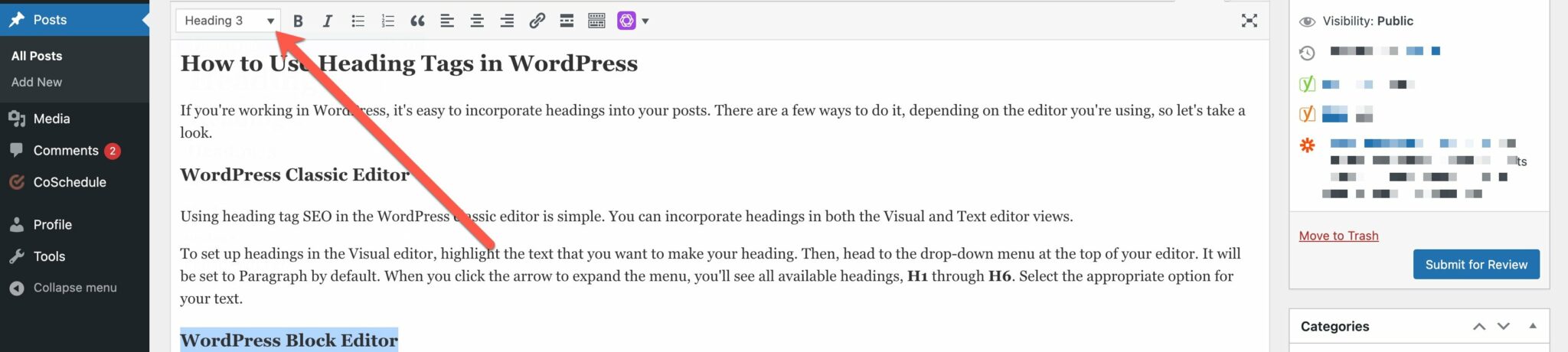
Heading tags are one of the most critical features of your website — and maybe the most misunderstood. Many people see headings as just another way to organize and break up content. It’s true that headings can make your content more easily readable, especially if your...
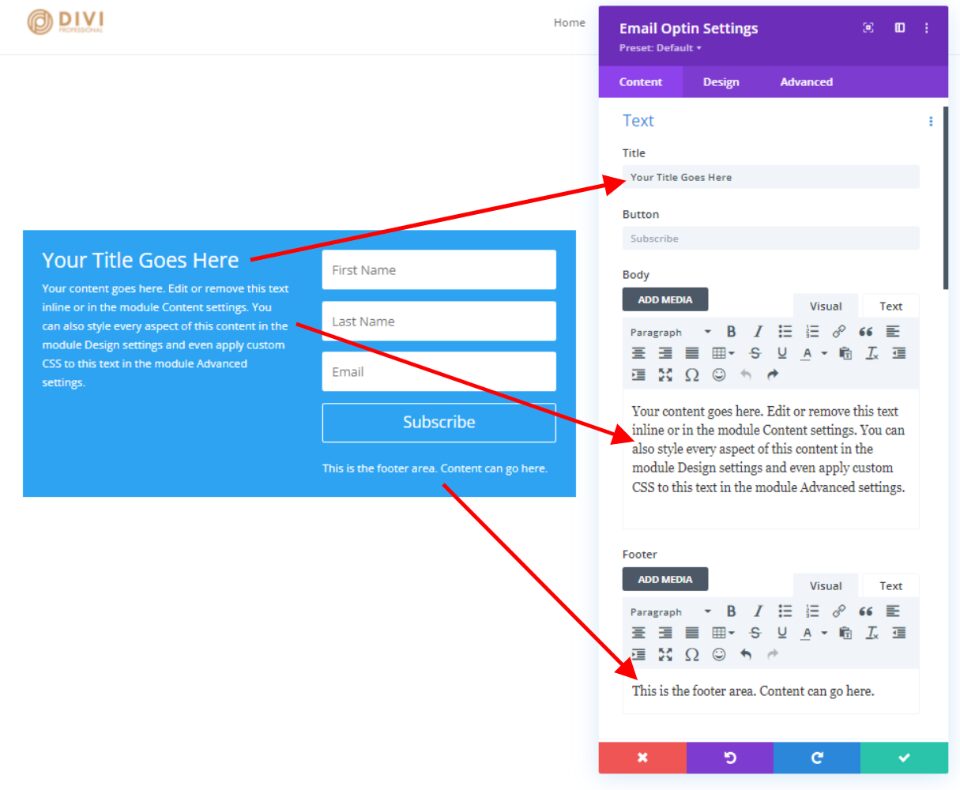
Divi’s email optin module has several text and content areas that can show additional content. These areas can be styled within the email optin module. Along with the module’s layout options, this provides a solid design for a simple email form. However, this does...
From recovering lost passwords to making new accounts, WordPress uses email for many tasks. However, the Content Management System’s (CMS) included email feature isn’t the most reliable. Therefore, we recommend using an SMTP service to send emails through your...
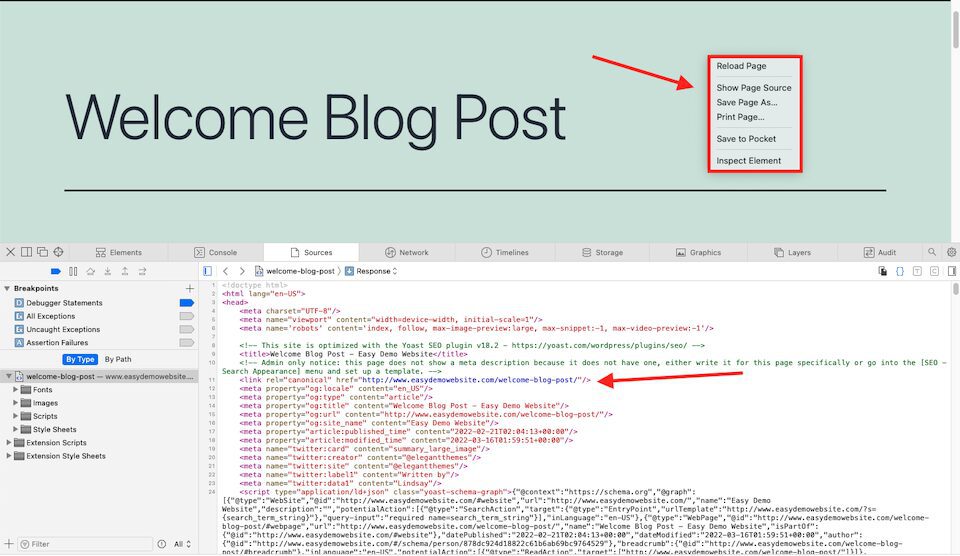
When content that’s exactly the same or almost exactly the same appears on two or more pages, that’s called duplicate content. The biggest problem with duplicate content is that search engines don’t know which version of the content to index or show in search results....
There’s no shortage of managed WordPress hosting companies on the market. However, features and prices vary significantly from one web host to another. If you haven’t used managed hosting before, it can be hard to determine which companies offer the best services for...
The Divi Blog module is a powerful tool when it comes to creating category and archive pages. With a few simple settings, you can assign a template to any category or archive page without having to adjust the Blog module. In this article, we’ll look at how to use a...
Whether you want to pursue a career in online marketing or boost your search engine visibility, acquiring Search Engine Optimization (SEO) skills can be advantageous. However, figuring out how to become an SEO expert – and what SEO expertise entails – is an essential...
A lot of work goes into building and designing a professional, functional, and accessible website. However, if you want your site to rank well in organic search results, it’s essential to focus on optimizing your site for SEO. Doing so takes time, and you will need to...
Using images, videos, and other files can improve the quality of your blog posts and enhance your WordPress website’s appearance. However, including too many “heavy” elements could slow down your site and affect its overall performance. Fortunately, lossless...
Unless you’ve never been online before, you’re sure to have come across CAPTCHA tests – probably each version of them, too. If you’ve ever had to make out squiggly, blurry text to type in a box or click every image with a fire hydrant (or another basic visual) in a...
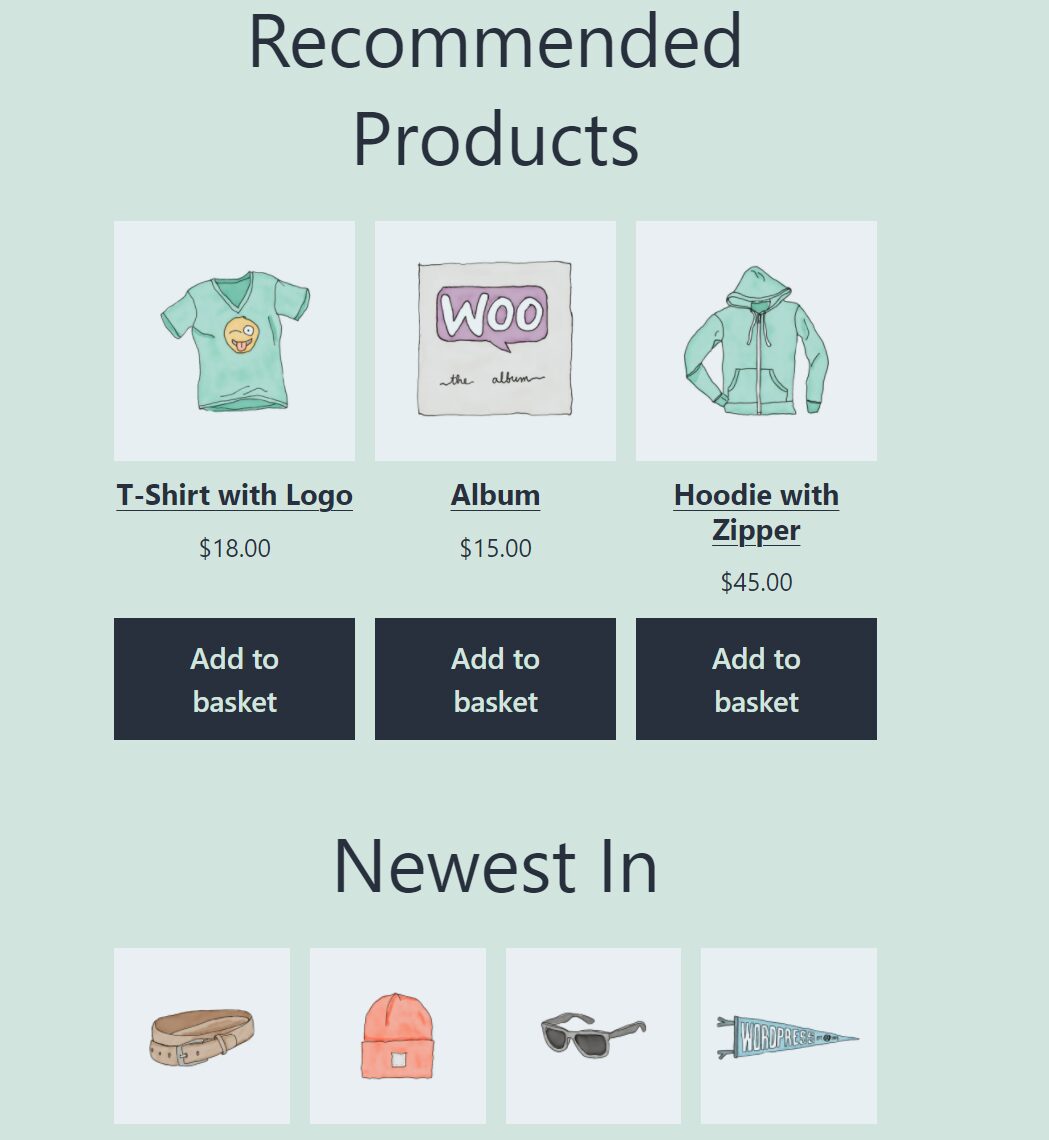
WooCommerce blocks enable you to display the best and hottest products in your store. You can show items on sale, recommended product categories, best-selling items, and much more. Thanks to the Hand-Picked Products WooCommerce block, you can also point visitors to...
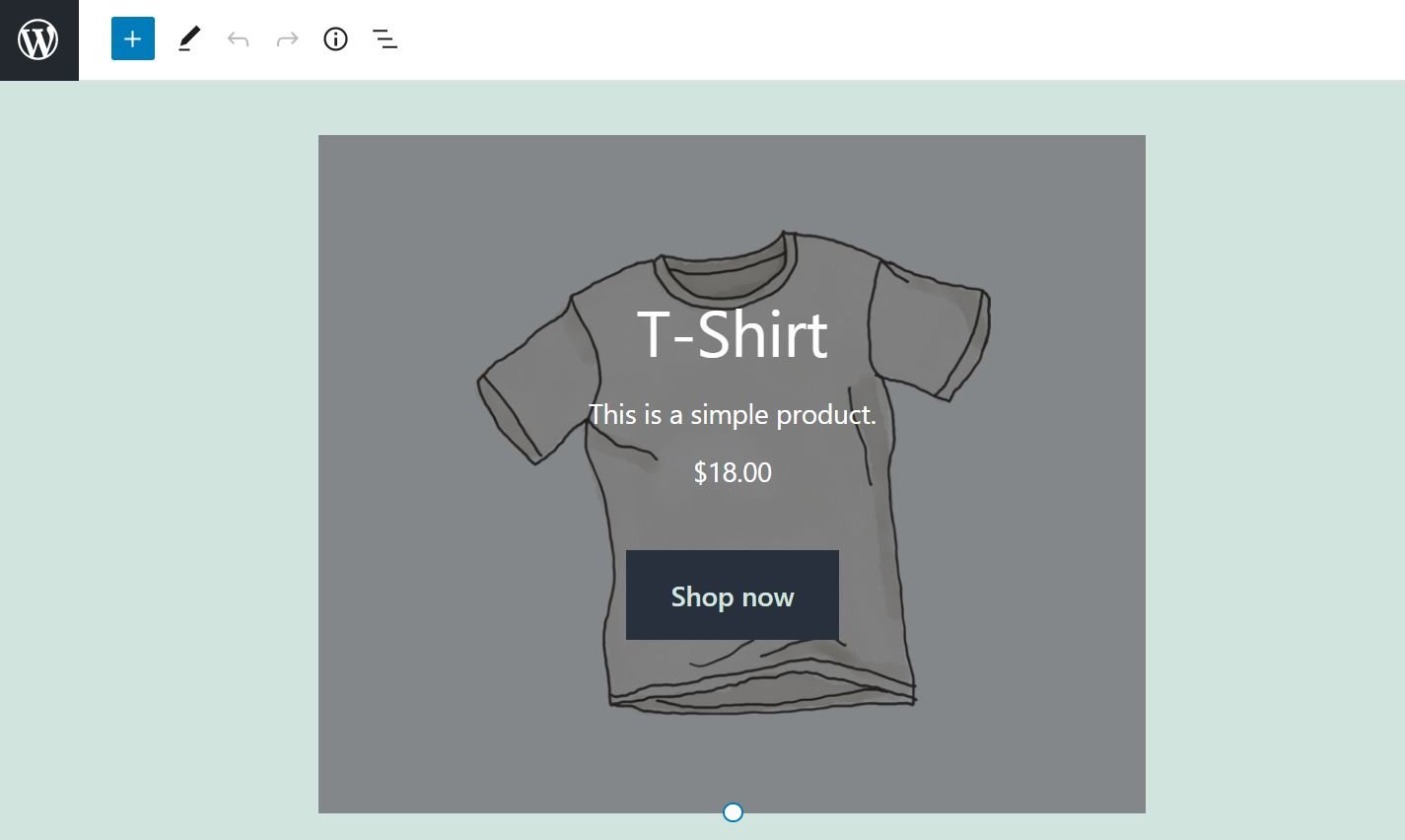
Featuring a specific product in your online store can be an effective way to increase your sales. For instance, you may want to showcase your newest item on your home page, or promote it in a blog post. Fortunately, the Featured Product WooCommerce block enables you...
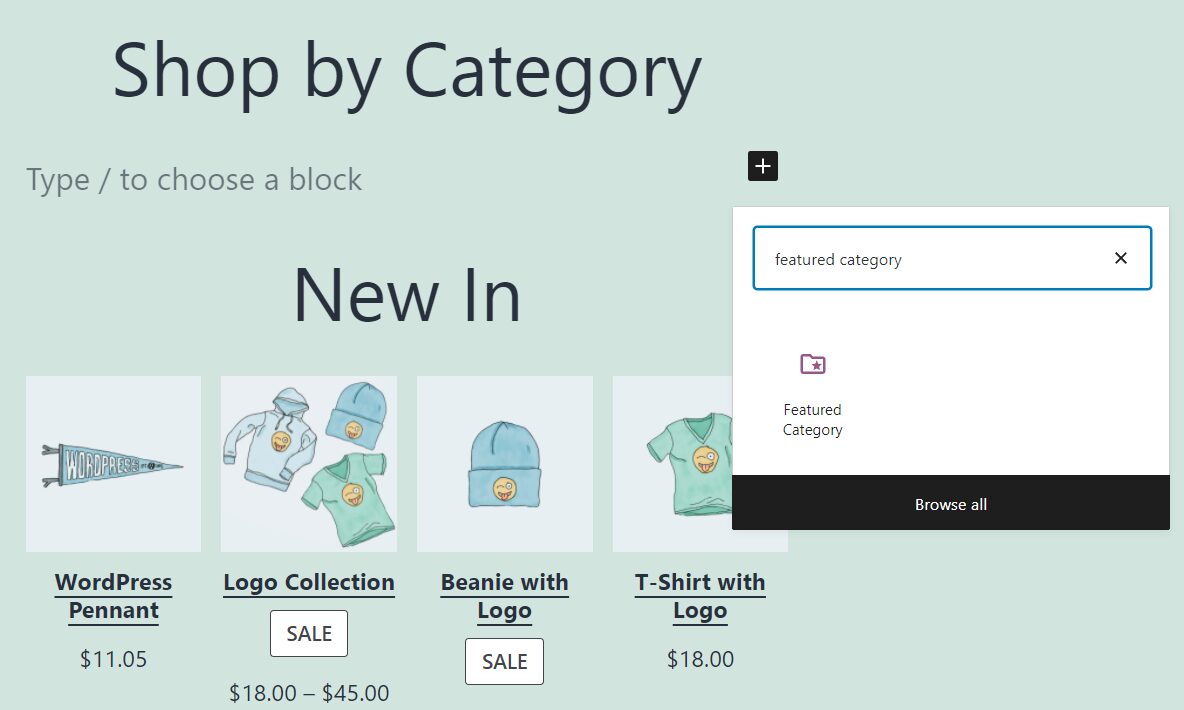
In many online stores, there’s one category of products that sells better than anything else. If this is true for your e-commerce shop, the Featured Category WooCommerce block can help you introduce those top items to an even broader audience. In this article, we’ll...
There are broken links everywhere on the web. As your content library grows and posts become outdated, it’s all too common for some links to “break”. When a user clicks on a broken link, it sends them to a page that doesn’t exist. That’s terrible news for both the...
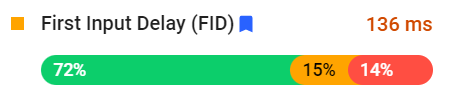
Core Web Vitals is a set of metrics Google uses to evaluate the quality of your website. Optimizing your site for these metrics is absolutely essential. Not only does optimizing these metrics for a good score give your website a solid user experience (UX), that user...
Anyone who’s familiar with browsing the web has run across a 403 Forbidden error, or other HTTP status error, at some point. These errors are incredibly frustrating, especially when they appear on a WordPress website that you own and run. When you’ve gone to the...
Pop-up optin forms are simultaneously one of the most useful and most annoying elements of web design. Without them, you can hardly grow a list of devoted customers, but first-time visitors are highly unlikely to even pay attention to them. That’s why we want to walk...