Your internet browsing session has just been interrupted by an untimely 504 Gateway Timeout error. Most likely, you’ve seen this error from time to time, since it happens when a browser fails to connect to the website you’re attempting to visit. It’s a nuisance for...
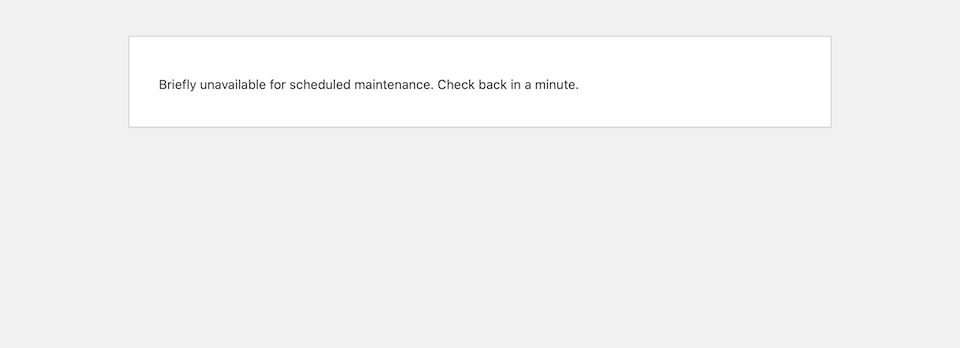
The WordPress maintenance mode page automatically shows to website visitors when you’re updating your site, like when you’re updating core files, plugins or themes. The point of the maintenance mode page is to prevent your site from looking like it’s broken when it’s...
When there’s a 500 internal server error on your website, your focus goes to one thing only: How do you get your website back online as quickly as possible? Every minute – second, even – that your site is down is time that you’re losing traffic and sales. Plus, it’s...
Securing your WordPress site isn’t a one-and-done deal. No matter how much you trust your security plugin or how thorough you were with website hardening, a safe website today does not make for a safe website tomorrow. To keep hackers at bay, you have to regularly...
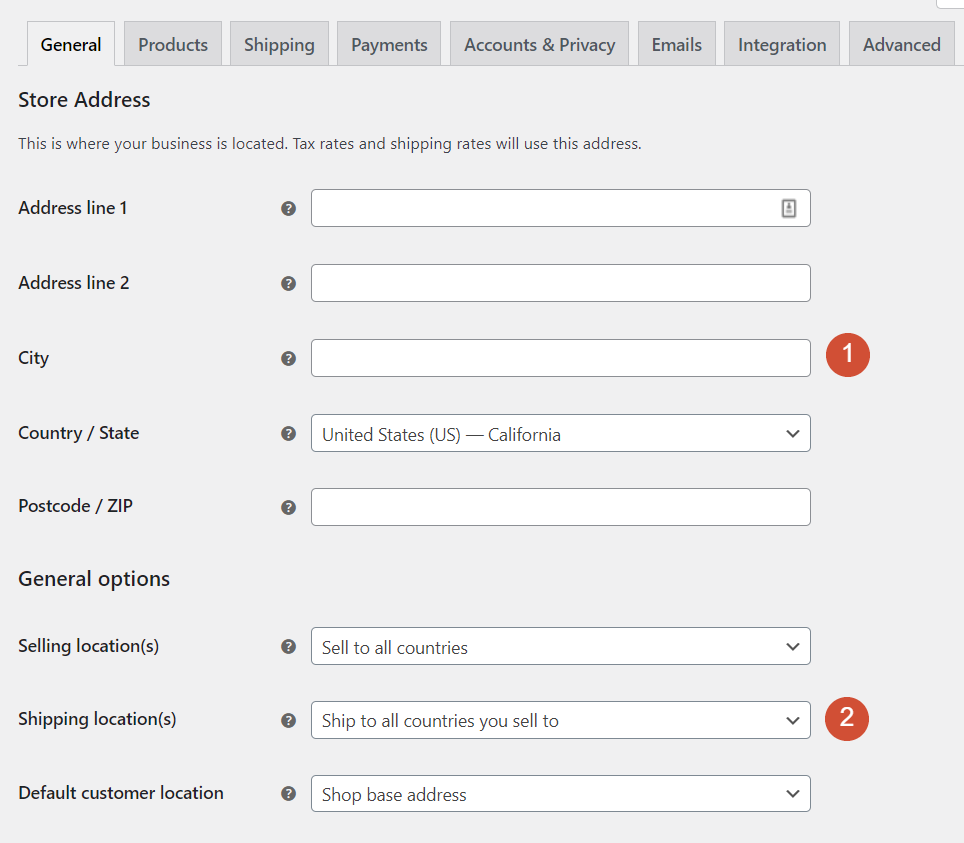
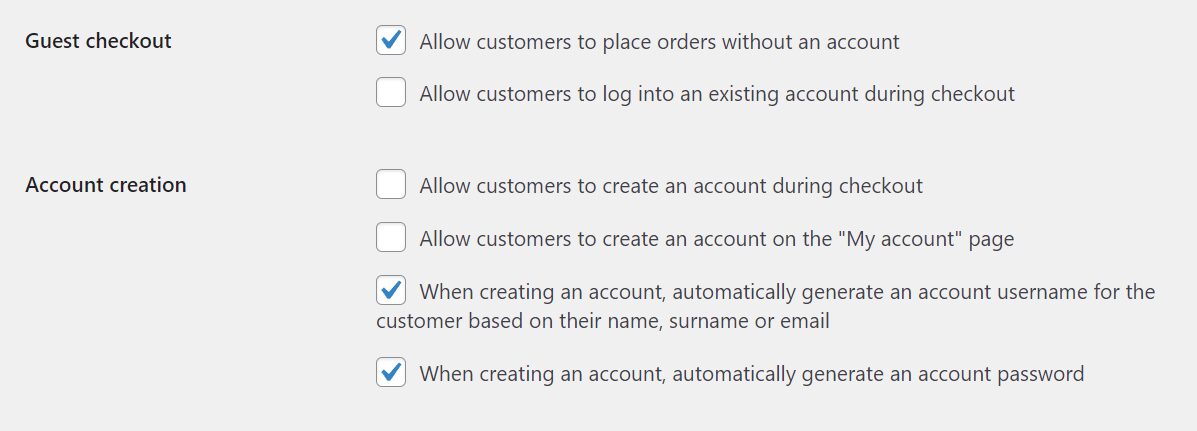
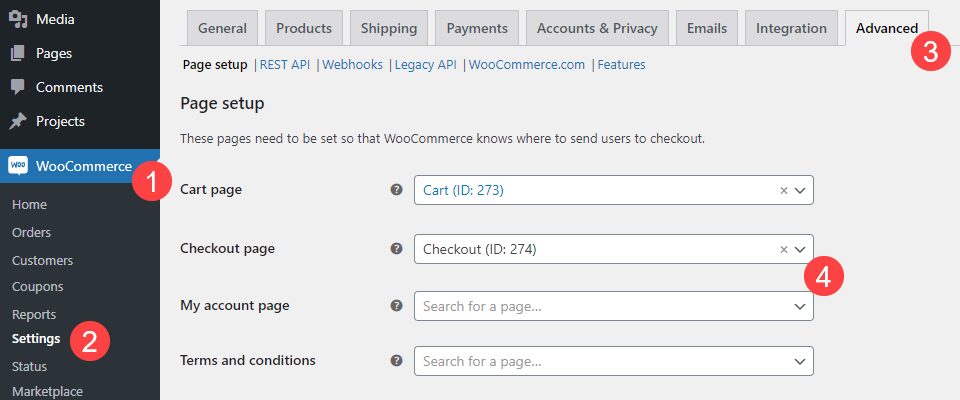
Few plugins add as many features to WordPress as WooCommerce does. With one tool, you can take this Content Management System (CMS) and add all the functionality you need to set up an online store. However, that’s only possible if you know how to configure WooCommerce...
If you want to set up an online store with WordPress, you’ll probably use WooCommerce. It’s the king of e-commerce plugins, and it makes selling online remarkably simple. However, if you’re about to install WooCommerce, you might need a little help getting started. In...
It should come as no surprise that when something is tailored to your interests and personal habits, then you are far more likely to engage with it. You’re more likely to open a junk email that says, “Jimmy! Open this now!” than simply “Open this now!” You are also...
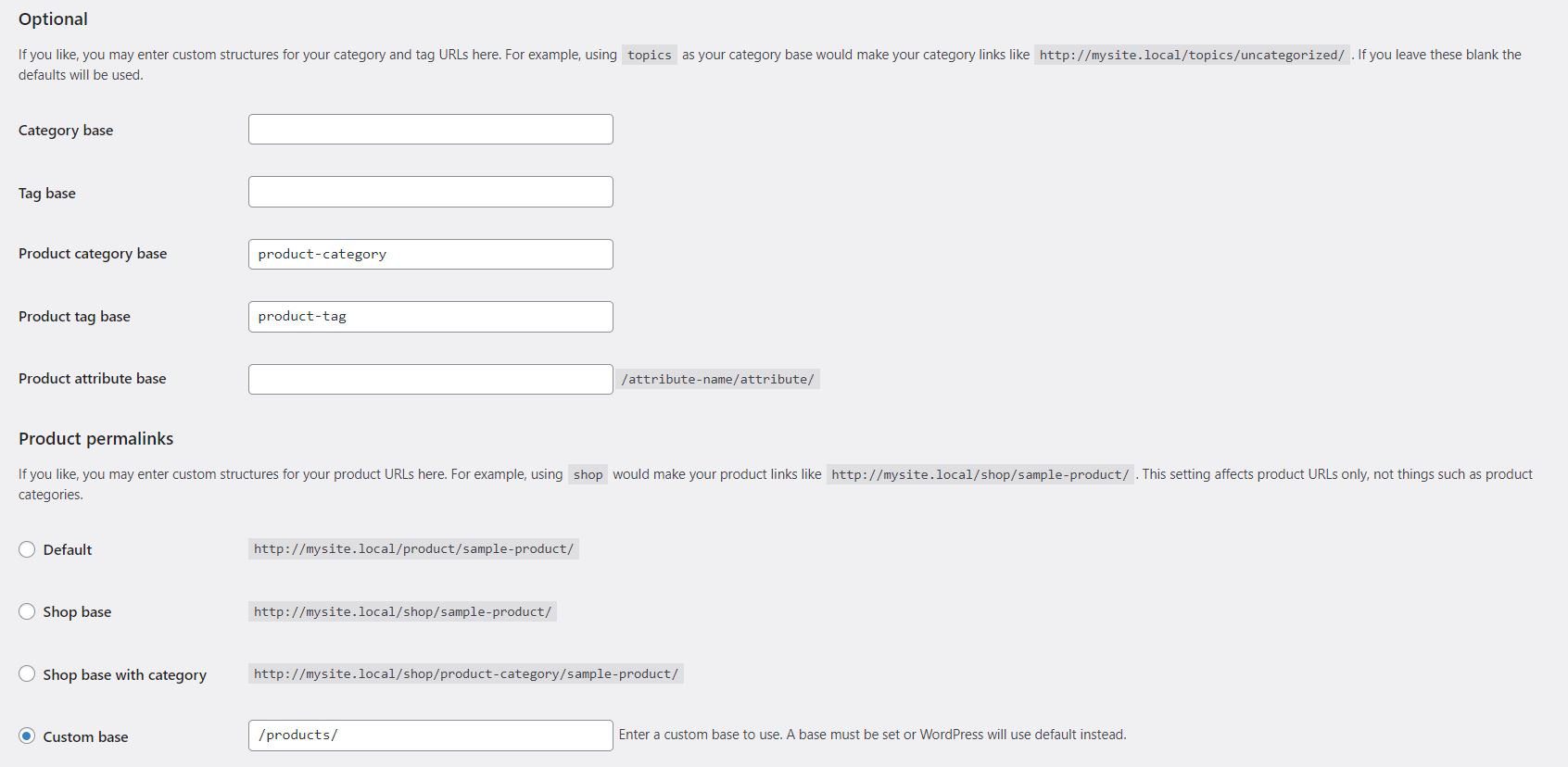
Optimizing your WooCommerce permalinks can help you drive more traffic to your store. However, trying to understand which URL structure will work best for your needs can be a little challenging. Fortunately, there are some very simple yet effective practices you can...
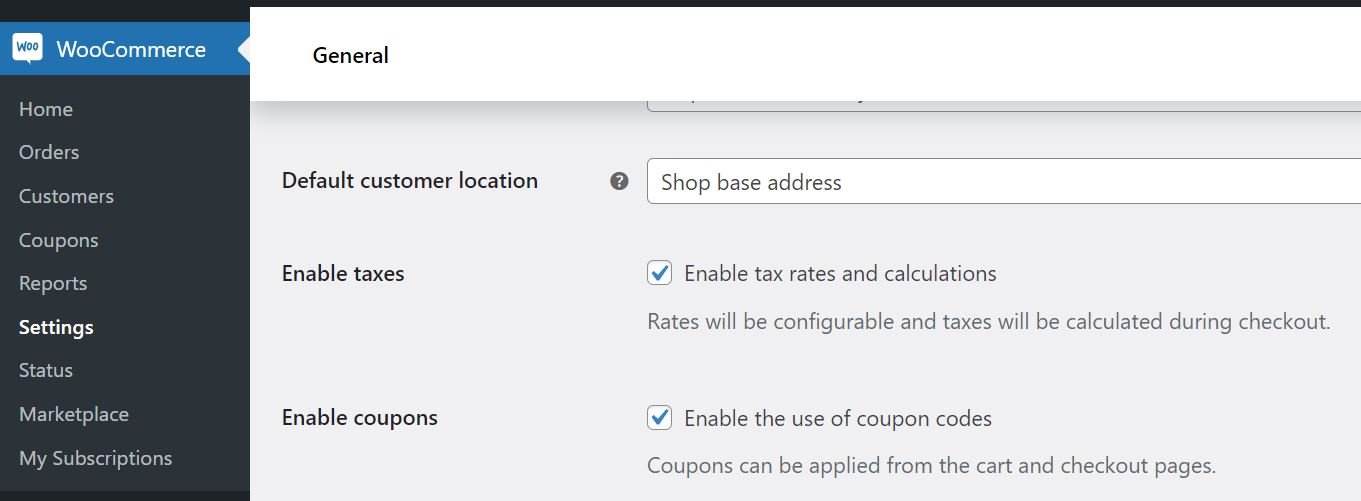
Running an online store comes with many perks, but having to figure out taxes is not one of them. This task may seem a little daunting, especially if you’ve never done it before. Fortunately, WooCommerce provides a straightforward setup process to help you get the job...
WordPress offers a wide variety of user roles and capabilities. You can have Administrators, Authors, Editors, and more on your site. What’s more, if you use WooCommerce you get access to even more options. Understanding what WooCommerce roles and capabilities are...
Divi’s condition options allow you to have complete control over your site’s content like never before. Part of that control comes in decluttering your site from having content that doesn’t apply to all users. Such as a login form. Many times, sites will have a login...
Creating a WooCommerce store is very simple: install the WooCommerce plugin, add a product or two, set prices, and there you go–a WooCommerce shop. But running a successful WooCommerce shop is considerably different. Planning and optimizing an ecommerce website is no...
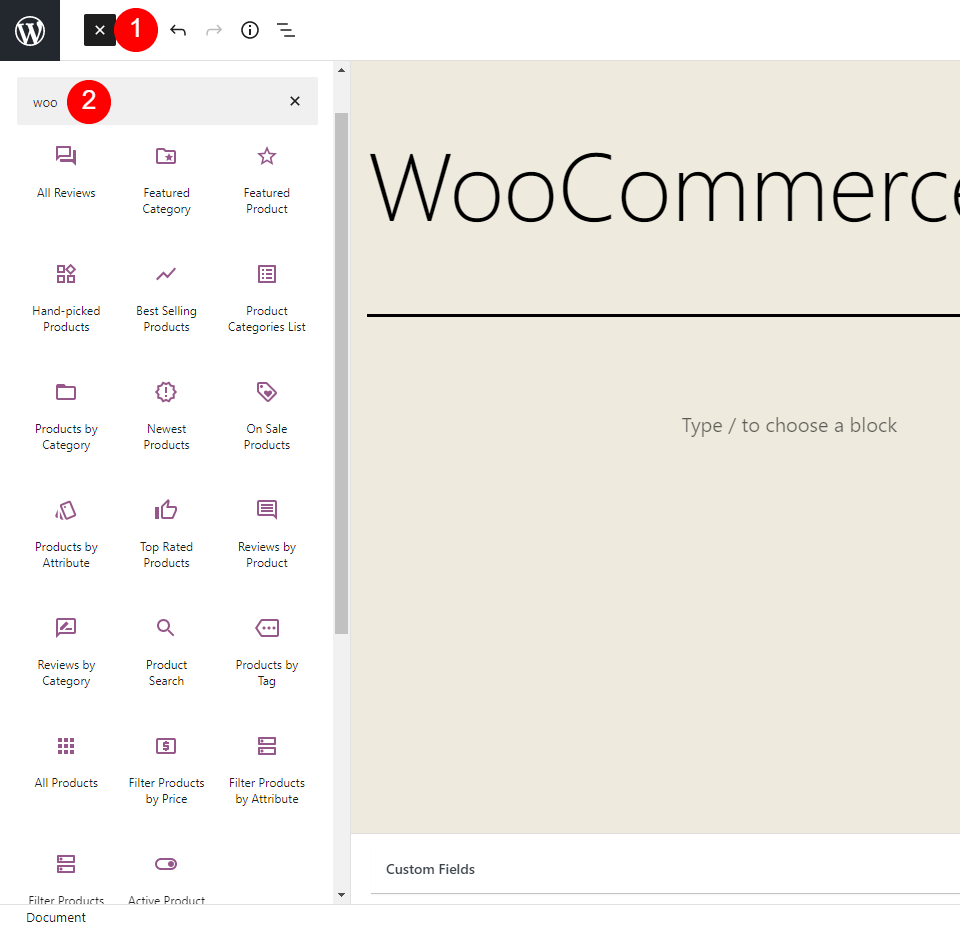
WooCommerce blocks provide lots of options to showcase your products. There are currently 20 blocks added to the block editor when you install WooCommerce. Even more blocks and new features are available in the WooCommerce blocks plugin, which tests new blocks and...
As ubiquitous as WooCommerce is, many users have never delved terribly deep inside the technology behind it. For good reason, too. You don’t have to. WooCommerce is simple and easy and works incredibly well right out of the box. However, if you want to get the most...
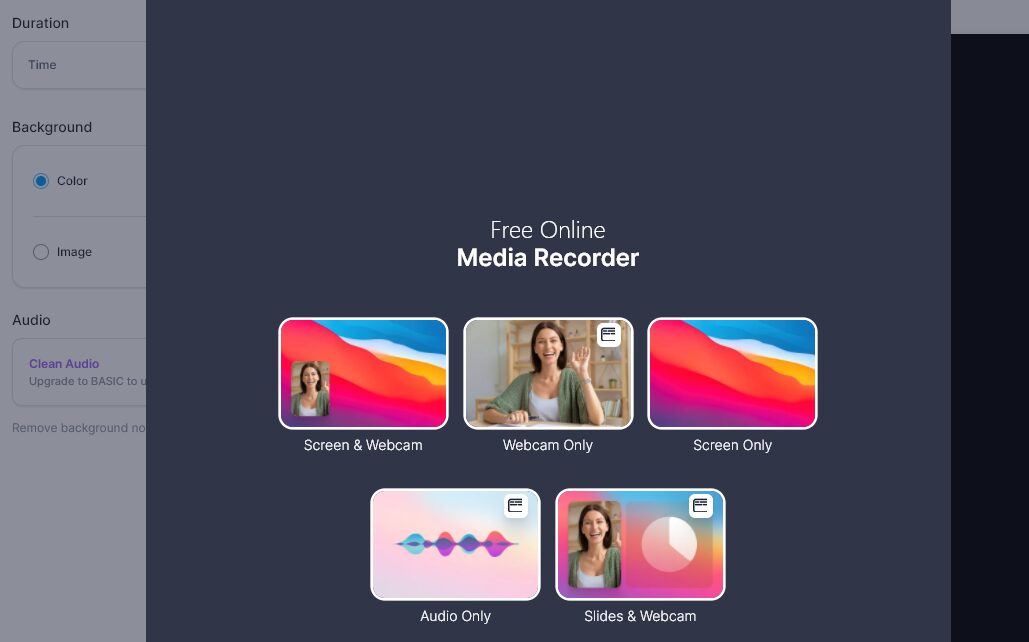
Video editing and recording software can be remarkably complex. You typically need a specialized skill set (or a lot of time) to create and edit videos. If you’re going to use those videos for online marketing purposes, the bar is even higher. Fortunately, VEED.IO...
If you have a WordPress website, there’s a good chance you have WooCommerce installed. If not, then there’s a high likelihood that you have considered or are considering it. We understand the prospect of learning an entire ecommerce platform can be daunting, but...
Including videos in your WordPress posts can make your content a lot more engaging. However, having too many media files on your site may hurt your page loading times. This is where the VideoPress embed block comes in. This lightweight media player enables you to...
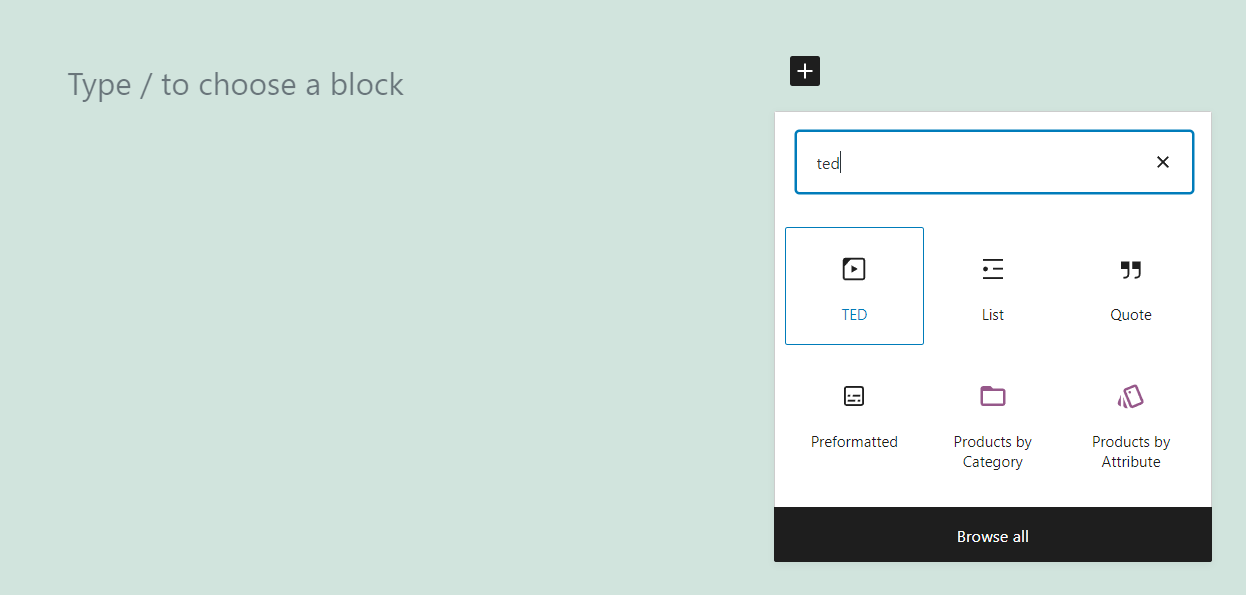
TED Talks are among the most-watched videos on the internet. Years later, people still talk about some of the most iconic ones, including speeches by Bill Gates, Chimamanda Ngozi Adichie, and many more. The video platform that hosts this content is so popular that it...
Tumblr is one of the most popular social media platforms in the world, particularly within the US. This platform offers an easy way to share microblogs and media, and it’s only natural that you might want to publish some of that content on WordPress as well. That’s...
WordPress.tv is an educational hub for everything related to WordPress. It contains a wealth of videos about development, design, best practices, and more. If your blog or website concerns this popular Content Management System (CMS), you may be looking to share some...
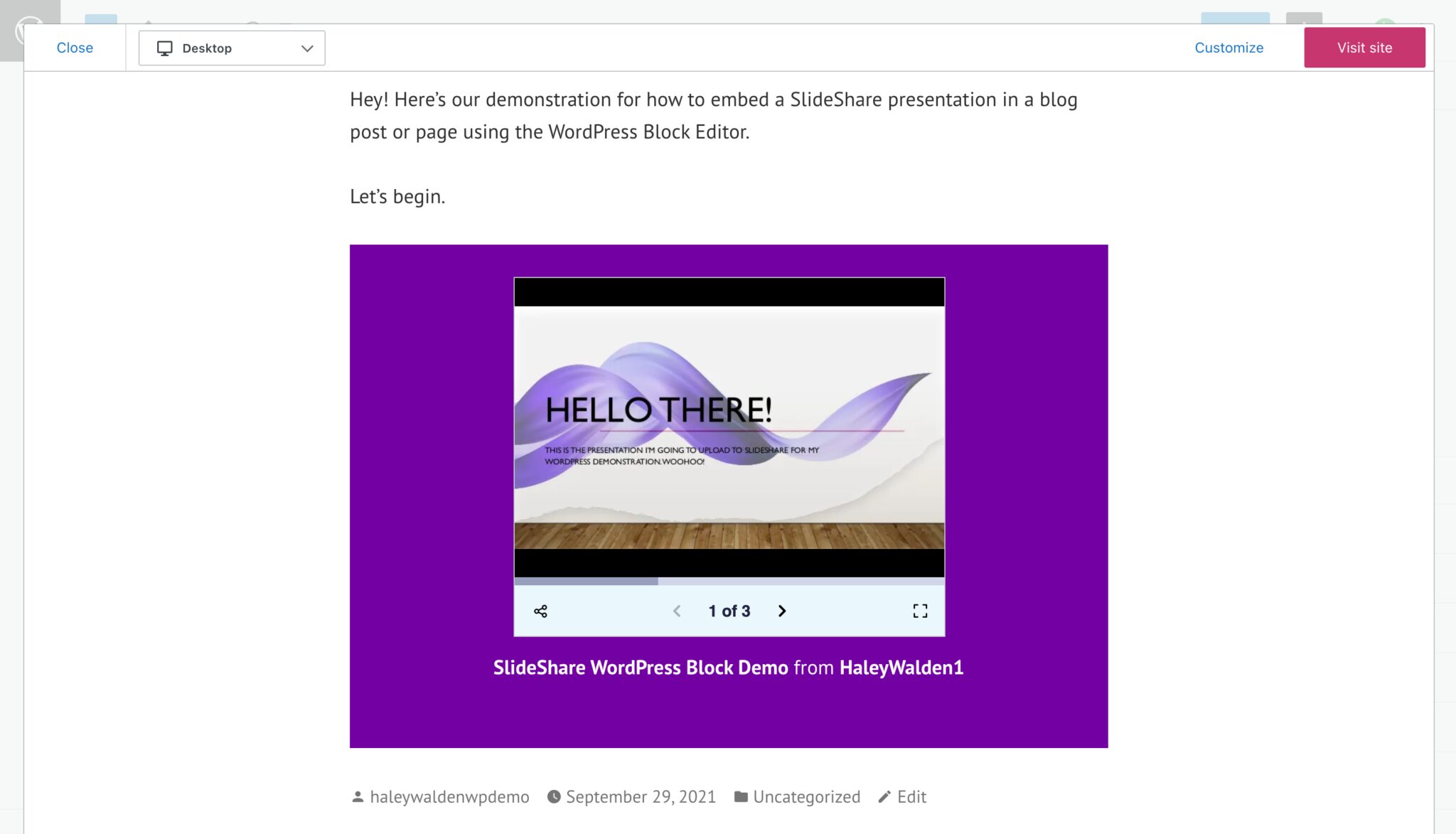
Within WordPress’s Block Editor, there are a variety of tools that make it simple to share embedded media from external websites on your page or blog post. The SlideShare embed block allows users to embed their SlideShare presentation decks directly into a WordPress...
The WordPress Block Editor features multiple embed tools that make it easy to incorporate external media into your WordPress page or blog post. For users who want to share their photography (or feature other photographers’ work, with permission of course) on their...
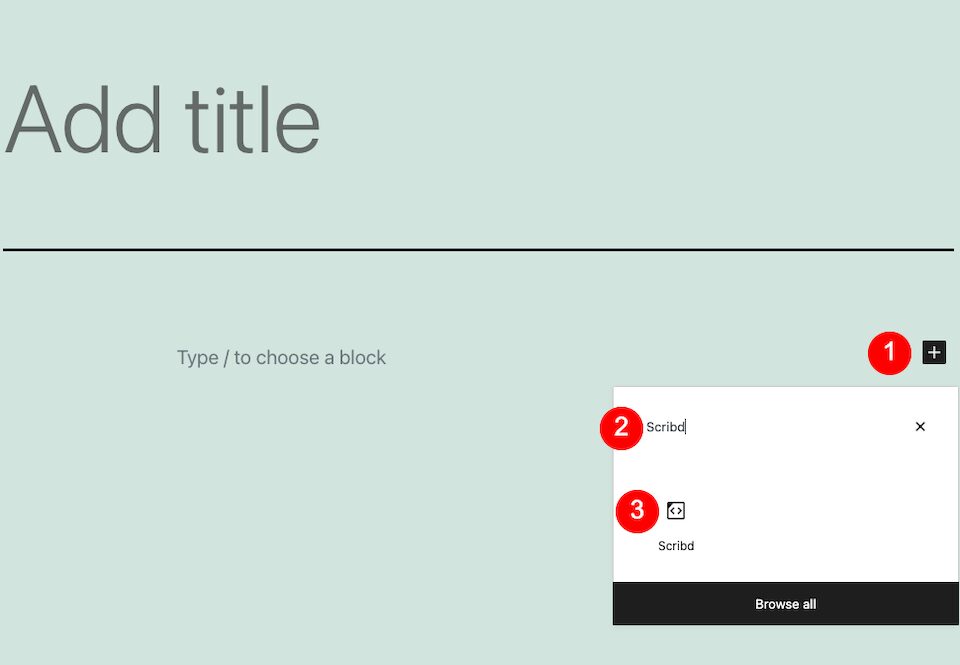
Scribd is one of the preeminent online places to be if you’re a reader or content consumer. The platform hosts a countless number of full-length audiobooks, ebooks, documents, magazines, podcasts and sheet music for as low as $9.99 a month. If your audience is made up...
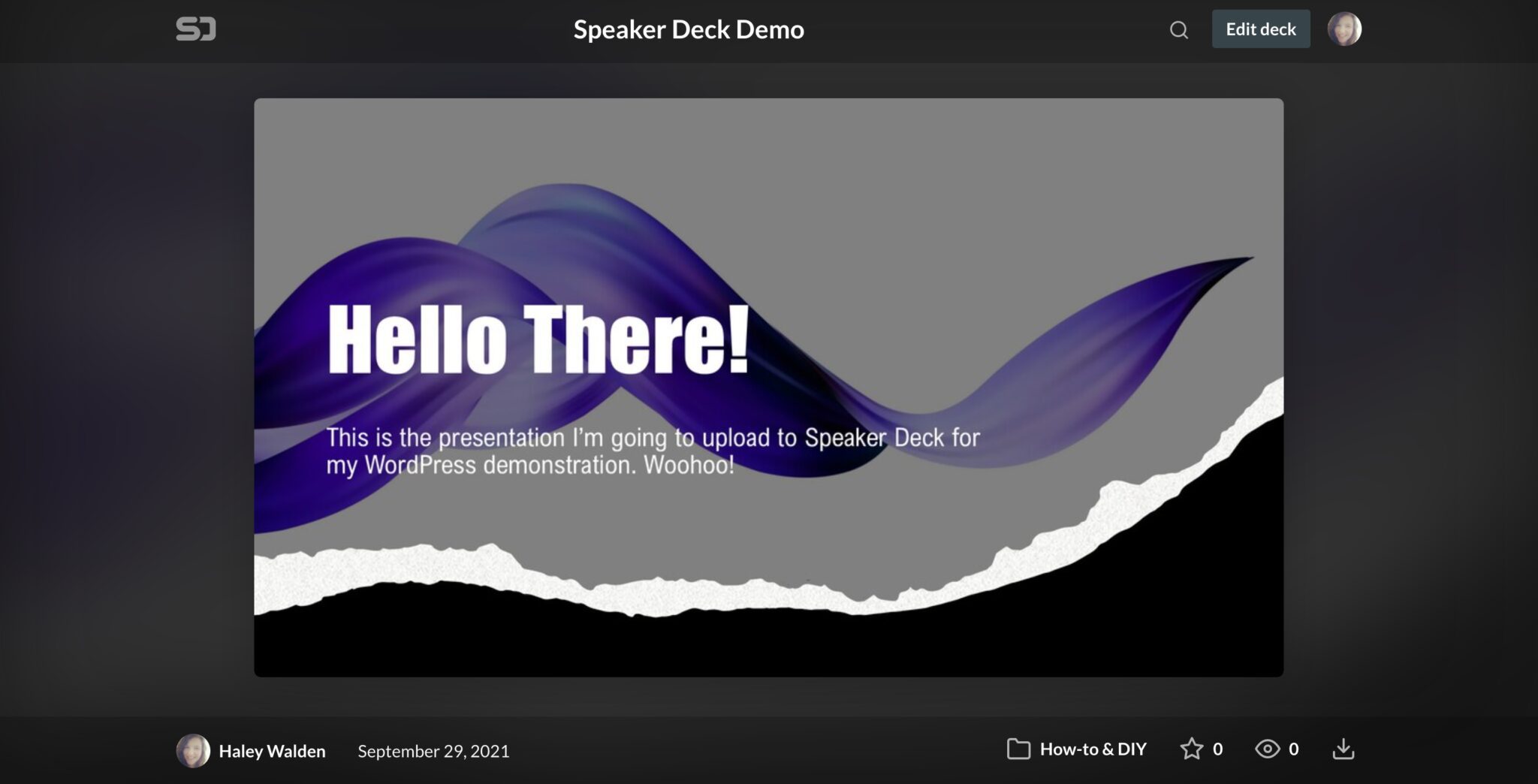
The WordPress Block Editor has a wide range of embed tools that make it easy to display third-party media on your WordPress blog post or page. The Speaker Deck embed block is one of the many embed tools you can use in the Block Editor. If you want to embed a Speaker...
There are many ways to make your website more engaging. One of them is to add music and playlists to your pages. Whether you’re looking to promote your own audio or someone else’s, the Mixcloud embed block can help you easily integrate your Mixcloud playlists and...
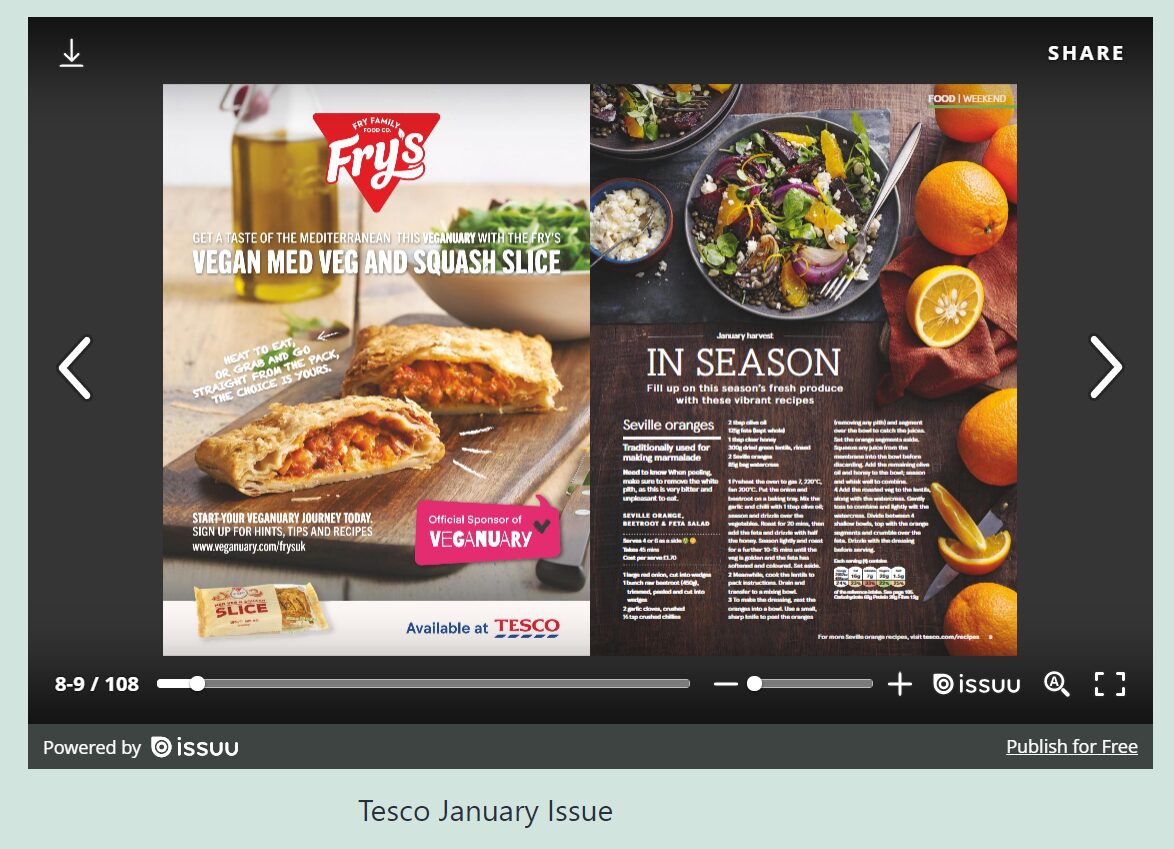
If you publish an online magazine, you probably offer readers a PDF version they can download. Alternatively, you may use a service such as Issuu, which enables users to read magazines online with an easy-to-use interface. With the Issuu embed block, you’ll be able to...
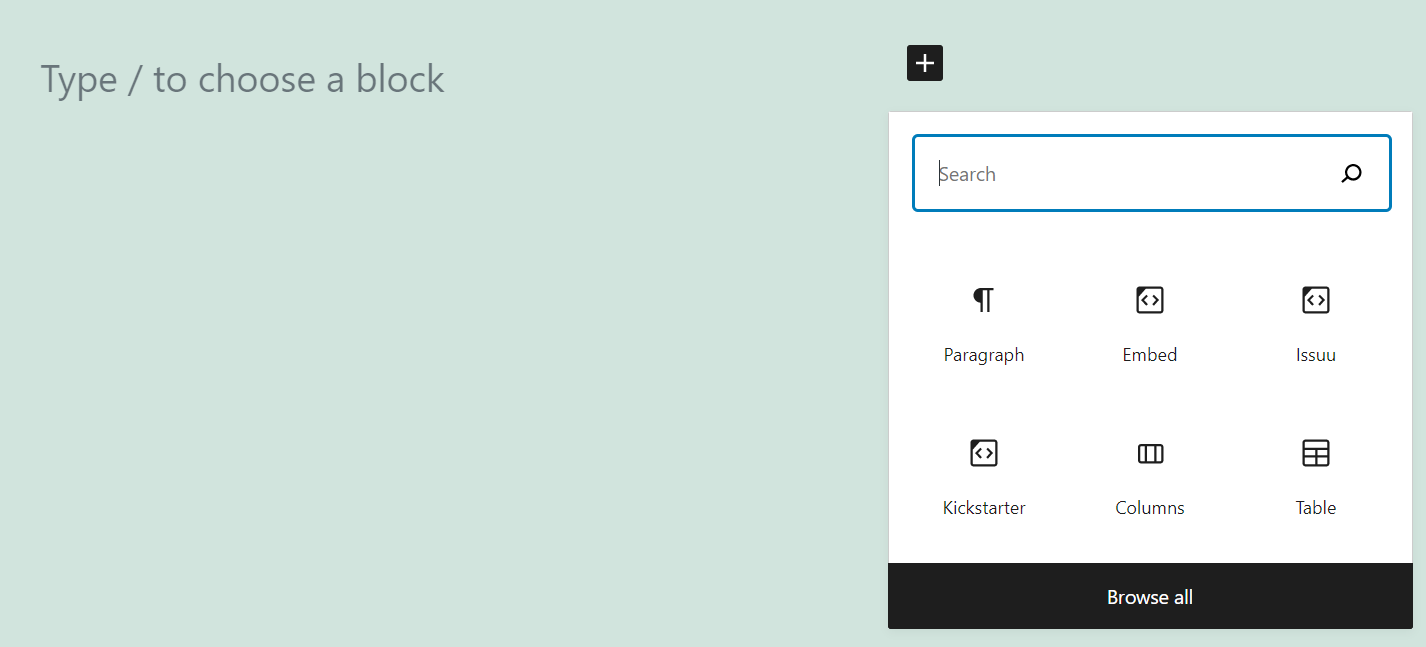
You’ve probably heard about Kickstarter. It’s perhaps the best-known fundraising platform on the web. If you’re planning on launching a campaign, you need to publicize it. That means sharing it on social media, telling friends about it, and publishing the information...
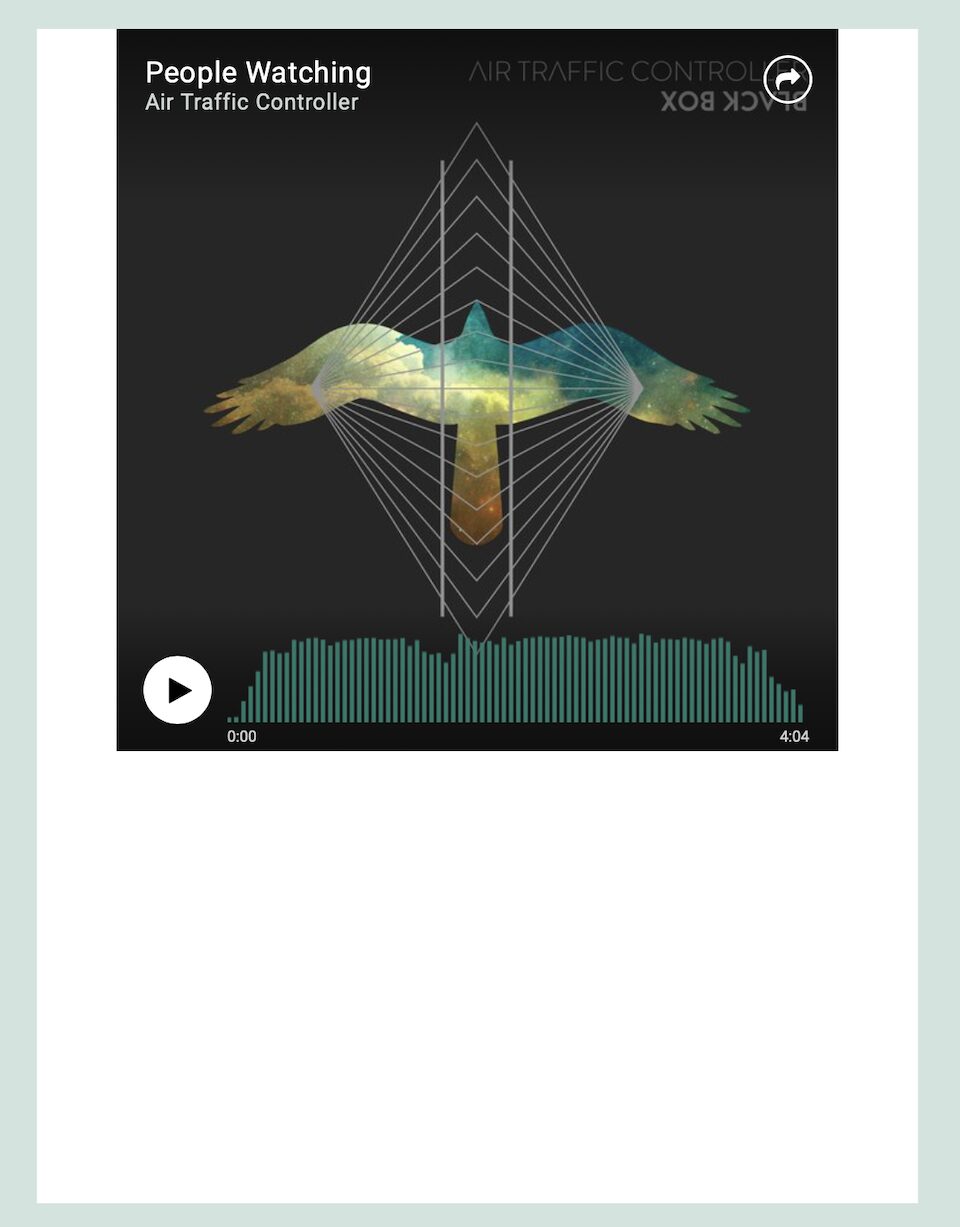
ReverbNation is a social website designed for musicians who want to connect with their audience and build their career. It’s for fans, too, so if you (or your website visitors) are music lovers, ReverbNation is a great place to discover and connect with artists. With...
Screencast is software that takes a digital recording of your computer screen, including audio narration if you want it to. This is a way to add instructional videos to your website if you’re explaining to your audience how to do something. With the Screencast embed...
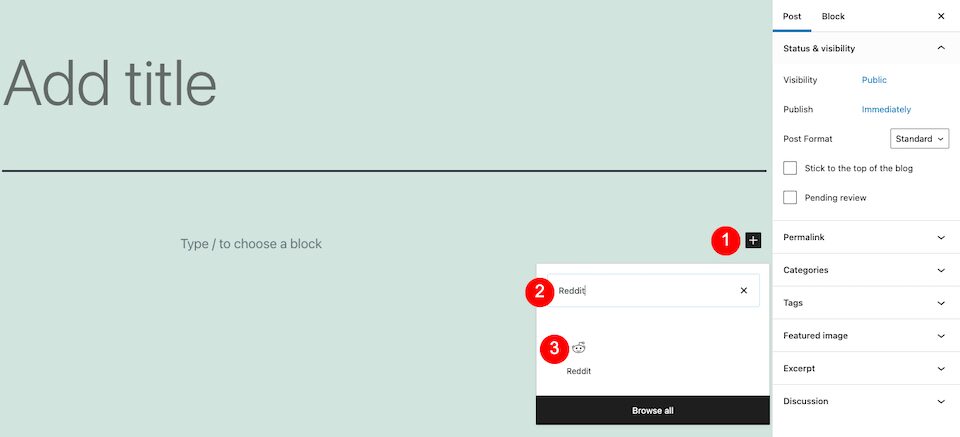
Reddit is the place to be if you’re interested in…well, anything really. This user-created social news aggregator is, in layman’s terms, a website that has forums on any topic, subtopic and sub-subtopic you can think of. Whether it’s smart, silly, spooky or...
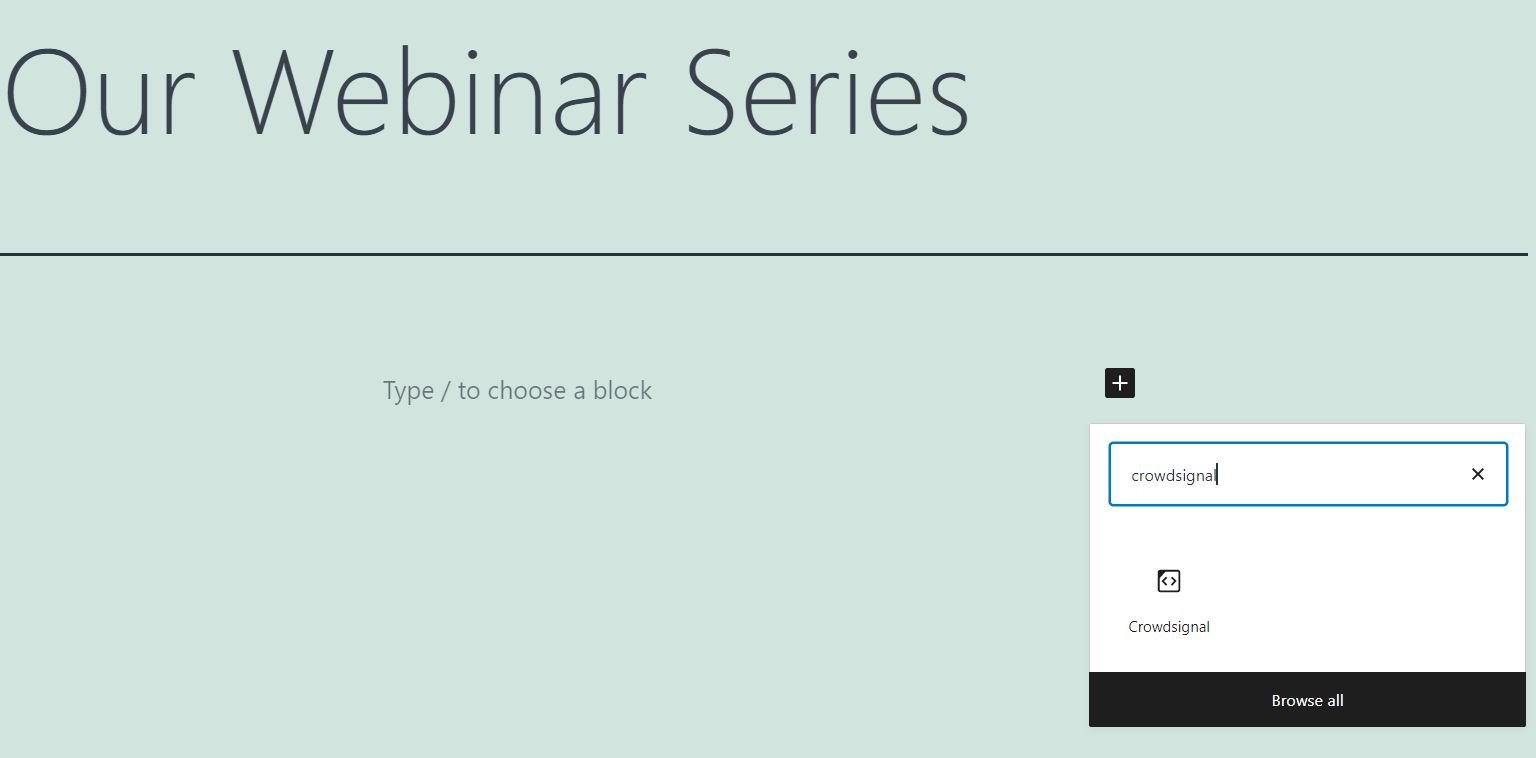
Creating polls can be an effective way to get to know your audience a bit better. Moreover, the results can help you tailor your content to your followers’ needs and interests. Fortunately, the Crowdsignal embed block makes it very easy to run surveys on your...
Building an effective Instagram hashtag strategy can help to boost your content’s reach on the platform. Hashtags are a powerful feature that help to boost organic reach and engagement. Users can leverage existing hashtags to get their work categorized with other...
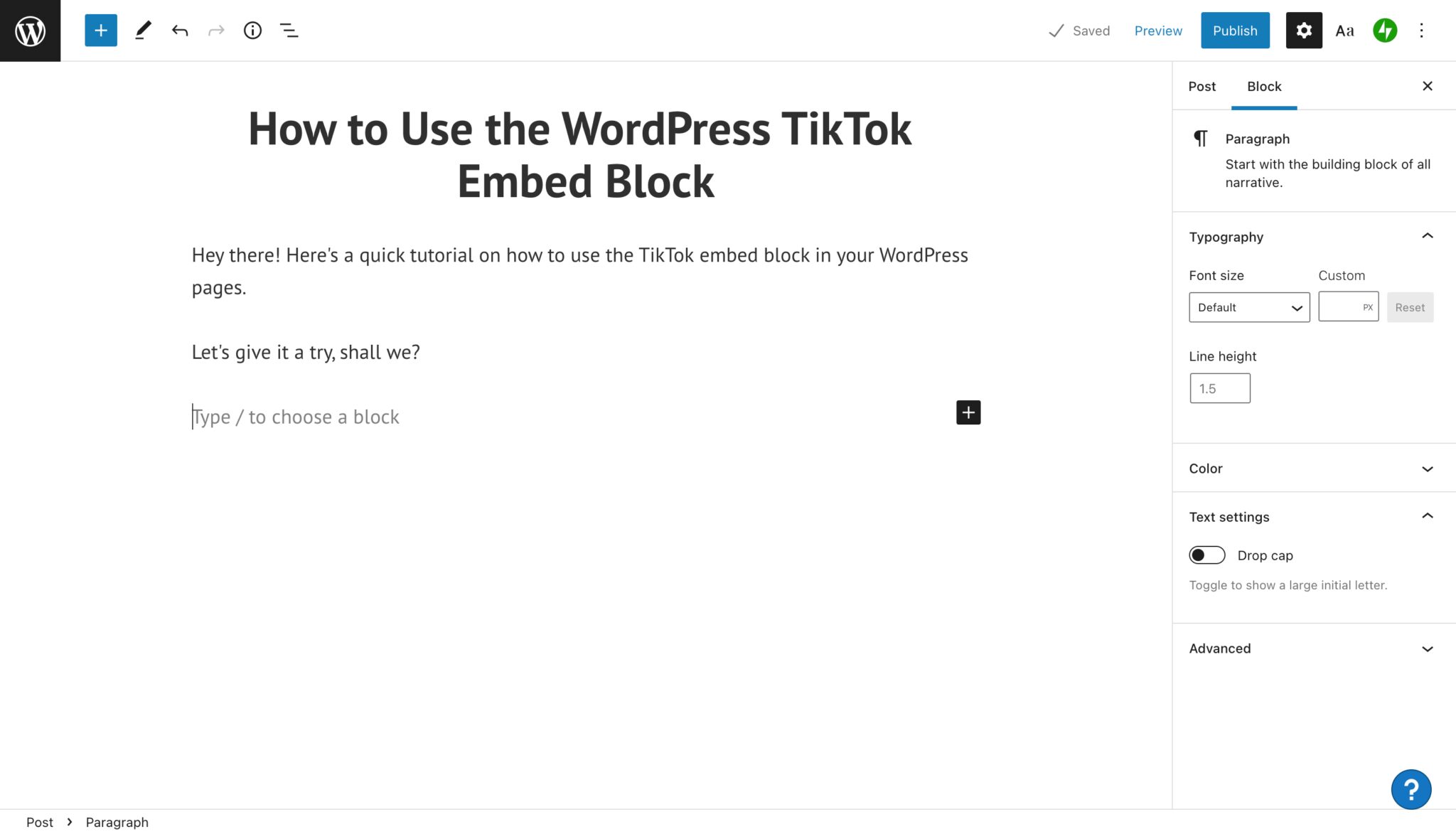
The TikTok embed block is a feature in the WordPress Block Editor that allows users to embed a video directly from TikTok so it displays in your blog post or page. It’s a simple way for users to include impactful or entertaining short video content into written...
The Dailymotion website hosts a variety of free videos spanning the educational, news, and entertainment genres. You can freely display content from this platform on your own site, but embedding the videos can be challenging if you’re uncomfortable working with code....
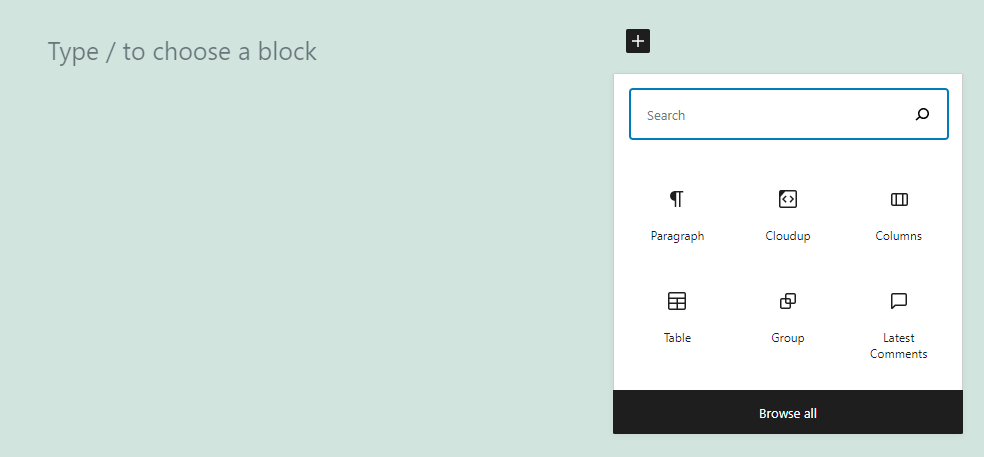
WordPress makes it easy to share media files on your website. However, using elements with large file sizes can slow down your loading times. Fortunately, the Cloudup embed block enables you to upload images, videos, music files, and documents to the cloud and share...
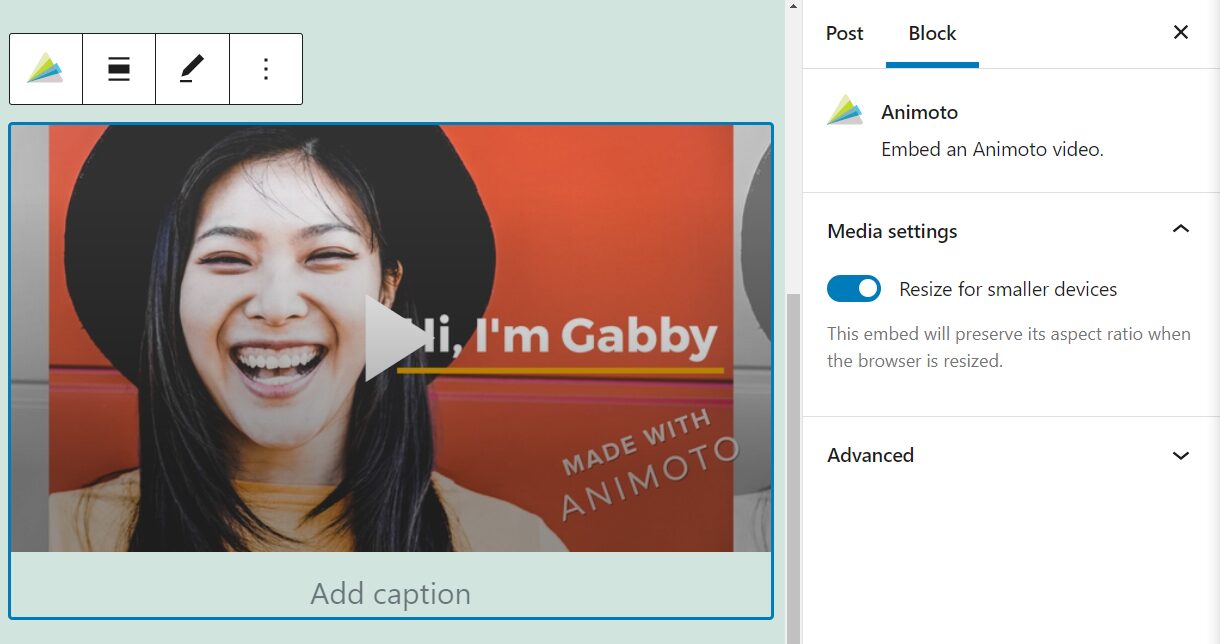
Animoto is a platform that enables you to create professional-looking videos using a mixture of your own footage and images. It also includes a collection of built-in tools and templates. If you use the site to make clips, adding them to your WordPress posts and pages...
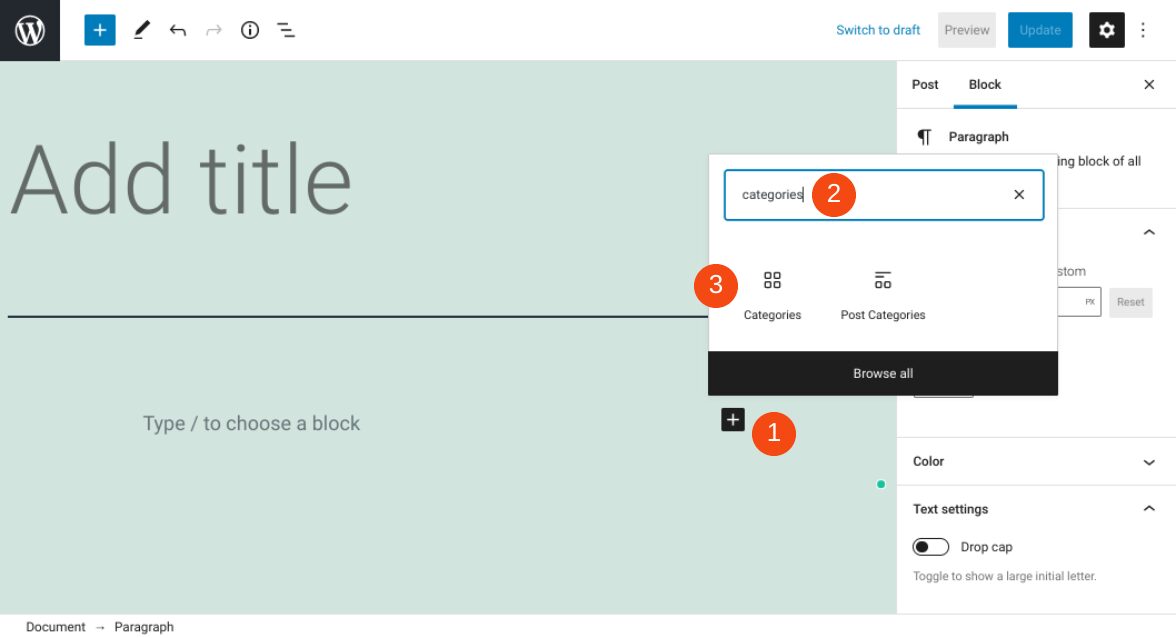
If you run a blog on your WordPress website, it’s important to make your content easy to navigate. Fortunately, there are multiple methods you can use. One of them is to employ the WordPress Categories block. This block provides a simple way to dynamically display...
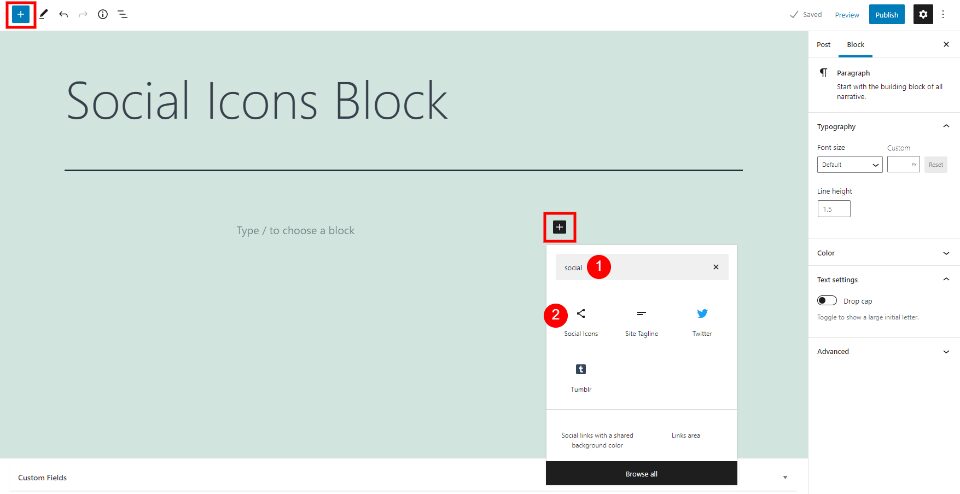
The WordPress Social Icons Block lets you place links to your social networks anywhere within your content. The links are simple icons with the standard social network logos that look great within any content setting. Knowing how to use the Social Icons Block will...
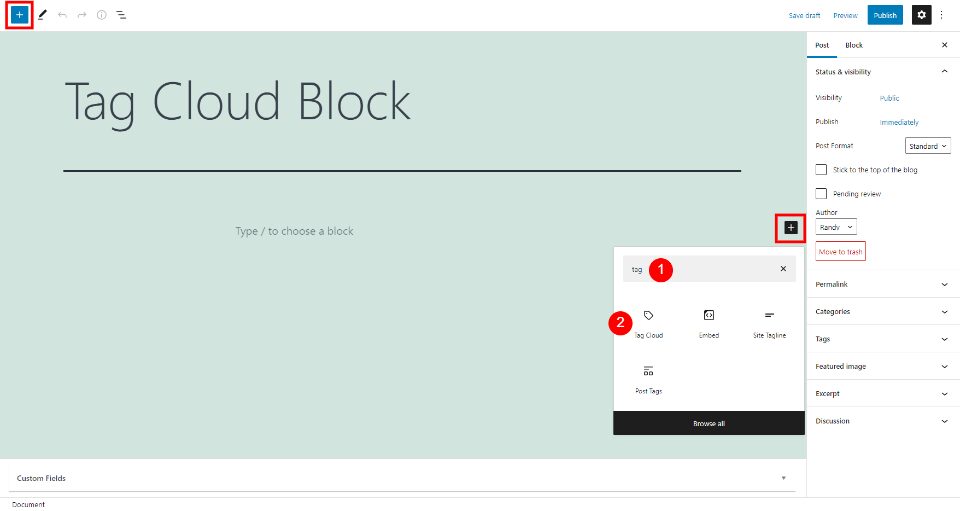
The WordPress Tag Cloud Block creates a cloud of clickable links with your tags and categories. The block is simple, but it can make a big impact on how long users stay on your website and how they find your content. It’s also ideal for suggesting topics to your...
“Recent posts” sections are standard features for many blogs and websites. They enable you to point visitors toward your most current content, so they’ll spend more time on your site. With WordPress, you can insert a list of your newest articles using the Latest...
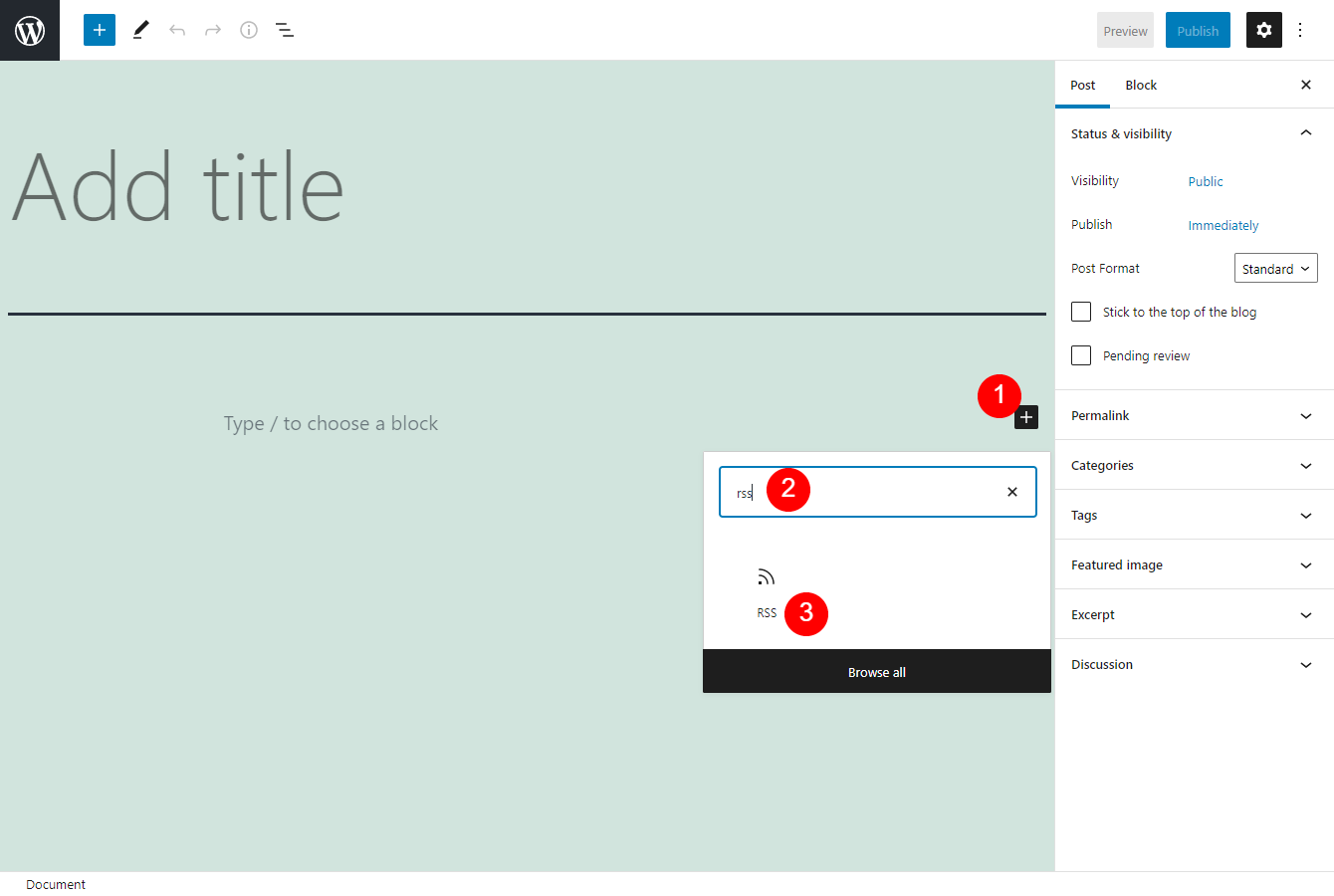
An RSS feed can display machine-readable versions of blog or website content. Its standard format operates much like a news aggregator, and enables us to keep track of updates from various sources. Thanks to the WordPress RSS Block, you can easily show the titles,...
Most blogs that have comments sections place them beneath each post. With this placement, visitors are encouraged to express their opinions and questions right after reading articles. However, WordPress enables you to display these discussions anywhere you want using...
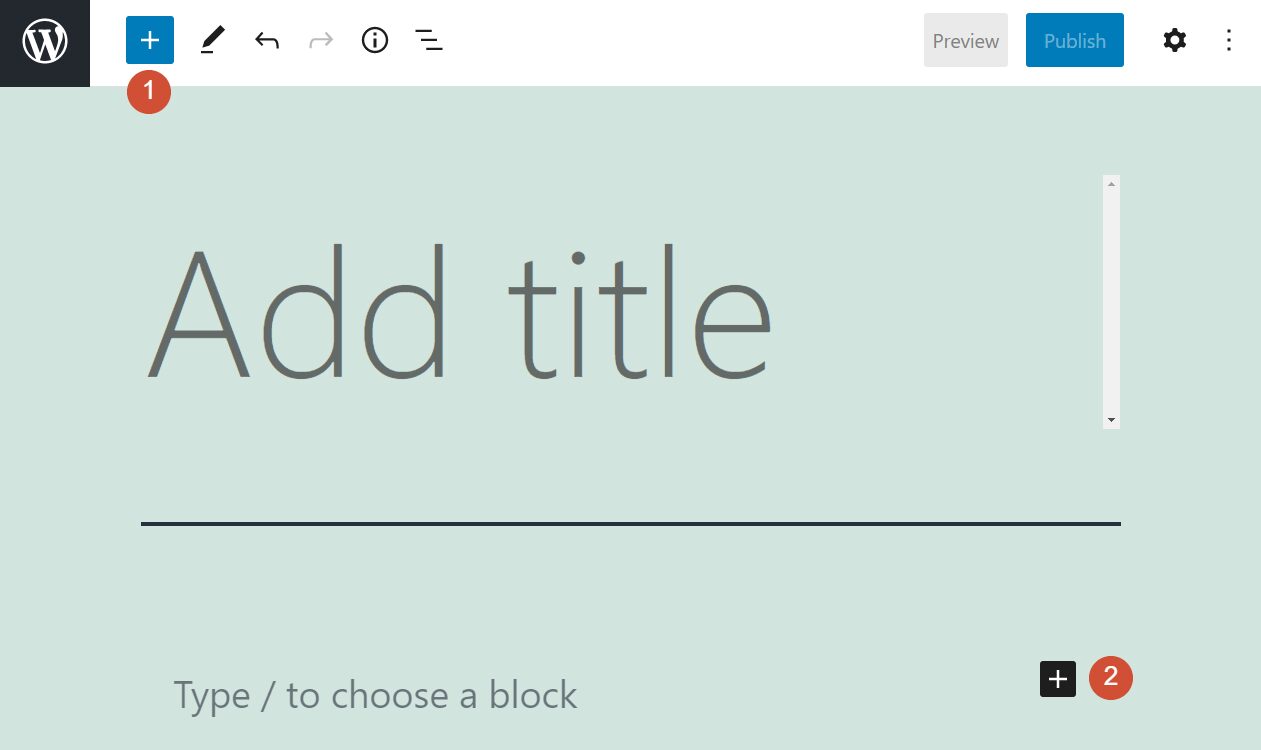
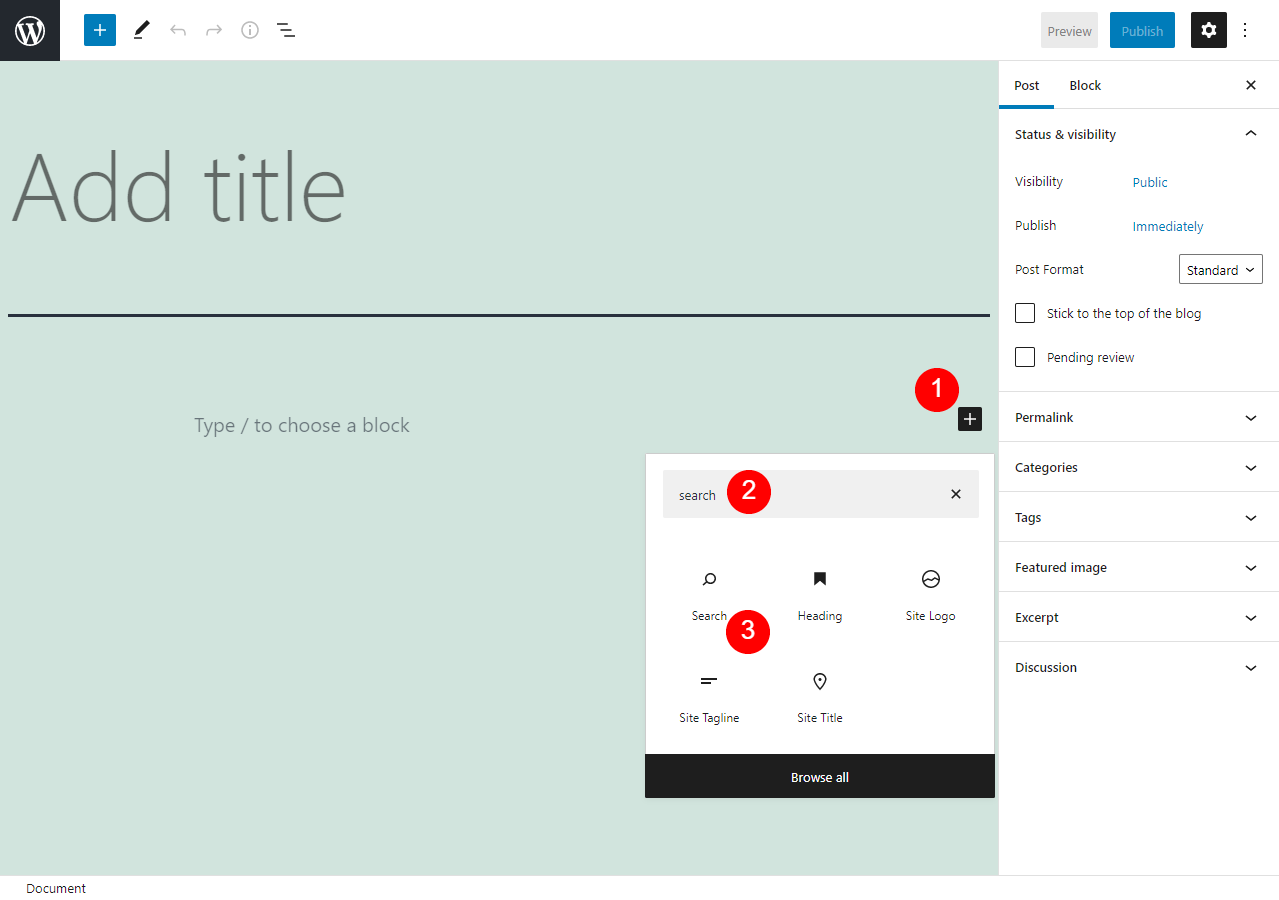
Making sure your website offers a positive User Experience (UX) is an essential part of being a website owner. One of the ways you can do this is by ensuring that visitors are able to easily find what they’re looking for. That’s where the WordPress Search block comes...
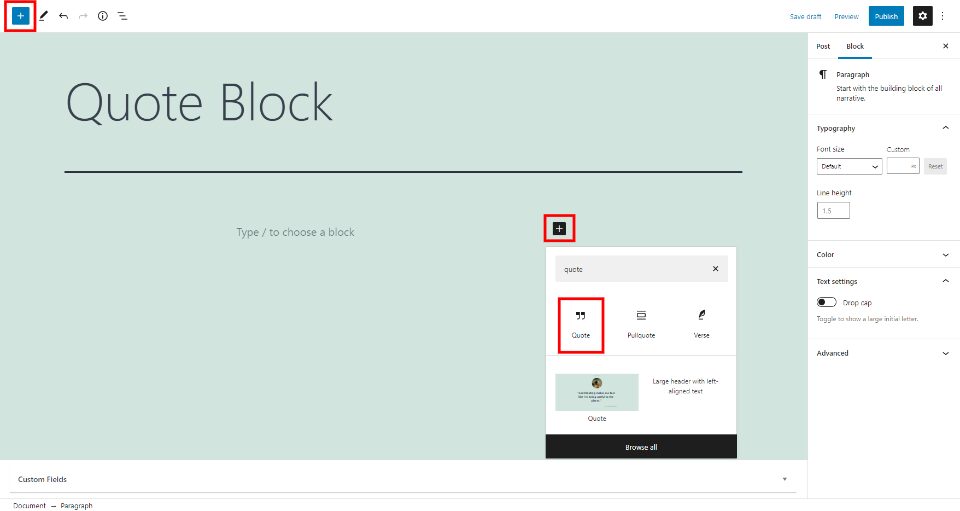
The WordPress Quote Block presents an easy way to display a quote from an external source. It displays the text with a quotation mark and includes a caption to add a citation. It’s a simple block but using it within your content can draw the reader’s attention and add...
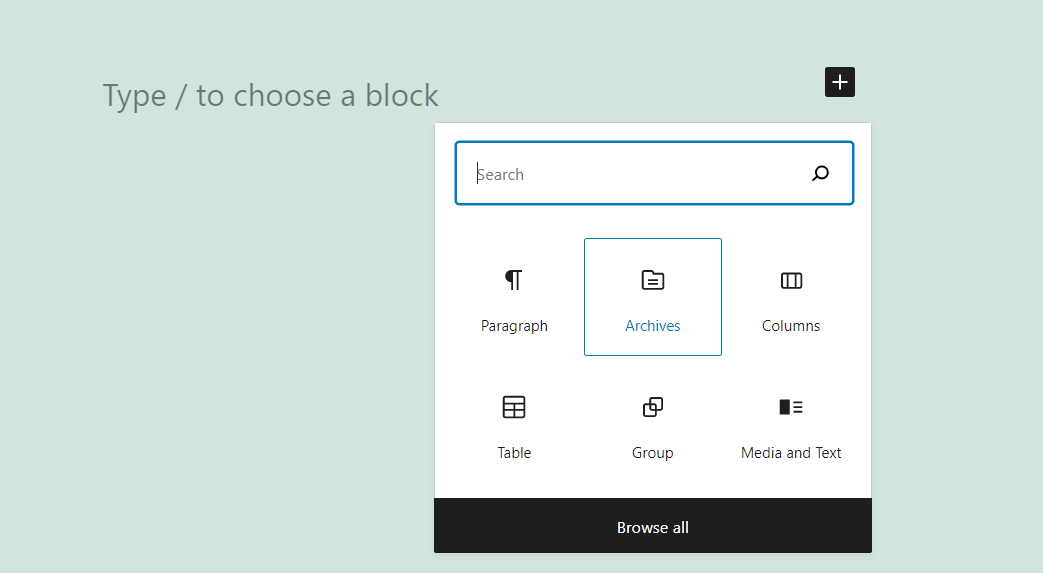
Navigating a blog can get tricky as its content library grows. Some visitors may want to dig deep into your posts archive, but they may feel discouraged by a poorly organized website. That’s why the Archives block enables visitors to easily navigate your catalog...
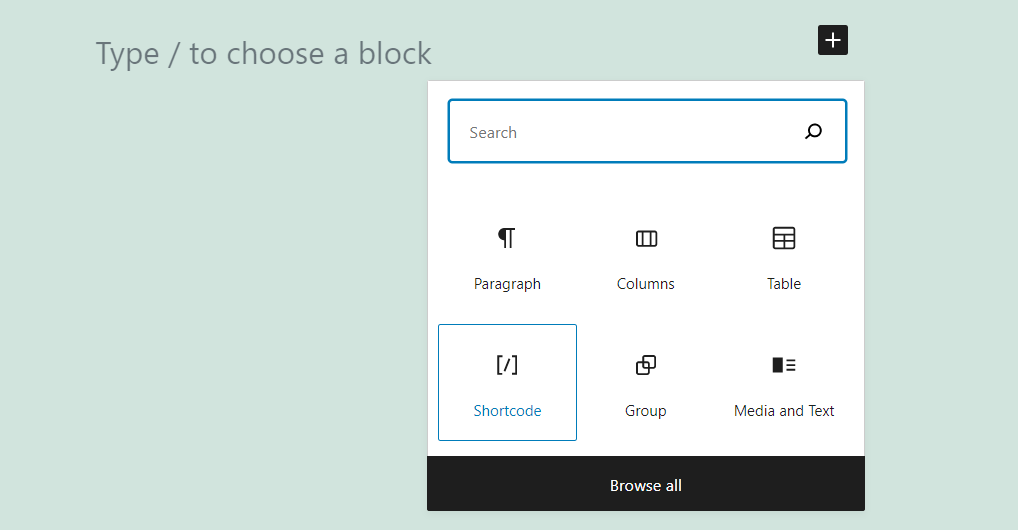
Using shortcodes is an intrinsic part of the WordPress experience. A lot of plugins don’t add custom blocks to the Block Editor. Instead, they enable you to use shortcodes to place elements on your posts and pages (and customize them). To do so, you’ll need to use the...
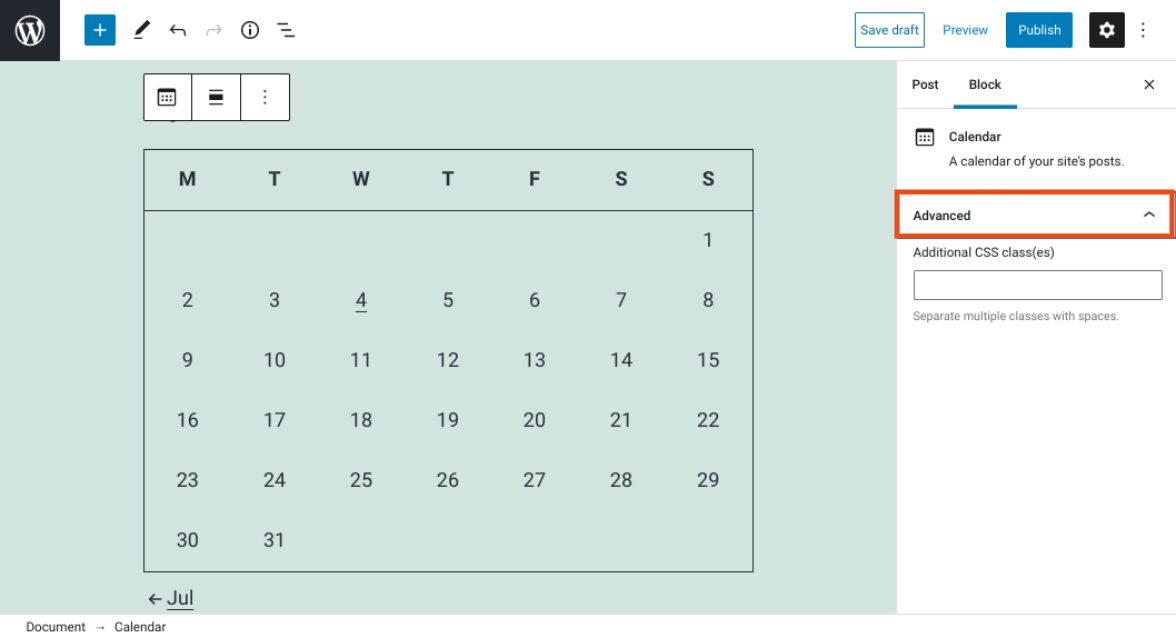
Keeping your content organized is an important aspect of running a website. Fortunately, the WordPress Calendar block can help you do that. This element enables you to display a calendar on your site that links to your posts based on their publication dates. As such,...
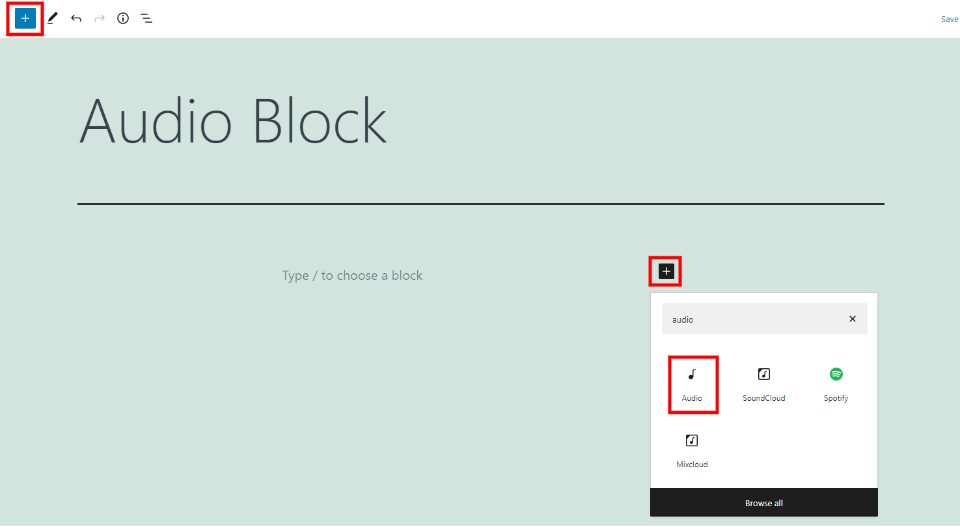
The WordPress Audio Block lets you provide playable audio files within your pages and posts. The audio files can be added from your media library or a URL. Users can play the audio from their browsers or download them to listen offline. This is a great way to provide...
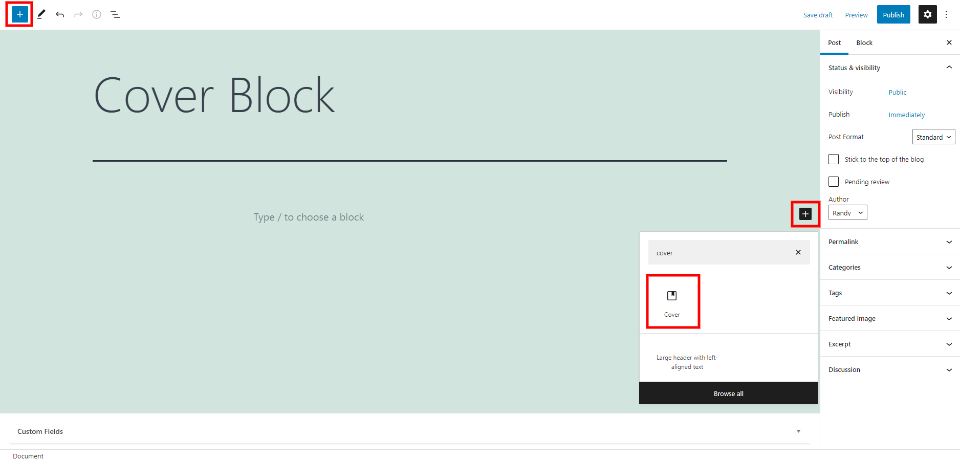
The WordPress Cover Block is interesting. It lets you place an image, video, or solid color in the background and add content blocks to the foreground. This means you can place blocks over other blocks. It has more options than most blocks. Knowing how to use the...
Divi’s secondary menu can be a lot more than a place where you list social networks and host a search bar. It is a fantastic place to engage your audience and call them to action in some way. Many of our free header/footer packs make great use of the secondary menu....
Adding individual elements to your post or page using the Block Editor is simple. However, if you plan to use similar blocks throughout your website, it makes sense to put them together and save them as templates. Doing this becomes simple once you master the...
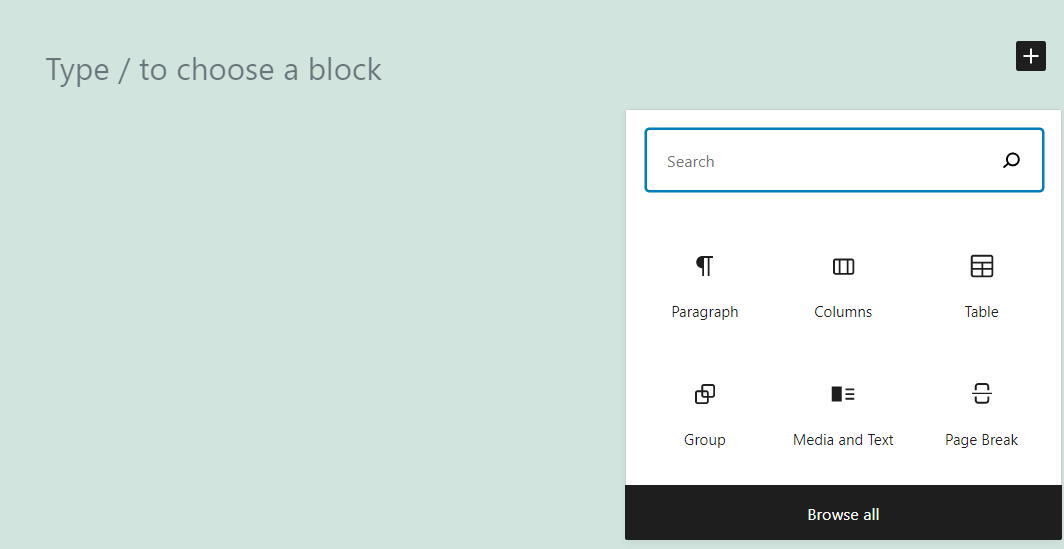
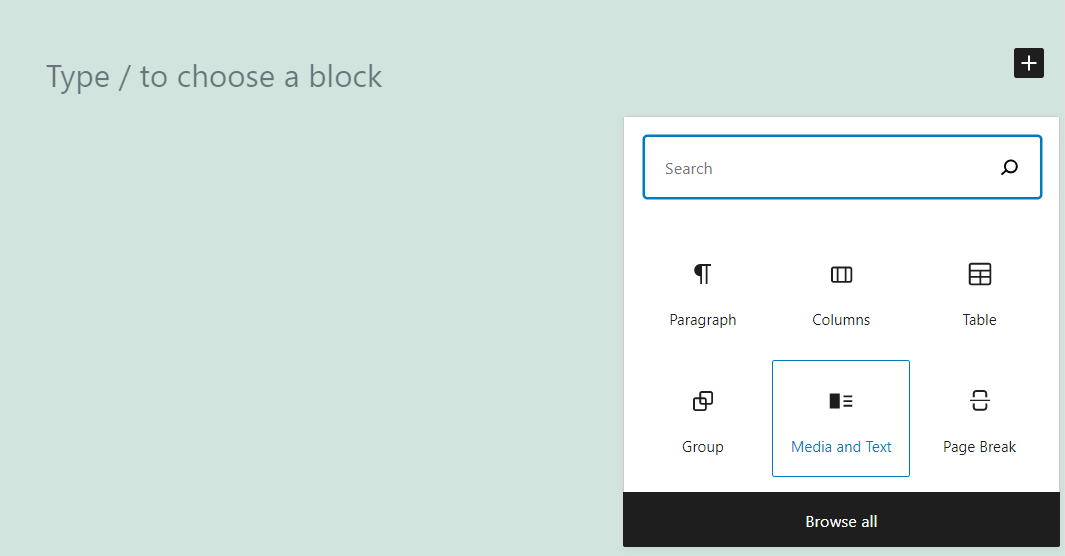
WordPress enables you to add Paragraph and Image blocks separately. However, you can also place both types of elements side by side, thanks to the Media and Text block. It even includes several layouts that you can choose from, if you know how to navigate its...
Once upon a time on the internet, adding animation to your site was a cumbersome, somewhat specialized task. Divi, however, possesses powerful animation tools and scroll effects that you can implement without needing a lot of technical expertise. Anyone can add these...
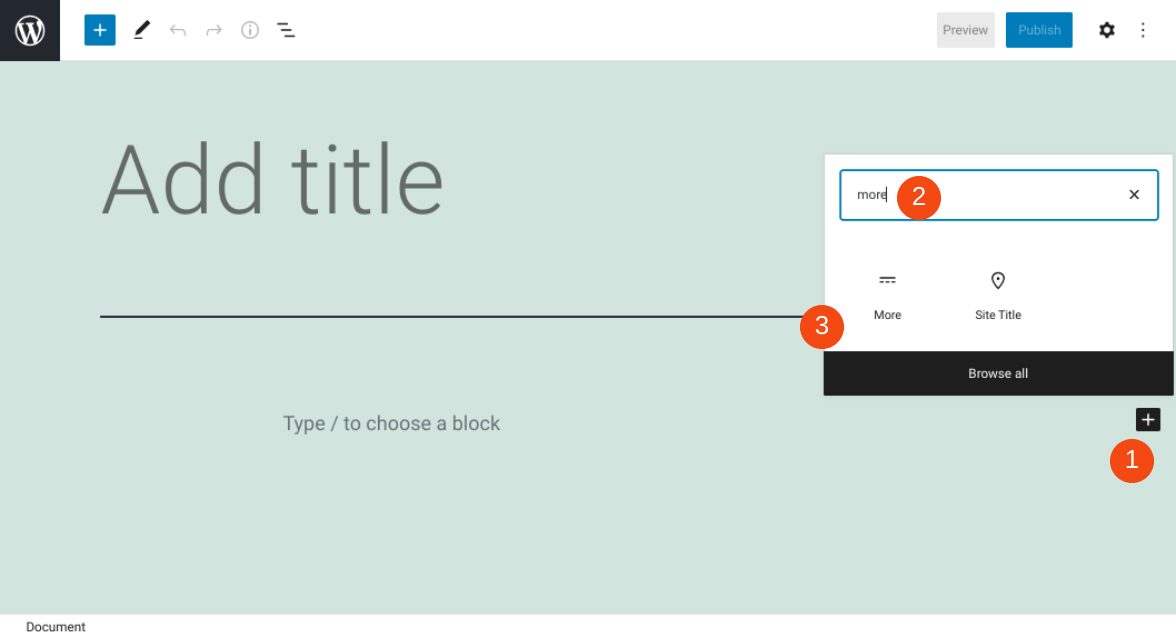
It’s important to keep the content on your website’s pages succinct and organized, especially on your home page. Fortunately, the WordPress More block lets you give visitors a preview of your post, along with a link to the full text. Knowing how to use it properly can...
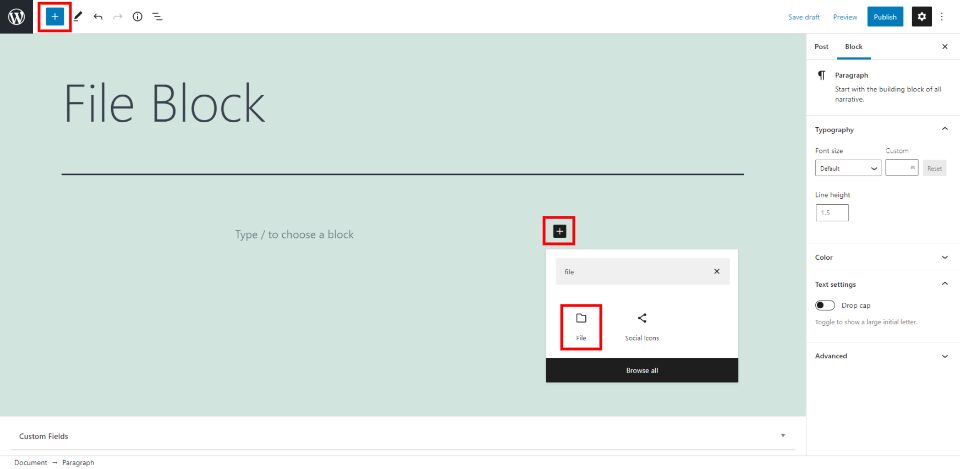
The WordPress File Block makes it easy to add a download link for your files within your pages and posts. This is one of the most unique WordPress blocks because it adds different options based on the type of file that’s selected. Knowing how to use this block well...
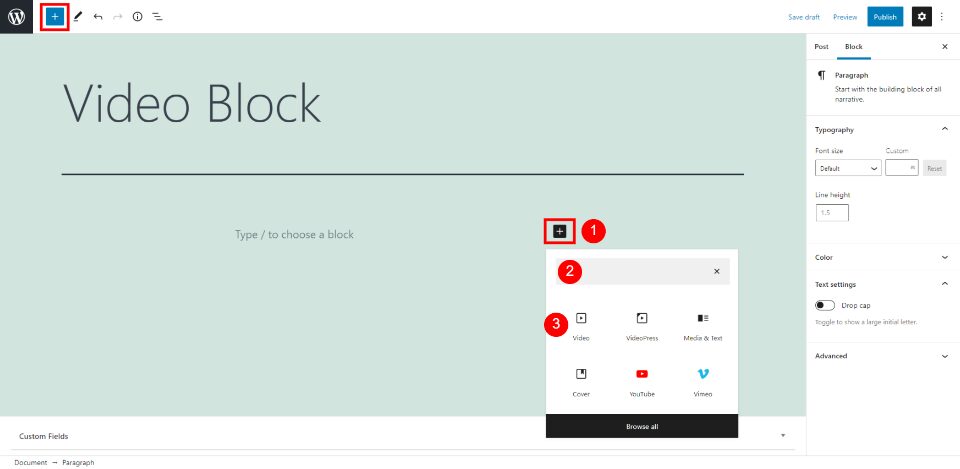
The WordPress Video Block makes it easy to upload and add videos to your pages and posts. It gives you plenty of options to control the size and features. Adding video with this block makes the content look more professional and desirable. Fortunately, the Video Block...
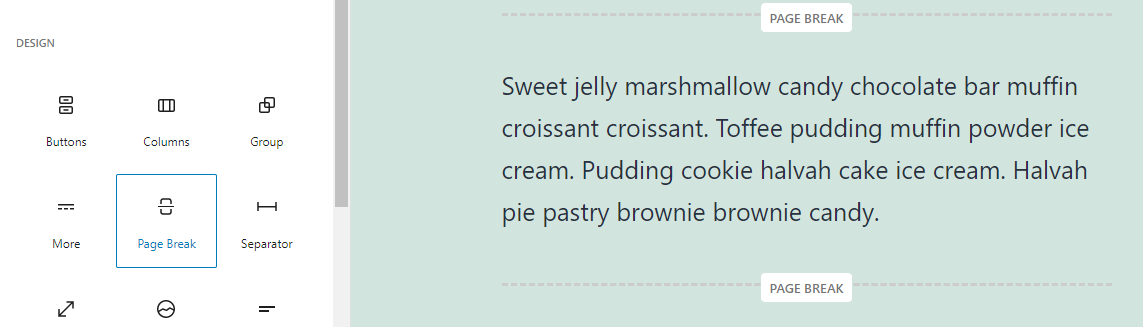
The way you arrange and display content on your website can significantly influence your engagement and conversions rates. To enhance the User Experience (UX) and make your pages and posts easier to consume, it’s a smart idea to break up large chunks of text. There...
Are you interested in building brand awareness and growing your social media presence? Running social media contests is one way to boost your online platform. Giving away products, services, or swag can help to draw more eyes to your brand on social media, in addition...
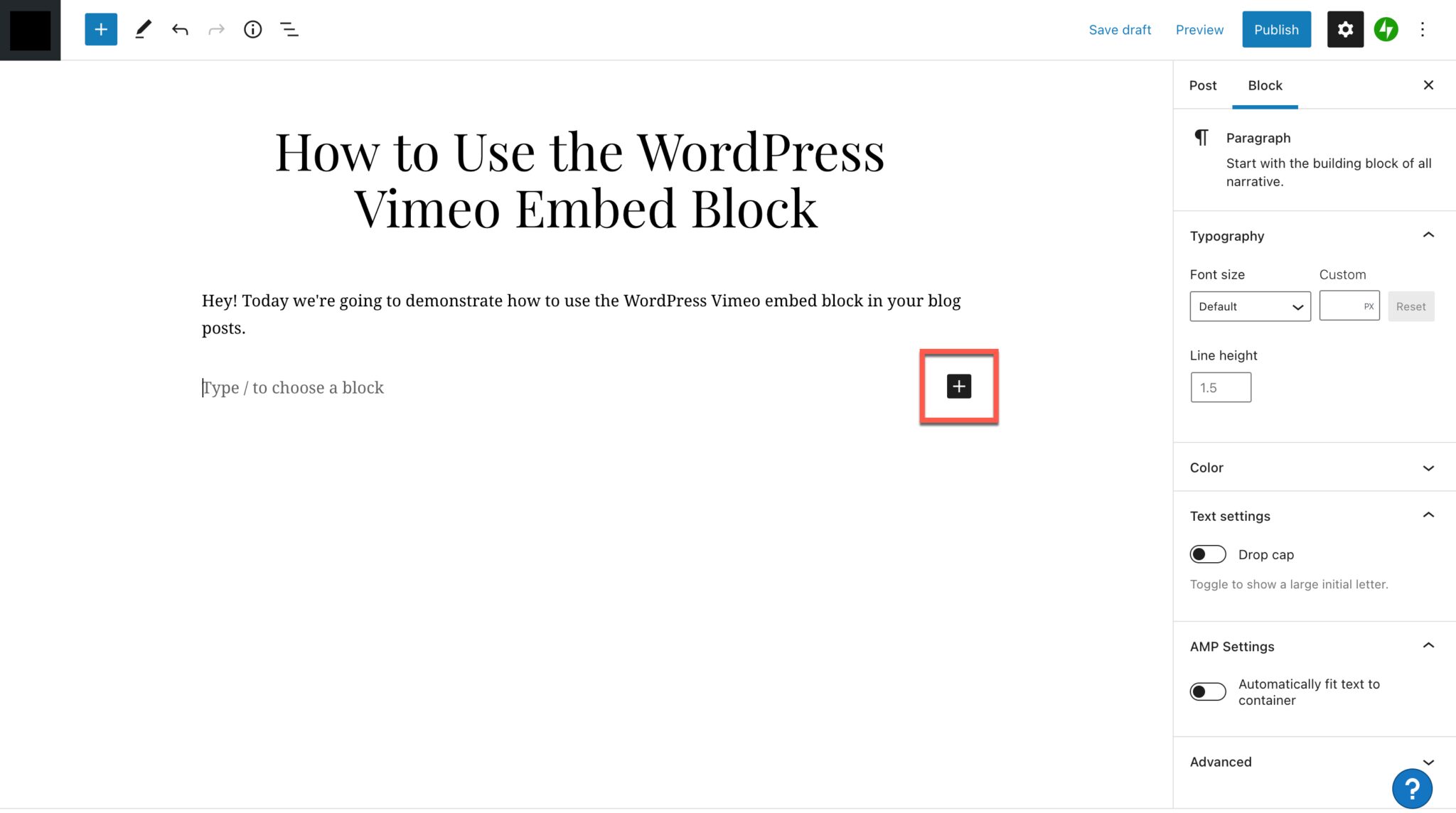
The ability to embed video into your blog posts on WordPress opens a variety of possibilities for how you present your content. In the WordPress Block Editor, users have the option to add a quick and easy Vimeo embed to their blog posts. This is a fantastic option for...
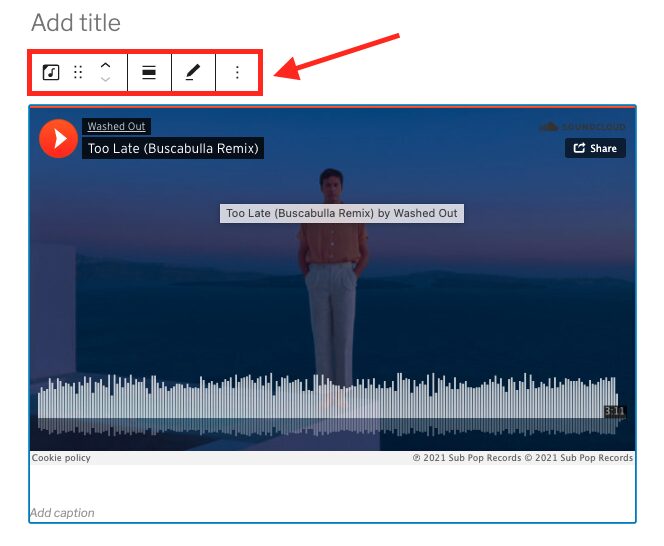
With the SoundCloud embed block for WordPress, you can add an album, playlist or track to your post or page. Embedding SoundCloud content in Gutenberg gives you a lot of options for how the block looks and functions. Otherwise, if you simply copy and paste the...
The WordPress Flickr embed block lets you add photos and videos that you’ve saved to Flickr to your WordPress posts and pages. When a visitor clicks the photo or video, they’ll be directed to Flickr, where they can view and/or play your media. Videos can’t actually...
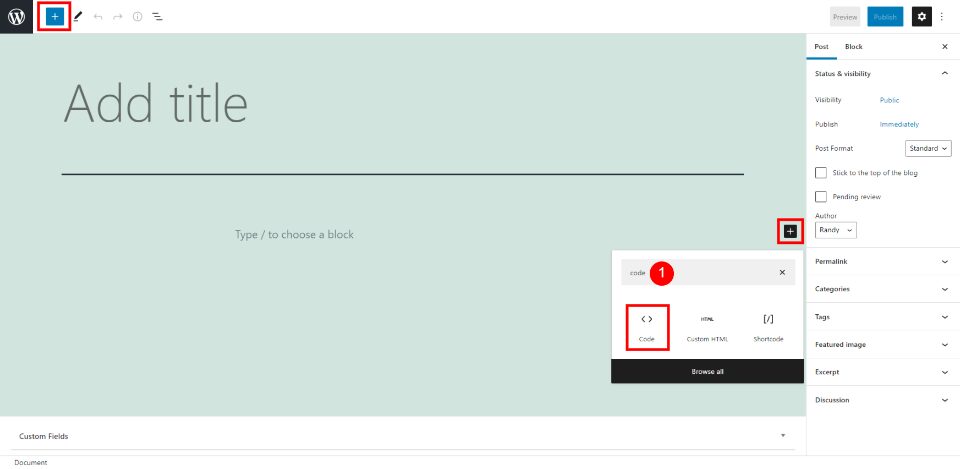
Displaying code in WordPress pages and posts can be tricky. Just posting the code within the content can have interesting results, especially if WordPress displays it incorrectly or your security locks you out for malicious activity. Fortunately, the WordPress Code...
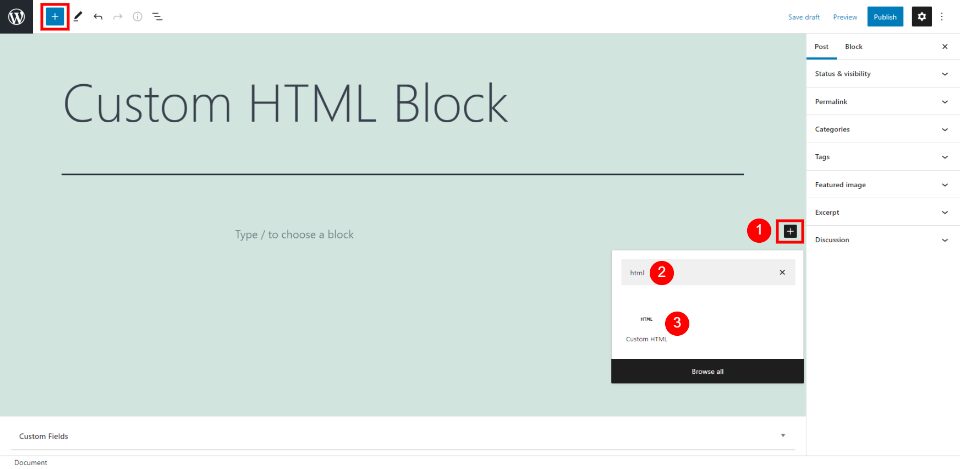
The Custom HTML Block lets you add HTML content and edit it without having to view the page or post as HTML. You can embed HTML and even use it to mark up your text and then convert it to a Paragraph Block with styled text if you want. This block is great for those...
Making a YouTube video takes a lot of time. When you’re finally finished and your video is live, you probably want to share it everywhere you can, including on your website. Or, maybe you have someone else’s video that you want to post to your WordPress site. You...
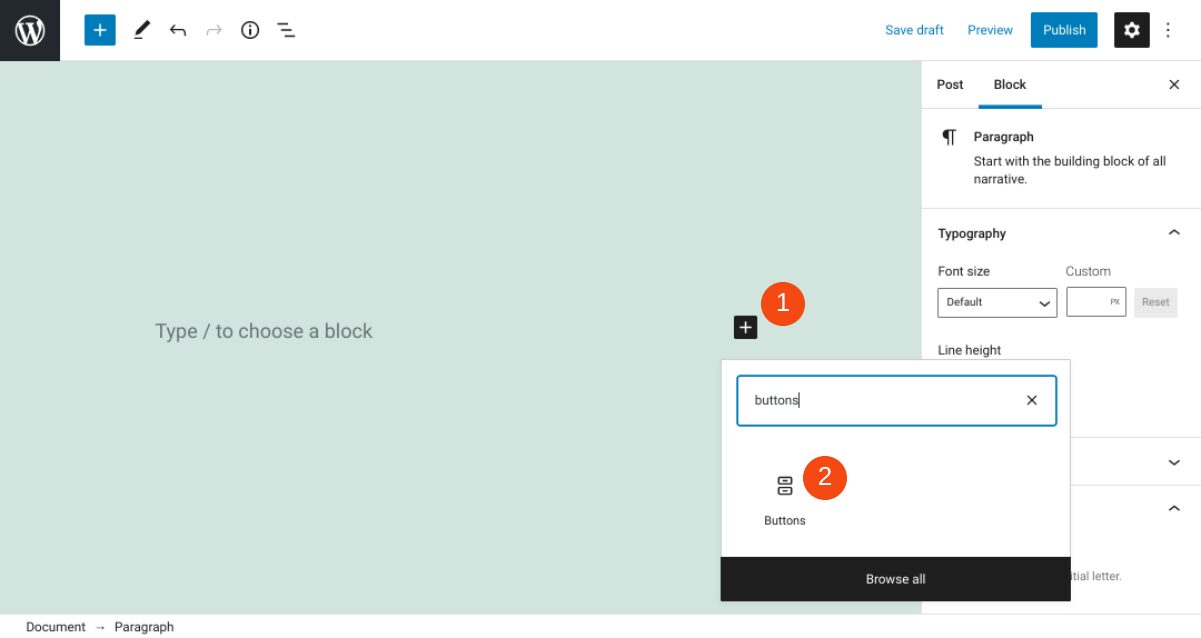
The buttons on your website play a significant role in its appearance and usability. They help visitors navigate across different pages, and make it easy for them to perform important actions (such as downloading content or subscribing to your newsletter). It’s...
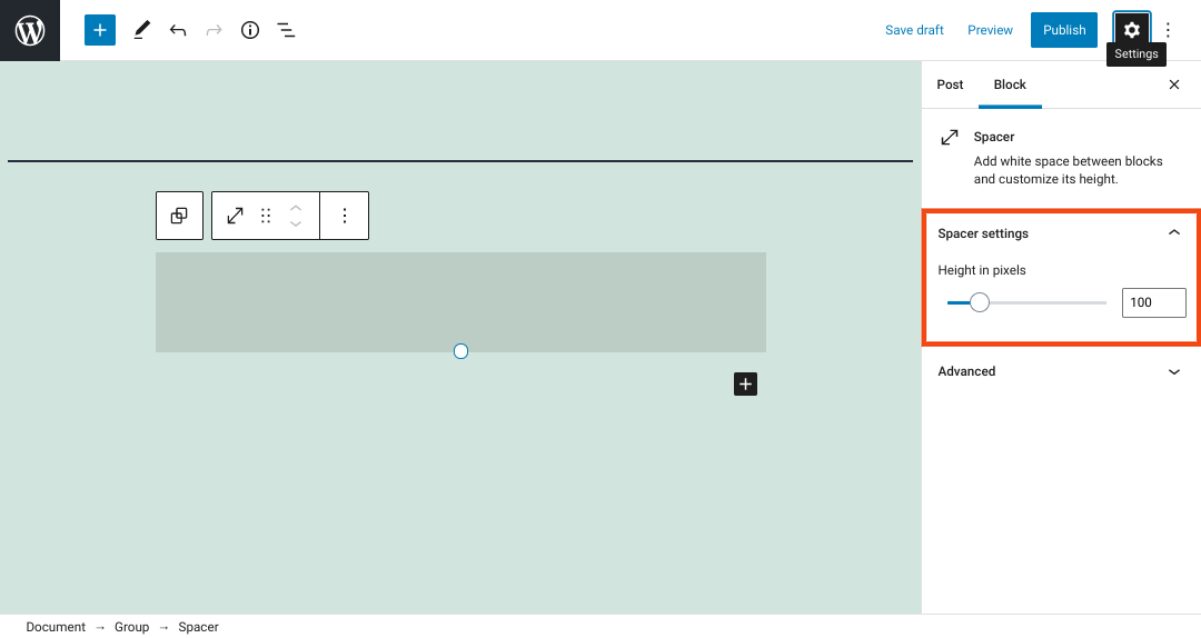
The way you organize and arrange elements on your website can have a significant impact on its overall appearance, and even its User Experience (UX). The WordPress Spacer block is a simple tool that can help you do this more effectively. True to its name, it create...
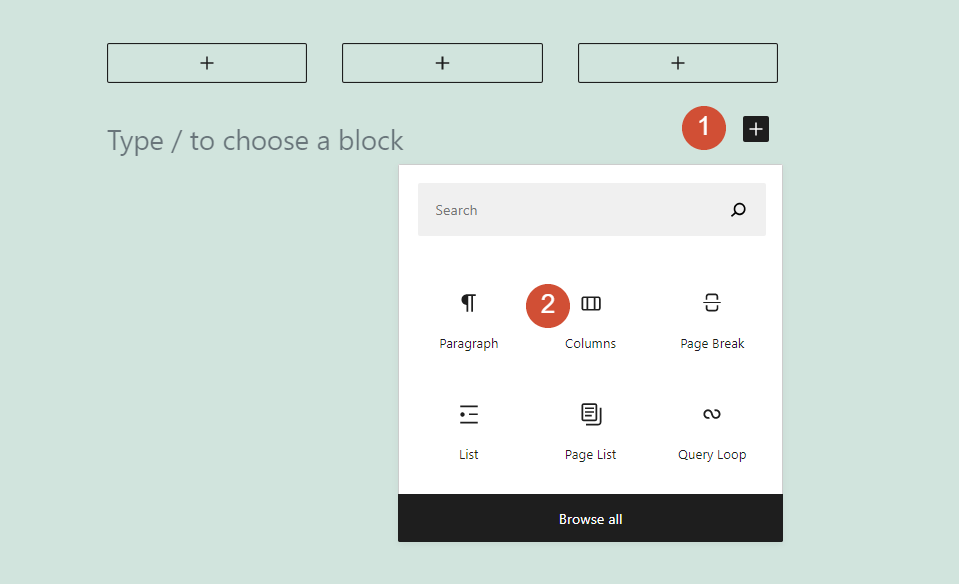
Columns are a key component in most modern websites and page builders. Fortunately, the WordPress Block Editor enables you to use both columns and rows so you have full control over each page’s layout. However, although the builder adds rows automatically, you’ll need...
The WordPress Spotify embed block lets you add all sorts of musical goodies to your WordPress posts and pages. You can embed albums, playlists, podcasts or tracks, and anyone will be able to listen to them when visiting your site. They’ll hear a 30-second preview...
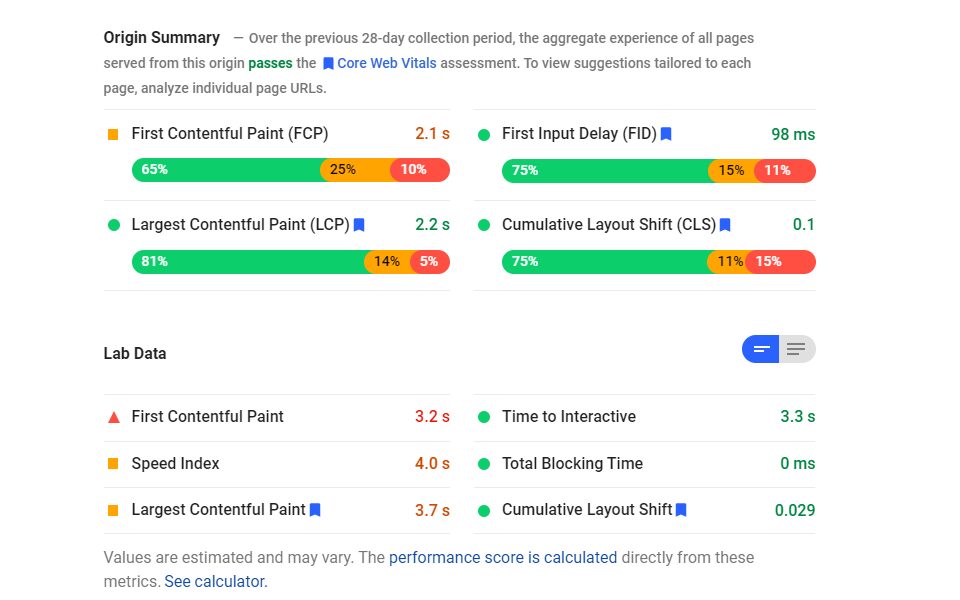
Speed Index (SI) is an interesting metric when considering page speed. It is absolutely an indication of your page’s performance, but it is completely different from other user-centric metrics such as First Contentful Paint and Largest Contentful Paint. SI indicates...
If you want to optimize your site’s speed and performance, it’s important to know what key metrics to pay attention to. For example, Time to First Byte (TTFB) measures the amount of time it takes for a user’s browser to receive the first “byte” of data from your...
Picture this: you’re loading a website, and it looks ready to go. You click on a blog featured image to read the article, and suddenly the whole page shifts because something else just loaded. And you click on something entirely different and load a page you never...
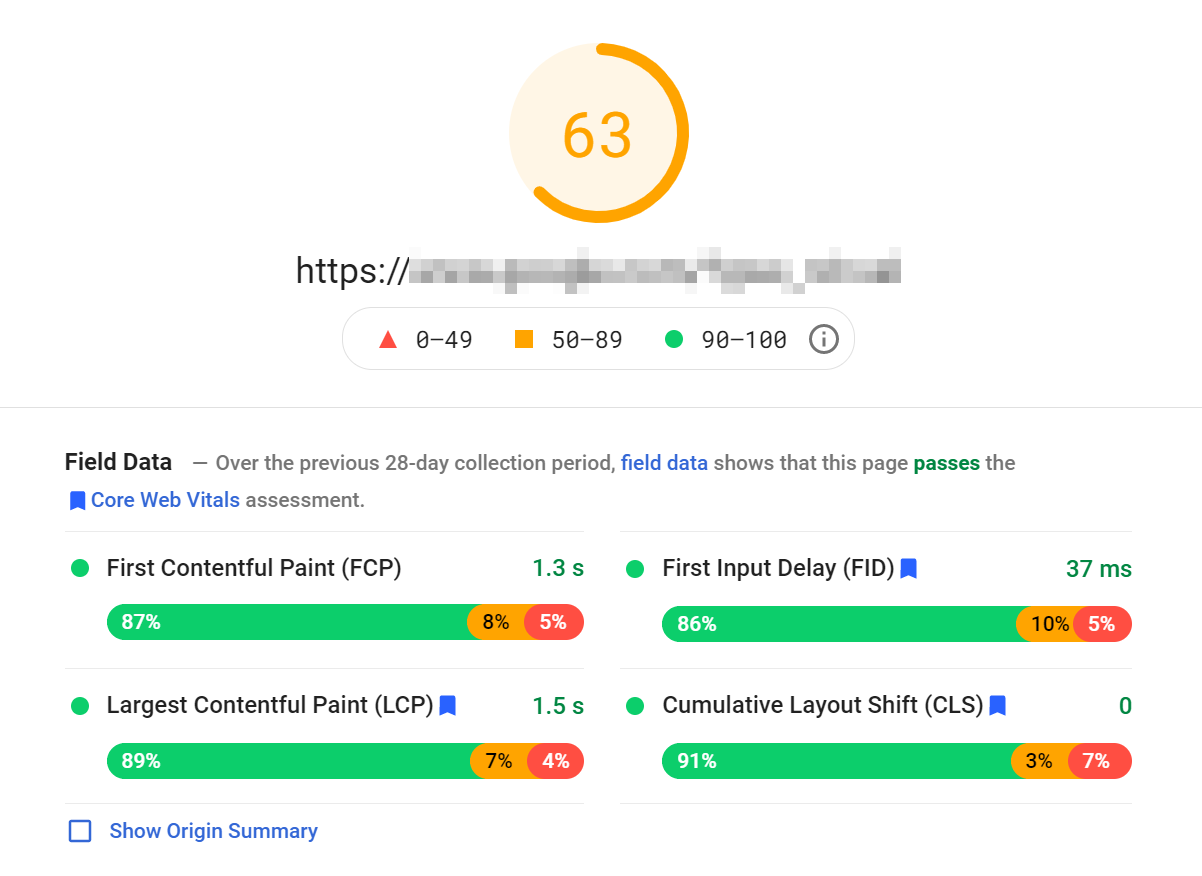
Delivering a speedy experience to visitors is critical to your site’s success. However, there are multiple ways to gauge how well it does that. One of them is First Input Delay (FID), which measures the amount of time in milliseconds (ms) between when a user first...
Every web page is made up of dozens or hundreds of elements. Among them you’ll find text, images, buttons, widgets, and much more. Each element varies in size, and the largest ones call tell you a lot about how well optimized your website is using a metric called...
The First Contentful Paint (FCP) of your website is one of the most meaningful metrics in Google’s Core Web Vitals. In contrast with other paint and loading metrics, FCP isn’t a purely technical metric regarding response time. FCP is centered on the user’s experience...
Pagination is a fantastic way to break down lengthy content into digestible bites. If you look around the web, pagination is everywhere. Search engines use it to separate results, online stores leverage it as a way to make browsing easier, and you can even add...
Copywriting for social media is an essential part of your overarching digital marketing strategy. Beyond product visuals, video, graphic design, and brand aesthetics, copy is what compels your followers to action. Whether you’re building your email list, directing...
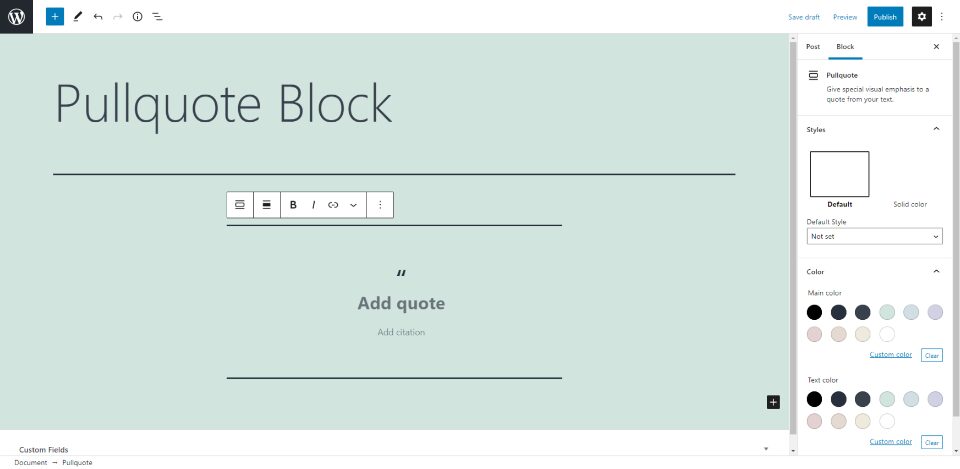
A pullquote is a small snippet from the article that draws attention. It’s great for adding emphasis to your text or highlighting a phrase. It provides a visual aid to the reader. WordPress has a Pullquote Block designed specifically for this purpose. In this article,...
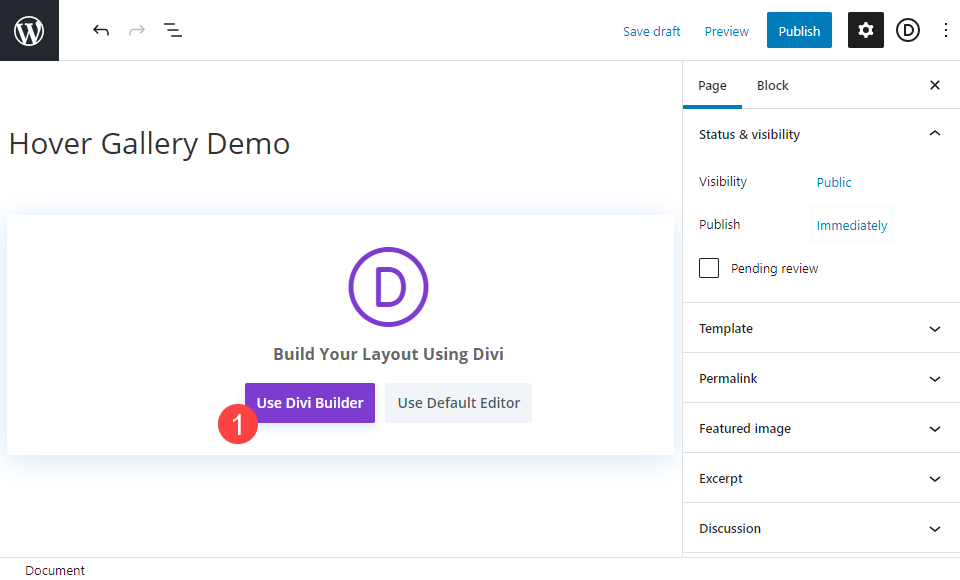
Divi’s modules are incredibly flexible in their styling. Incorporating hover effects alongside more traditional design elements can elevate your pages from good to great—or from great to amazing. Today, we are going to walk you through taking a Divi gallery module...
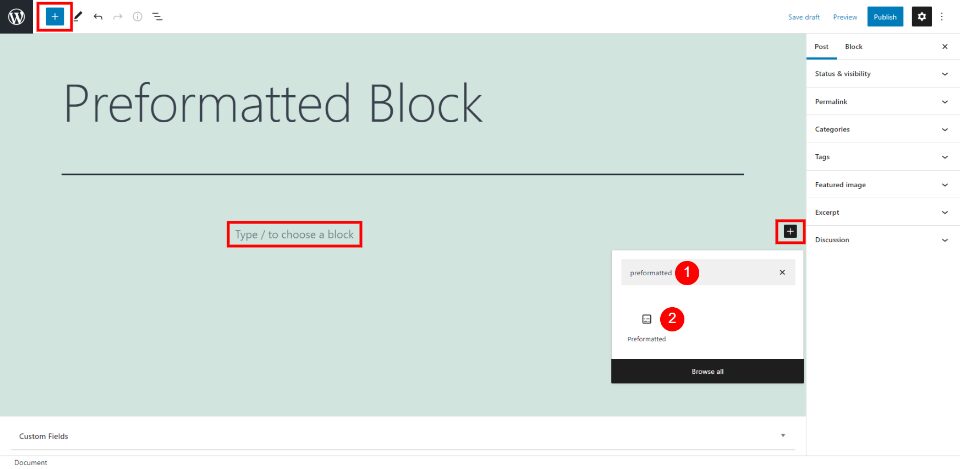
The Preformatted Block displays your text exactly as you type it. This means you can include spaces and line breaks within your text. Knowing how to use the Preformatted Block gives you several advantages such as setting portions of your text apart and creating...
For more than a decade, UpCity’s mission has been—and continues to be—to help businesses find B2B service providers they can trust. The UpCity Recommendability Rating was developed to determine a service provider’s credibility and recommendability, giving UpCity the...
You have a lot of options when it comes to deciding on a website platform. There’s Squarespace and Wix and Weebly and Joomla and WordPress and Drupal and…lots more. While that choice can be overwhelming, two of the main contenders for a content management system (CMS)...
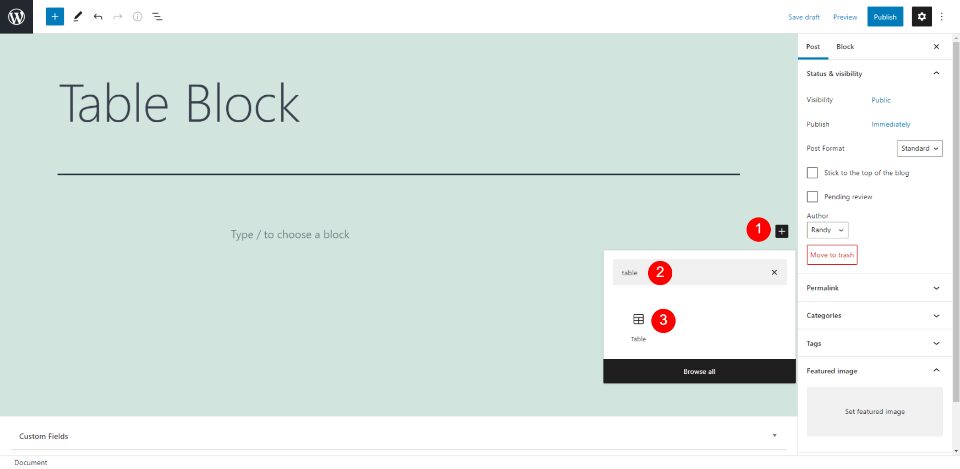
The WordPress Table Block allows you to create a table for your posts or pages. This is great for showing tabulated data. It’s easy to use and it can be styled to work with your website’s design. In this article, we’ll look closely at the Table Block. We’ll see how to...
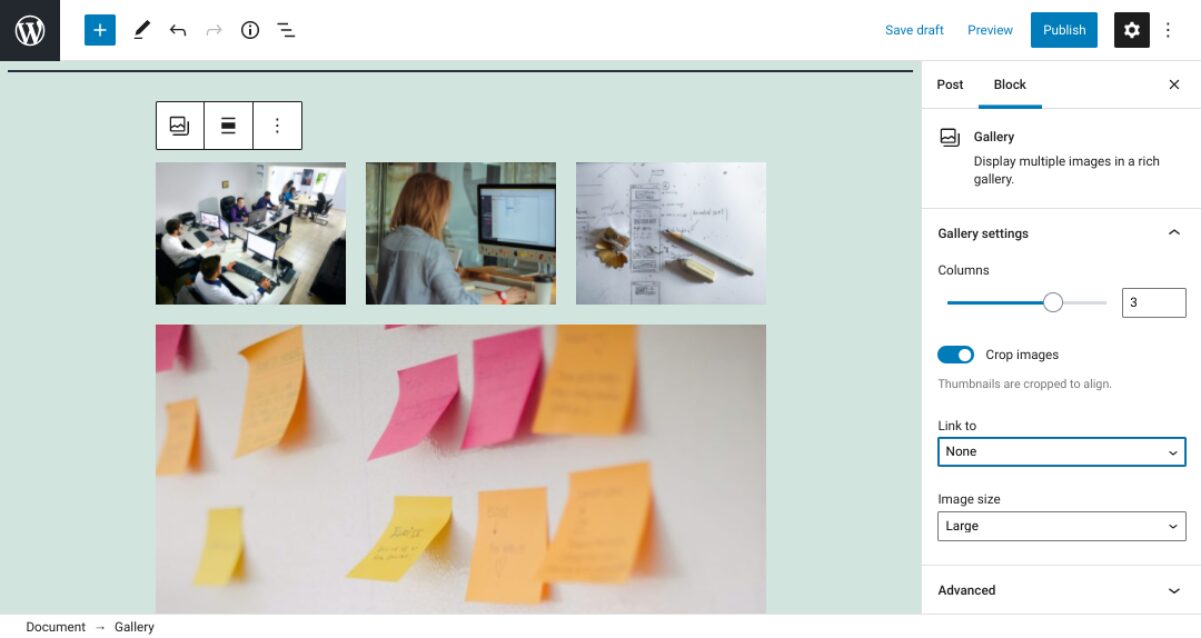
Knowing how to use the Image block comes in handy when you want to insert a single media file into a post or page on your WordPress site. However, what if you want to add a collection of photos? For that, you can use the Gallery block. The WordPress Gallery block...
Headings and subheadings are key components of any web page. With headings, you can divide content into easily-digestible sections. Moreover, they provide search engines with critical information about your site. Fortunately, the WordPress Heading block enables you to...
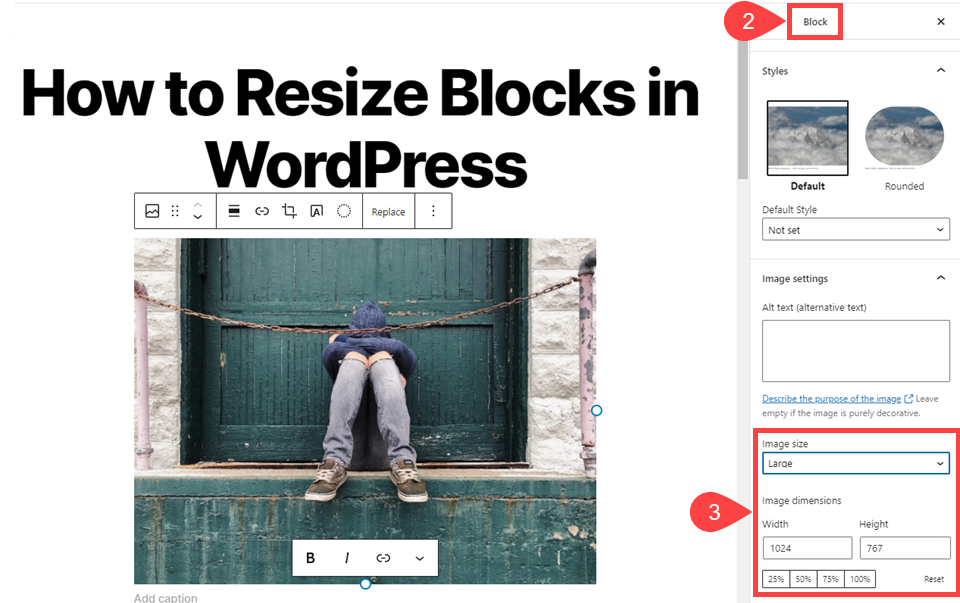
Using images is one of the simplest yet most effective ways to enhance your WordPress pages and posts. However, if you’re new to using the WordPress Block Editor, you might be a little confused about how to employ the Image block properly. Fortunately, inserting and...
If there’s one WordPress block you’ll end up using sooner or later, it’s this one. The Paragraph block is at the core of every WordPress blog post you read. It’s very easy to use, and yet it hides some features that you might miss at first glance. In this article,...
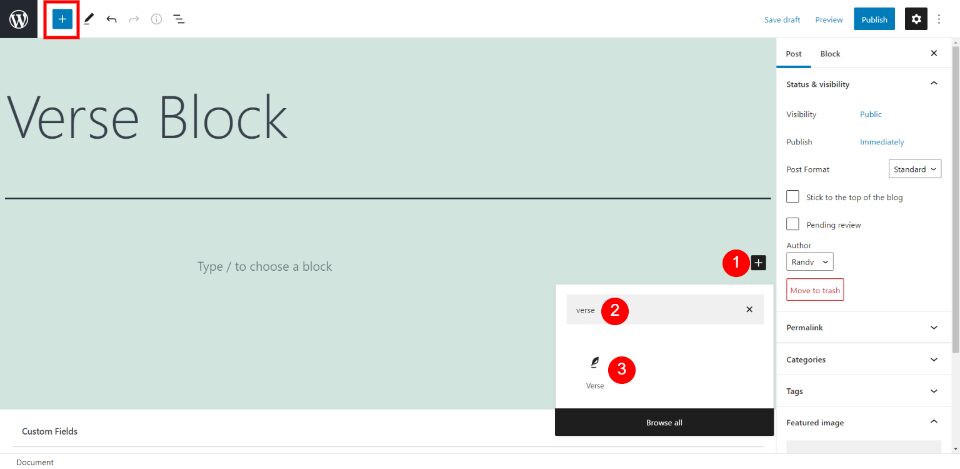
The WordPress Verse Block was designed to show text in a versified format. It displays the text without changing your line breaks and spaces. Hitting the Enter key starts the next line instead of beginning a new paragraph. It’s not meant for your normal content....
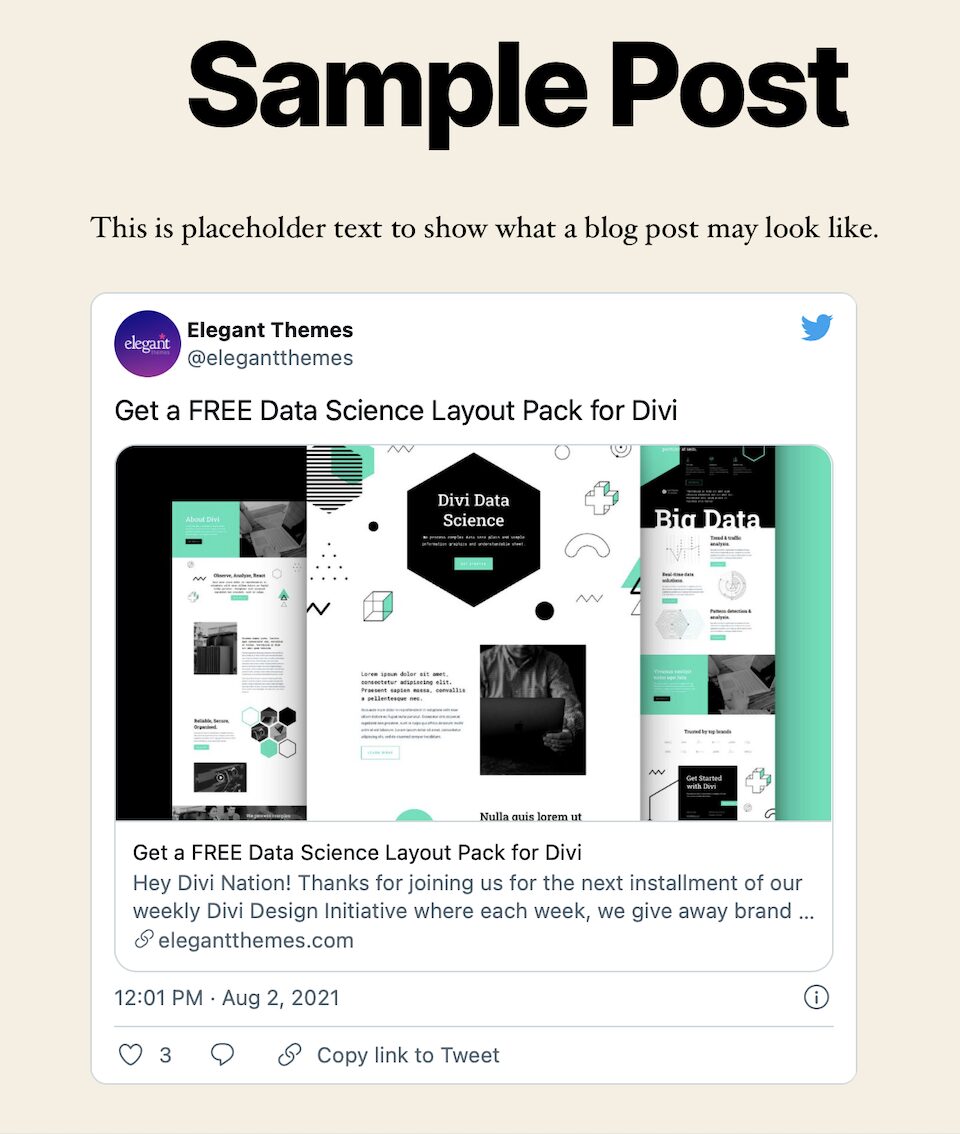
The WordPress Twitter embed block lets you embed Twitter posts (i.e., tweets) in your WordPress posts and pages. While this only works for public tweets, it’s helpful to know that you don’t need a Twitter account to use this feature. There are a number of reasons to...
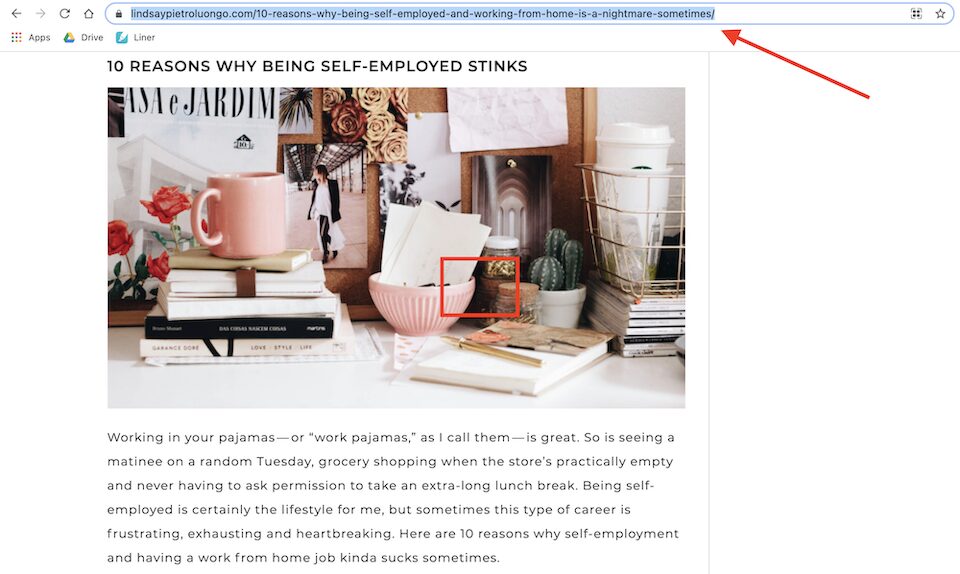
The WordPress embed block lets you embed WordPress posts as cards into your posts or pages. An embedded post will have its own layout and be nestled within your content, wherever you choose. If you were to add an embed block in the middle of your own blog post, it...
WordPress isn’t the only modular content management system (CMS) that has an established base and active community. Joomla is also a free-to-install, open-source platform that thrives on its third-party support. Many developers work to extend their capabilities beyond...
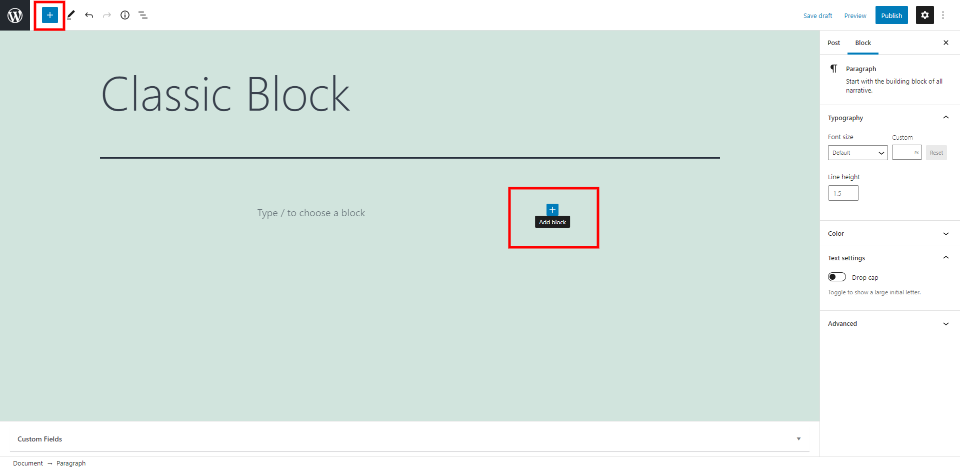
The WordPress Editor’s Classic Block is intended to help ease the transition between WordPress’s legacy TINYMCE editor and it’s newer block-based editor (known as Gutenberg). When the new editor was introduced into WordPress Core, all posts and pages on an updated...
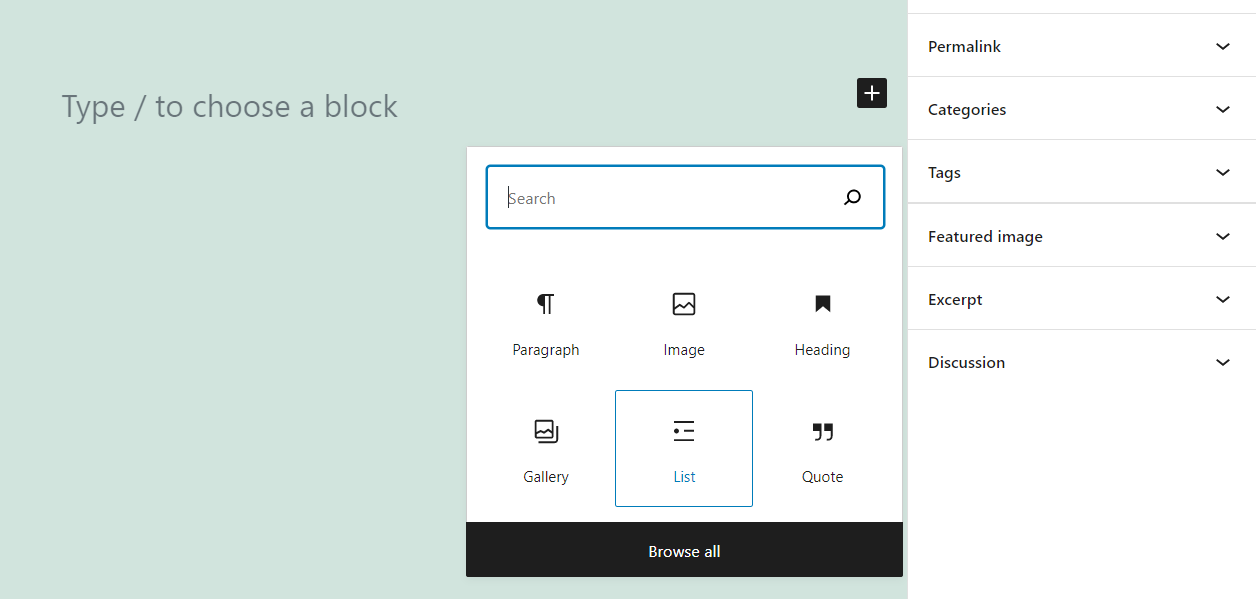
The Gutenberg Block Editor, introduced officially in WordPress 5.0, gives users the opportunity to fully customize their WordPress content and sites. No longer constrained by the need to create in a WYSIWYG tool like the TinyMCE Classic Editor, Gutenberg provides...
Lists may seem simple, but they powerful tools. If you’re running a website, lists enable you to share information in a way that’s easier to digest than long, unending paragraphs. They enable you to cut to the chase and give users the exact information they’re looking...
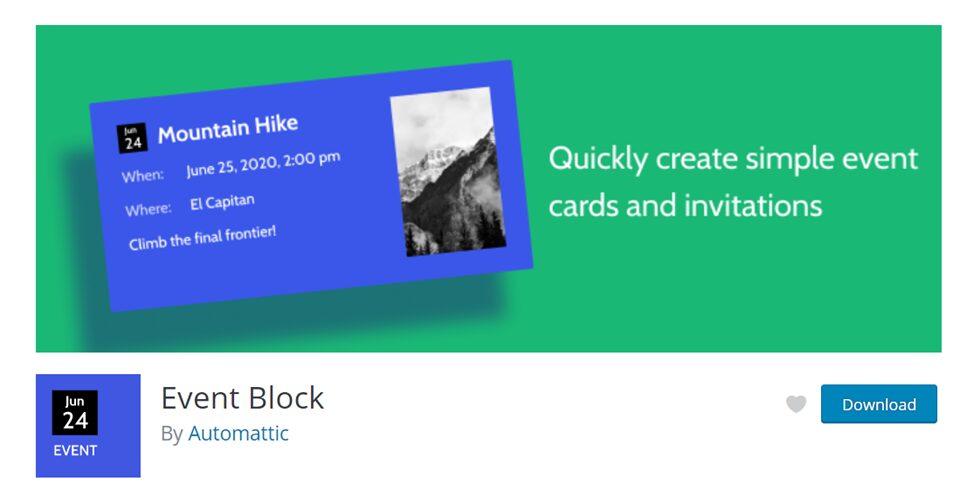
Automattic, the parent company for WordPress, has already published some of the most well-known WP plugins out there. WooCommerce, Jetpack, Akismet, BuddyPress, bbPress…and the list goes on. Now, they have added another powerful plugin to their already-long list:...
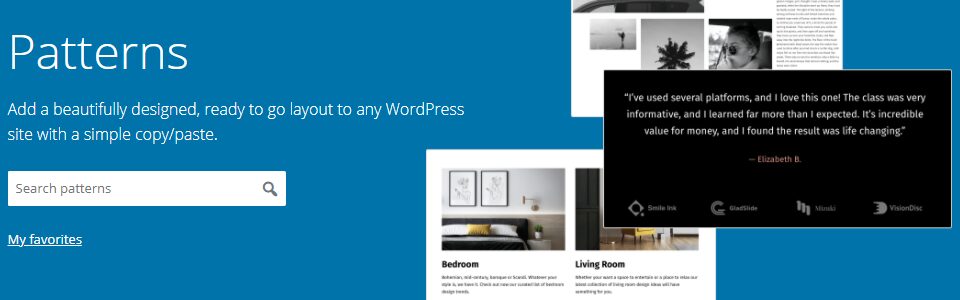
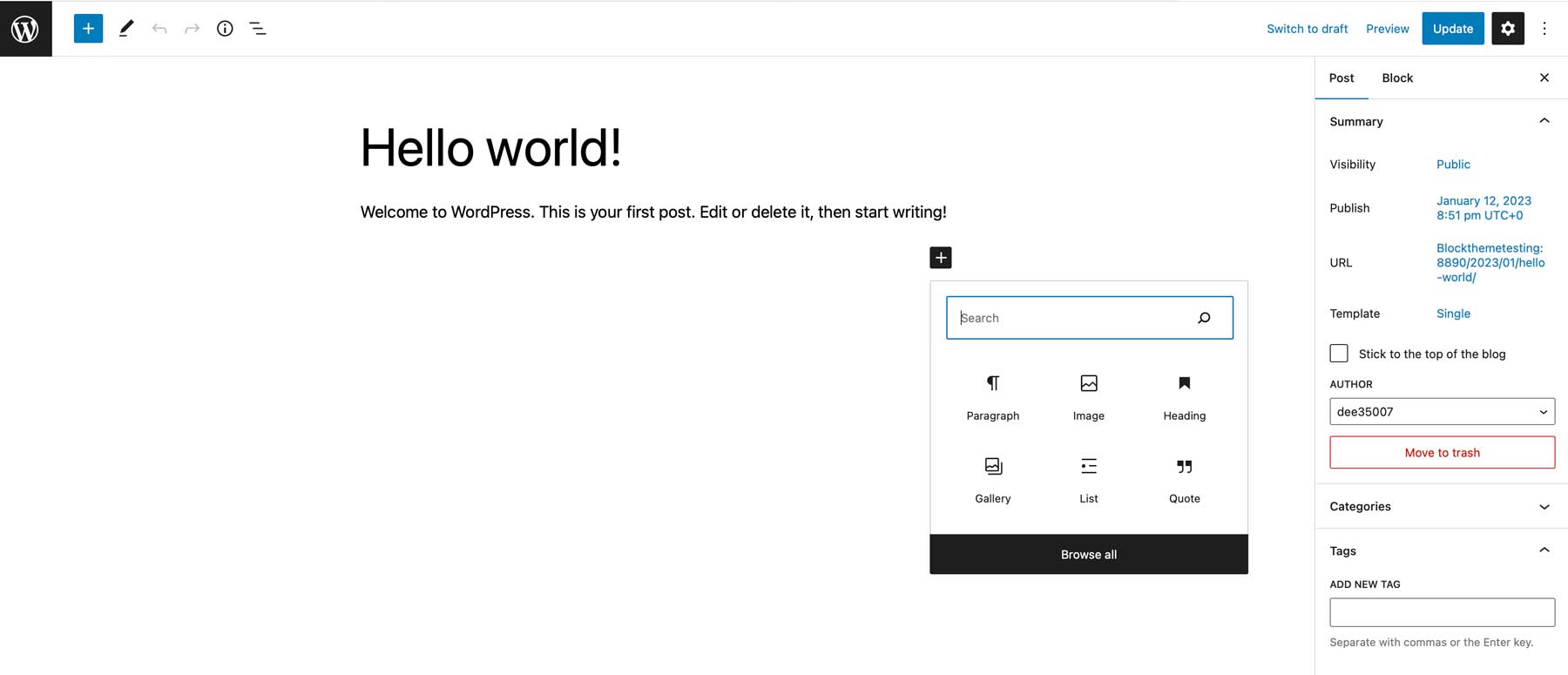
If you have ever searched for a specific block in the Gutenberg block editor, then you’ve seen the WordPress Block Directory and may not have even known it. Introduced in version 5.5 and enhanced in WordPress 5.8 with patterns, the Block Directory works very similarly...
Is curated content part of your marketing strategy? It’s challenging to only share resources you’ve created yourself. But when you share useful information from other creators, you keep your audience engaged and learning every step of the way, whether they’re learning...
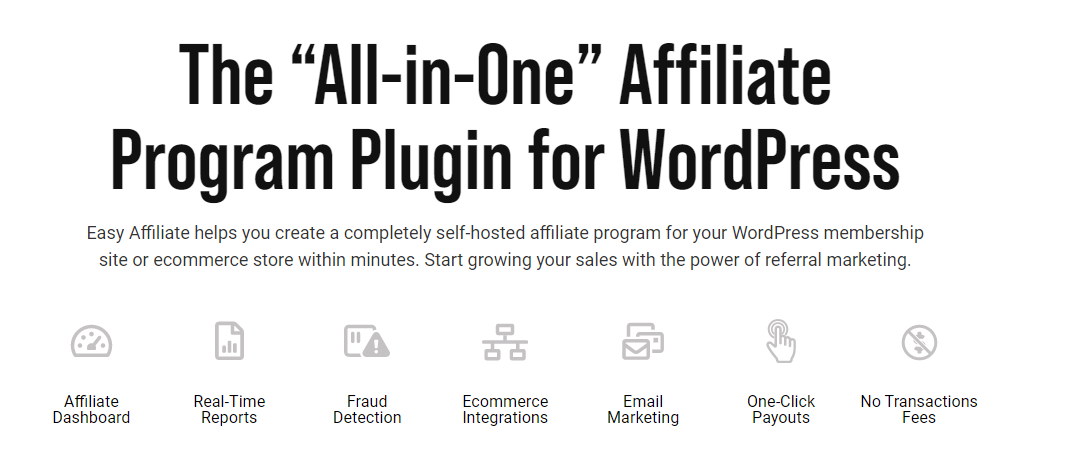
An affiliate program is one of the best ways to get sales, subscriptions, and conversions. When done right, it can enable you to grow your business much faster than it would organically or through traditional online marketing. The only problem is that WordPress...
Website builders are everywhere these days. WordPress is the dominant platform with well over 1/3 of the internet having been built with it. A slew of other site builders has popped up to demand their fair share of the market though. One of the big players is Weebly,...
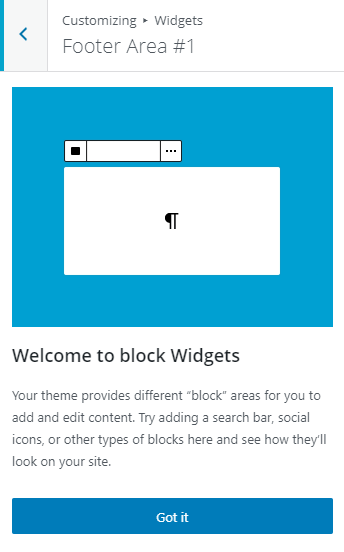
WordPress 5.8 is a major milestone in the modern WordPress development cycle. Ever since WordPress 5.o and the inclusion of the Gutenberg block editor as the default post/page editor, the Core team has been moving toward full-site editing using that software....